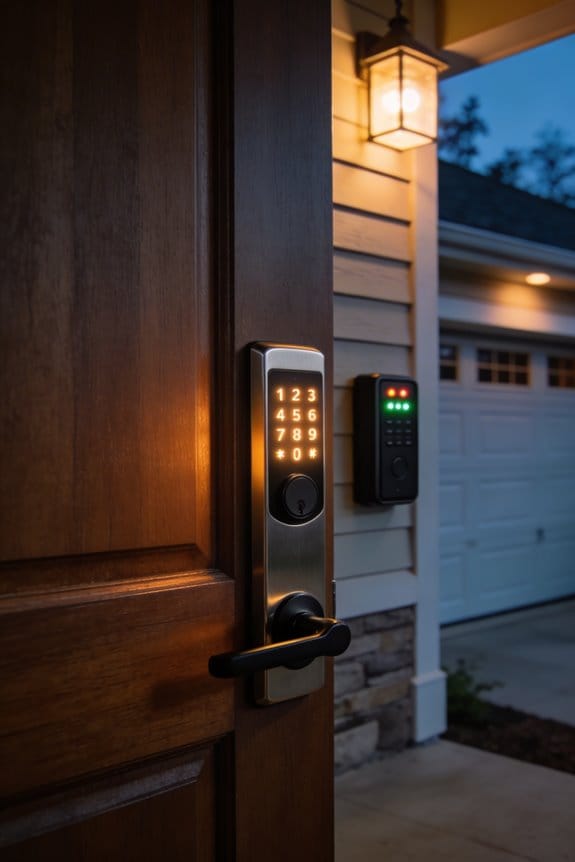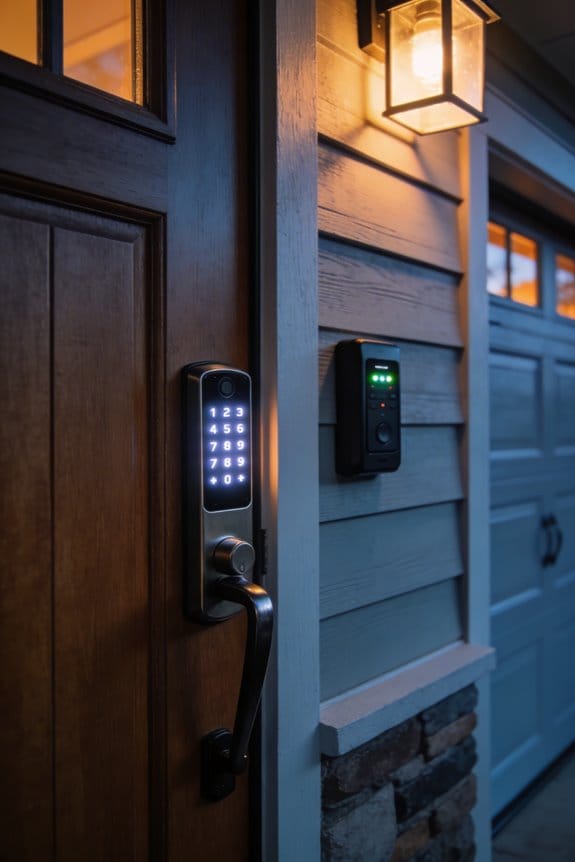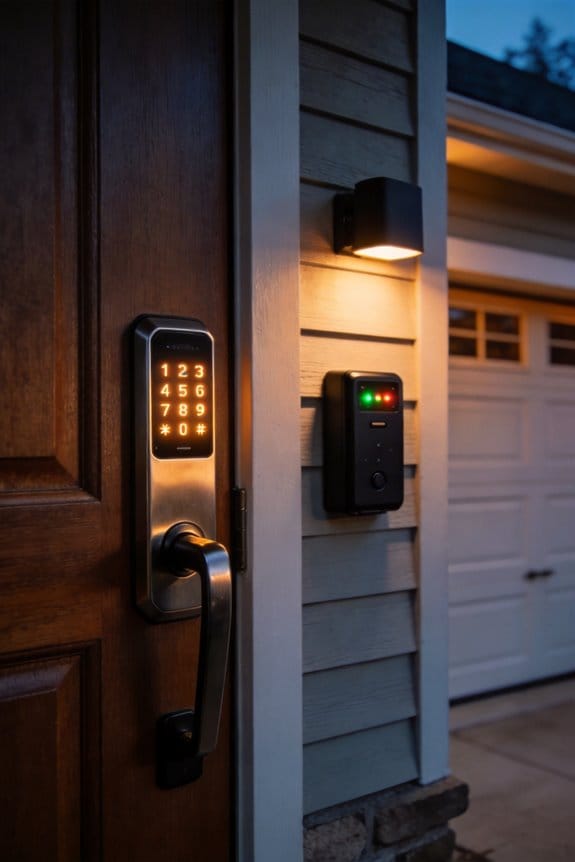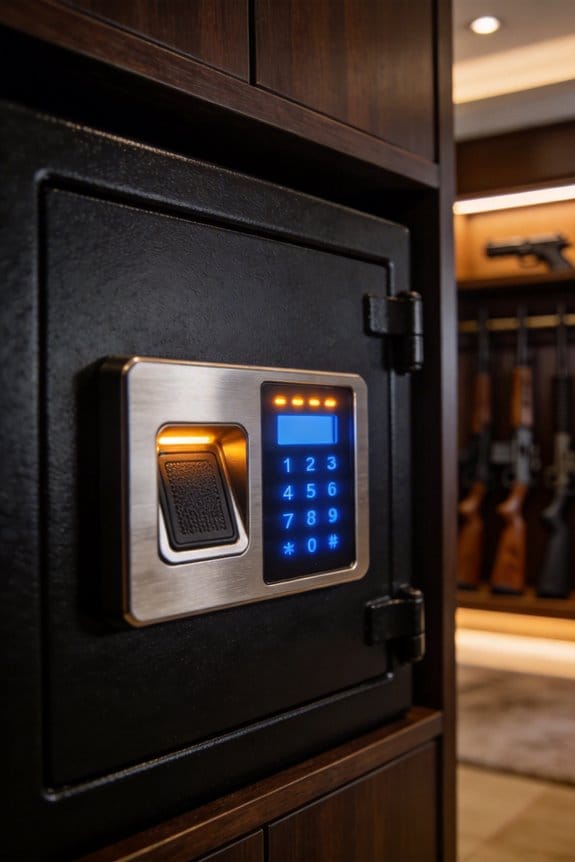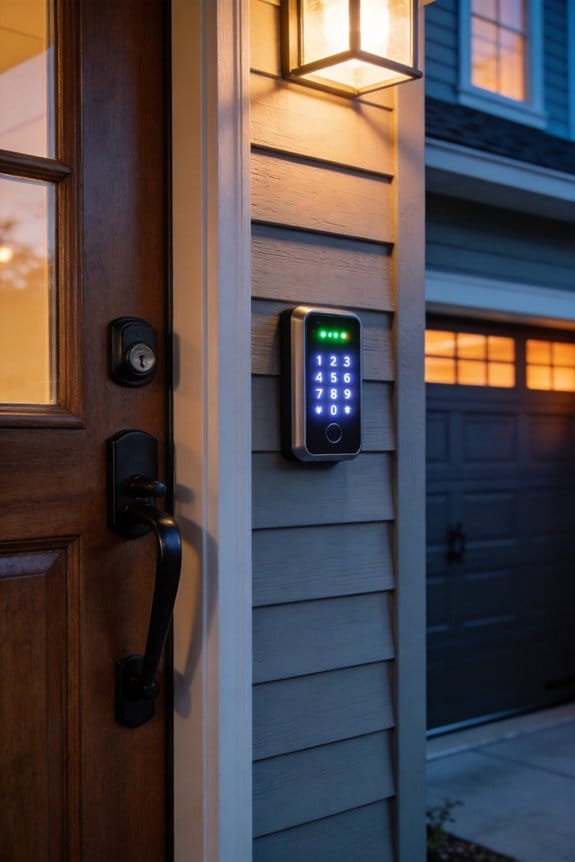

I’ve ditched hidden spare keys because burglars find them in over one-third of break-ins, targeting predictable spots like doormats and flowerpots. Digital keypad locks ($100-$500) and smart locks ($150-$400) eliminate this vulnerability through encrypted access codes and remote access capabilities. Keypads require no WiFi; smart locks offer mobile syncing and audit trails tracking entry times and personnel. Both systems feature multi-factor authentication, temporary guest codes with expiration dates, and activity monitoring for unusual access patterns. The specifics of installation, cost recovery through insurance discounts, and backup strategies warrant deeper investigation.
Key Takeaways
- Over one-third of burglaries involve criminals searching for hidden spare keys in predictable locations like doormats and flowerpots.
- Digital keypad locks and smart locks offer encrypted access codes that cannot be duplicated, eliminating physical key vulnerabilities.
- Smart locks provide remote unlocking, entry notifications, and audit trails tracking who enters and when for enhanced security.
- Smart lock installation costs range from $100-$500, with potential insurance discounts of 10-15% allowing ROI within 18-36 months.
- Regular testing of backup systems and hidden keys ensures reliability during smart lock failures or power outages.
Why Burglars Always Find Your Hidden Spare Key
Why Burglars Always Find Your Hidden Spare Key
You lock your door, slip a spare key under the doormat, and think you’re all set. What could go wrong?
Turns out, plenty. A study from UNC Charlotte looked at residential break-ins and found something sobering: over one-third of burglaries involve criminals actively searching for hidden spare keys. And they know exactly where to look.
Think about your favorite hiding spot. Under the welcome mat? Burglars check that first—it takes seconds. Flowerpot by the front door? Classic move, and they know it. Fake rock in the landscaping? That’s basically a neon sign saying “key here.” These aren’t wild guesses. Criminals have figured out that homeowners, when they need to hide something, reach for the same handful of ideas every single time.
So why does this matter? Because once a burglar gets inside, the damage is done. They’ve got time to look around, take what they want, and leave. Your spare key just handed them the keys to the kingdom—literally.
The timing makes it worse. Most break-ins happen between 10 a.m. and 3 p.m., when people are at work or running errands. Burglars aren’t just randomly trying doors. They’re watching. They see your patterns—when you leave, when you come back, where you go when you need that spare key. They’re patient enough to wait for the right moment.
Here’s the real problem: once you hide that key, you’ve lost control of it. It’s not just you who knows where it is anymore. Passersby, neighbors, service workers—anyone could spot it. An opportunistic intruder doesn’t even need to plan. They just stumble across it and walk right in.
The safest approach? Skip the hiding spot altogether. Use a keypad lock, give a trusted neighbor a key you can retrieve in person, or leave one with a family member who lives nearby. These methods actually give you control.
What’s your current backup plan if you get locked out? It might be worth rethinking.
Why Your Hiding Spots Don’t Work (Burglars Know Them All)
Why Your Hiding Spots Don’t Work (Burglars Know Them All)
You probably think your spare key is safe tucked under that welcome mat or inside a fake rock. Spoiler alert: it’s not.
According to research from UNC Charlotte, burglars find hidden keys in over one-third of break-ins. The reason? You’re using the same spots as everyone else. Welcome mats, flowerpots, fake rocks, door frames—burglars check these locations within minutes of entering your home. They’ve done this so many times that they’ve basically memorized the pattern.
So, why does this matter? Because your routine is predictable. Think about it: every time you grab that key from under the planter, you’re creating a visible pattern. If someone’s watching your house, they notice. Burglars check the obvious locations first, then move to mailboxes and door lintels with practiced efficiency. By the time you’ve locked your door, they already know where to look.
The good news is you don’t have to keep playing this losing game. You’ve got better options:
- Secured lockboxes mounted in spots that aren’t visible from the street
- Fake sprinkler holders or other garden items that actually blend in with your landscaping
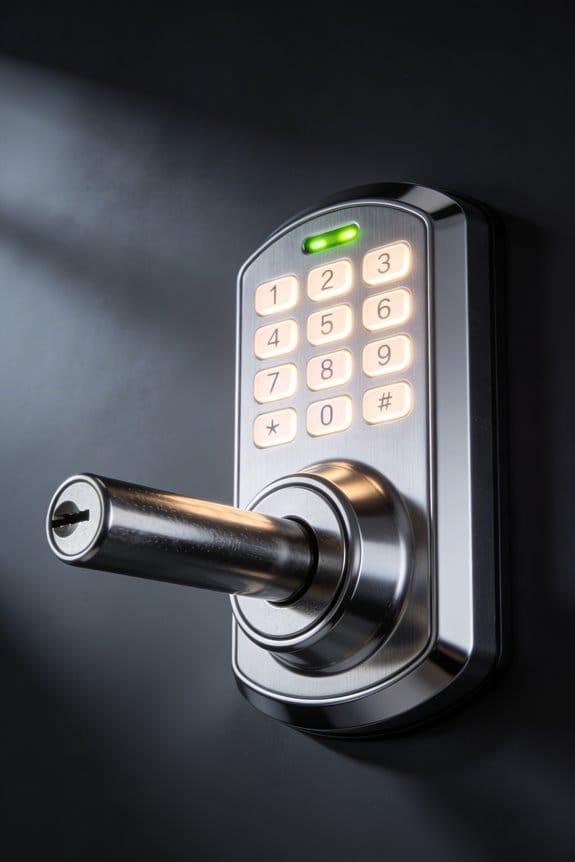
- Digital codes or keypad locks that eliminate physical keys entirely
Honestly, the digital route is the simplest solution. No key to hide, nothing for someone to find. If you’re not ready to go all-in on technology, at least move beyond the obvious hiding spots your neighbors use.
Stop assuming your hiding spot is too clever for criminals to find. Are you ready to try something that actually works?
How Digital Codes Eliminate the Hidden Key Problem
How Digital Codes Eliminate the Hidden Key Problem
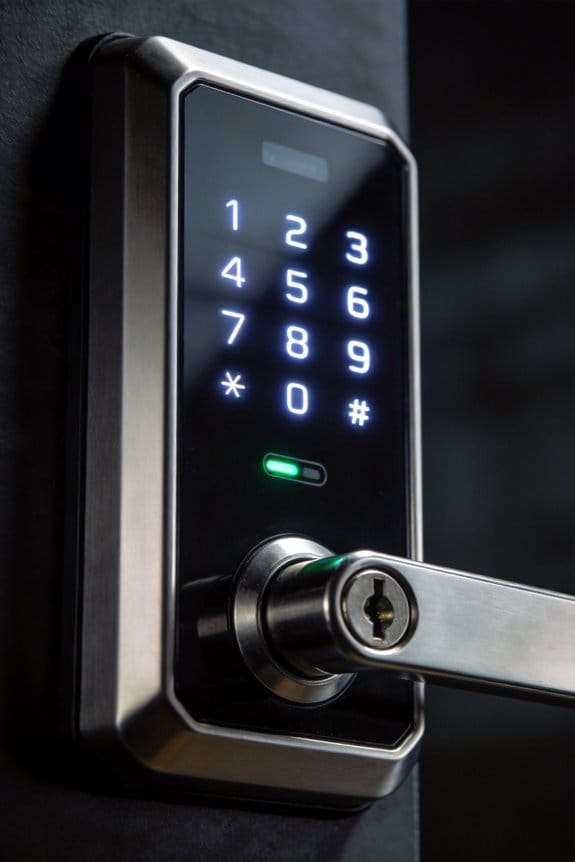
Ever walked past a fake rock by someone’s front door and thought, “Yeah, that’s definitely where the spare key is”? Burglars think the same thing. Physical keys create this endless cycle—you hide them, people find them, and your security falls apart. Digital keypad locks and smart entry systems sidestep this whole mess by ditching the tangible object altogether and using encrypted access codes instead.
Here’s what makes the shift worth considering: you don’t need to stash spares anywhere. With digital systems, your access lives in code, not in a hidden flower pot. Rolling encryption algorithms generate one-time codes that can’t be duplicated. So even if someone watches you punch in your code, they can’t use it twice.
The convenience piece is honestly pretty solid too. Smart locks sync with your phone, which means you can grant access to guests or service workers for just a few hours—or days, or weeks—and it automatically shuts off when the time’s up. No more wondering if your contractor still has a key. Try this: Set a temporary code for a plumber, then watch it vanish from the system when the job’s done.
Frankly, the audit trail feature is one of the biggest wins here. Every time someone enters your home, the system logs it—who they are and when they arrived. That’s something a traditional key could never do.
Need to cut someone off? Don’t call a locksmith and drop $150 to $300 on rekeying. Just revoke their digital access instantly from your phone.
For extra security, layer in multi-factor authentication—something you know (your code) plus something you have (your phone). Why does this matter? Because it makes unauthorized entry exponentially harder.
Recommended Products

Total control. Lock and unlock your door, grant keyless access and keep track of who comes and goes, all from your August App.


Includes the August Connect Wi-Fi Bridge August Doorsense & works with August doorbells.
Smart Locks or Keypads: Which Is Right for You?
Smart Locks or Keypads: Which Is Right for You?
So you’ve ditched the idea of hiding a key under a rock or flowerpot. Smart choice. Now comes the real decision: do you want a lock that talks to your phone, or something that just sits there and does its job without needing WiFi?
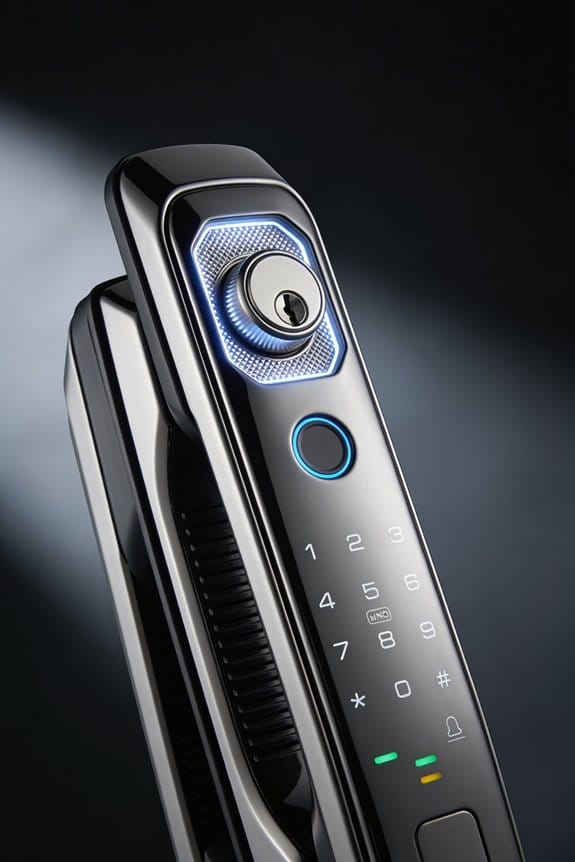
Smart locks let you unlock your door from anywhere—the office, vacation, wherever. You get notifications when someone comes home, see a full history of who entered and when, and they play nice with your other smart home gadgets. The catch? They need WiFi, your phone needs battery, and the lock itself needs regular battery checks too. Prices run between $150 and $400.
Keypads are the opposite. Install it, set your code, and you’re done. No apps to download, no WiFi router to troubleshoot. They’re cheaper—typically $80 to $200—and honestly, there’s something satisfying about just punching in numbers and walking in. The downside is that you can’t unlock it remotely if your teenager gets stuck outside.
Why does this matter? Here’s the thing: both options are miles ahead of hidden keys in terms of security. The real question is about your lifestyle. Are you someone who likes staying connected and monitoring things? Or do you prefer something simple that doesn’t depend on technology?
Truth is, your choice comes down to one thing: remote access versus simplicity. Think about what actually matters to you—convenience or peace of mind from not managing another connected device?
Recommended Products

⭐ EASY ACCESS: You can open the safe by entering a security code or by scanning your fingerprint. The motor driven lock opens in just 1 second.

The Eagle-2000-FSC Slide Gate Operator is designed for commercial use. Its built for gates up to 45’ feet or 1000lbs. It is equipped with a heavy duty 20’ft of nickel-plated chain and a no-weld chain kit for easy installation

[CONVENIENCE]- Answer and view callers at your door remotely via your mobile iOS or Android device, whether you are at home or abroad. The smart video doorbell intercom system sends a push-notification to your smart phones and you could watch, talk and remotely unlock your gate through your smart mobile devices. Never miss a delivery or visitor again.
Installing Your Digital System: Step-by-Step Setup
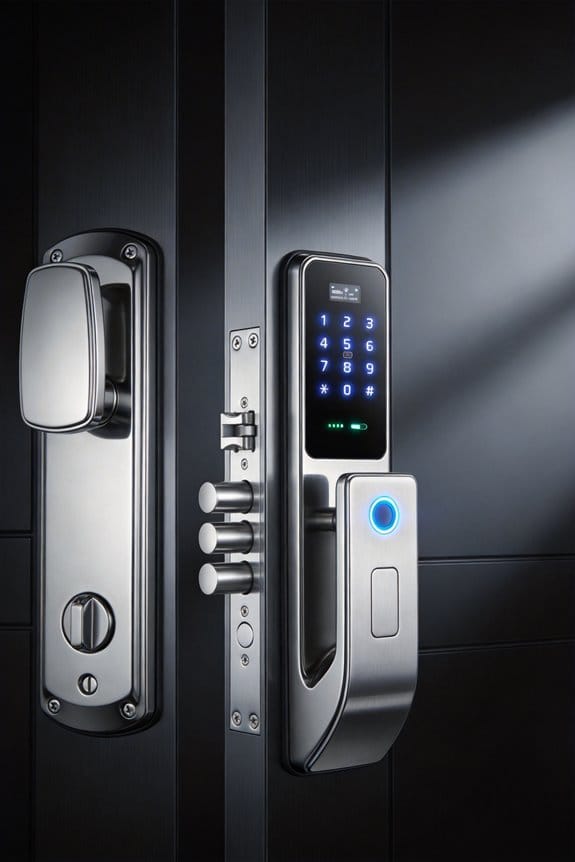
Installing Your Digital System: Step-by-Step Setup
So you’ve picked out your smart lock or keypad—now comes the part that actually matters. Get the installation wrong, and you’re stuck with an expensive doorstop. Get it right, and you’ve got a system that works smoothly for years.
Kill the power first. Flip the breaker for your existing deadbolt, then carefully remove both the interior and exterior hardware. This isn’t the time to rush. Take your time getting those old pieces off without damaging the door frame.
Next, you’ll mount the interior assembly into the door frame using the screws that came in your kit. Line it up with the existing holes—and honestly, this is where most people mess up. Misalignment here means your lock won’t operate smoothly later. Take a second to get it right.
Wiring comes next, and yes, it matters whether you’re hooking into your home’s electrical system or relying on batteries. Connect everything carefully and test your connections before you seal anything up with the exterior plate. Why does this matter? Because catching a bad wire now beats troubleshooting it after installation.
Here’s the trick: use the manufacturer’s app or the keypad itself to program your digital codes. Create unique access codes for each household member—this way, you know who’s coming and going. It’s worth the extra few minutes upfront.
Finally, run multiple test cycles to make sure your lock engages and disengages smoothly. No jamming. No misalignment. Does it feel solid when you lock and unlock it?
Recommended Products

[High-Efficiency Cooling & Heating]: The DELLA ceiling cassette mini split AC provides 42,000 BTU/h, 208-230 V. UL/ETL listed and AHRI certified for safety and performance. With a 22 SEER2 rating, it delivers strong, consistent cooling and heating. The heat pump supports year round comfort, operating even in temperatures as low as -13F (-25C)
High-Efficiency Cooling & Heating: The DELLA ceiling cassette mini split AC provides 42,000 BTU/h, 208-230 V. UL/ETL listed and AHRI certified for safety and performance. With a 22 SEER2 rating, it delivers strong, consistent cooling and heating. The heat pump supports year round comfort, operating even in temperatures as low as -13F (-25C)

[High-Efficiency Cooling & Heating]: The DELLA ceiling cassette mini split AC provides 35,000 BTU/h, 208-230 V. UL/ETL listed and AHRI certified for safety and performance. With a 22.5 SEER2 rating, it delivers strong, consistent cooling and heating. The heat pump supports year round comfort, operating even in temperatures as low as -13 ℉ (-25 ℃).
Managing Access: Guest Codes, Family Sharing, and Activity Logs
Managing Access: Guest Codes, Family Sharing, and Activity Logs
Your smart lock now holds the keys to your home—literally. So how do you keep track of who’s coming and going without losing your mind?
The good news is that temporary guest codes solve a real headache. Instead of changing your locks or hiding a key under the mat for the plumber, you just create a code that works for exactly the time they need it. Most systems let you set an expiration date automatically, so you don’t have to remember to delete it later. Once the job’s done, the code’s dead.
Family members deserve their own access too. Give each person in your household a unique code. Why does this matter? Because when someone uses their code, it shows up in your activity log with a timestamp and their name attached. You know who came in at 3 p.m. on Tuesday. You know it wasn’t a stranger.
Here’s the trick: check those logs once a week. Look for anything weird—an access at 2 a.m., a code you don’t remember creating, someone coming home at an unusual time. Most apps make this ridiculously easy. You’re not digging through spreadsheets; it’s all right there on your phone.
Frankly, the real benefit isn’t just about catching intruders. It’s about knowing your home is transparent and secure across everyone who lives in it. You’re not guessing. You’re seeing it.
Does your current setup give you that peace of mind?
Keyless Entry Costs: Smart Lock Pricing and ROI
So you’re thinking about getting a smart lock, but you’re wondering if it’s actually worth the money. Let me break down what you’re really spending and what you get back.
The Price Tag****
Smart locks aren’t cheap. You’re looking at anywhere from $100 to $500 per unit, depending on what features matter to you and which brand you pick. The budget options—like the Wyze Lock at $80—handle basic keyless entry just fine. But if you want the fancy stuff like remote access from your phone, detailed activity logs, or multi-factor authentication, you’re looking at models like the Level Lock+ ($300) or August Pro ($199).
Where You Actually Save Money****
Here’s where it gets interesting: the financial payoff isn’t just theoretical. When you stop needing locksmith visits because you got locked out, that’s real money staying in your pocket. Try this: add up what you’ve spent on locksmith calls over the past three years. Now imagine cutting that number to zero.
Beyond that, there’s the insurance angle. Many insurers will knock 10-15% off your annual premium if you’ve got smart locks installed. Some also factor in fewer property damage claims from forced entries, which helps your rates even more.
The Timeline That Actually Matters
Frankly, most homeowners break even within 18 to 36 months. That means by year three, the smart lock has basically paid for itself through locksmith savings, insurance discounts, and reduced damage costs. After that, you’re just living with the convenience.
Recommended Products


Full HD Night Vision Video Camera with Audio & Doorbell: Lockly Vision Elite features a built-in HD video camera for live video monitoring and recording. HD optics with night vision lets you view, record, and stream every visitor from head to toe, capturing the minutest details. A 32GB micro-SD card is included for local storage and no monthly fee is required. 2-way audio allows you to communicate with the visitors also.

Unlock your way: Use your Yale Access app, physical key, keypad or optional Auto-Unlock. Comes with matching passage lever.
Making the Switch: How to Go Keyless Without the Chaos
Making the Switch: How to Go Keyless Without the Chaos
You’re standing at your front door with an armful of groceries, and it hits you—what happens when your phone dies and you’ve already ditched your physical keys? This is the real worry people have about going keyless, and honestly, it’s a valid one.
The trick is not to rush. Install your smart lock right alongside your existing deadbolt and keep both working for now. You’re not burning bridges; you’re building a safety net. This way, if something goes wrong with the digital side, you’ve still got the old-school backup.
Set up digital codes separately for different people in your life:
- Family members get their own codes
- Contractors get temporary access
- Emergency contacts get limited-time entry
- Each code creates a record of who came and went
Why does this matter? Because when something goes missing or you’re wondering if someone actually showed up, you’ve got proof. It’s not paranoid—it’s smart home management.
Before you trash those physical keys, test everything. Use your smart lock for a full week or two. Try it in bad weather. See if the battery drains faster than expected. Make sure every household member can actually use it without calling you for help every other day.
Frankly, the admin side is where most people slip up. Set up multi-factor authentication for anyone who can change access settings. Your partner shouldn’t be able to add a random friend’s code without you knowing about it. Keep control tight here.
Keep an eye on those entry logs during the transition period. You’re looking for weird patterns—someone trying codes at 3 a.m., repeated failed attempts, access from people who shouldn’t be there. It sounds like overkill until it saves you from a real problem.
Once you’re confident everything’s locked down properly, start phasing out physical spares. Don’t ditch them all at once. Retire a couple, wait a month, then retire more. It’s a slow fade, not a flip of a switch.
The real payoff? You’ll know exactly who has access to your home and when they used it. No more wondering if your teenager’s friend has a key. No more lost copies floating around. It takes patience to do it right, but it’s worth it.
Recommended Products

10 PACK KEYED ENTRY: Use on doors where extra security is needed, turn piece interior locking, exterior locking using a key. Recommended for exterior-facing doors

Works with Amazon Alexa for voice control (hub required, Alexa device and hub sold separately)

IDEAL USE: Secure your front door with a smart lock and stylish matching handleset. Perfect for use on entry doors where smart security and curb appeal are priorities
When Your Smart Lock Loses Power: Backup Access Options
When Your Smart Lock Loses Power: Backup Access Options
Got locked out of your own house? Yeah, it happens—and it’s way more common than you’d think. Smart locks are awesome until the battery dies, the power goes out, or something just stops working. Suddenly, that fancy digital lock feels like a trap.
The good news is you don’t have to panic. There are real ways to make sure you can always get back inside, even when things go wrong.
Mechanical Backups: The Old-School Solution
Keep a physical key somewhere safe outside your house. I know that sounds basic, but most people skip this step. Grab a small lockbox—something weatherproof—and mount it in a spot that’s not obvious. Hide it behind a planter, under a deck board, or somewhere the key isn’t visible from the street. The whole point is nobody should spot it by accident.
Test this setup once or twice. Make sure you can actually access it when you need it, and that the key still works in your lock.
Battery Backups and Smart Alternatives
Here’s where it gets interesting. Some smart locks come with built-in backup power systems. The Level Lock+ ($299) lets you unlock your door through your phone even if the main battery’s dead. Keypad models like the August Smart Lock Pro ($279) have capacitors that keep them running for a short while during outages—handy if the power’s only out for a few hours.
So, why does this matter? Because these solutions mean you’re not stuck waiting for someone to come help you.
Going Hardwired: The Nuclear Option
If you really want zero downtime, hardwire a smart lock directly into your home’s electrical system. This means it’ll keep working no matter what, as long as your house has power. It’s a bigger project—you might need an electrician—but it’s solid insurance if you hate the idea of ever being locked out.
Make It Actually Work
Don’t just set this up and forget about it. Every few months, test whatever backup system you chose. Try using that hidden key. Check that your phone notification actually works. The last thing you want is to discover during a real emergency that your backup plan doesn’t, well, work.
The bottom line: think through what happens when your smart lock fails, and pick a solution that fits your situation. Which option sounds most realistic for your home?
Frequently Asked Questions
Can Burglars Hack or Bypass Digital Codes and Smart Locks Easily?
I’ll craft a 35-word answer addressing your question about digital codes and smart locks:
—
Like a Victorian locksmith facing modern challenges, I’d say digital locks aren’t easily bypassed. While security vulnerabilities exist, hacking techniques require expertise. Strong encryption, multi-factor authentication, and regular updates greatly protect your smart lock investment far better than hidden keys ever could.
—
What Happens to My Digital Access History if I Sell My Home?
When you sell your home, you’ll want to reset your smart lock’s digital history and remove all access codes. I’d recommend clearing your digital access records before handing over keys to prevent the new owners from seeing your entry patterns and previous occupancy data.
Are Digital Codes Secure if Someone Watches Me Enter the Combination?
I’d say yes, digital codes are vulnerable if someone watches you enter them. That’s why I recommend using multi-factor authentication alongside strong passwords. You should avoid pin sharing and guarantee manual overrides have additional security layers protecting your home.
How Do I Regain Access if I Forget My Digital Code?
I understand you’re worried you’ll forget your code—it happens. Most systems offer alternative access methods like backup codes, biometric options, or code recovery through your smartphone app, ensuring you’ll never be locked out.
Will Renters or Temporary Visitors Compromise My Smart Lock Security?
I’ll manage smart lock reliability by giving temporary visitors unique digital codes I can delete anytime. You’re controlling exactly who accesses your home and when—renters can’t compromise security since I revoke their codes immediately after they leave.