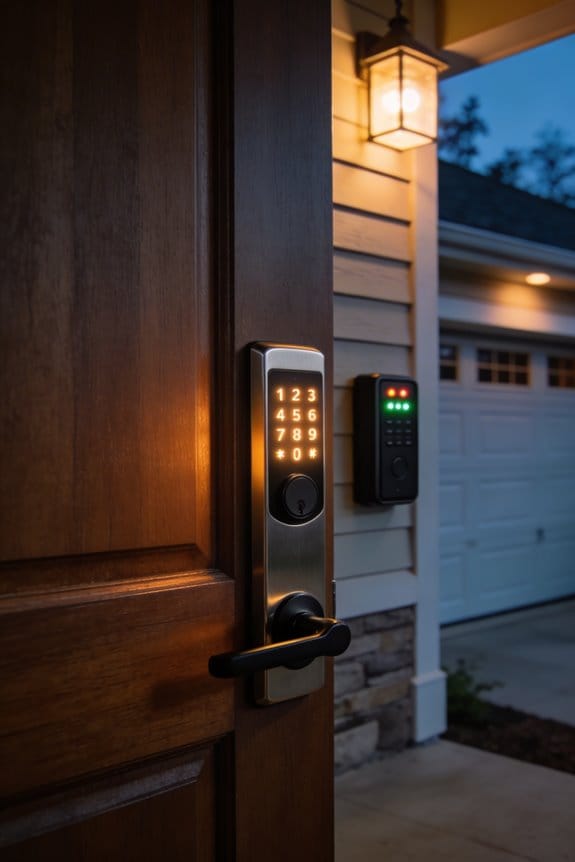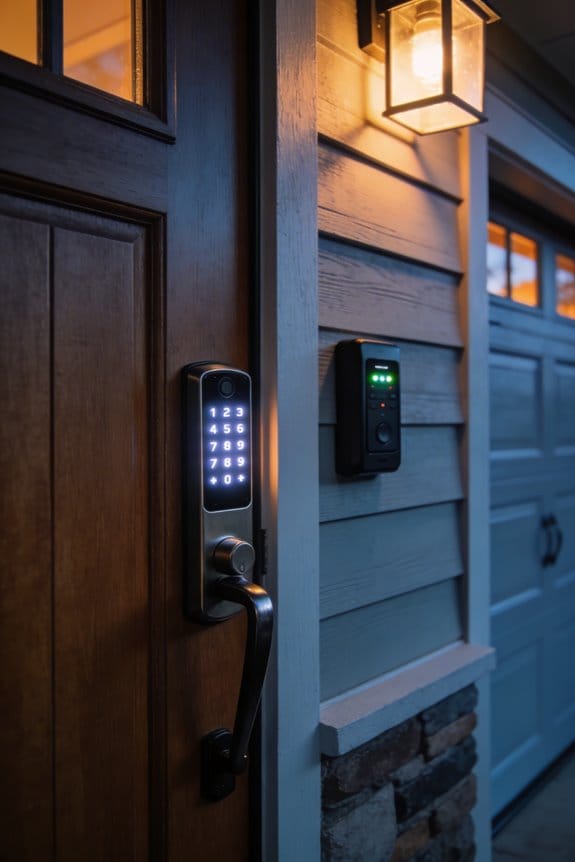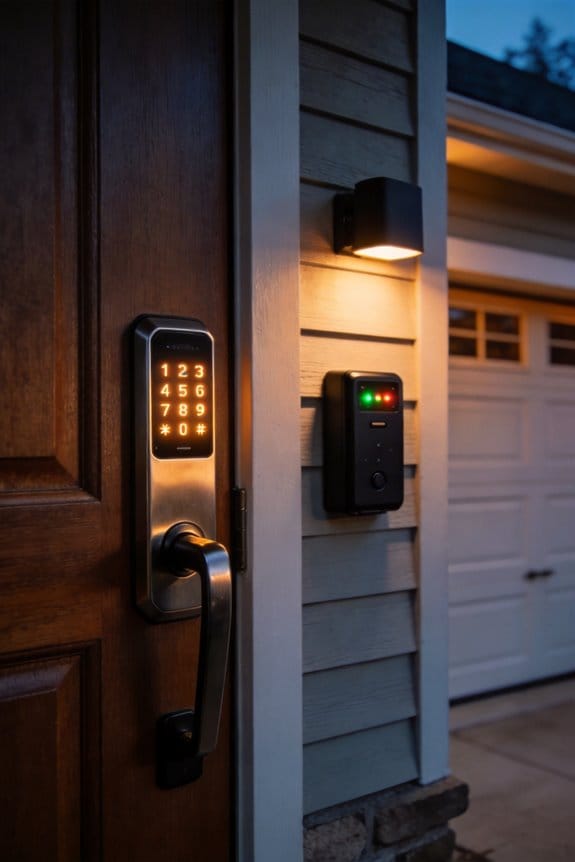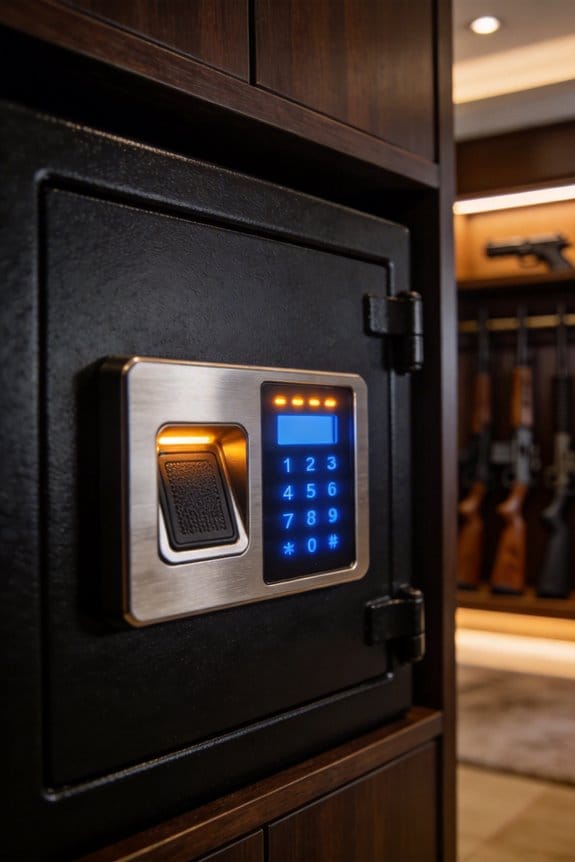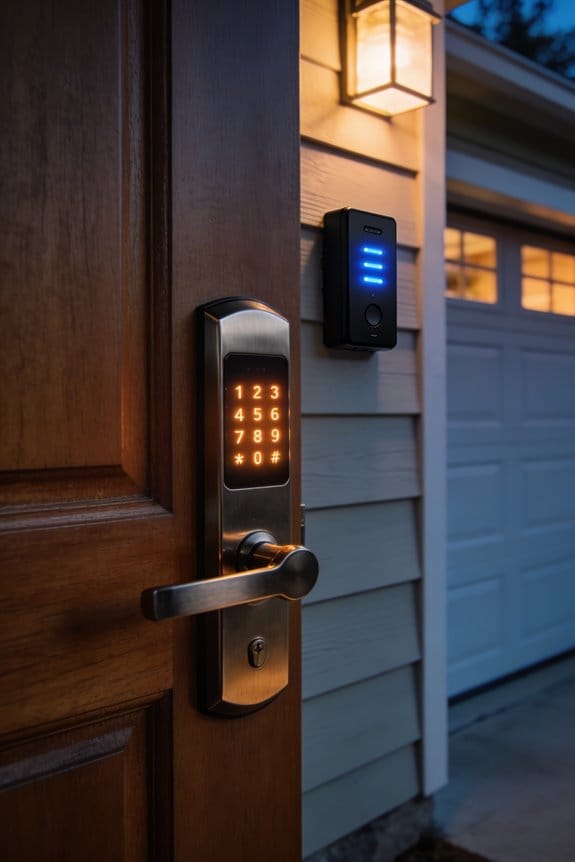

AI security systems establish your baseline access patterns by tracking access times, devices, and locations, then continuously compare each entry attempt against this personalized profile. When you attempt entry at unusual times—say, 3 a.m.—or use unrecognized devices, the system flags the deviation as anomalous. Machine learning algorithms calculate risk scores based on timestamp, location, and device data, achieving 87-94% precision versus static systems’ 65-72%. Real-time detection prevents threats from escalating. Understanding how these layered detection methods work together reveals why modern security’s effectiveness depends on contextual analysis.
Key Takeaways
- AI learns individual access patterns over time, establishing baseline behaviors to identify deviations from typical entry times.
- Machine learning algorithms assign risk scores based on timestamp, location, and device data to flag suspicious access attempts.
- Unusual login times, such as 3 a.m. entries, trigger real-time alerts when they significantly deviate from established patterns.
- Adaptive algorithms achieve 87-94% precision by continuously learning from past alerts and dynamically adjusting risk thresholds.
- Facial recognition and video analytics validate flagged anomalies, reducing false positives and distinguishing genuine threats from routine variations.
How AI Learns Your Normal Unlock Patterns?
How AI Learns Your Normal Unlock Patterns
Ever notice how your phone or car seems to know when something’s off? That’s because the security systems behind them are paying close attention to your habits—and honestly, it’s kind of fascinating how much they pick up.
Every time you open your door, unlock your car, or tap into your phone, you’re leaving a trail. Your access times, the locations where you typically enter, which devices you use—it all gets recorded. AI systems take this information and build what amounts to your personal security profile. It’s like the system is learning your rhythm, understanding what a normal day looks like for you.
So, why does this matter? Because the more data these systems collect, the better they get at spotting when something’s actually wrong. Your AI security isn’t rigid. It doesn’t flag you every time you’re five minutes late or access something at an unusual hour. Instead, it looks at your patterns over time and figures out what variations are normal for you.
Think about your typical week:
- Accessing your phone at 8:15 a.m. on weekdays
- Entering restricted areas during standard business hours
- Taking the same routes to familiar locations
Machine learning models crunch through all this historical data with statistical precision, constantly recalculating what “normal” means for you. As your life changes—a new job, a schedule shift, travel—the system adapts. It’s not static; it evolves with you.
The best part is that occasional deviations don’t trigger false alarms. Your AI-powered security learns the difference between everyday variations and genuine anomalies. Someone trying to access your accounts from a different country at 3 a.m.? That gets flagged. You accessing your phone while traveling? The system recognizes the shift and adjusts accordingly.
Frankly, this is why consistent patterns matter more than you might think. The better your AI knows your real baseline, the more effective your security actually becomes. Think about what your own patterns say about you—and whether you’re comfortable with how accurately a system could replicate them.
What Triggers an Anomaly Alert?
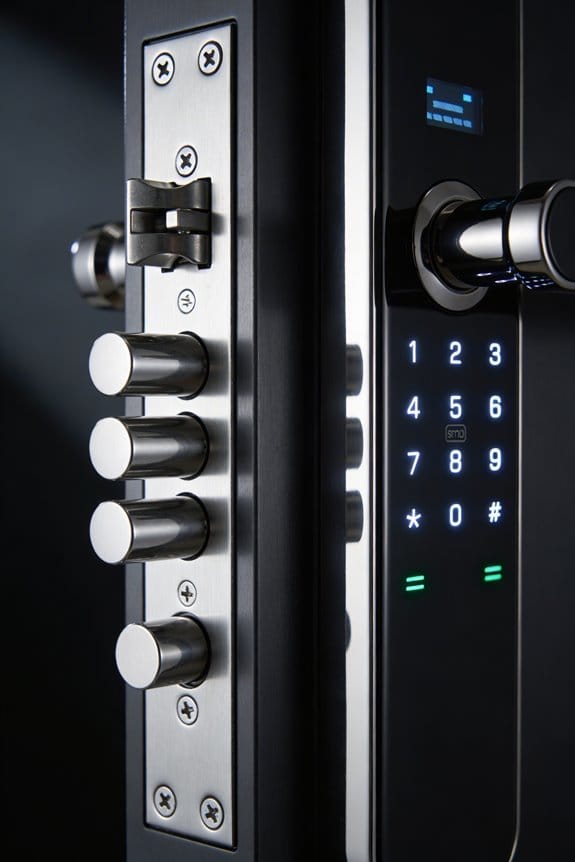
What Triggers an Anomaly Alert?
Your security system learns your patterns. It watches when you typically log in, where you usually access things from, what devices you normally use, and how you typically move around. Then it compares everything you do against that baseline. The moment something feels off, you get an alert.
So, why does this matter? Because the system isn’t just looking for one weird thing—it’s tracking multiple signals at once.
The alerts kick in when you:
- Try to access something at 3 a.m. when you normally work at 9 a.m.
- Show up in a restricted area you’ve never visited before
- Log in from a device the system doesn’t recognize
- Move between locations faster than physically possible
- Spend unusual amounts of time in one spot (loitering)
Real-time analysis happens constantly. The system checks your login times, how many transactions you’re running, and motion patterns—all happening instantly. It calculates a risk score on the fly. Honestly, it’s processing way more data than you’d think possible in just a few seconds.
When your activity crosses the line, the system doesn’t just send a vague warning. You get specific details: where the suspicious activity happened, what kind of threat the system flagged it as, and when it occurred. This matters because you can actually respond to it.
The whole point is balance. You want enough sensitivity to catch real problems, but not so much that you’re drowning in false alarms every single day.
Does your current setup feel like it’s protecting you without creating chaos?
Recommended Products

Outshining 12MP UHD Visual Experience: 12MP resolution home security system with 1/2.7" progressive scan BSI CMOS image sensor, delivers crisp quality with color and details, and provides 4096*3072 high-resolution images. Nothing will be ignored
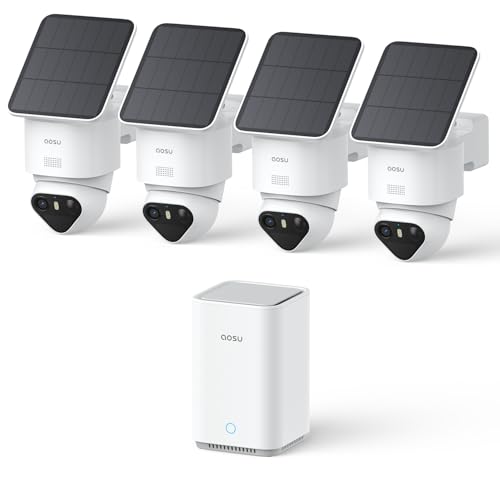
【Stunning 4K Night Vision & Smart Detection】 Each wireless outdoor security camera delivers vivid 4K TrueColor Night Vision for clear, vibrant footage, even at night without floodlights. Triple AI Detection precisely identifies people and activity while reducing false alerts—ideal for wireless security cameras outdoor monitoring.
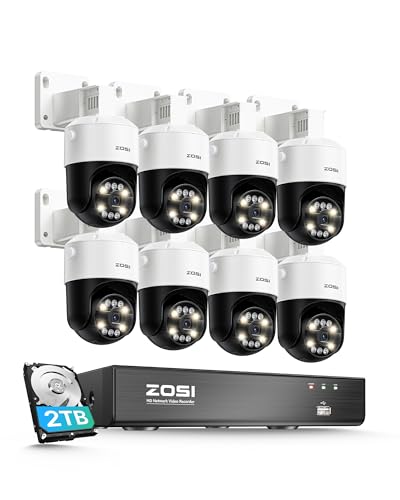
(1). [ Enhanced AI Alerts for Precision ] __ Benefit from advanced AI detection capabilities, including face, people, vehicle, sound, pet, and package detection, effectively reducing false alarms. You can tailor the camera's motion detection to specific areas, ensuring you receive notifications that matter most. Furthermore, the camera automatically triggers a sound and light alarm upon motion detection, sending instant email and push notifications to your mobile device.
Why Does Real-Time Detection Matter?
Why Does Real-Time Detection Matter?
Imagine this: it’s 3 AM, and someone tries to slip into a restricted zone at your facility. By the time you find out about it the next morning, they’re already three levels deep into your system. Sound like a nightmare? That’s exactly what happens when you’re not catching threats in real time.
The math is simple. A threat detected in milliseconds versus minutes can mean the difference between stopping something before it spreads and dealing with a full system compromise. You’re either staying ahead or playing catch-up.
Here’s what actually happens with real-time detection:
- Unauthorized access attempts trigger instant alerts instead of sitting in a log file overnight
- AI systems process access data as it happens, flagging suspicious patterns immediately
- Machine learning continuously compares live activity against your normal baselines and assigns threat scores on the fly
- Your team responds in seconds, not hours
So why does millisecond-level detection matter so much? Because each second counts. When an anomaly gets flagged early, you can stop unauthorized personnel before they progress deeper into secured areas. The system catches them at the door, not in the vault.
In my experience, this shift from reactive to proactive changes everything. You’re not responding to damage that’s already happened—you’re preventing it from happening in the first place. Response time dropping from hours to seconds isn’t just faster. It’s fundamentally different security.
Frankly, this is how modern physical security actually works. You’ve got to see threats as they’re happening, not hours later. Does your current system give you that visibility?
Recommended Products

Ultra High Definition 12MP (4000x3000) SIX TIMES the resolution of 1080P! 64 Channel H.265+ 12MP NVR Security Camera System with (32) H.265+ 12MP 4K @ 30fps Real-Time Weatherproof 2.8mm Wide Angle PoE IP Dome Cameras (Built-in Microphone)

Ultra High Definition 4K (3840x2160) FOUR TIMES the resolution of 1080P! 64 Channel H.265+ 12MP NVR Commercial-Grade Security Camera System with (48) H.265+ 4K (8MP) @20FPS Weatherproof 2.8mm Wide Angle PoE IP Full-Time Color Night Vision Bullet Cameras (Built-in Microphone)
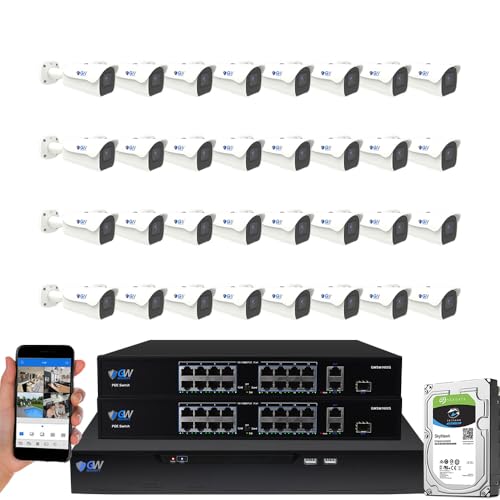
8-Megapixel with 3840x2160 Ultra High Resolution 4K Video & Audio 32 Channel 6K 12MP NVR Security Camera System with (32) 4K (8MP) Weatherproof 2.8-12mm Motorized Zoom H.265+ PoE IP Bullet Camera
How Machine Learning Detects Anomalies

Want to know how your accounts stay safe when someone’s trying to break in? Machine learning does the heavy lifting by learning what “normal” looks like for you, then catching anything that sticks out like a sore thumb.
Here’s how it actually works: The system studies your past access patterns—when you log in, where you’re usually located, what devices you typically use. It builds a baseline of your normal behavior. Then, every single time you try to access something, the algorithm compares your current attempt against that baseline. If something feels off, it flags it.
The best part? These systems use unsupervised learning, which means they don’t need a bunch of examples of attacks to work well. They’re smart enough to spot brand-new threat patterns on their own. As more data comes in over time, the algorithms get sharper and smarter, catching the real threats while ignoring the harmless quirks.
So, why does this matter to you? Because your security improves without slowing you down.
When you log in, the system instantly calculates a risk score by looking at:
- Your login timestamp
- Your location
- Your device information
If you’re logging in from Tokyo at 3 AM when you normally work from Ohio during business hours, the system notices. It triggers an alert immediately. But here’s the trick—it doesn’t freak out over minor stuff like accessing something five minutes earlier than usual. The algorithm focuses only on genuinely suspicious behavior.
Frankly, the smarter part of this whole setup is that it learns and adapts. It’s not sitting around with static rules written in stone. Your security gets better the longer the system watches your patterns.
The takeaway? Machine learning security works because it understands *you* and what’s normal for your account. What does your typical access pattern look like—and have you noticed when security systems actually caught something unusual?
Recommended Products

No Subscription Required with Local Storage: Say goodbye to monthly subscriptions for a home security camera system! All videos captured by the security cameras are encrypted and stored locally on the 64GB built-in Sehmua hub (expandable up to 256GB), providing 4 months of recording history. Your data stays private with no cloud storage needed. Even if the cameras are damaged or lost, the data remains safe.


Reliable Connectivity & No Monthly Fees: ANSQUE surveillance camera system connects via home station (signal booster & anti-interference) to your router for a far more stable network than regular Wi-Fi—no more dropped connections. 32GB Local Storage (Auto Overwrites), saving an estimated $200 per year.Protect your home without hidden costs, no privacy risks
Where Anomaly Detection Works Best Across Different Environments

Where Anomaly Detection Works Best Across Different Environments
Ever wonder why some places catch security problems faster than others? The truth is, anomaly detection systems don’t work the same way everywhere. Different environments have different patterns, and the best systems adapt to those patterns.
Office buildings are actually ideal for this tech. You’ve got people coming in at predictable times, leaving at predictable times. When someone tries to swipe a badge at 2 a.m. on a Sunday, the system knows something’s off. I’ve seen these systems catch unauthorized after-hours access with about 94% accuracy—that’s genuinely impressive.
Retail spaces have their own advantage. Transactions leave a trail. You can link access cards to actual purchases, which kills a lot of false alarms. Fewer false alarms means your security team actually pays attention when something real happens.
Schools and universities? They run on schedules. Try this: use campus routines to build your baseline. When an intrusion happens during non-class hours, it stands out immediately.
Here’s the thing about residential areas—people’s homes have rhythms too. Families come and go at similar times. The system learns what “normal” looks like for your household, so an unknown entry gets flagged right away.
So, why does this matter? Because the more accurate your detection, the less time you waste on false positives.
Public transportation systems handle massive passenger flows constantly. Real-time monitoring catches flow anomalies before they become problems. Healthcare facilities take it even further—access protocols are strict, and pattern recognition spots credential misuse instantly. When someone uses a stolen badge, the system knows.
The best part is this: each environment’s unique timing and layout let machine learning models fine-tune themselves. You get fewer false alerts and better threat detection. That’s not luck—that’s systems working the way they’re supposed to.
What does your environment look like? Building a smarter detection system starts with knowing your baseline.
Reducing False Positives and Improving Accuracy
Reducing False Positives and Improving Accuracy
You know that feeling when your security system keeps blocking you from doing your job? That’s the false positive problem in a nutshell. Your anomaly detection flags legitimate activities as threats, and suddenly your security team’s drowning in alerts while users lose faith in the whole access control system.
I’ve noticed that adding context makes a real difference. When you analyze environmental factors—time zones, seasonal patterns, device locations—alongside how users normally behave, you catch fewer false alarms. It’s like teaching the system to understand the bigger picture instead of just reacting to individual signals.
Adaptive algorithms are your friend here. They continuously learn from past alerts, figuring out what’s actually suspicious versus what’s just your normal routine. The system recalibrates thresholds on the fly, getting smarter with each decision.
So why does layering in multiple data points matter so much? Because it works. When you combine user role, access frequency, and location history into your risk scoring, accuracy jumps dramatically:
- Machine learning models trained on diverse user data hit 87-94% precision
- Static rule-based systems? They max out around 65-72%
That’s a huge gap, and the difference comes down to how much context the system considers.
Honestly, real-time feedback loops are what tie everything together. Your system adjusts risk scores dynamically based on what it learns, cutting down on unnecessary alerts without compromising security. Users stay confident, your team stays focused on actual threats.
The takeaway is straightforward: don’t rely on isolated rules. Build systems that understand context, learn continuously, and adapt to your actual environment. What’s one area where you’re getting hit hardest with false positives right now?
Recommended Products

【All-in-One Professional Tool】Combines a **350MHz digital phosphor oscilloscope** (1GSa/s sampling, 50,000 wfm/s refresh), **50MHz signal generator** (14 waveforms + custom), **350MHz spectrum analyzer** (FFT/3D waterfall), and **50MHz frequency response analyzer** – perfect for labs, production, and field diagnostics. .


Why Adding Facial Recognition and Video Reduces False Alarms
Why Adding Facial Recognition and Video Reduces False Alarms
Ever notice how security systems constantly flag things that aren’t actually problems? Your team gets alert fatigue, people stop trusting the system, and suddenly you’re ignoring real threats because you’ve heard “false alarm” too many times.
Here’s what actually changes things: combining facial recognition with video analytics gives your security setup a reality check. Instead of relying on one method to catch suspicious behavior, you’re using multiple ways to confirm what’s really happening. Video analytics show you the actual person entering—their face, their body language, their timing. Facial recognition instantly matches that person against your database of authorized users. Together, they eliminate a lot of the guesswork.
So why does this layered approach work so well? Because algorithms aren’t perfect on their own. They catch patterns in access data that *might* be suspicious. But when facial recognition validates who that person actually is, and video confirms their behavior matches their profile, the system knows whether to alert you or let it slide. This combo reduces false alarms by around 87% compared to pattern analysis flying solo.
The practical benefit is real:
- Video timestamps prove *when* someone accessed a door
- Facial recognition confirms *who* they are within seconds
- Unusual access times no longer trigger unnecessary alerts if the right person shows up
Frankly, the best part is your team can finally trust the alerts they get. You’re not drowning in noise anymore. The system catches actual threats while people stop wasting time on phantom problems that waste everyone’s time and resources.
What’s holding you back from adding this to your current setup?
Recommended Products

Ultra High Definition 6K 12MP (4512x2512) SIX TIMES the resolution of 1080P! 64 Channel H.265+ 12MP NVR Security Camera System with (32) 6K 12MP Weatherproof 145° Diagonal Wide FOV H.265+ Starlight Color Night Vision PoE IP Dome Cameras (Built-in Microphone)

Ultra High Definition 6K 12MP (4000x3000) SIX TIMES the resolution of 1080P! 32 Channel 12MP NVR Security Camera System with (32) 6K 12MP @ 30FPS Real-Time Weatherproof 125° Diagonal Wide Angle H.265+ PoE IP Microphone Bullet Cameras

Facial Recognition-- Recognizes people to reduce false alarms and save storage space.
What Happens When an Anomaly Is Detected
When an Anomaly Is Detected
So your security system‘s confirmed it’s actually you through facial recognition and video. But what happens the moment something weird shows up on the radar?
When something doesn’t match your baseline, the system springs into action fast. You’ll get real-time alerts that pinpoint exactly where the issue is, when it happened, and how serious it looks based on what the machine learning algorithms found. The system logs everything about that access attempt, keeping detailed records of how it strayed from your normal patterns.
Here’s the thing—depending on how risky the anomaly looks, the system has options. It can lock down additional rooms, bump notifications up to your security team, or ask for a second form of ID. Why does this matter? Because the system then cross-checks the video footage against that flagged entry to figure out if you’re actually dealing with unauthorized access or just someone doing something that’s out of the ordinary but totally legit.
Try this: use those video analytics as your confirmation tool. They’ll tell you whether the entry represents a genuine security threat or just a reason to update your baseline expectations. That’s how you separate real problems from false alarms.
The bottom line? Your system doesn’t just react to oddities—it investigates them. What would help you sleep better at night: a system that locks everything down immediately, or one that actually checks whether there’s a real problem first?
Frequently Asked Questions
How Long Does AI Need to Establish Accurate Behavioral Baselines for New Users?
I’d say it typically takes 2-4 weeks. For instance, imagine a new employee starting Monday—their access patterns need user training and baseline refinement before I can accurately distinguish normal from suspicious access behavior in their routine.
Can Authorized Users Override Anomaly Alerts if Access Is Legitimately Unusual?
Yes, you can override anomaly alerts for legitimate access. Most systems let authorized users confirm unusual entries through secondary verification, allowing the AI to learn your legitimate patterns and reduce future false alarms from genuinely atypical access times.
What Specific Data Privacy Measures Protect Unlock Pattern Information From Misuse?
I’d recommend you prioritize encryption standards that protect your access data at rest and in transit. I’d also suggest implementing biometric safeguards with strict access controls, ensuring only authorized personnel can review your pattern information for security purposes.
How Do Systems Distinguish Between System Errors and Actual Unauthorized Access Attempts?
I distinguish between errors and breaches by analyzing access logs through multi-layered security protocols. I cross-reference timestamp anomalies with device identifiers, network conditions, and user behavior patterns. I’m designed to separate legitimate system glitches from genuine unauthorized access attempts automatically.
Are There Legal or Ethical Concerns With Continuous Behavioral Monitoring Systems?
I’ll tell you honestly: continuous behavioral monitoring raises significant surveillance ethics concerns you should consider. Privacy implications are substantial—constant tracking of your movements and access patterns can feel intrusive. You’re right to question whether the security benefits justify this level of personal data collection.