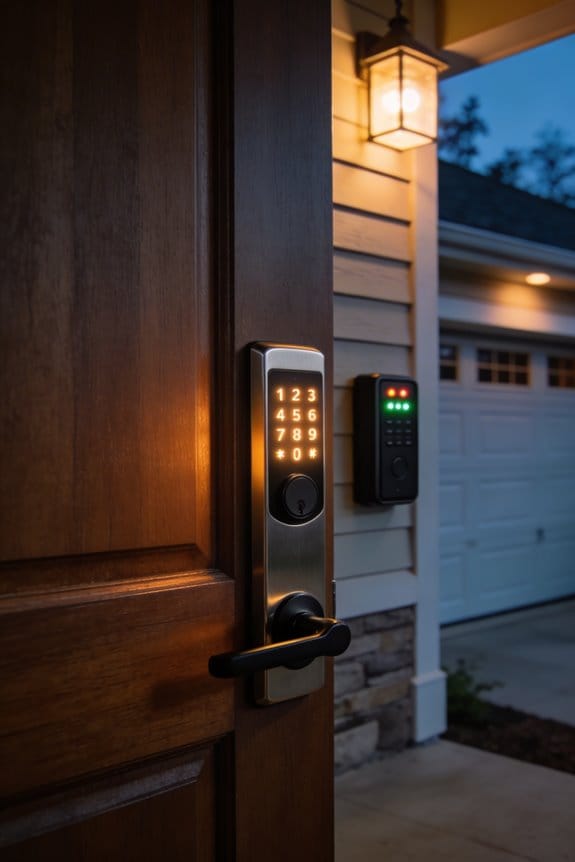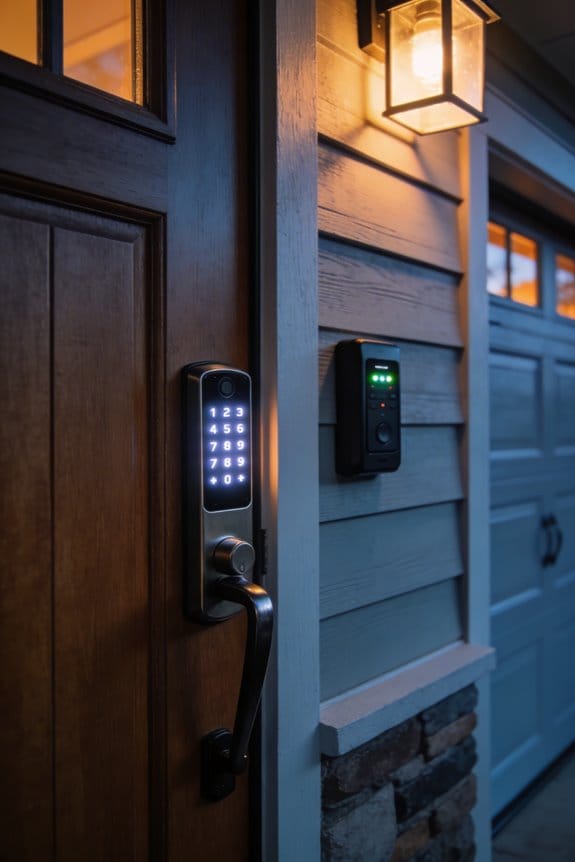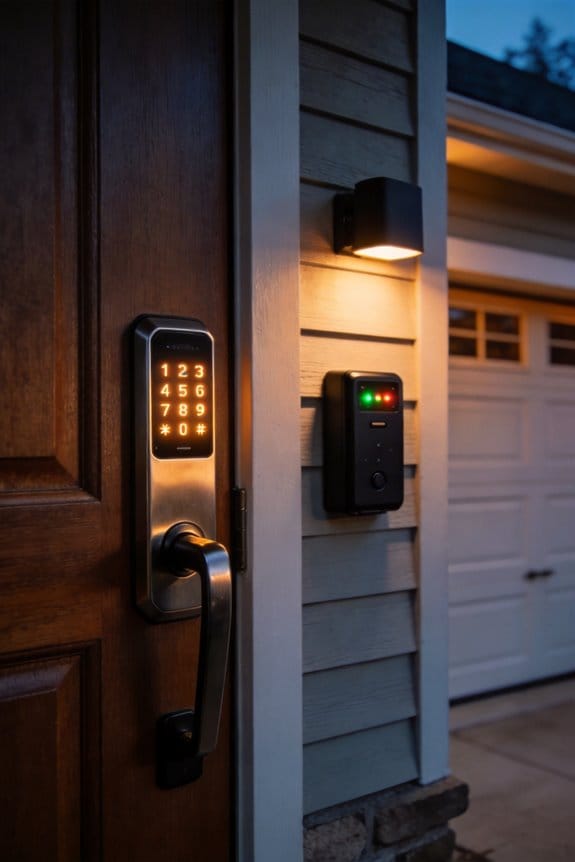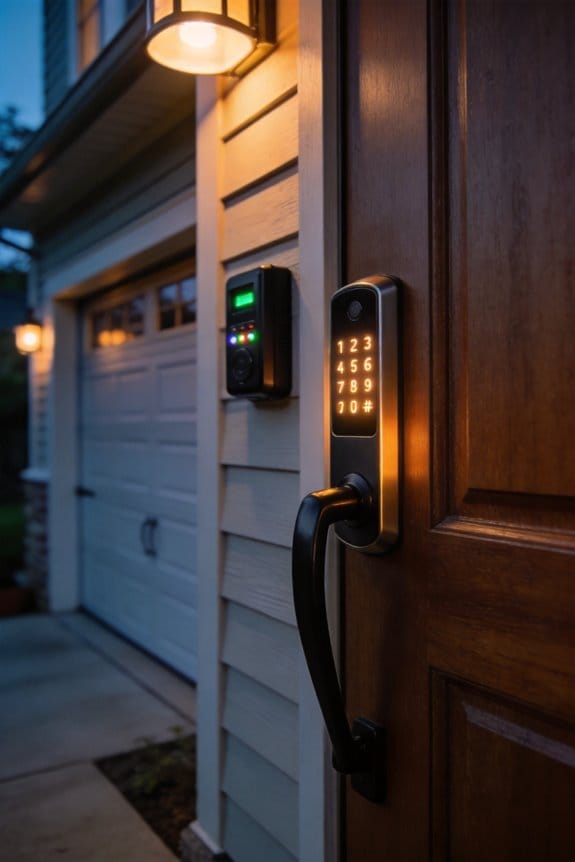

Scrambled keypads randomize digit positions with each entry, eliminating the smudge patterns that attackers photograph and enhance digitally to reverse-engineer your PIN. Unlike fixed layouts, which cluster recognizable oil and sweat traces that reveal four-digit sequences in seconds, scrambled technology distributes marks across thousands of possible combinations, rendering forensic analysis impractical. The Lockly PIN Genie implements this via Bluetooth pairing and straightforward installation, requiring users memorize digit sequences rather than positions. Understanding how these systems work reveals why layered security approaches prove most effective.
Key Takeaways
- Scrambled keypads randomize digit positions, distributing smudges across the screen and complicating forensic analysis by attackers.
- Static keypads create recognizable smudge patterns that reduce possible PIN combinations from thousands to approximately 24 predictable sequences.
- Scrambled keypad technology protects against both smudge attacks and shoulder surfing by obscuring consistent finger movement patterns.
- Users memorize digit sequences rather than fixed positions, requiring attackers to analyze randomized smudge patterns instead of static layouts.
- Lockly PIN Genie and similar scrambled keypad solutions offer practical implementation with Bluetooth pairing and straightforward installation for smart locks.
How Do Fingerprint Smudges Expose Your PIN in Seconds?
How Do Fingerprint Smudges Expose Your PIN in Seconds?
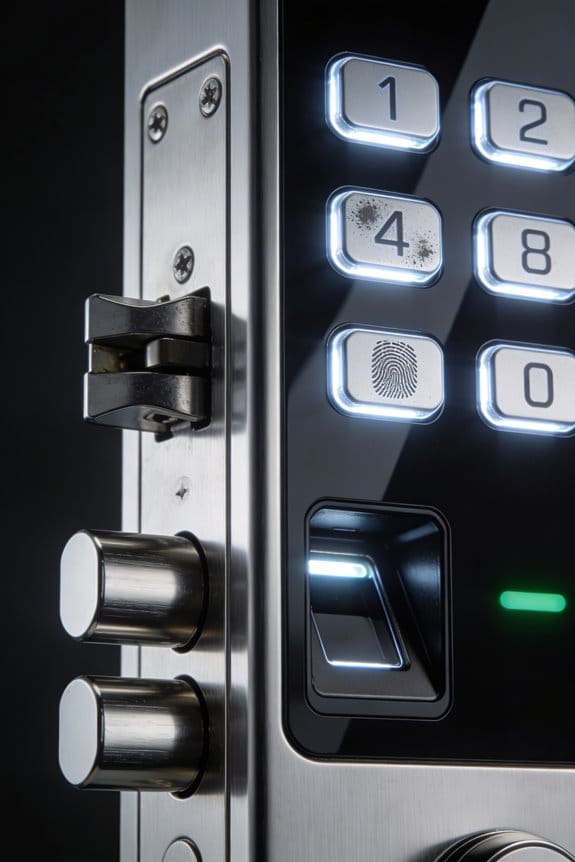
Your smartphone’s touchscreen might be giving away your PIN without you even realizing it. Every time you tap in your security code, your fingers leave behind tiny traces of oil and sweat on the glass. Attackers know this, and they’ve gotten disturbingly good at turning those smudges into readable digits.
The problem’s worse than you’d think. When someone takes a photo of your screen under the right lighting—or even just tilts it at an angle—those fingerprint marks become visible. Using basic contrast adjustment tools on a computer, attackers can enhance these smudges enough to identify which numbers you touched. Research shows they can nail four-digit PINs with about 24 possible combinations. That’s not a lot to guess through.
What really caught my attention in studying this was how *persistent* these smudges are. You might wipe your phone on your pants and think you’re good. Truth is, those marks stick around for hours under normal lighting. They don’t disappear just because you gave your screen a casual cleaning. So why does this matter? Because it means your PIN could be visible long after you’ve entered it—sometimes to anyone standing nearby.
Here’s the trick to protecting yourself:
- Clean your screen regularly with a microfiber cloth (the kind you’d use on glasses works great)
- Avoid predictable patterns when entering your PIN—don’t tap in a straight line or obvious shape
- Use longer, randomized PINs if your phone allows it; six or eight digits make smudge analysis exponentially harder
- Shield your screen with your other hand while entering sensitive information in public
The research from the University of Pennsylvania proved attackers can read your PIN in seconds using image enhancement tools. Frankly, it’s a vulnerability that shouldn’t exist, but it does. Adding fingerprint powder to the mix (something forensic specialists use) makes the marks even more obvious under a microscope.
The takeaway? Your phone’s display is a record of what you’ve touched. It’s not bulletproof security to worry about constantly, but it’s absolutely worth keeping in mind—especially in public spaces where someone could snap a photo of your screen when you’re not looking. What precautions do you already take when entering sensitive information on your phone?
Why Scrambled Keypads Block Smudge Attacks
Why Scrambled Keypads Block Smudge Attacks
Ever notice the greasy fingerprints on your phone screen after typing your PIN? Yeah, that’s basically a roadmap for thieves. Cleaning your screen regularly and covering it while you enter your code help, but here’s the problem—they don’t fix the real issue. Your keypad looks the same every single time, which means smudges pile up in the exact same spots. Attackers know this.
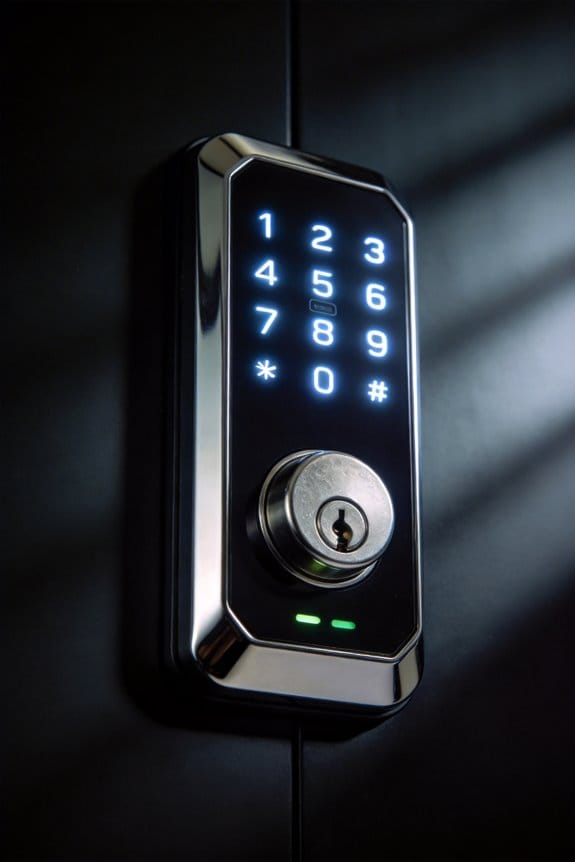
Scrambled keypads work differently. Every time you unlock your device, the numbers 0-9 shuffle to new positions. This randomization stops smudges from clustering on the same areas of your screen. When oils and fingerprints scatter across the display instead of concentrating in predictable spots, forensic analysis becomes nearly impossible. Without knowing which numbers were actually touched, even a four-digit PIN becomes way harder to crack—suddenly there are thousands of possibilities instead of just 24.
So, why does this matter for you? Because your PIN isn’t just protecting your phone anymore. It’s guarding your front door, your bank account, or your car.
The New Mexico Institute of Mining and Technology ran tests in 2021 on Android devices and found scrambled keypads genuinely work. The researchers didn’t need to overhaul the entire system either—just small, practical tweaks did the job. Smart lock companies like Lockly built this into their PIN Genie product, and users are seeing real-world results.
The best part is the dual benefit. While scrambled keypads are busy confusing smudge attackers, they’re also messing with shoulder surfers—people standing behind you trying to watch where your fingers go. Since the numbers aren’t where they expect them to be, observers can’t just memorize your PIN on the spot.
Want better security without complicated passwords? This is exactly the kind of simple fix worth paying attention to.
Recommended Products

ANYWHERE ACCESS: With built-in WiFi compatibility, you can easily and securely connect your Schlage Encode Plus lock to your home WiFi network to control and monitor your home from anywhere with the Schlage Home app

UNLOCKING METHODS - Lockly smart door lock offers a variety of unlocking methods: video camera two-way audio, fingerprint, APP remote control, patented keypad, Alexa/Google voice control and physical key, and it also comes with a doorbell feature. You don't need to worry about forgetting your keys anymore.

ANYWHERE ACCESS: With built-in WiFi compatibility, you can easily and securely connect your Schlage Encode Deadbolt to your home WiFi network to control and monitor your home from anywhere with the Schlage Home app
Getting Started: Setup and Usage Tips
Getting Started: Setup and Usage Tips
Tired of worrying that someone’s watching your PIN entry or tracking the smudges on your screen? Scrambled keypads aren’t built into most phones, so you’ll actually need to hunt down compatible hardware or third-party apps that randomize your PIN pad.
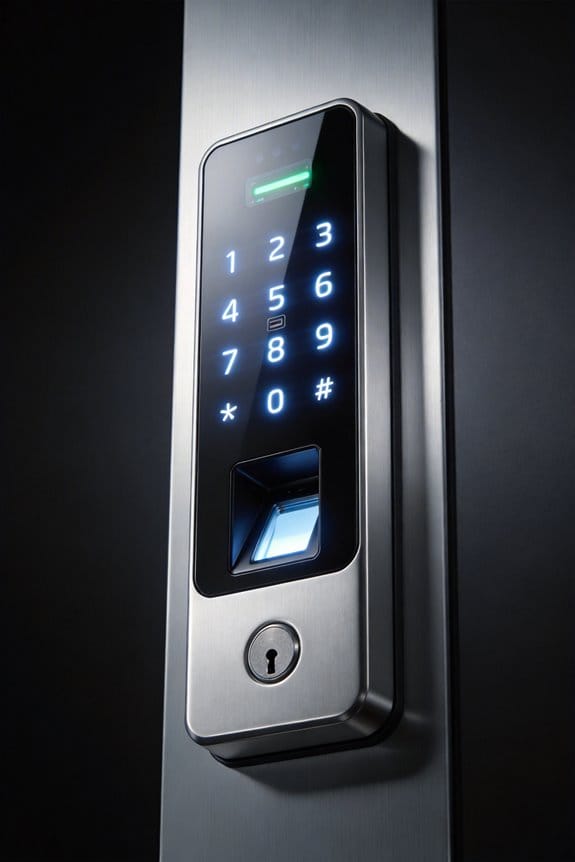
I’d start with Lockly PIN Genie for smart locks. It shuffles the numbers 0-9 every single time you go to enter your code. Installation is pretty straightforward—mount it, pair via Bluetooth to your phone, and you’re basically done.
Here’s the trick: Because the digit positions change with each entry, attackers can’t rely on those telltale smudge patterns they normally look for. You’re not memorizing *where* the numbers are; you’re memorizing the actual sequence. Your brain learns “4-7-2-9” as a pattern, not “top-left, middle, bottom-right.” That’s honestly the whole point—no muscle memory tied to fixed spots on the screen.
So, why does this matter? Shoulder surfers and smudge attackers have an easy job when your keypad stays the same. Randomization takes that advantage away from them.
Don’t stress about having to relearn your PIN. Your fingers and mind adapt faster than you’d think. Just wipe down your screen after PIN entry—it’s a simple habit that adds another layer of protection. That combination of randomization plus regular cleaning cuts down both smudge and shoulder-surfing risks significantly.
The result? You get real peace of mind without jumping through hoops.
Recommended Products

Commercial-Grade Strength & Reliability: Purpose-built for high-traffic commercial use in offices, schools, and multi-unit buildings. This UL10B/10C fire-rated lock is engineered for long-term durability and consistent performance, powered by 8 AA batteries for extended operation and uptime.
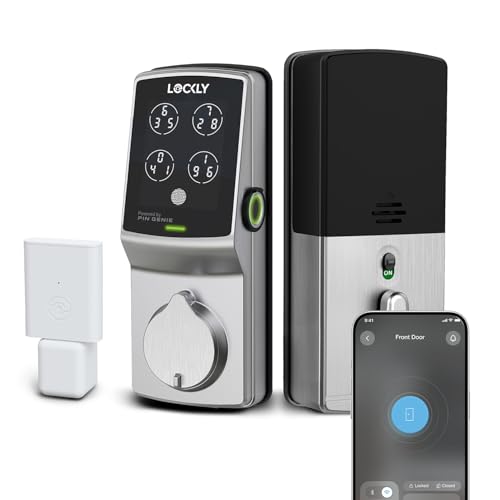
CODES THAT CHANGE THEMSELVES: The Patented PIN Genie Keypad shuffles its digits every single time — so even if someone watches you punch in your code, what they saw won't work tomorrow. Up to 33 free PIN codes, including one-time guest codes, with zero subscription required.
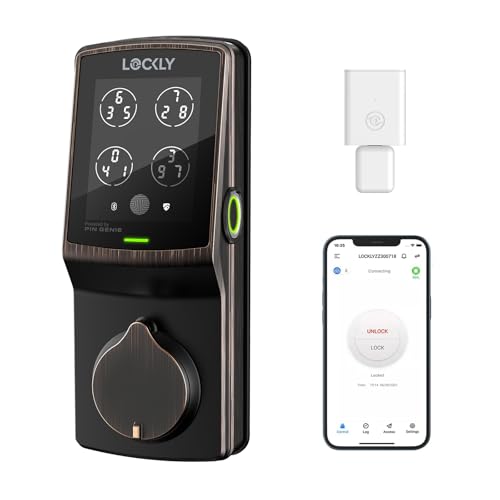
Multiple Unlocking Methods - Lockly smart door lock offers a variety of unlocking methods - Patented PIN Genie digital keypad + 3D biometric fingerprint sensor + APP control + Voice Control + Scan to Open QR code + Physical key. An IPX4 certified versatile smart lock for your home, Airbnb rental property management and offices with security and reliability.
Should You Choose Scrambled Keypads Over Biometrics or Longer PINs?
Should You Choose Scrambled Keypads Over Biometrics or Longer PINs?
You’re standing at an ATM or logging into your phone, and you’re wondering: what actually keeps your accounts safe? There’s scrambled keypads, biometrics like FaceID and TouchID, and the old standby of a longer PIN. So which one actually works?
Scrambled keypads mess with two common attacks at once—smudge attacks (where someone photographs the greasy marks on your screen) and shoulder surfing (where someone just watches you type). That said, they’re not bulletproof. Someone determined could still watch your finger movements or use a camera.
Biometrics take a different road entirely. FaceID and TouchID eliminate the smudge problem because there’s nothing to smudge—your face or fingerprint is the password. But here’s the catch: they fail when you’re wearing a mask, when your hands are dirty, or if your device gets damaged. A scrambled keypad? It’ll work no matter what.
Now, longer PINs are straightforward math. An eight-digit PIN gives you 100 million possible combinations. A four-digit PIN on a smudged keypad? That’s down to maybe 24 possibilities. Longer is definitely safer from a numbers perspective. The problem is that most people hate typing long codes, so they either give up or write them down (which defeats the purpose).
Honestly, the real answer isn’t picking one. Here’s what actually works:
- Use scrambled keypads for public terminals where shoulder surfing is a real threat
- Layer in biometrics as your first line of defense at home or on your phone
- Go with a longer PIN (6-8 digits minimum) as your backup access method
The best part is that combining these approaches means an attacker can’t rely on just one weakness. They’d need to break through multiple layers, and that’s what makes you actually secure.
Recommended Products
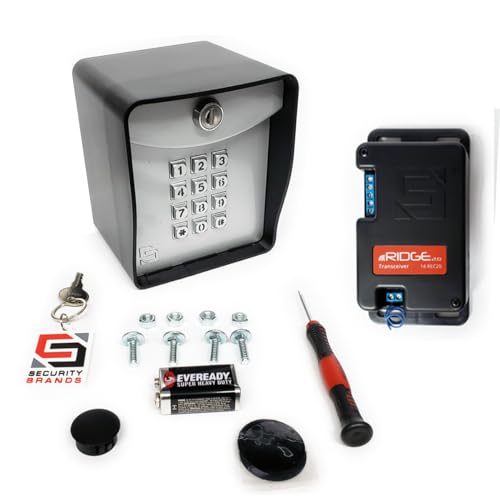
AAS Ridge Gate Keypad 14-500 Access Control Wireless with quick start guide manual

ONLY WORKS WITH US AUTOMATIC GATE OPENERS
By using key code technology this keypad access device provides robust and affordable security
Where to Find Scrambled Keypads Today
Where to Find Scrambled Keypads Today
Want better security for your PIN entry, but can’t find the tools to actually make it happen? That’s the real problem with scrambled keypads—they sound great in theory, but they’re basically nowhere to be found in devices you can actually buy.
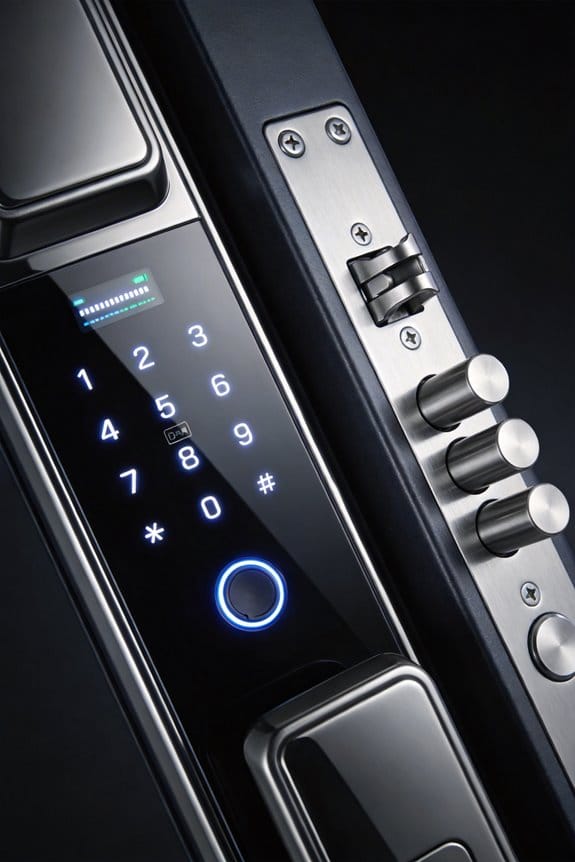
Lockly’s PIN Genie is really your main option if you want a scrambled keypad on a smart lock right now. It randomizes where numbers appear on the screen, which genuinely helps protect against smudge attacks and people watching over your shoulder. If you go back to 2016, BlackBerry’s DTEK50 tried to tackle this too with anti-smudge software built in, but that phone’s long gone.
Here’s what’s frustrating: your iPhone and Android phone don’t come with scrambled keypads as a standard feature. So why does this matter? Because your fingerprints on the screen can actually reveal which numbers you tapped.
The old Whisper Systems app from 2011 had a workaround—you’d swipe over your entry after typing to smudge it up and hide the pattern. It worked, but it was clunky.
Most smart locks you’ll find today stick with the same fixed number layout they’ve always had. That leaves you doing the heavy lifting yourself:
- Clean your screen regularly
- Use anti-smudge film on your device
- Switch to Face ID or Touch ID if your phone has it
Honestly, biometric options like FaceID and TouchID sidestep the whole smudge problem entirely since there’s nothing to see on the screen. If you’re shopping for a new lock or phone, that’s worth keeping in mind.
Recommended Products

UPGRADED SECURE PRO – SMALLER INSIDE, SMARTER INSIDE – Latest-generation Secure Pro deadbolt with a redesigned interior that’s about 25% smaller than the original, giving a cleaner look inside your home while keeping all the smart features you loved.

🔓【Mortise Compatibility】Luston slim door lock comes with 3585 mortise b (Upper center to lower center length is 85mm, center to door edge length is 35mm) in package by default. Please compare the size before you purchase. If your door mortise is other size, pls consult us before purchasing.

Secure Your Home, Office, or Rental Property with Ease - Lockly Secure Plus smart door lock offers high security and reliability for all your needs. We offers detailed installation guide which enables you to install with common household tools. We also offer 5-year mechanical and finish, and 2-year electronics, plus lifetime technical support.
Frequently Asked Questions
Can Attackers Still Breach Scrambled Keypads Using Fingerprint Powder Enhancement Techniques?
I’d say attackers can’t effectively use fingerprint powder on scrambled keypads because they won’t know where you’ve touched. The randomized layout disrupts the smudge pattern analysis, greatly reducing the security effectiveness of powder enhancement techniques against your PIN.
How Does Scrambled Keypad Technology Perform on Older Android Versions Lacking Modern Security Features?
You can’t teach an old dog new tricks, and that’s true here. I’ll tell you that scrambled keypads struggle on older Android versions due to legacy security limitations and poor android compatibility, making implementation challenging for outdated systems.
What Usability Challenges Do Users Face When Adapting to Randomized Digit Positions?
I’ll tell you that you’ll struggle with memory recall and muscle memory when digits shuffle each time. Your fingers expect familiar positions, so you’re forced to consciously locate numbers rather than entering your PIN automatically, slowing your access process considerably.
Does Scrambled Keypad Implementation Increase Battery Consumption or Affect Device Performance?
I’ve found that while scrambled keypads demand minimal processing power, they’re virtually undetectable to your battery life and device speed. The randomization happens at access—a negligible computational task that won’t drain your phone or slow performance meaningfully.
Are There Documented Cases of Scrambled Keypads Failing Against Sophisticated Side-Channel Attacks?
I haven’t found documented cases where scrambled keypads failed against sophisticated side-channel attacks. However, advanced fingerprint analysis and side channel vulnerabilities remain theoretical concerns that researchers continue studying to guarantee complete protection effectiveness.