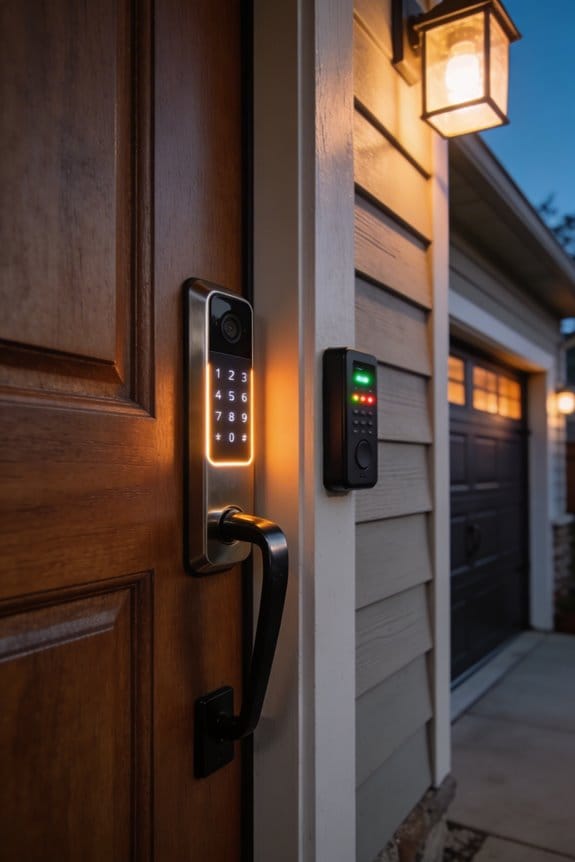

RFID keycards operate at 125 kHz or 13.56 MHz with one-way identification, requiring no smartphone dependency, while NFC tags use 13.56 MHz encrypted two-way communication within 4 cm range. For elderly relatives, RFID cards cost $2–5 each, need no charging or updates, and function reliably for years without degradation—ideal for non-tech users avoiding software glitches. NFC credentials cost $15–40 but offer enhanced security through dynamic encryption and biometric options. Your choice hinges on balancing accessibility, security requirements, and budget constraints specific to your household’s technical comfort level. Further exploration reveals installation compatibility details that’ll influence your final decision.
Key Takeaways
- RFID keycards eliminate smartphone dependency, offering elderly relatives a simple tap-to-access method without app navigation or tech skills.
- Physical RFID cards are durable and battery-free, functioning reliably for years without software glitches that worry non-tech-savvy users.
- NFC systems provide enhanced security through dynamic encryption and one-time codes, reducing unauthorized access risks compared to RFID.
- RFID cards cost $2–5 each, making them budget-friendly for multi-generational households, while NFC ranges from $15–40 per credential.
- Hybrid smart locks accommodate mixed comfort levels by supporting both RFID and NFC, allowing flexibility for different family members’ preferences.
How RFID and NFC Work in Smart Locks
Trying to figure out which lock system actually works better for your home or business? The choice between RFID and NFC might seem technical, but it really comes down to how these two technologies handle security differently.
Both RFID and NFC use radio waves to talk between your key card or fob and the lock’s reader. That’s where the similarities end, though. RFID comes in two flavors—125 kHz (the low-frequency version) or 13.56 MHz (the high-frequency one). It sends out a one-way signal that travels anywhere from a few centimeters to tens of meters away. NFC, on the other hand, sticks exclusively to 13.56 MHz and works within about 4 cm. You’ve got to hold your phone or card right up to the lock for it to work.
So, why does this matter? Distance and convenience. If you want to unlock a door from across a room, RFID’s longer range gives you that flexibility. But that same distance can be a security concern—someone could potentially read your card from farther away. NFC’s close-range requirement means you’ve got built-in protection against unauthorized scanning.
Here’s the trick: both systems power their credentials without needing batteries in the card or fob itself. The reader sends out radio waves that juice up passive tags. Pretty clever, honestly. This is why your access card never dies.
The technical distinction that matters most is bidirectional versus one-way communication. NFC talks both directions—the reader and your credential exchange information back and forth. RFID mostly just broadcasts your ID number. That two-way conversation gives NFC stronger security because it can verify you’re using a legitimate credential, not just a copy.
Truth is, high-frequency RFID and NFC both operate on that same 13.56 MHz band, so they’re not worlds apart. But NFC’s architecture and security protocols are fundamentally different because of that shorter distance and two-way handshake.
Which one fits what you need?
Security: Which Technology Protects Your Elderly Relative Better?
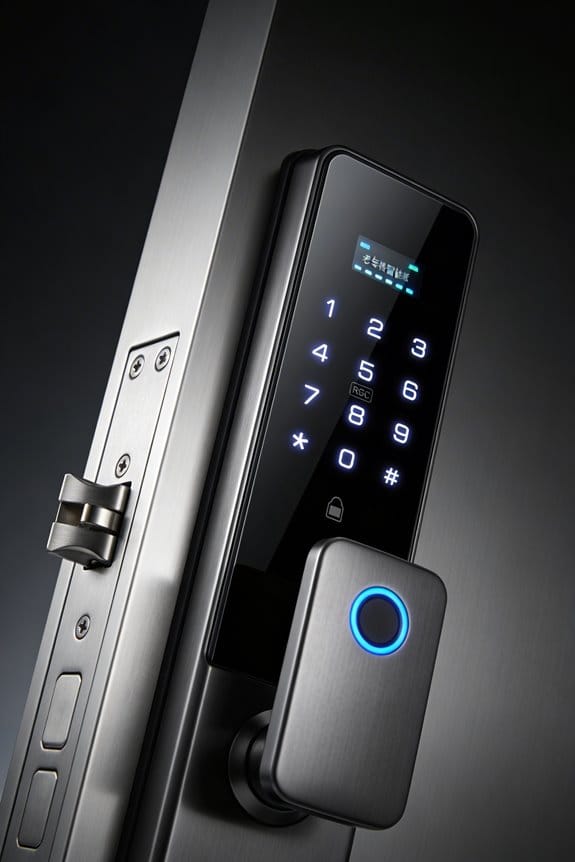
When you’re responsible for keeping an elderly relative safe, picking the right security tech actually matters—a lot. The difference between NFC and RFID isn’t just nerdy stuff. It directly impacts how well you can protect them.
So, why does this matter? Because one of these technologies is genuinely more secure than the other, and you need to know which one.
NFC is the stronger choice here. It uses dynamic encryption with one-time codes and AES encryption standards, which basically means someone can’t just copy it like they could with a regular RFID card. RFID cards? They’re missing something called bidirectional verification. That’s a fancy way of saying they can talk to a reader, but the reader doesn’t confirm it’s legit before responding. Hackers can read and duplicate them from a distance without much effort.
Now, high-frequency RFID is better than low-frequency RFID, but honestly, it still has weak spots that NFC solves. The real advantage of NFC is the biometric layer—fingerprint and face ID can work right on a smartphone, adding another security wall that RFID just doesn’t have.
Here’s the practical difference: NFC only works from about 4 centimeters away. RFID can be read from much farther. For your elderly relative, that short range on NFC means it’s harder for someone to access their info without them knowing. Systems like ECHO locks take this further by making everything tamper-proof.
That said, RFID cards are simpler to use day-to-day. They’re easier for someone with arthritis or memory issues to manage. But simpler isn’t always safer.
The bottom line? If security is your priority, NFC wins. Which matters more to you—ease of use or maximum protection?
Ease of Use: RFID Cards vs. NFC Phones for Non-Tech Users
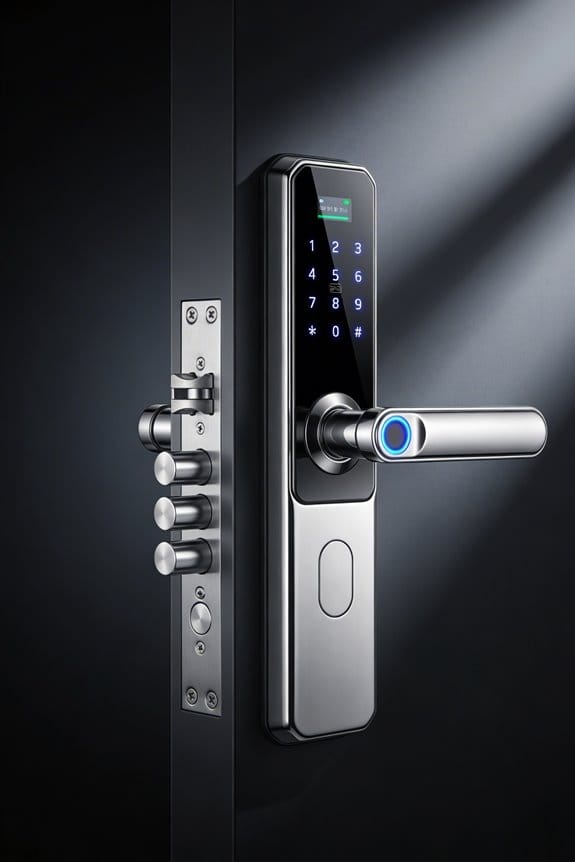
We’ve established that NFC offers better security for your elderly relative, but what good is that if they can’t actually use the system? That’s the real question.
RFID keycards are straightforward. Your grandparent taps or holds the card near a reader—access granted. No smartphone needed. No apps to figure out. No biometric screens to navigate. Just simple motor control and muscle memory, which most people have plenty of.
NFC phones, on the other hand, ask a lot more of non-tech users. You need smartphone ownership in the first place. Then there’s app navigation, biometric authentication, and all the digital literacy that comes with it. For someone who’s never been comfortable with technology, these barriers are real.
Here’s the thing about physical cards: they’re tangible. You can hold them. You can’t accidentally leave them in the cloud. They don’t die at 2% battery when you need them most. Honestly, that peace of mind matters when you’re managing care for an older adult.
But frankly, there’s a smarter way to handle this. Hybrid locks let you have it both ways. Your elderly relative defaults to the familiar RFID keycard—zero stress, zero learning curve. Meanwhile, caregivers can use NFC on their phones to manage access remotely. You get the simplicity your relative needs and the control you need as a caregiver.
RFID vs. NFC: Real Cost Differences for Your Budget
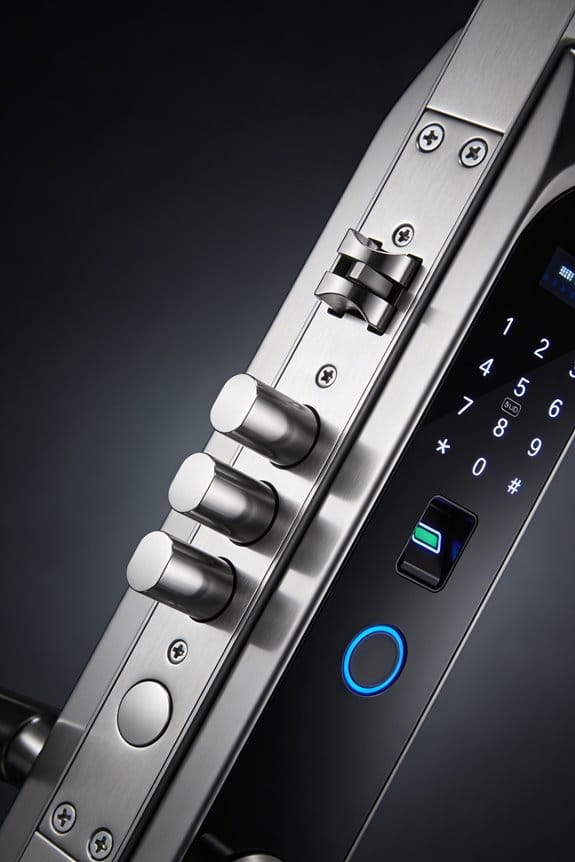
RFID vs. NFC: Real Cost Differences for Your Budget
So you’re standing in front of your smart lock options, and the price tags are making your head spin. What’s actually going to cost you less over time—RFID or NFC?
Truth is, both technologies work great for smart locks, but your wallet will feel the difference depending on how many people you’re setting up and what you’re willing to spend upfront. RFID cards are dirt cheap to start with—you’re looking at $2–5 per card. That’s huge if you’re buying credentials for a bunch of family members. NFC systems hit harder on day one, running $15–40 per credential because you’re paying for that encryption infrastructure.
Here’s where it gets interesting, though. Yes, RFID saves you money initially. That matters especially if you’re managing multiple elderly relatives who don’t use smartphones. You just hand them a card and you’re done.
But NFC has a hidden advantage: you stop buying replacement cards forever. Think about it—cards get lost, damaged, or left at the grocery store. When you’re using NFC on phones or key fobs, there’s barely any physical replacement cost. Your caregiving app handles everything, so nobody’s ordering fresh credentials every few months.
The middle ground actually works best for most people. Hybrid locks let you use both RFID and NFC at the same time. You can give grandma her RFID card while you and your kids use NFC on your phones. Best of both worlds, and you’re not overspending on either side.
Don’t stress about picking wrong today. The real answer depends on your situation: How many people need access? Are they tech-comfortable? How long do you plan to keep the lock? Answer those questions first, and the right choice becomes obvious.
Why Physical RFID Cards Often Outlast Smartphone Dependence
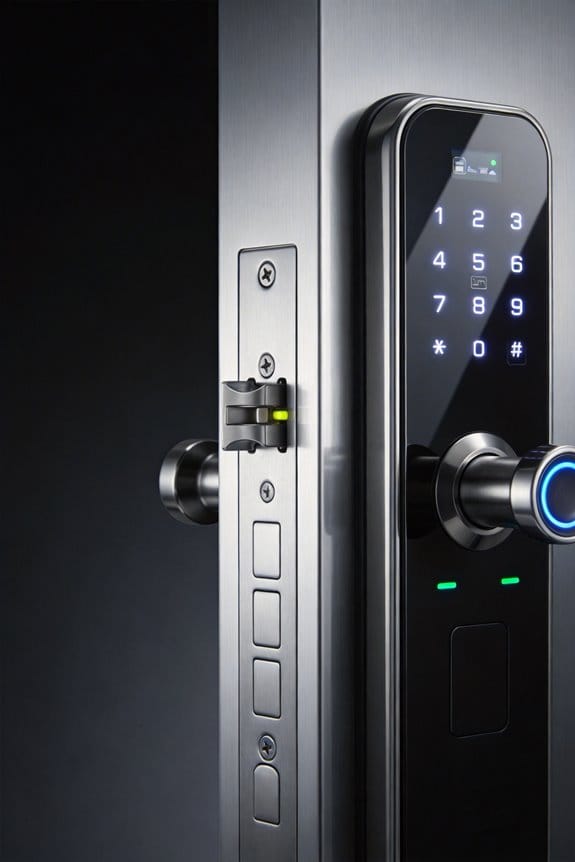
Your smartphone’s battery will eventually die, get replaced, or simply get lost—but a physical RFID card can sit in a wallet for years without degrading. That’s the real difference.
Physical cards don’t need charging. They don’t need software updates. They don’t need you to troubleshoot why your connection dropped. The passive tag design just works, powered by radio waves at 125 kHz or 13.56 MHz frequencies. That’s it.
If you’re older or helping elderly relatives with tech, this matters a lot. Honestly, managing a smartphone feels overwhelming to plenty of people. You’ve got passwords, biometric setup, apps to install—it’s exhausting. With an RFID card, you tap it, the door unlocks. You’ve been doing that with physical keys your whole life, so why would this be different?
So, why does familiarity actually help here? Because your brain trusts what it knows. Holding a card in your hand feels real. Solid. You know it won’t disappear into a software glitch or crash at the worst moment—like when you’re trying to get into your home after work. That psychological confidence matters more than people realize.
Try this: Think about the last time your phone died when you needed it. Now imagine that never happening with your access card.
Frankly, physical RFID cards aren’t fancy, but they’re reliable in a way smartphones often aren’t. That’s worth something.
Choosing the Right Lock for Your Situation
Choosing the Right Lock for Your Situation
So you’re standing in front of your door wondering if a smart lock is really worth the hassle, or if you should stick with what you know. The truth is, picking the wrong lock type wastes money and creates frustration down the road.
Start by checking your door frame. Can it actually handle a smart lock, or would retrofitting be a nightmare? This isn’t a fun discovery to make after you’ve already bought something. Honestly, this one detail stops a lot of people cold.
Next, think about who’s actually using this lock. Is your elderly relative comfortable with smartphones? Does she prefer a physical card she can hold onto? What about your teenager or your partner? Frankly, if you’re mixing different comfort levels under one roof, you need a system that works for everyone—not just you.
Here’s where different tech comes in handy:
- RFID keycards work great if someone in your household wants zero smartphone dependency
- NFC app systems let you monitor access from anywhere, which helps if you’re managing care from a distance
- Hybrid locks (like ECHO models) handle both, so nobody feels left out
The best part is that most modern systems aren’t locked into one choice forever. Many let you add or swap credentials as your needs change.
Before you decide, take a step back. What’s your actual budget? How much installation work are you willing to handle yourself? Are there multiple generations in your home with wildly different tech comfort levels?
Once you answer those questions honestly, the right lock choice usually becomes pretty clear.
Frequently Asked Questions
Can RFID Cards and NFC Phones Work Together in the Same Smart Lock System?
Yes, I’ve found that hybrid smart locks can support both RFID cards and NFC phones simultaneously. However, you’ll encounter interoperability challenges between the two technologies, which may complicate your user experience when mixing different access methods.
What Happens if an Elderly Relative Loses Their RFID Card or NFC Phone?
I’ll help you understand what happens. If your elderly relative loses their RFID card, you’ve got replacement options readily available. With an NFC phone, you can remotely disable it and use recovery solutions like caregiver apps. Hybrid locks offer fallback access using alternate credentials.
How Often Do RFID Cards and NFC Tags Need Battery Replacements or Maintenance?
As they say, “an ounce of prevention is worth a pound of cure.” I’ll tell you—RFID cards don’t need batteries at all, requiring zero maintenance. NFC tags harvest energy from your phone, so they’re also battery-free. You’re looking at worry-free lifespan without replacements.
Are RFID Keycards Compatible With Existing Locks in Older Homes or Apartments?
I’d say RFID keycards won’t work with older locks—they’re only compatible with RFID-enabled readers. You’ll need to upgrade your lock hardware to support RFID technology. Compatibility issues with older locks mean retrofitting or replacing the entire system.
Can Caregivers Remotely Monitor or Control Access for Elderly Relatives Using Either Technology?
I’ll tell you straight: NFC systems offer superior remote monitoring and access control for caregivers. You can disable credentials if your elderly relative’s phone is lost, manage permissions through apps, and receive alerts. RFID cards lack these remote capabilities.