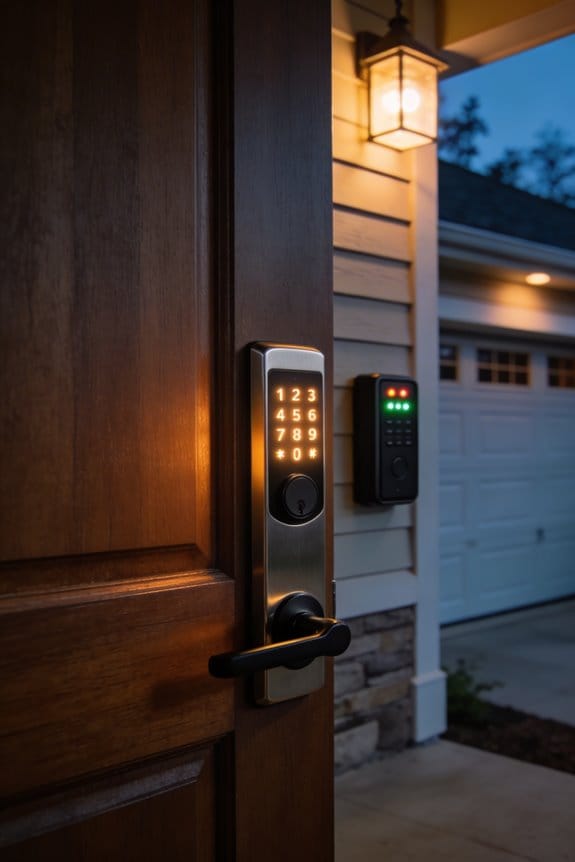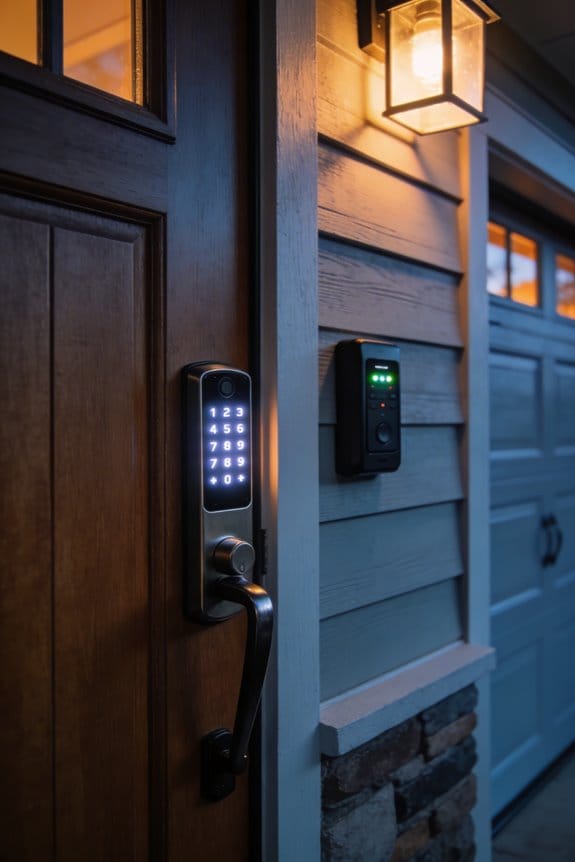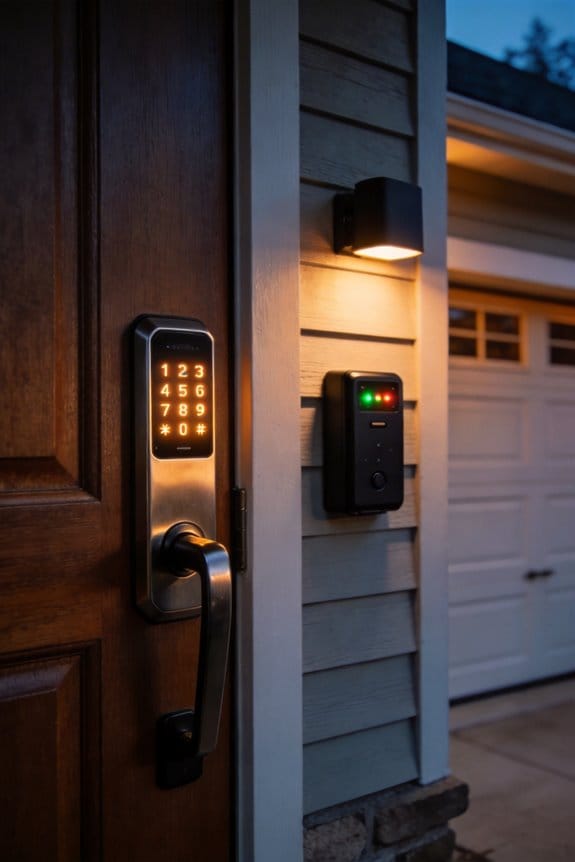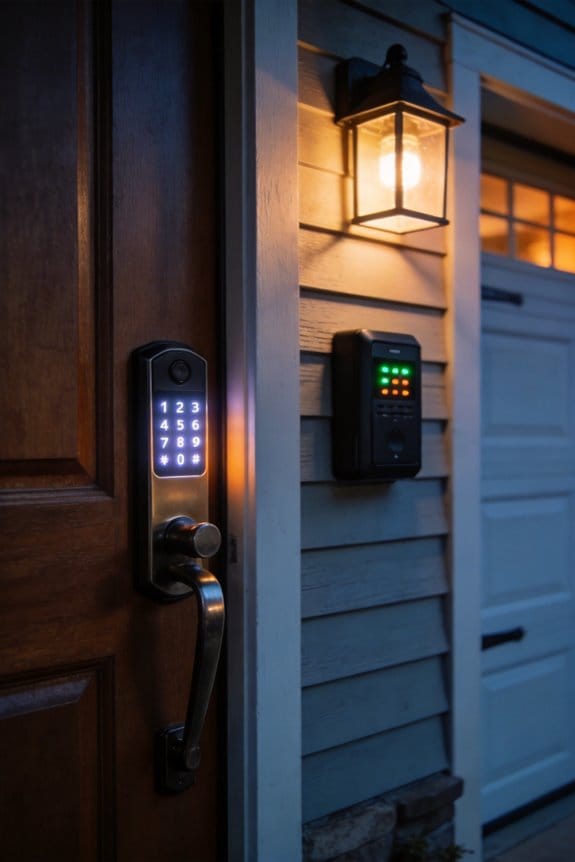

When global heat waves push ambient temperatures above 35°C, touchscreen surfaces in direct sunlight reach 75–85°C, exceeding the 70°C threshold where adhesive bonds irreversibly degrade. The glass, digitizer, and LCD layers expand at different rates, creating microscopic gaps that separate irreversibly. Adhesive molecules weaken under sustained heat, causing digitizer disconnection and unresponsive dead zones throughout your device. This delamination process accelerates during peak summer months, rendering smart locks and displays completely non-functional. Understanding the specific mechanisms behind this failure cascade will clarify your protection options.
Key Takeaways
- Direct sunlight raises touchscreen surface temperatures 40-50°C above ambient, causing adhesive breakdown and layer separation above 70°C.
- Mismatched thermal expansion rates between glass, digitizer, and LCD layers create stress on adhesives, leading to delamination and dead zones.
- Heat waves exceeding 90°C melt adhesives, causing digitizer disconnection, unresponsive areas, and complete screen failure without warning.
- Temperature cycling repeatedly stresses adhesive bonds, accelerating deterioration and making heat damage irreversible once layer separation begins.
- Prevention through sunshades, UV-protective films, and shade structures reduces surface temperatures 15-25°C, while professional repairs offer limited solutions for extensive damage.
Why Heat Waves Push Touchscreens Beyond Their Operating Limits?
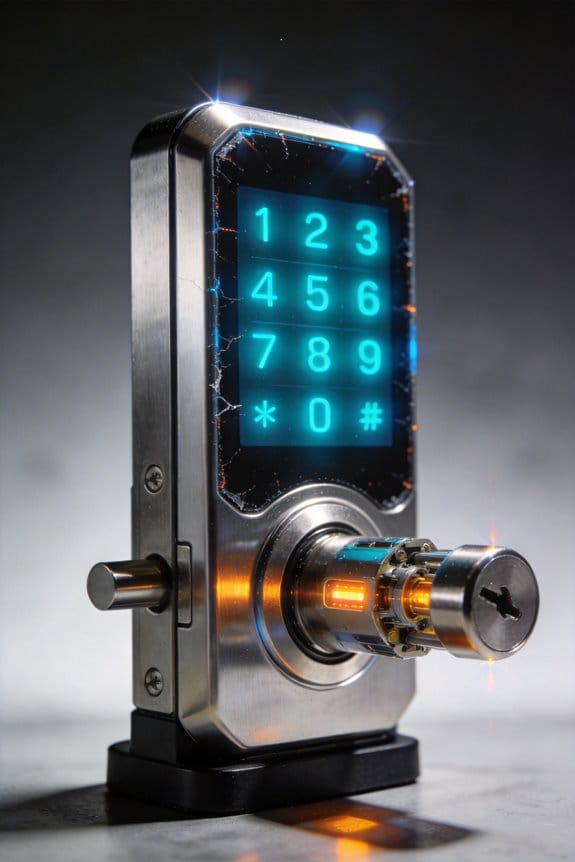
Your phone’s touchscreen stops responding on a hot day. Your tablet’s display goes fuzzy. Sound familiar? Here’s what’s actually happening when heat waves strike.
The Temperature Problem****
Touchscreens are built to handle a pretty specific range—typically between -20°C and 70°C for standard models, or up to 85°C if you’ve got the fancy extended-range version. The catch? When the sun beats down on your device, the screen surface can heat up 40-50°C *above* the air temperature around you. That means your consumer-grade display can blow past its 90°C failure threshold without warning.
Think about it: if it’s 35°C outside and your screen sits in direct sun, you’re looking at surface temps hitting 75-85°C. That’s already pushing limits, and it gets worse from there.
Why Multiple Layers Make Things Worse
Your touchscreen isn’t just one piece of glass. It’s actually a sandwich of materials—glass on top, a digitizer layer, adhesive holding everything together, and an LCD panel underneath. Each layer expands and contracts at its own rate when temperature swings wildly. This mismatch creates stress that builds up over time.
The adhesive gets hit the hardest. Heat degrades it faster than almost anything else, and once that bond weakens between layers, your screen starts to separate internally. You might notice touch dead zones appearing, or the display shifting slightly under the glass.
Capacitive touchscreens (the type on most phones) are especially finicky. They work best between -5°C to 60°C. Go beyond that, and responsiveness drops noticeably.
What Heat Does to Your Display Quality****
Extended heat exposure doesn’t just mess with touch response—it wrecks the optics too. The optical bonding layers degrade, and the polarizers (which control light) weaken over time. That’s why your screen might look washed out or dimmer after sitting in a hot car. So why does this matter? Because once these layers fail, you can’t just swap them out; you’re replacing the whole display.
What You Can Actually Do
Try this: keep your devices out of direct sunlight whenever possible. Use a sun shade if you’re leaving your phone or tablet in a car. If your device gets hot to the touch, power it off and let it cool down before using it again.
The best part is catching problems early. If you notice touch sensitivity getting sluggish or dead spots appearing, act on it. Running diagnostics or taking your device in for a checkup can save you from total screen failure down the road.
Honestly, your device’s touchscreen isn’t invincible. Treat extreme heat like you’d treat any other stress on your electronics—with respect and a little preventive care. What’s one step you could take today to keep your screens cooler?
How Heat Makes Touchscreen Layers Separate?
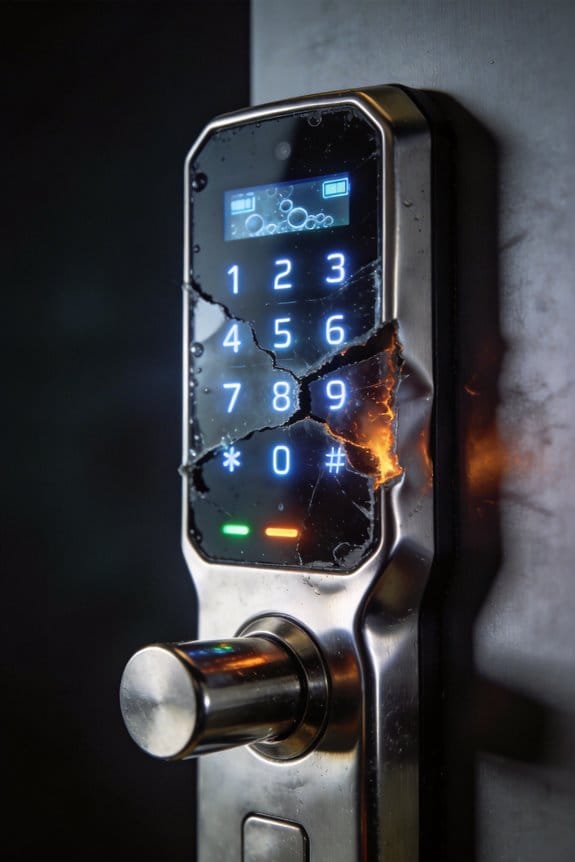
Your phone’s touchscreen starts acting up during summer heat waves, and you’re left wondering what’s actually going wrong inside. Truth is, it’s not just the heat making your device sluggish—it’s literally pulling your screen apart layer by layer.
Here’s what’s happening: when temperatures climb above 70°C, the different materials in your touchscreen expand at different speeds. The glass, the digitizer, and the LCD panel all react to heat differently, and that mismatch creates stress. Think of it like three pieces of wood expanding at different rates—something’s gotta give.
That “something” is the adhesive holding everything together. As these temperature swings keep happening, the adhesive loses its grip. It starts forming tiny air pockets between the layers, and you’ll see this show up as bubbles or cloudy spots on your display. The touch responsiveness gets worse too.
In really brutal heat—when your phone’s surface hits 90°C—things deteriorate fast. You’ll notice dead zones where your tap doesn’t register, or it responds randomly. Why? Because those air gaps keep growing, and the adhesive that bonds your screen together just can’t handle the stress anymore.
The best part is you can actually prevent most of this. Keep your phone out of direct sunlight, use a decent case that doesn’t trap heat, and don’t leave it in hot cars. Small changes make a real difference.
Have you noticed your touchscreen acting up during hot months? That’s your sign to start protecting it before the real damage sets in.
Why Touchscreen Adhesive Fails Under Extreme Heat?
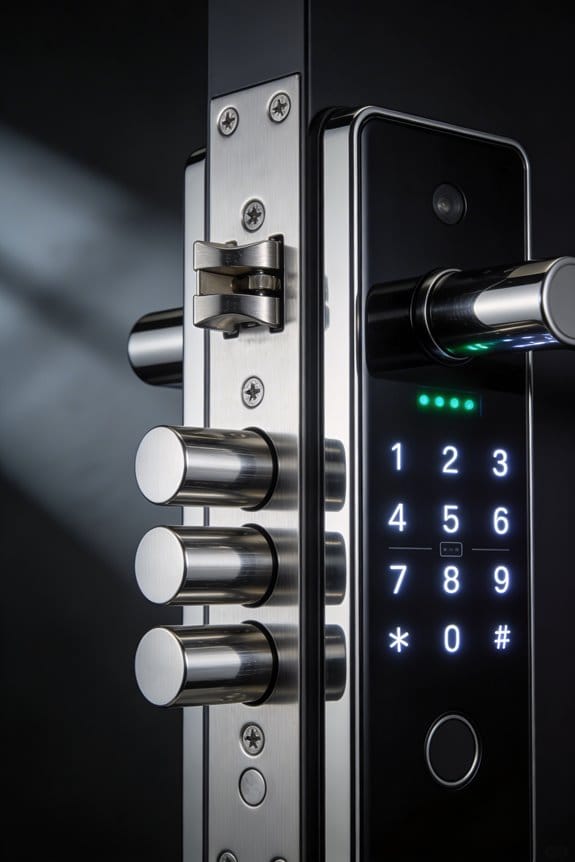
Why Touchscreen Adhesive Fails Under Extreme Heat?
Your phone feels hot in your pocket on a summer day, and you wonder if that’s actually damaging it. The truth is, it might be. The adhesives holding your screen together are way more fragile than you’d think, and heat is their enemy.
When temperatures climb past about 70°C—which is around 158°F—the adhesive that bonds your screen’s layers starts to break down. The heat makes molecules in the adhesive move faster and faster, and that movement weakens the grip holding the glass, digitizer, and LCD panel together. The result? Tiny air gaps form between these layers, and that’s when you start seeing problems.
Here’s where it gets worse. Your screen doesn’t just experience one spike in temperature and recover. It goes through cycles—hot during the day, cooler at night, hot again. Each cycle stresses the adhesive a little bit more, like bending a paperclip back and forth until it snaps. Eventually, the bond gives out completely, and your screen starts to peel away from the rest of your phone.
Direct sunlight is a real culprit here. When your phone sits in the sun and surface temps hit 90°C (194°F), things deteriorate fast. So why does this matter to you? Because catching these problems early means you can actually prevent your screen from completely separating and becoming unusable.
The good news: knowing how this works puts you ahead of the game. You can spot the warning signs—slight separation at the edges, tiny bubbles forming under the glass—and take action before your screen is completely ruined. Keep your phone out of extreme heat, and you’ll save yourself a frustrating repair bill.
Spot Failing Touchscreens Before They Completely Break?
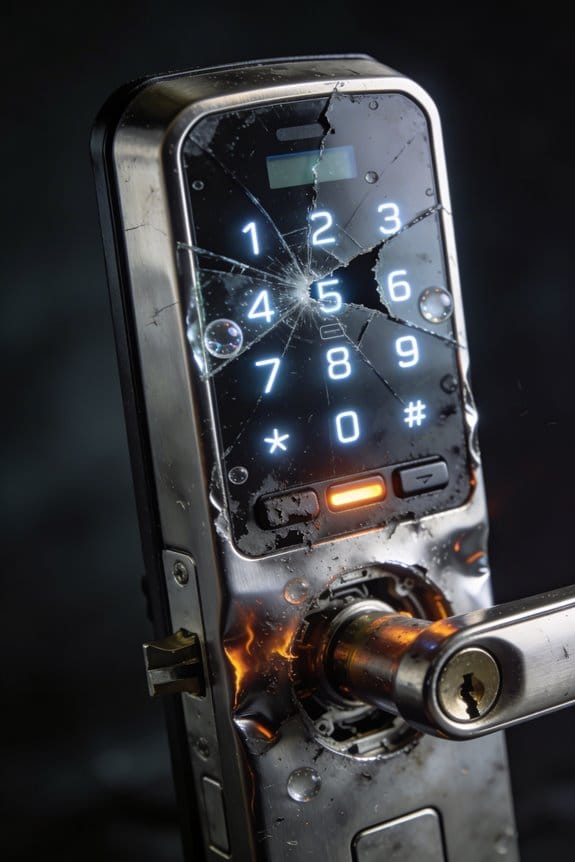
Your touchscreen‘s been acting weird lately, hasn’t it? Ghost touches popping up randomly, spots where your taps just don’t register, or that sluggish response that gets worse when it’s hot outside—these aren’t normal quirks. They’re your device’s way of telling you the adhesive holding the layers together is starting to separate.
The thing is, catching this early makes all the difference. I’ve found that monitoring your device’s performance through the seasons helps you spot patterns before things get really bad. If you notice symptoms getting worse when temps climb above 60°C, you’ve basically got confirmation that adhesion is breaking down.
You can actually test this yourself pretty easily:
- Tap systematically around all four corners of your screen
- Move to the edges and work toward the center
- Pay attention to any areas that feel sluggish or don’t respond at all
Those unresponsive zones? That’s where the layers are separating underneath.
Frankly, some preventive steps can buy you real time. Keep your device out of direct sunlight when you’re not using it. Give it cool-down breaks between heavy use sessions, especially if you’ve been gaming or streaming. These simple habits slow down the degradation considerably.
Look closely at the edges of your screen. You might spot optical hazing or tiny bubbles forming along the layer boundaries. That’s delamination in progress—your signal to act now rather than wait for complete failure.
So, why does catching this matter? Because once the adhesive completely lets go, you’re looking at a non-responsive screen and a potentially expensive repair. Early detection keeps you in control of the timeline.
Have you started noticing any of these warning signs on your device yet?
How UV and Heat Combine to Damage Touchscreens in Summer?
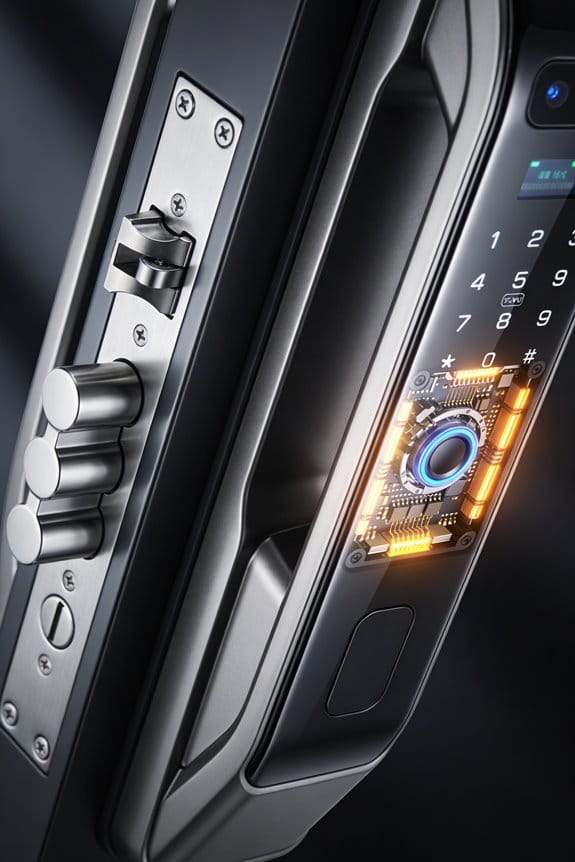
Your phone’s screen is basically getting cooked from two sides at once during summer, and it’s way worse than you’d think.
The real problem? UV rays and heat don’t just damage your touchscreen separately—they team up. While one’s weakening the digitizer layer (that’s the part that detects your touch), the other’s making all the different materials expand at different speeds. Glass expands differently than the LCD underneath it, which expands differently than the adhesive holding it all together. This mismatch creates tiny air gaps between layers, and honestly, it happens way faster than you’d expect—we’re talking weeks instead of months.
So, why does this matter? Because those microscopic gaps aren’t just cosmetic. They mess with how your screen responds to your finger.
UV radiation specifically attacks two things you actually need: the polarizers (which help you see the screen in bright light) and the touch sensors themselves. At the same time, heat’s doing its own damage. When temperatures get above 70°C—and yeah, that happens inside a car parked in the sun—the backlight’s lifespan tanks. It goes from a solid 50,000 hours down to something way shorter. That’s the difference between your phone working fine for years versus getting noticeably dimmer sooner than it should.
Here’s the thing nobody talks about: you can’t undo this damage just by turning your phone off or cooling it down. Once those layers start separating and those materials start breaking down, they stay broken.
Try this: Keep your phone out of direct sunlight when you’re not using it. Use a shade or a regular phone case with some thickness to it. If your car gets hot, don’t leave your phone on the dashboard. These small moves actually make a difference because you’re preventing the worst-case scenario from happening in the first place.
Bottom line—summer heat and sun are tough on screens, but knowing what’s happening helps you protect yours. What’s your biggest phone-in-summer worry right now?
Why Your Touchscreen Lock Fails in Summer?
Your phone’s touchscreen lock stops responding when it gets hot—and summer is when you’ll notice it most. If you’ve ever tried to unlock your device on a scorching day and found your fingerprint sensor just… didn’t work, that’s exactly what’s happening.
The culprit? Heat literally melts the glue holding your screen together. Inside your phone, there are super thin layers of glass and sensors stacked on top of each other. They’re bonded with special adhesives that keep everything working smoothly. But when your phone sits in the sun or gets too warm—we’re talking 90°C (around 194°F)—those adhesives start to break down. The layers separate just slightly, creating what’s called “dead zones” right where you need your fingerprint to register.
So, why does this matter if you’re just trying to unlock your phone? Because a touchscreen that doesn’t respond is basically useless. Your lock screen can’t do its job, and you’re stuck.
Here’s what actually happens: the digitizer (that’s the part that senses your touch) loses connection to the display beneath it. Your fingerprint sensor sits in that exact spot where the adhesive fails first. You tap. Nothing happens. You tap harder. Still nothing. It’s frustrating.
The good news is you can prevent this. Try this:
- Keep your phone in the shade whenever possible
- Use a case that reflects heat, not absorbs it
- Don’t leave it in a parked car during summer
- Give it a break if it gets hot to the touch
I’ve found that people who live in hot climates and actually pay attention to where their phone sits tend to keep their devices working way longer. It’s not complicated—just thoughtful.
Protecting your phone from heat doesn’t just keep your lock screen working. It also means your display stays sharp, your battery lasts longer, and you’re not replacing your device every couple of years. Worth the effort, right?
Can Heat Damage to Touchscreens Be Reversed or Fixed?
So your phone’s touchscreen stopped responding after sitting in a hot car, and you’re wondering if there’s any way to fix it without dropping $200+ on a replacement. I get it—that’s frustrating.
The honest truth? Once the glue holding those screen layers together starts breaking down from heat, you can’t just reverse it at home. But that doesn’t mean you’re completely out of luck.
What Actually Happens When Heat Damages Your Screen
Think of your touchscreen like a sandwich. The digitizer (the part that senses your touch) is glued to the LCD layer underneath. When your phone gets too hot, that adhesive weakens, and the layers start peeling apart. Why does this matter? Because those layers need to be perfectly flush for the touch sensors to work properly.
Can You Fix It Yourself?
Frankly, no. There’s no magic hack or DIY trick that’ll reattach those layers. You can’t just heat-gun it back together—that’ll make things worse.
What About Professional Repair?
Some repair shops can try reflowing the adhesive using a heat chamber, kind of like melting the glue back into place. It works *sometimes*—but only for minor separations. In my experience, if the layers have lifted more than a couple millimeters or if dead zones (areas where the screen won’t respond) cover more than 15% of the display, professional repair probably won’t help much.
When You Should Just Replace It
Replacement is really your best bet if:
- The separation is significant (beyond 2-3 mm)
- Multiple dead zones exist across the screen
- The damage came from UV exposure on top of heat
The good news? Check your warranty first. Most manufacturers cover heat damage if your phone was used within the normal operating range (usually -20°C to 70°C). You might not pay a dime.
How to Protect Smart Locks and Displays in Extreme Heat?
How to Protect Smart Locks and Displays in Extreme Heat?
Your smart lock‘s touchscreen goes dark. The display flickers. You tap it again, and nothing happens—all because the temperature outside hit 105°F and your device just gave up. Sound familiar?
When heat starts climbing, your smart devices are suffering in ways you can’t always see. The real enemy isn’t just the air temperature—it’s the surface heat that builds up on screens and sensors.
Thermal Barriers Make a Real Difference
The simplest fix? Add some shade between your device and the sun. Reflective coatings and shade structures can drop surface temperatures by 15–25°C. This isn’t fancy or expensive. You’re basically giving your lock a sunhat.
Try this: Install UV-protective films that block 99% of UVA and UVB rays. Your digitizer layer—that’s the sensitive part that lets you tap and swipe—will thank you. These films slow down the degradation that heat causes over time.
Recommended Products

ANSI Z87.1+ CERTIFIED IMPACT PROTECTION — Independently tested and compliant with the ANSI Z87.1+ high-impact standard to protect against flying debris, particles, and projectiles on construction sites, manufacturing floors, and industrial worksites. Also compliant with CSA Z94.3 for Canadian jobsites.

Kit Includes 6 Products—All Brand New Items with all Manufacturer-supplied Accessories + Full USA Warranties:
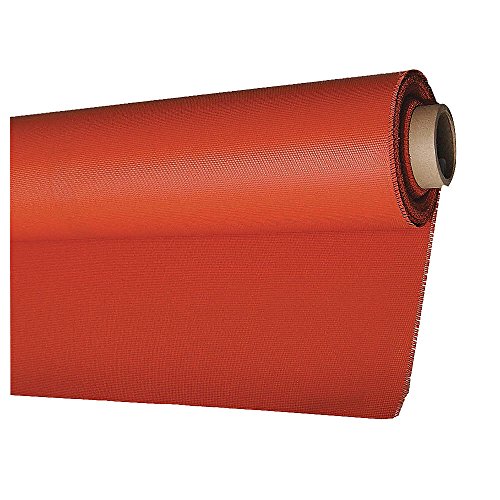
Withstands Temperatures in excess of 1200F (650C)
Watch Your Temperature Numbers
So, why does this matter? Because once your touchscreen hits around 70°C, the capacitive sensors start breaking down fast. That’s when things stop working smoothly.
Set up a temperature monitoring system that sends you alerts. You’ll know exactly when surfaces are getting too hot before actual damage happens. Think of it as an early warning system for your smart lock.
The Details That Count
Here’s the trick: use thermal adhesives rated for at least 85°C. They keep all the layers of your device glued together during those brutal hot-and-cold cycles. Position everything in shaded recesses instead of letting sun blast directly on it all day.
Frankly, regular maintenance combined with continuous monitoring stops expensive problems before they start. You won’t deal with delamination failures or dead screens mid-summer if you’re staying on top of this stuff.
Does your smart lock get direct afternoon sun? That’s your first problem to solve.
Frequently Asked Questions
Which Touchscreen Types Are Most Vulnerable to Heat Wave Damage, Resistive or Capacitive?
I’d say capacitive touchscreens are more vulnerable to heat waves than resistive ones. They’re ideal only between -5°C to 60°C, while resistive touchscreen technology offers better heat resistance, functioning reliably up to 65°C with less temperature impact overall.
How Many Heat Cycles Does It Take Before Adhesive Fatigue Becomes Irreversible?
I can’t give you a precise number because adhesive properties vary by manufacturer and material composition. However, I’d say thousands of thermal cycles typically trigger irreversible fatigue. You’re looking at accelerated degradation when temperatures consistently exceed your device’s rated operating range.
Do Indoor Smart Locks Face the Same Delamination Risks as Outdoor Displays?
I’d say indoor smart locks face considerably lower delamination risks than outdoor displays since they’re not exposed to extreme temperature swings. However, your indoor security system’s smart technology can still degrade if you’re running air conditioning inconsistently, creating thermal stress cycles.
What Is the Recovery Time for Touchscreen Functionality After Heat Exposure Ends?
I’ll tell you that touchscreen functionality typically recovers within minutes to hours once temperatures drop below 70°C—though here’s what’s striking: consumer-grade displays fail at 90°C, meaning recovery time depends entirely on how severely heat damaged your device’s adhesive layers.
Are There Insurance or Warranty Coverages for Heat-Induced Touchscreen Delamination Failures?
I’ll tell you straight: most standard warranty policies don’t cover heat-induced delamination since manufacturers classify it as environmental damage. Your insurance claims typically won’t help either—you’re usually responsible for heat-related device failures.