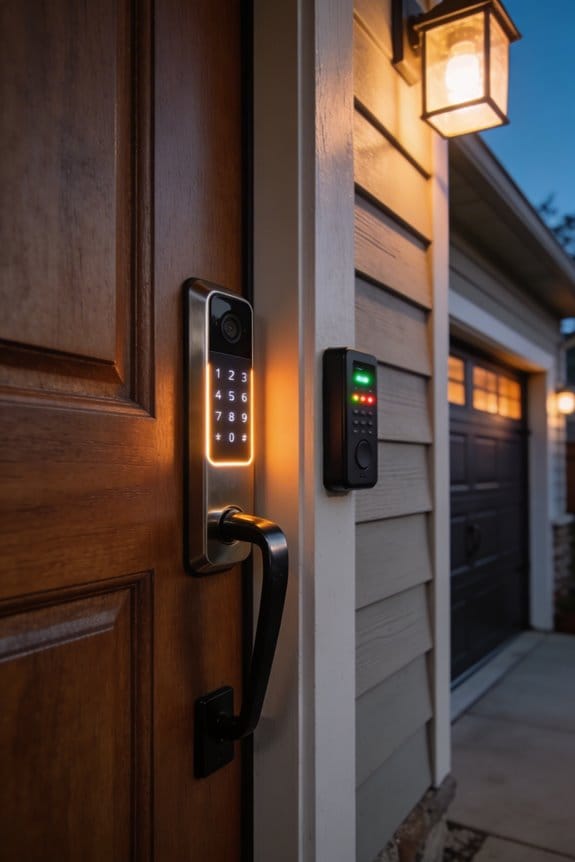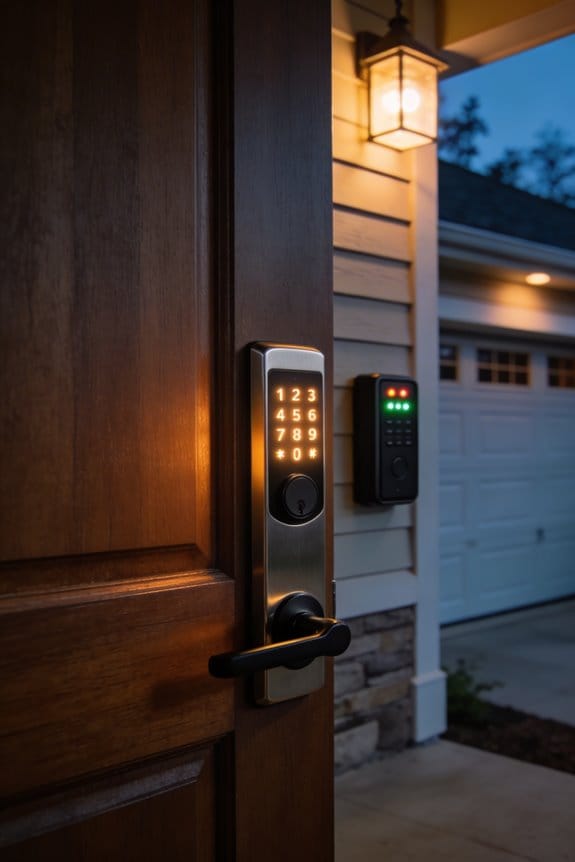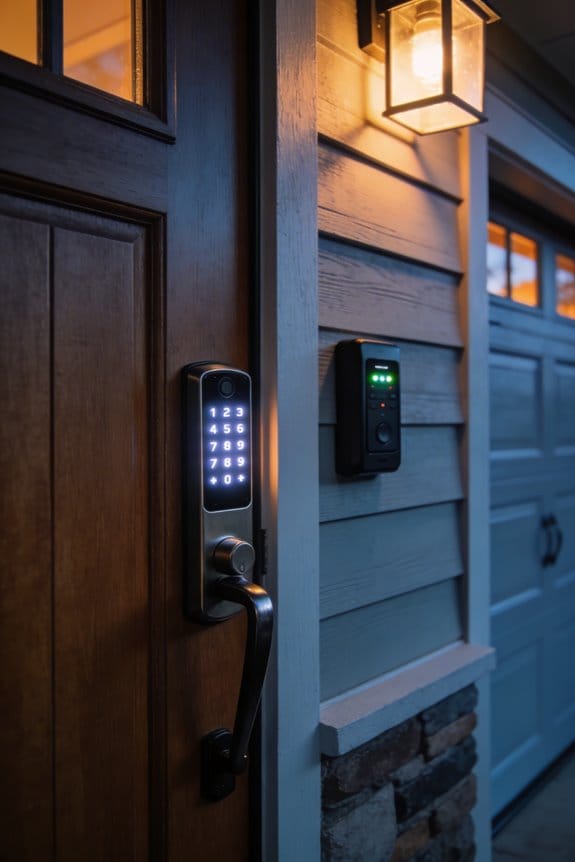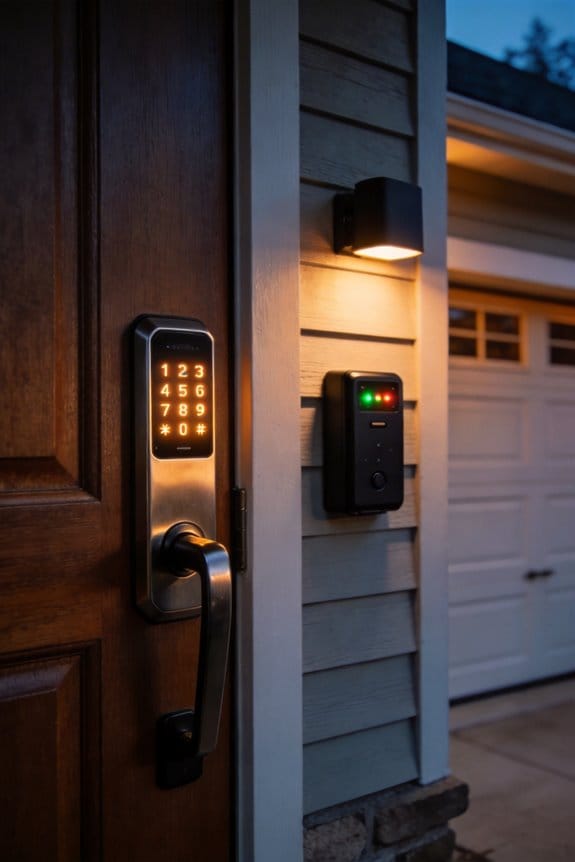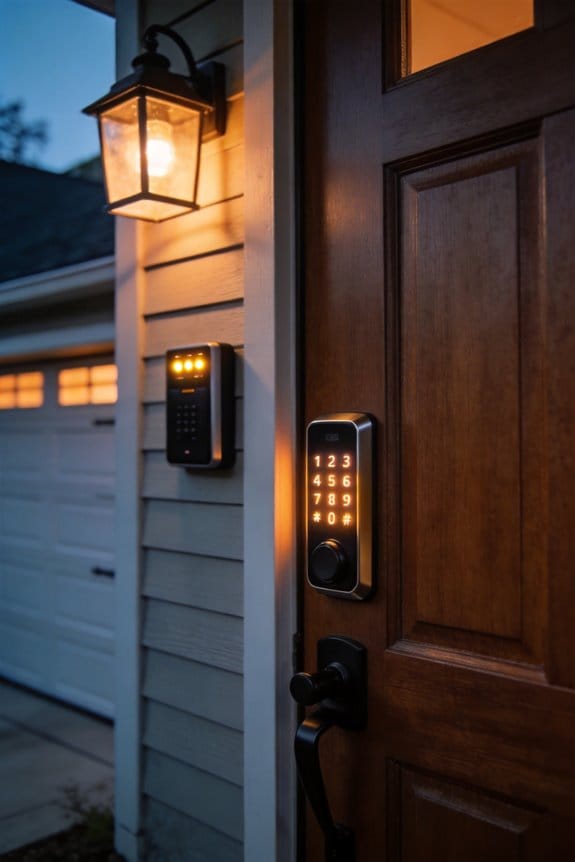

Hackers exploit Bluetooth vulnerabilities in residential neighborhoods using relay attacks that cost under $100 to execute. They position two relay devices near smart locks—like Kwikset Smartcode 915 or Weiser SmartKey models—to intercept authentication signals, fooling locks into believing the owner’s nearby smartphone is present when it’s thousands of miles away. Eavesdropping within ten meters captures unencrypted data. These attacks succeed because most smart locks lack latency-bounding defenses and adequate proximity verification. Understanding specific attack mechanics and vulnerable device models reveals actionable protective strategies.
Key Takeaways
- Hackers use relay devices costing under $100 to intercept Bluetooth signals and unlock smart locks from far distances in seconds.
- Attackers exploit weak proximity verification in smart locks like Kwikset and Weiser to bypass authentication through relay attack techniques.
- Criminals create fake Bluetooth networks with generic names to trick homeowners into connecting and expose personal data to theft.
- Eavesdropping within 10 meters of unencrypted Bluetooth devices in public areas allows attackers to intercept sensitive information and signals.
- Compromised smartphones can serve as master keys for homes when hackers exploit Bluetooth vulnerabilities to access smart lock systems remotely.
Why Homeowners Face Unique Bluetooth Risks?
Why Homeowners Face Unique Bluetooth Risks
Smart locks from brands like Kwikset and Weiser sound convenient—until you realize they might not be as secure as you think. Here’s what’s actually happening: these locks use Bluetooth Low Energy for authentication, but they don’t properly verify that your phone is actually near the lock. That’s a problem.
Attackers can sit hundreds of miles away and still unlock your door in about 10 seconds. They do this using something called a relay attack, and the hardware required costs less than $100. So, why does this matter? Because your lock’s authentication doesn’t confirm physical proximity—it just confirms a signal. If someone intercepts that signal and forwards it, you’re compromised.
The real issue comes down to how manufacturers built these locks. They didn’t include what security experts call “latency bounding defenses.” Translation: there’s nothing in the system that checks whether the signal delay is realistic for an actual nearby device. It’s like someone checking your ID over the phone without asking basic questions only you’d know the answers to.
Regulatory gaps make it worse. Bluetooth rules don’t currently require distance verification. That means companies have no legal mandate to fix this vulnerability, even though millions of homes are affected. Your neighborhood probably has dozens of these vulnerable locks on front doors right now.
Honestly, this puts residential properties in a tough spot. Remote attackers don’t need to be physically present to break in, and they’re not targeting just one house—they’re targeting entire neighborhoods at scale.
What’s one way to reduce your risk? Use a lock that requires a PIN code in addition to Bluetooth, and keep your phone’s Bluetooth off when you’re not actively using your lock.
Smart Locks and Garage Door Openers: Bluetooth Vulnerabilities Explained
Smart Locks and Garage Door Openers: Bluetooth Vulnerabilities Explained
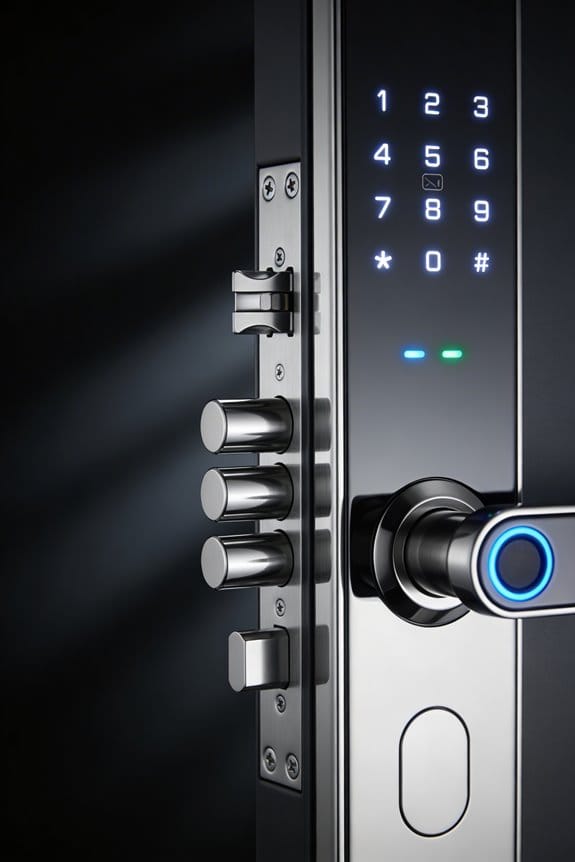
Are your smart locks really keeping you safe? You might be surprised by what I’ve learned about popular models like the Kwikset Smartcode 915 and Weiser SmartKey—they’re convenient, sure, but they come with some serious security gaps.
These locks connect through Bluetooth Low Energy, which sounds modern and secure. But here’s the thing: attackers can exploit weaknesses in how they authenticate your access. They don’t need to be standing outside your house either. Someone positioned anywhere in the world can open your lock in about 10 seconds once they’ve done some prep work behind the scenes.
So, why does this matter? Because garage door systems use the same Bluetooth technology. That means we’re talking about millions of properties potentially at risk—residential areas across the country where criminals could remotely open doors and get access to your garage, your vehicles, and your stored valuables.
The scary part? You don’t need expensive, specialized equipment to pull off these attacks. Off-the-shelf hardware that costs very little is sufficient. Frankly, that’s what keeps security experts up at night.
The real problem comes down to two things:
- Weak encryption that doesn’t hold up against determined attackers
- Latency-bounding defenses (the system’s attempt to prevent relay attacks) that sophisticated attackers know how to work around
What should you do? Consider adding physical security measures—a padlock on your garage door, a door brace, or a backup mechanical lock on your smart lock. Don’t rely solely on the wireless connection.
Bottom line: smart locks are convenient, but they’re not foolproof. Do you feel comfortable relying on Bluetooth alone to protect your home?
How Relay Attacks Unlock Doors From Thousands of Miles Away?
Want to know how someone thousands of miles away could unlock your smart door? It sounds like science fiction, but relay attacks are real, and they’re happening now.
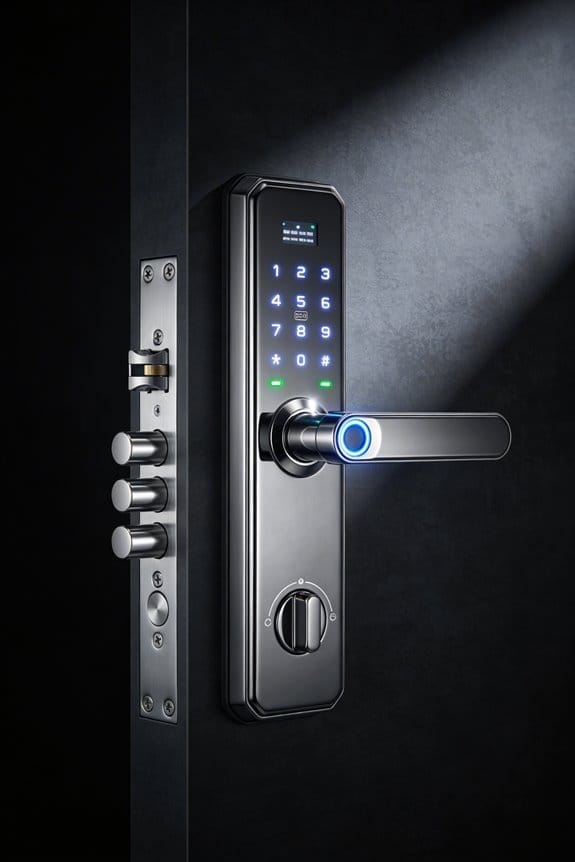
Here’s what’s actually going on: your smart lock uses Bluetooth to talk to your phone. It’s supposed to work only when your phone is nearby—that’s the whole point of “proximity authentication.” But attackers have figured out how to fake that closeness. They set up two relay devices—one near your lock, another wherever your phone is—and these devices basically play telephone with your lock’s security signals. The lock thinks your phone is right there, when you’re actually on the other side of the country. The whole thing happens in about ten seconds.
Why does this matter? Because Kwikset and Weiser make some of the most popular residential smart locks out there, and they’re vulnerable to this attack even with encryption turned on. You could use affordable hardware you can buy online to pull this off.
Now, the good news: physical barriers actually work. Padlocks, door braces, mechanical backups—these genuinely protect you against wireless exploits. But here’s the thing: they’re a band-aid on a bigger problem. The real issue is that distance-based security, the foundation that proximity authentication depends on, can be fooled. Once you understand that, you can start protecting yourself properly.
Try this: combine your smart lock with a physical backup. Don’t rely on Bluetooth alone. Add a deadbolt or a secondary lock that requires a key. Honestly, the best approach is treating your smart lock as convenient, not as your only line of defense.
Detect Eavesdropping in Your Neighborhood
Detect Eavesdropping in Your Neighborhood
Ever feel like someone’s listening in on your conversations? It sounds paranoid until you realize attackers can position themselves within 10 meters of your devices in public spaces—cafes, lobbies, trains, and gas stations. Once you know what to look for, spotting these attempts becomes a lot easier.
Check your Bluetooth settings regularly. Look for unexpected pairing requests, unfamiliar device names, or sudden connection drops when you’re not doing anything that should cause them. If something feels off, it probably is.
Neighborhood surveillance detection often involves noticing suspicious generic network names. You know, those WiFi networks called simply “iPhone” or “WiFi”? When you see the same generic names popping up across different locations, that’s worth paying attention to. Use your device’s Bluetooth scanning tools to document unknown transmitters—note the signal strength patterns and connection timestamps as you spot them.
So why does this matter? Because patterns reveal intent. Systematic documentation helps you figure out if you’re actually dealing with a real problem or just being cautious.
If unfamiliar devices keep trying to pair with yours or your audio cuts out randomly, don’t hesitate—disable Bluetooth immediately and move to a different location. Take screenshots, jot down timestamps, and note where you were when it happened. Over time, these details paint a clearer picture.
Honestly, most of us won’t ever encounter serious eavesdropping attempts. But knowing these warning signs means you can protect yourself if something does feel wrong.
Bluetooth Keyless Entry Systems: How Attackers Unlock Your Car
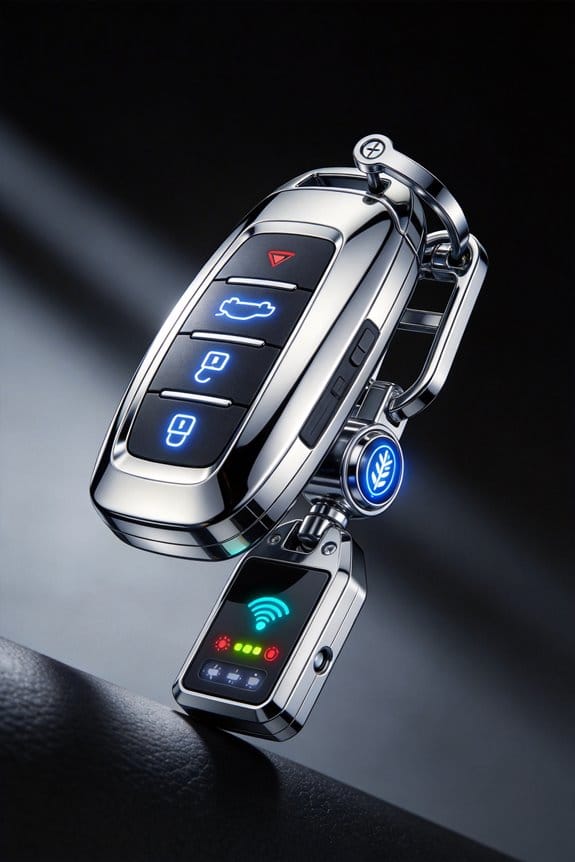
Your car’s keyless entry system—that convenient Bluetooth fob sitting in your pocket—works on the same basic trust system we’ve talked about before. But this time, the stakes are way higher. We’re talking about thousands of pounds of metal and glass, plus everything you’ve got inside it.
So, why does this matter? Because criminals have figured out how to trick your car into thinking you’re standing right next to it when you’re actually nowhere nearby. It’s called a relay attack, and honestly, it’s scarier than it sounds.
Here’s what happens: A sophisticated thief intercepts the signal between your key fob and your vehicle, then amplifies it to fool your car’s security system. Within seconds, they’ve unlocked your doors and started your engine remotely. The equipment needed? Surprisingly minimal. The time it takes? Just seconds, if they’re positioned right.
The tough part is that this vulnerability affects popular vehicles from major manufacturers. Even with security features in place, many cars still fall victim to these relay-based thefts.
But you’re not helpless here. Try this:
- Change your fob’s default settings through your vehicle’s menu system
- Disable Bluetooth when you park, or use your car’s Bluetooth settings to deactivate it
- Park in well-lit areas where potential thieves are more likely to get caught
- Consider a signal-blocking pouch for your key fob when you’re not using your car
These steps won’t make your car theft-proof, but they’ll make you a much harder target. Frankly, most criminals want the easiest score possible—and that’s not you if you take basic precautions.
Your car’s security starts with you being aware of the risks. What’s one step you could take this week to protect yourself?
How Attackers Use Your Phone to Break Into Your Home
Your smartphone is basically a master key to your home—and hackers know it. If someone compromises your phone through Bluetooth vulnerabilities, they can trick your smart lock into opening doors that should stay locked. It’s a real problem, and it’s worth understanding how it works.
Here’s what’s actually happening: Attackers using BLE relay techniques can fool Kwikset or Weiser smart locks from miles away. They intercept the authentication signals between your phone and your lock, then spoof credentials that look completely legitimate to your door. The encryption you thought was protecting you? It gets bypassed.
So, why does this matter? Because your phone’s location doesn’t matter to the attacker. Whether you’re home or traveling internationally, criminals can position themselves to capture and replay those Bluetooth signals. Your smart lock has no way to know the command is fake.
Try this to protect yourself:
- Keep your phone’s Bluetooth off when you’re away from home
- Update your smart lock firmware regularly (manufacturers patch these vulnerabilities)
- Use physical deadbolts as a backup—don’t rely entirely on smart locks
Honestly, the scariest part is how quickly a compromised phone leads to complete access. Once attackers get through your Bluetooth connection, your home’s physical security doesn’t matter anymore. All those other smart home protections you’ve set up become useless.
The takeaway? Your phone is only as secure as the weakest connection it makes. What’s your backup plan if your smart lock gets compromised?
Spot Fake Bluetooth Networks in Your Area
Spot Fake Bluetooth Networks in Your Area
Ever connected to what you thought was a safe network, only to wonder later if someone was watching? You’re not alone. Attackers are setting up fake Bluetooth networks in places you visit every day—gas stations, coffee shops, airports—with names so generic (“iPhone,” “WiFi”) that you’d never suspect them.
Here’s what’s actually happening: Criminals use these deceptive networks to grab your data the moment you pair with them. Your phone becomes an open book.
Protect yourself with these real steps:
The easiest move? Turn on connection warnings in your device settings. This way, your phone alerts you before connecting to unfamiliar networks instead of doing it automatically. Check your Bluetooth settings regularly too—if you spot device names you don’t recognize showing up over and over, that’s a red flag worth investigating.
Before you connect to anything, take 30 seconds to manually review what’s available. Ask a barista or gate agent to confirm the actual network name. In crowded spaces, honestly, just disable Bluetooth altogether. You don’t need it on all the time.
So, why does this matter? Because your device broadcasts its default name to everyone around you. Change it to something generic and non-identifying. Attackers can’t target what they can’t identify.
The bottom line: Stay aware of what you’re connecting to, and you’ve already won half the battle.
Quick Wins: Five Things to Do Today
Quick Wins: Five Things to Do Today
Your Bluetooth is basically an open door to hackers—relay attacks, fake signals, stolen passwords. The worst part? Most people don’t realize it’s happening. So let’s lock things down, starting right now.
Turn off Bluetooth when you’re out and about. Seriously. You don’t need it on in coffee shops or airports. That’s where attackers hang out, looking for vulnerable devices to target. It takes two seconds to toggle off.
Next up: update everything. Manufacturers constantly patch security holes in Bluetooth firmware, and you’re leaving yourself exposed if you skip those updates. Check your phone, headphones, smartwatch, car—anything with Bluetooth. Install pending updates today.
Here’s something most people overlook: those default PIN codes like 1234 or 0000? Replace them immediately. It’s laughably easy for someone to pair with your device using a standard code. Pick something random that only you would know.
What about your device names? That generic “iPhone” or “JohnSmith’s Galaxy” tells hackers exactly what you’re carrying and who you are. Change it to something neutral or obscure—something that doesn’t advertise your equipment or identity.
Finally, do a cleanup. Go through your paired devices list and delete anything you don’t recognize or haven’t used in months. Honestly, most people have Bluetooth connections from devices they forgot they owned. Quarterly check-ins take five minutes and prevent old connections from becoming security gaps.
These five moves tackle the real vulnerabilities without needing any fancy tools or deep technical knowledge. You’ve got this.
Change Bluetooth-Specific Defaults: PIN Codes, Device Names, and Visibility Settings
Change Bluetooth-Specific Defaults: PIN Codes, Device Names, and Visibility Settings
Your Bluetooth device came with factory settings designed for convenience, not security. That means a default PIN like 1234 or 0000, a bland name like “Device_5847,” and visibility turned on for anyone nearby to see. So, why does this matter? Because criminals know these defaults exist, and they’re counting on you not changing them.
Start with your PIN code. Those generic combinations—1234, 0000, 1111—are the first thing attackers try when attempting unauthorized pairing. Swap yours for something non-standard, something that doesn’t follow a pattern. You don’t need anything complicated, just something that breaks the predictability. This alone stops a huge chunk of casual pairing attempts in their tracks.
Next, rename your device. Generic names broadcast exactly what you’re using—whether it’s an iPhone, headset model, or speaker brand. Attackers use this information to understand what they’re targeting and what vulnerabilities might work. Give your device something plain and unremarkable instead.
Then there’s visibility. When your Bluetooth is discoverable, you’re essentially shouting to everyone within about 30 feet: “I’m here, try to connect to me.” Frankly, you don’t need this on all the time. Turn off visibility when you’re in public spaces or anywhere you’re not actively pairing something new.
Try this: Go into your device settings right now and knock out all three changes. It takes maybe five minutes total. The best part is you’re not buying anything or installing software—you’re just adjusting what you already have. These adjustments won’t slow you down or make pairing harder when you actually need it.
What’s one of these three changes you’ll tackle first?
Replace Vulnerable Bluetooth Devices Strategically
Your smart lock, wireless headset, or fitness tracker might already have a security problem. Researchers have found proximity authentication vulnerabilities across multiple brands and product lines, and honestly, that’s worth taking seriously.
The good news? You don’t need to panic-buy everything at once. Replacing your devices strategically—focusing on the ones that pose the biggest risk first—is your best defense against relay attacks and eavesdropping.
What should you replace first?
Smart locks made before 2023 are a priority. If you own one, it’s worth upgrading sooner rather than later. Audio devices from Sony and Bose that failed recent security audits also belong on your replacement list. Same goes for fitness trackers that don’t use latency-bounding protocols—basically, they can’t verify that signals are coming from where they should.
When you’re shopping for replacements, look for devices with stronger encryption, options to set custom PINs, and settings that keep them hidden by default. These features actually work.
So, why does doing this in phases matter? Here’s the thing: you’ll see real security improvements right away without draining your wallet. Start with your most-exposed devices and work your way through the rest over time.
The best part is that this approach fits into a normal budget. You’re not committing to one massive overhaul—just smart, gradual upgrades where they count most.
What’s your highest-risk device right now? That’s probably where you should start.
Frequently Asked Questions
Can Attackers Exploit Bluetooth Vulnerabilities in My Smart Home Devices Beyond Just Door Locks?
Yes, attackers can exploit your smart appliances beyond locks. They’re targeting your audio devices, tracking systems, and personal gadgets to breach data privacy. Hackers can eavesdrop on conversations, access your files, and intercept sensitive information across your entire connected home ecosystem.
What Is the Typical Cost for Criminals to Purchase Equipment Needed for Bluetooth Relay Attacks?
I’ll illuminate the hidden price of vulnerability: criminals need only minimal investment for Bluetooth attack equipment. Through cost analysis, I’ve found that off-the-shelf hardware enabling relay attacks costs surprisingly little—demonstrating how affordability transforms modest resources into powerful threats against your home’s security.
How Can I Verify if My Bluetooth Audio Devices Have Known Eavesdropping Vulnerabilities?
I’d recommend checking your device manufacturer’s website for security advisories and performing a vulnerability assessment through official channels. You can also research your specific model against known Bluetooth security measures databases to identify potential eavesdropping risks.
Are There Legal Consequences for Homeowners Who Fail to Secure Their Bluetooth-Enabled Residential Systems?
I’ll tell you plainly: you’re not legally liable for hacker attacks, but your device negligence exposes your home. You’re responsible for homeowner liability if your unsecured Bluetooth systems enable criminals to access neighbors’ devices or facilitate broader attacks.
Which Residential Bluetooth Device Brands Have the Highest Number of Documented Security Vulnerabilities?
I’ve found that Kwikset and Weiser smart locks show the most documented Bluetooth vulnerabilities in residential settings. Through device brand analysis, these locks remain vulnerable to remote exploitation despite security implementations, making them particularly concerning for homeowners seeking protection.