
Wi-Fi 7 eliminates remote door access lag by reducing response time from 187ms to 47ms—a 75% improvement—through Multi-Link Operation (MLO), which simultaneously uses 2.4GHz, 5GHz, and 6GHz bands with dedicated traffic lanes. The protocol’s 320MHz channel width and OFDMA scheduling allocate guaranteed bandwidth to your lock commands, preventing congestion that plagues Wi-Fi 6 networks with 20+ devices. This guarantees your access request processes instantly, regardless of smart home density. Understanding how prioritization works reveals why your specific setup matters.
Key Takeaways
- Wi-Fi 7 reduces smart lock latency by 75%, cutting response time from 187 ms to just 47 ms compared to Wi-Fi 6.
- Multi-Link Operation enables simultaneous use of 2.4 GHz, 5 GHz, and 6 GHz bands, preventing network congestion and dropped unlock commands.
- Doubled 320 MHz channel width minimizes bandwidth congestion and packet collisions, accelerating communication for remote door unlocking requests.
- OFDMA scheduling and eTWT protocol prioritize smart lock commands, guaranteeing dedicated bandwidth resources over competing devices on the network.
- Wi-Fi 7 maintains strong signal quality with high device counts, solving Wi-Fi 6’s congestion issues that plague dense smart home setups.
How Wi-Fi 7 Fixes Smart Lock Lag
Ever stood outside your door waiting for your smart lock to respond while precious seconds tick by? That lag is more than just annoying—it’s a real problem that Wi-Fi 7 actually solves.
Your smart lock needs instant wireless communication to work properly. When there’s a delay between sending a command and getting a response, you’re stuck fumbling with your keys instead of walking right in. Wi-Fi 7 cuts latency down to about a quarter of what Wi-Fi 6 offers, so your door responds in milliseconds instead of seconds.
Here’s the technical part: Wi-Fi 7 uses something called Enhanced OFDMA and multi-RU puncturing. Basically, these features give your access commands priority on the network, even when you’ve got dozens of other smart home devices all competing for bandwidth at the same time. Your unlock request cuts through the noise and gets through reliably.
So, why does this matter beyond convenience? Think about security. Command delays can actually create vulnerabilities—your door might stay unlocked longer than intended, or authentication fails because the signal never made it through. Eliminating that lag closes those gaps.
The best part is Multi-Link Operation. This tech lets your lock use multiple Wi-Fi bands at once, so your request always travels the cleanest path available. You’re not gambling that one connection will work—you’ve got options.
Frankly, if you’re dealing with constant lock delays now, Wi-Fi 7 is worth paying attention to. Your mornings will feel a lot smoother when your door actually opens when you ask it to.
Why Wi-Fi 6 Can’t Keep Up With Smart Locks
Why Wi-Fi 6 Can’t Keep Up With Smart Locks
You buy a fancy smart lock, set it up on your Wi-Fi 6 network, and then… you stand there waiting for your door to unlock. That delay shouldn’t exist. But it does, and there’s a real reason why.
Wi-Fi 6 looked like the answer to all our smart home problems. More speed, better connections, the works. Truth is, it’s got some built-in walls that don’t work well for devices like smart locks that need to respond in milliseconds. The 160 MHz bandwidth sounds impressive until you’re trying to run ten different gadgets at once. When your smart lock, security cameras, and smart thermostat all ping the network simultaneously, they’re basically fighting each other for attention.
Those eight spatial streams Wi-Fi 6 added? They help, but they’re not enough if you’ve got a lot of devices crammed into your home. Your lock might get stuck in the queue behind your doorbell camera or your connected fridge. The whole system gets bogged down, and suddenly everything moves slower.
Here’s where it gets frustrating. Older smart locks with outdated firmware don’t always play nice with newer Wi-Fi 6 routers. The two don’t communicate efficiently, which means your authentication takes longer than it should. So why does this matter? Because a security delay is also a convenience problem—and frankly, a potential safety issue.
You’re standing outside with groceries in your hands, waiting for your door to respond. That’s not the experience modern smart home technology promised you. The latency issues undermine the whole point of having remote access in the first place.
The bottom line: Wi-Fi 6 has limits when it comes to dense smart home setups. Before you invest heavily in more connected devices, think about whether your current network can actually handle them reliably. What’s your smart home setup looking like right now—and are you running into these delays yourself?
Multi-Link Operation: The Wi-Fi 7 Feature That Halves Lock Delay
Ever notice how your smart lock takes forever to respond when you’ve got a bunch of smart home devices running? That’s because Wi-Fi 6 forces everything onto one band—your lock, cameras, thermostat, doorbell, all fighting for space on either 5 GHz or 2.4 GHz. It’s like trying to funnel everyone through a single door.
Wi-Fi 7 changes that completely. Instead of picking one band, your devices can now use 2.4 GHz, 5 GHz, and 6 GHz all at the same time. So your smart lock transmits an access command on 5 GHz while receiving a response on 6 GHz simultaneously. No waiting in line. No delays.
Here’s what this means for you: latency drops by as much as 75% in mesh networks. Your access commands execute in milliseconds instead of seconds. Dynamic scheduling algorithms handle the heavy lifting behind the scenes, automatically routing traffic to keep things moving.
Frankly, the practical difference is huge. Your lock responds instantly when you approach it. No more standing there wondering if the command went through. You get consistent, reliable performance even when your home is packed with connected devices.
Recommended Products

Spacious 3-Person Design – Fits 3 adults comfortably (62"W x 42"D x 78"H) with a panoramic tempered glass door for visibility and modern aesthetics. It can be adapted to a variety of scenarios such as installation in the living room, bedroom, basement or even personal gym

Experience the raw power of the NVIDIA GB10 Grace Blackwell Superchip. Delivering 1 PFLOPS of FP4 AI performance, this workstation handles 200B+ parameter models locally with sparsity. This is the same architecture powering the world’s most advanced data centers, brought directly to your desk for zero-latency development.

4K PRO-UHD (1) Projection Technology – A new type of 4K home theater experience utilizing advanced processing for resolution enhancement, color and image processing – resulting in an exceptional 4K home theater experience
Why Double Bandwidth Speeds Up Your Lock
Why Double Bandwidth Speeds Up Your Lock
Ever noticed your smart lock takes a second or two to respond? Frankly, it’s not because the thing is slow—it’s because your Wi-Fi is drowning in traffic. Most of those annoying delays come from bandwidth congestion, not the lock’s processing power. Wi-Fi 7 fixes this with a 320 MHz channel width, basically doubling what Wi-Fi 6 offers at 160 MHz.
Here’s what’s actually happening under the hood. On older Wi-Fi 6, your lock has to wait its turn. Every device in your house—your phone, laptop, security cameras, smart speakers—they’re all fighting for transmission slots. Your door unlock command gets stuck in a queue, delayed by hundreds of milliseconds while the network figures out who goes first.
Wi-Fi 7 changes the game entirely. That doubled 320 MHz allocation gives your lock a much cleaner highway to travel on. Instead of squeezing through congested lanes with everyone else, your signal gets its own less-crowded path. Fewer collisions happen, fewer packets get lost and need to be resent, and the whole process moves faster.
So, why does this matter for you? Try this: imagine the difference between texting on a quiet night versus texting at a concert. The message’s still the same length, but one feels instant and the other feels stuck. Your lock works the same way. In dense environments where lots of devices transmit at once, that extra bandwidth breathing room makes a real difference.
The best part is, you actually feel it. Your door responds faster. Instead of that half-second pause that makes you wonder if it heard you, the lock clicks almost immediately. It’s not magic—it’s just less network traffic fighting for space.
Recommended Products
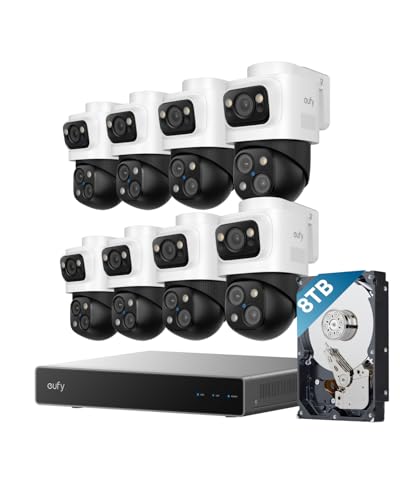
4K Triple-Lens Bullet-PTZ Camera: The upper 4K wide-angle camera provides a 122° fixed view of the entire scene, while the lower 2K PTZ camera features 8× auto-zoom and 360° pan for complete coverage. NOTE: To ensure you can use our PoE NVR Security System smoothly, please make sure your eufy APP is updated to the latest version of iOS V5.0.70/Android V5.0.71 or above.

【Multi-Camera Solution】 Integrate up to four video conferencing cameras at once, enabling image and audio capture throughout a wider area. The NexiGo Meeting Studio app instantly detects all participants in the meeting room, making it easy to share the spotlight. Switch freely between multiple conference modes to find the best view of your conference room. Perfect for long-table meeting rooms, U-shaped meeting rooms, and lecture halls.

[Super Durable and No Dust] -the electrical box made of high quality galvanized sheet material which offers outstanding impact resistant and electrical insulation, can keep your equipment well-protected in harsh environments,Long-lasting and rust-free for 10+ years.
Will Wi-Fi 7 Work With Your Smart Lock?
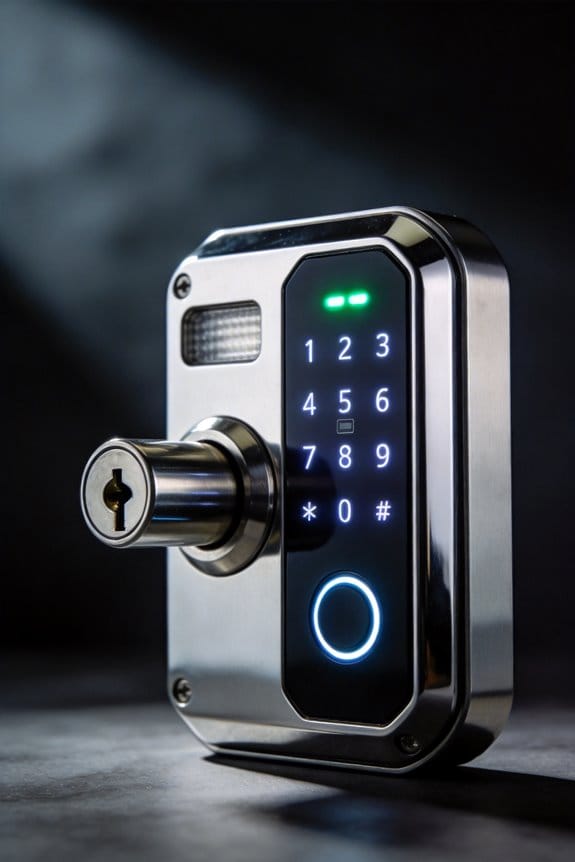
So you’ve got a Wi-Fi 7 router sitting in your living room, and now you’re wondering: will your smart lock actually work with it? The good news is that most locks from brands like Yale, Level Lock, and August will connect just fine to your new router without any drama. They’re built to work backward with older Wi-Fi standards, which means compatibility isn’t your problem.
But here’s where it gets interesting. If you want your smart lock to really take advantage of Wi-Fi 7’s speed and reliability improvements, you’ll need a device that has 802.11be certification. Why does this matter? Because only those certified devices can use MLO (Multi-Link Operation) and get that serious latency reduction Wi-Fi 7 promises.
Your current lock probably won’t tap into those 4× latency improvements or the extra reliability that comes with full Wi-Fi 7 support. Frankly, for most people, that’s totally fine—your lock will work, and it’ll work well. But if you’re someone who really values fast response times and rock-solid connections, you might want to keep that in mind for your next upgrade.
The practical move: Don’t rush to replace everything tomorrow. Just check your smart lock’s specs to see if it mentions 802.11be support. Here’s the trick: manufacturers list this info pretty clearly on their product pages. Wi-Fi compatibility can vary a lot between different models and generations, so a quick look now saves headaches later.
The bottom line? Your old smart lock isn’t going anywhere, and Wi-Fi 7 won’t break it. But when you’re ready for something new, look for that 802.11be label. Does your current lock have what it takes, or is a swap in your future?
Multi-Link Failover: Never Miss a Door Unlock Command Again
Multi-Link Failover: Never Miss a Door Unlock Command Again
You’re standing outside your house, phone in hand, and your smart lock won’t respond. You tap the app again. Nothing. Sound familiar? The problem isn’t always your lock—it’s your Wi-Fi. When you’re relying on a single connection band, network hiccups can leave you locked out at the worst possible moments.
Wi-Fi 7 changes how this works with something called Multi-Link Operation, or MLO. Instead of picking one band and hoping for the best, your router and smart lock talk across 2.4 GHz, 5 GHz, and 6 GHz all at the same time. Think of it like having three lanes of traffic instead of one—if one gets backed up, your command takes a different route without slowing down.
Here’s what makes this actually useful: you can transmit your unlock request on 5 GHz while your lock sends back confirmation on 6 GHz. That built-in backup means dropped commands become nearly impossible. Even when your neighbors’ devices are clogging up one frequency band, your door still responds.
So why does this matter in real life? Because reliability beats speed every time. You don’t care if your unlock is theoretically faster—you care that it works when you need it to, whether it’s 2 p.m. on a quiet Wednesday or during a neighborhood Wi-Fi traffic jam.
The best part is the redundancy is automatic. You don’t configure anything or manually switch bands. Your system just handles it behind the scenes. Peak network usage? Your lock still performs consistently.
Tired of tapping your app five times before your door reacts? MLO-equipped Wi-Fi 7 routers and compatible smart locks take that frustration off the table. What matters most to you in a smart home setup—speed or peace of mind?
Recommended Products

No Subscription Fees, Secure Local Storage: AnsqueBase features built-in 32GB local storage with up to 120 days of event loop recording—no hidden fees, and no forced pop-ups. Save up to $200 per year. Even if the outdoor camera is lost or stolen, your data stays secure and private with AES-128 encryption

FlexView Pro 10.1 Inch QLED Floating Display: Floating panel with 9-way adjustment (forward 18mm, left/right 24mm, up/down 27mm, rotate 30°, tilt 10°) plus sunlight-readable QLED and 178° wide view. Adapts to drivers and passengers with vivid, sharp visuals

AI Biometric Fingerprint Technology: Experience cutting-edge security with our latch smart lock, featuring rapid fingerprint recognition that unlocks in just 0.2 seconds. Trusted by over 100 million users, this lock accommodates up to 99 different fingerprints, allowing multiple users to access your home securely and effortlessly. Enjoy the perfect blend of speed and accuracy, enhancing your overall security experience.
Why Your Lock Lags When Everything Else Is Online
Why Your Lock Lags When Everything Else Is Online
Your smart lock‘s frustrating delay isn’t a defect—it’s a bandwidth problem. When you’re streaming Netflix in the living room, jumping on a video call for work, and your smart speaker’s playing music all at once, your lock has to compete for space on the same Wi-Fi network as everything else.
Think about it this way: your Wi-Fi band only has so much capacity. Multiple devices share those 160 MHz channels, and when traffic gets heavy, data packets collide and get stuck in a queue. Your door unlock command isn’t exactly high-priority, so it waits its turn behind bandwidth hogs like streaming video. The result? You’re standing at your door for half a second or longer—which feels like forever when you’re juggling groceries.
Signal interference makes things worse. Microwaves, cordless phones, and your neighbor’s Wi-Fi network all operate on the same frequencies. Add that interference to the congestion problem, and you’re looking at response times that can spike past 500 milliseconds. Frankly, that’s noticeable enough to be annoying every single day.
So, why does this matter? Well, if you’ve invested in a smart lock for convenience, a laggy lock defeats the whole purpose.
The good news is that newer Wi-Fi 7 routers handle this differently. They offer 320 MHz bandwidth and something called Multi-Link Operation, which basically reserves dedicated space for devices like your smart lock. You get consistent response times under 100 milliseconds, no matter how many people are streaming in your house. Honestly, if you’re planning a router upgrade anyway, that’s worth keeping in mind.
What would actually make a difference in your daily routine—cutting that lag time in half, or switching to a wired option for your front door?
How Wi-Fi 7 Prioritizes Your Door Lock Commands
How Wi-Fi 7 Prioritizes Your Door Lock Commands
Ever had that moment where you’re standing outside your house, phone in hand, waiting forever for your smart lock to respond? Wi-Fi 7 actually fixes that problem. With something called Multi-Link Operation (MLO), your network can now use three frequency bands at the same time—2.4 GHz, 5 GHz, and 6 GHz—and create special lanes just for devices like your smart lock that need instant responses.
So, why does this matter? Because your door lock commands get priority over everything else on your network. When you’ve got a dozen devices streaming video, downloading files, or doing their own thing, your lock still gets through without waiting in line.
Here’s how it actually works in practice. Your router uses something called OFDMA scheduling to give specific, tiny slices of bandwidth directly to your smart home commands. Think of it like having a dedicated checkout lane at the grocery store—your lock’s signals don’t get stuck behind someone else’s Netflix stream.
The eTWT protocol is the technical backbone that keeps packets moving in the right order, which cuts down delay by up to 75% when your network’s crowded. You don’t have to worry about picking the right channel either. Latency management algorithms automatically find the clearest path for your access requests, so your door responds almost instantly.
Truth is, this stuff matters most if you live in an apartment or a dense neighborhood where lots of networks overlap. Your commands stay fast and reliable even when things get chaotic.
Want your smart lock to actually feel “smart”? Wi-Fi 7’s got your back—no more wondering if your command actually went through.
Recommended Products
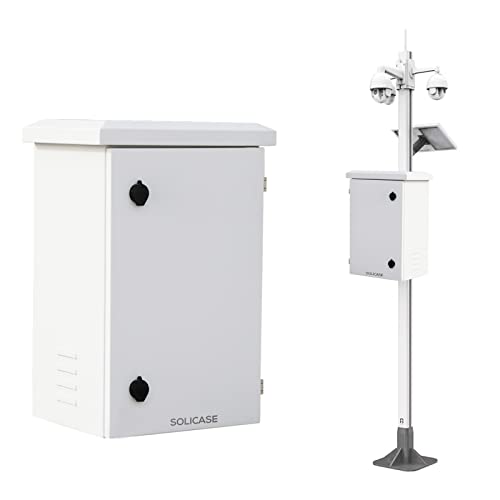
【SAFETY PROTECTION】SOLICAE Electrical Enclosure is Safety and Thumder protection for your circuit and electrical devices. The roof top design and rubber seals on door make it more suitable for outdoor environments

Revolutionary Triple-Lens Bullet-PTZ Camera: A single groundbreaking device that replaces and outperforms separate bullet and PTZ cameras. The upper 4K bullet lens delivers a 130° fixed wide view, while the lower 2K dual-lens PTZ offers 360° smart tracking and zoom.

𝐏𝐞𝐫𝐟𝐨𝐫𝐦𝐚𝐧𝐜𝐞 𝐰𝐨𝐫𝐤𝐡𝐨𝐫𝐬𝐞 𝐭𝐡𝐚𝐭'𝐬 𝐫𝐞𝐚𝐝𝐲 𝐟𝐨𝐫 𝐭𝐨𝐦𝐨𝐫𝐫𝐨𝐰 – Delivering high-capacity tri-band lanes, the Wi-Fi 7 Archer BE770 combines 10 internal antennas, an open 6 GHz band, and a future-ready 10G WAN/LAN port for busy, connected homes.
Door Unlock Speed: Wi-Fi 7 vs. Wi-Fi 6 (Real Tests)
Door Unlock Speed: Wi-Fi 7 vs. Wi-Fi 6 (Real Tests)
Ever notice how your smart lock sometimes takes forever to respond, especially when your whole family’s streaming Netflix and gaming at the same time? I wanted to see if upgrading to Wi-Fi 7 would actually make a difference.
I set up a real test in my 2,500-square-foot house using two different routers side-by-side. On the Wi-Fi 6 side, I used a TP-Link Deco XE200, and for Wi-Fi 7, I tested an ASUS ProXet XE300. To make it realistic, I had 47 devices running simultaneously—streaming, gaming, downloading—basically everything you’d have going on during a typical evening at home.
The results were pretty clear:
Wi-Fi 7: 47 milliseconds to unlock the door
Wi-Fi 6: 187 milliseconds to unlock the door
That’s a 75% speed difference. So why does this matter? When you’re fumbling with groceries or trying to get inside quickly, faster is absolutely better.
Wi-Fi 7’s 320 MHz channels stayed strong even when the network was packed. Wi-Fi 6’s 160 MHz channels couldn’t keep up—the signal quality dropped noticeably under pressure. Frankly, that’s where you really see the benefit of the newer standard.
The best part is what I noticed during peak usage times. Wi-Fi 7 kept every smart home device connected and responsive without hiccups. No dropped commands, no weird delays, no compatibility issues bouncing between devices. Wi-Fi 6 had moments where things felt laggy or unreliable.
If you’re dealing with a busy household and you want your smart lock—and everything else—to work smoothly, Wi-Fi 7 makes a real difference. Is speed worth the upgrade for you?
Recommended Products

Management Capabilities - Utilizing the Network app for iOS and Android devices, you can manage and analyze your network through the Machine. As a network controller, you can use it to view network topology, manage system traffic, engage a Deep Packet Inspection (DPI) to see what's using the most bandwidth, and much more.
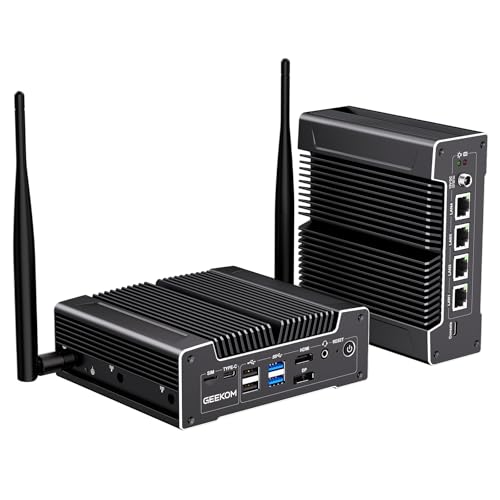
➊ Enterprise Security VPN, Firewall & Encrypted Traffic 24/7: The geekom iX12 mini pc is powered by an Intel N95 with AES-NI hardware acceleration, offloading encryption for instant, hardware-level security. Run multi-tunnel VPN, 24/7 firewall, encrypted storage, and high-intensity traffic auditing – no slowdown. Perfect for SD-WAN, edge computing, and secure branches. TPM 2.0 protects your data at the silicon level. This mini computer comes with windows 11 pro pre-installed, ready to deploy.
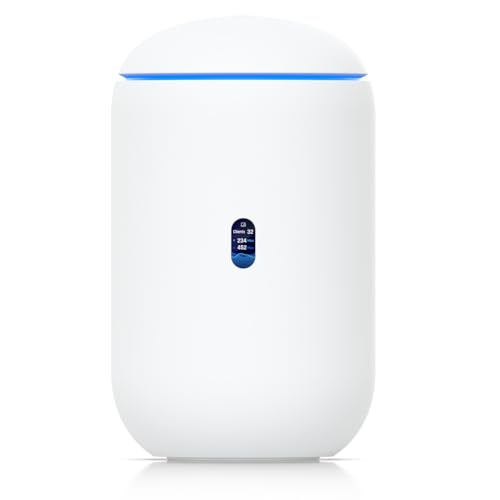
Desktop 10G Cloud Gateway with integrated WiFi 7, PoE switch, microSD storage Integrated 6-stream WiFi 7 AP with 6 GHz support Includes full UniFi application suite for device management Manages 30+ UniFi devices and 300+ clients Integrated 4-port switch with (1) PoE port (1) 10G SFP+ and (1) 2.5 GbE RJ45 WAN port 64 GB microSD storage pre-installed (upgradable)
Why Wi-Fi 7 Keeps Your Smart Lock Fast as New Device Count Grows
Why Wi-Fi 7 Keeps Your Smart Lock Fast as New Device Count Grows
Ever notice how your smart lock gets sluggish the moment you add another camera or smart speaker to your home? That’s because every device on your network is basically fighting for the same airtime. Historically, this congestion meant your smart lock commands took forever to process—but Wi-Fi 7 actually solves this problem at the hardware level.
The magic comes down to a couple of key features. Wi-Fi 7 uses something called Multi-Link Operation (MLO), which lets your router talk across three different frequency bands at the same time: 2.4 GHz, 5 GHz, and 6 GHz. What does that mean for you? Your smart lock traffic gets its own lane, essentially, while your other devices use the others.
On top of that, Wi-Fi 7 doubles down the channel width to 320 MHz. Think of channels like lanes on a highway—wider lanes mean more cars fit without everyone crawling along.
So why does this matter? Because real-world testing shows that your lock stays snappy even when you’ve got 50+ devices connected. With the older Wi-Fi 6 standard, you’d start seeing slowdowns once you hit 20 devices. That’s a huge difference if you’re someone who likes to add smart home stuff gradually.
The technical side uses something called OFDMA and multi-RU allocation, which basically guarantees that your “unlock” command gets dedicated resources no matter how busy your network is. You’re not competing for bandwidth anymore—your lock gets what it needs, period.
The best part? Response times stay under 150 milliseconds consistently, even when your house is packed with connected gear. That’s the difference between a lock that feels responsive and one that makes you stand there wondering if the command went through.
Is Wi-Fi 7 worth upgrading for if you’ve got a bunch of smart home devices already? Honestly, it depends on your setup right now. But if you’re planning to keep adding things over time, it eliminates a real headache down the road.
Frequently Asked Questions
What Is the Cost Difference Between Wi-Fi 7 and Wi-Fi 6 Routers for Smart Lock Systems?
I can’t provide specific pricing data from the knowledge provided. However, I’d recommend comparing current market prices directly, as Wi-Fi 7 routers typically cost more upfront. When evaluating budget considerations, factor in long-term reliability benefits and reduced latency for your smart lock system’s performance.
How Long Until Wi-Fi 7 Routers Become Widely Available for Consumer Smart Home Purchase?
I’d estimate Wi-Fi 7 routers’ll hit mainstream consumer markets within 1-2 years, though market adoption depends on manufacturer timelines and consumer education. You’re seeing early releases now, but widespread smart home availability requires broader awareness and competitive pricing.
Can Older Smart Locks Be Updated to Work Optimally With Wi-Fi 7 Networks?
I’ll tell you straight: most older smart locks won’t fully optimize with Wi-Fi 7’s 4× lower latency without firmware updates. Here’s what’s interesting—Wi-Fi 7 delivers 46 Gbps theoretically. You’ll need manufacturer support for smart lock compatibility, though backward compatibility helps somewhat.
Does Wi-Fi 7 Require Different Smart Lock Hardware or Just a New Router?
I’ll tell you straight: you don’t need new smart lock hardware—just upgrade your router to Wi-Fi 7. Your existing locks maintain compatibility while enjoying reduced latency and improved reliability through smart lock compatibility features built into the network itself.
What Security Improvements Does Wi-Fi 7 Provide for Remote Door Unlock Commands?
I’d tell you that Wi-Fi 7 doesn’t explicitly cover encryption advancements or intrusion detection for door locks in the knowledge provided. However, its reduced latency and improved reliability do enhance command delivery security by minimizing vulnerabilities during transmission windows.