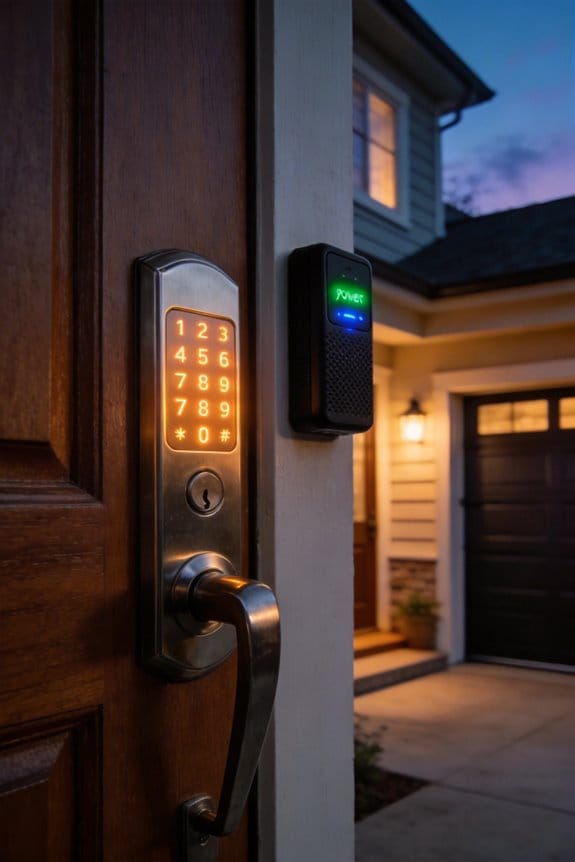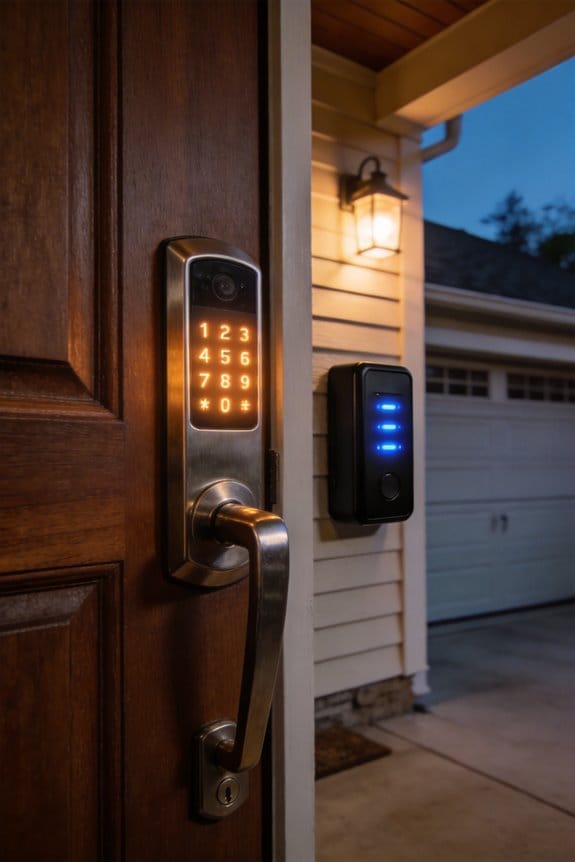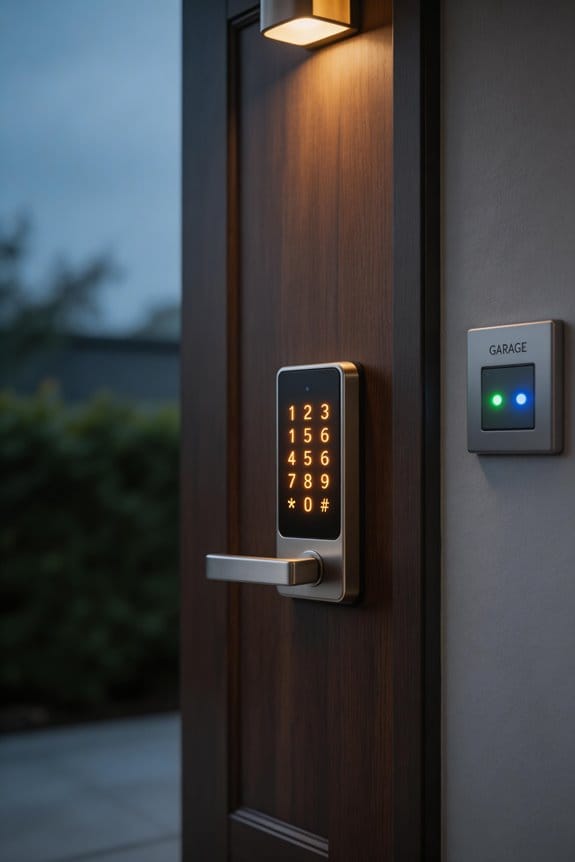

We’ve witnessed keypads evolve from mechanical switches to capacitive touchscreens, each offering distinct accessibility advantages. Tactile keypads deliver satisfying feedback and function reliably in gloves, cold temperatures, and harsh environments—lasting roughly 100,000 presses. Touchscreens excel in cleanliness-critical settings like healthcare, typing 61-71% faster on mobile devices, though they struggle with dry skin and thick gloves. Neither technology dominates universally; ideal choice depends on your specific environmental conditions, user capabilities, and industry demands. Explore our detailed analysis for tailored recommendations.
Key Takeaways
- Tactile keypads enable reliable typing without visual feedback, while touchscreens excel in complex app environments requiring visual interaction and feedback.
- Touchscreens achieve 61-71% faster typing speeds in mobile scenarios, though mechanical keypads reduce errors during one-handed or bumpy conditions.
- Physical buttons wear after 100,000 presses; touchscreens last millions of taps but require ongoing maintenance and calibration for optimal performance.
- Industry-specific solutions vary: healthcare prefers touchscreens for hygiene, mechanics favor glove-compatible keypads, while warehouses prioritize physical buttons for durability.
- Hybrid systems combining mechanical reliability with haptic feedback represent the future, offering tactile confirmation, low error rates, and enhanced accessibility features.
Tactile vs. Touchscreen: Core Differences
When it comes to choosing between tactile keypads and touchscreens, you’re looking at two very different ways to input data. Have you ever tried typing on a tactile keypad and felt that satisfying click? It gives you a sense of control that’s hard to beat. Tactile keypads use mechanical switches and have physical barriers between the keys. This means you can type without always needing to look at the screen, which is super helpful when you’re in a hurry or in low-light situations.
On the flip side, touchscreens offer an entirely different experience. Instead of buttons, you get a flat surface that responds to your fingers. They rely on capacitive sensing technology, making it possible to interact in a more visual and intuitive way. The touchscreen is great when you want to swipe, tap, or pinch to zoom. So, why does this matter? If you’re in a setting where visual feedback is key—like when navigating a complex app—a touchscreen might serve you better.
Now, let’s talk durability. Tactile keypads can take about 100,000 presses before showing signs of wear, while touchscreens can handle millions of taps. Truth is, if you’re using gloves or in a situation where visibility is poor, tactile options can really shine. But if you’re in a more controlled environment and want a clean display, touchscreens generally have less maintenance.
Here’s the trick: Think about where and how you’ll be using the device. If it’s mostly indoors where you can easily see the screen, a touchscreen could suit you just fine. If you’re often outside or in challenging conditions, a tactile keypad might be your best bet.
In the end, both options have their perks and drawbacks, and it really comes down to your preferences and needs. What’s your priority—visibility and ease of use, or tactile feedback and durability?
Which Should You Choose? Decision Matrix by Use Case
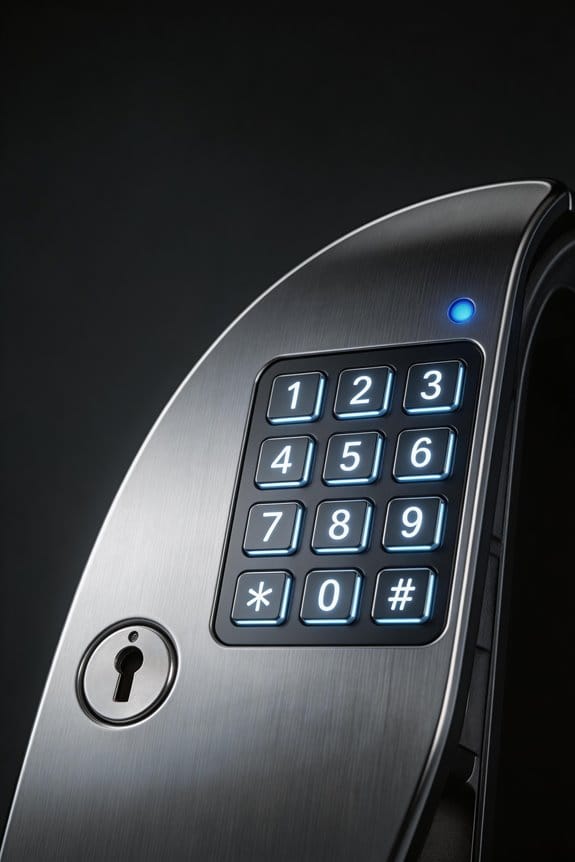
Ever found yourself trying to decide between a tactile keypad and a touchscreen for your next project? It can be a bit of a head-scratcher! It really comes down to the setting and the people using the device.
Field workers, for instance, often deal with gloves and tough conditions. For them, a mechanical keypad is the way to go. On the flip side, restaurant staff usually thrive with touchscreens. They’re easy to clean, which is a big plus in a busy kitchen.
Now, think about the experience level of the users you’re designing for. If the workers are seasoned pros, they likely want physical keyboards. They’re faster for typing, no doubt. But for beginners, those touchscreen icons are super handy and intuitive. They make it easier to get started without a steep learning curve.
Consider mobile users too. If they’re on the go, touchscreens deliver. Studies have shown that they can achieve about 61.29% more characters per minute than a physical keypad. But if someone is stationary, tactile feedback is golden for accuracy.
And let’s not forget accessibility. Visually impaired users rely on physical keys for confirmation, while budget-friendly options might lean toward numeric touchpads. When it comes to durability, you don’t have to worry too much; mechanical buttons can handle about 100,000 presses, while touchscreens are built to withstand millions of taps.
Recommended Products

Premium Leather: Made from high-quality tan leather to deliver long-lasting performance, flexibility, and reliable protection on the job; Heavy-duty leather work gloves

Precision Fit & Dexterity: Mechanix Wear FastFit Work Gloves have a single-seam wrapped fingertip and 2-piece palm design and a full-wrapping easy on/off elastic cuff
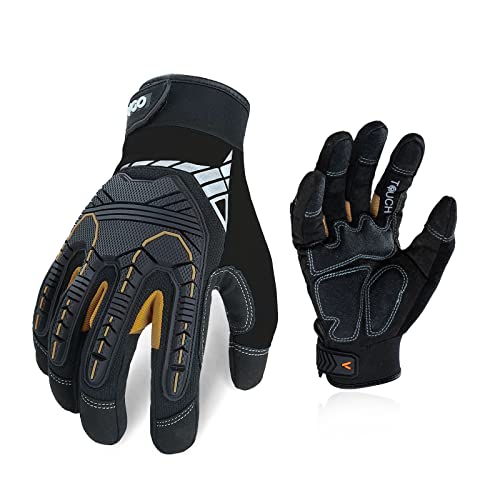
VERSATILE APPLICATIONS - Perfect for power tools, construction, motorcycling, tactical and DIY heavy-duty works that require higher protection
Performance Comparison: Speed and Accuracy in Real Conditions
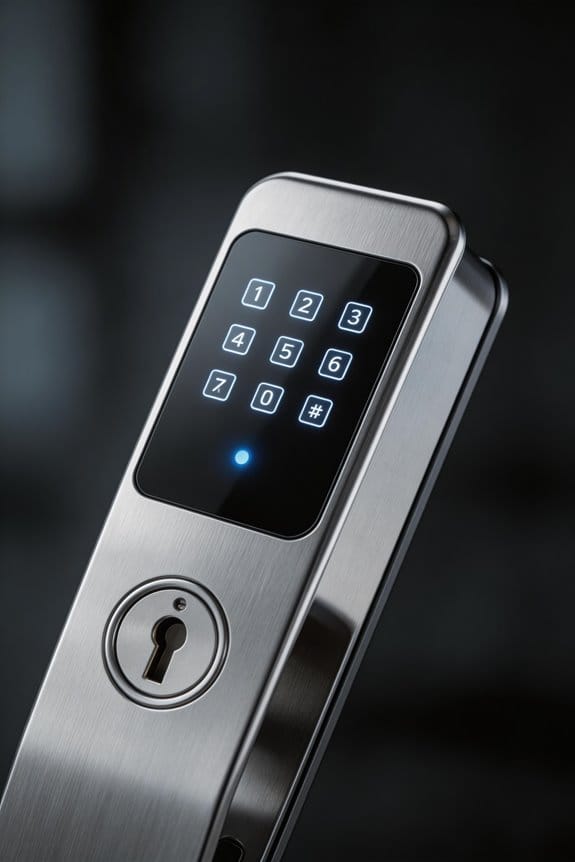
Have you ever found yourself trying to type a message while walking or waiting in line? It’s frustrating when you just want to get your thoughts out but your device makes it harder. So, let’s dive into the ongoing debate between tactile keypads and touchscreens in real-life scenarios.
Research shows that while you’re on the move, touchscreens can help you type about 61.29% more characters per minute. If you’re standing still, that jumps to 71.26%. But hold up—when it comes to calm, controlled environments, physical keyboards still outperform with faster overall typing speeds. So, what gives?
It’s worth noting that error rates are pretty comparable between the two. Frankly, that might be surprising. This tells us that touchscreens have seriously improved over the years. However, if you’re the type who often types one-handed or on bumpy rides, the tactile feedback from physical keys can really cut down on those annoying accidental taps.
Now, let’s talk durability. Physical buttons can take around 100,000 presses, which sounds pretty good until you hear that touchscreens can handle millions of taps. This tells you that each option has its strengths depending on how and where you plan to use your device.
In the end, figuring out what works best for you really comes down to your daily routine. Are you mostly typing on the go or in a more stable setting? Finding the right balance can make all the difference in your typing experience. What’s your go-to method—do you prefer the old-school reliability of a physical keyboard or the sleekness of a touchscreen?
Recommended Products
![ASUS [2017 Version] ZenBook UX330UA-AH5Q 13.3-inch QHD+ Ultra-Slim Laptop (Core i5 Processor, 8GB DDR3, 256GB SSD, Windows 10), Harman Kardon Audio, Backlit Keyboard, Fingerprint Reader](https://m.media-amazon.com/images/I/417YCcSH8HL._SL500_.jpg)
13.3 inch QHD+ 3200x1800 16: 9 display 300nits wide view 170 degrees with Windows 10 Pre-installed

SUPERCHARGED BY M2 — The 13-inch MacBook Pro laptop is a portable powerhouse. Get more done faster with a next-generation 8-core CPU, 10-core GPU and up to 24GB of unified memory.
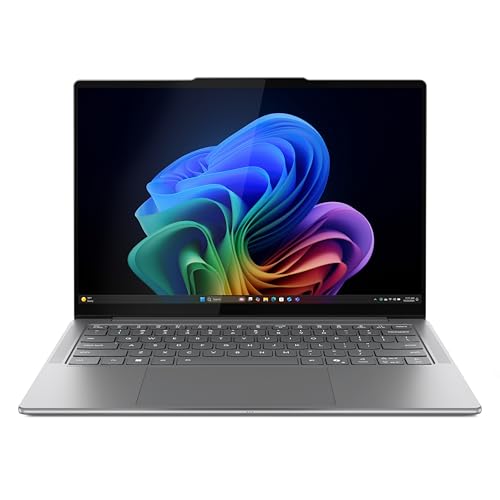
CREATE LIMITLESSLY – The Lenovo Slim 7i Aura Edition packs 17 hours of battery life in a lightweight chassis that starts at just 2.82 lbs. Thin yet durable, the Lenovo Slim 7i Aura Edition is ready to streamline your adventures with Smart Experiences.
Durability in Harsh Environments
Have you ever found yourself frustrated trying to use a device with a keypad or touchscreen in a messy situation? It’s a common annoyance, especially when you’re dealing with dirt, moisture, or extreme temperatures. The truth is, each technology has its strengths and weaknesses when facing these challenges.
Physical buttons can handle around 100,000 presses before they start to wear out. On the flip side, touchscreens are built tough, surviving millions of taps in ideal conditions. However, it’s not all sunshine and rainbows for physical keypads. When dirt and grime sneak underneath the keys, they can become sticky or even unresponsive. So, why does this matter? Well, if you’re in an environment where debris is a constant factor, these buttons may not perform as expected.
Touchscreens, on the other hand, do a great job resisting dirt and moisture. Since they lack moving parts, there’s less chance for little contaminants to get stuck and cause issues. For an extra layer of protection, membrane keypads can be a solid option. These feature keys embedded within sealed surfaces, making them a good middle ground for environmental resistance.
For those of you working outside—whether on a construction site, in an industrial facility, or even out at sea—you might find that physical buttons still hold their own. Despite some wear and tear, these buttons often stand up better in tough outdoor conditions. However, if you’re in a restaurant or retail setting where cleanliness is key, touchscreens can really shine without the mechanical issues that might shorten their lifespan.
Recommended Products
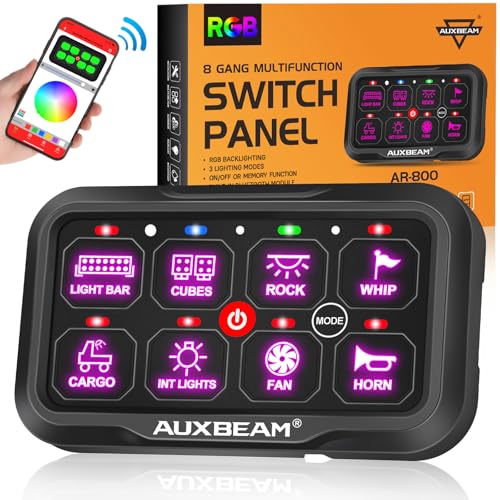
【APP Control Bluetooth Switch Panel】Command your vehicle with the Auxbeam switch panel with app control ! This Bluetooth switch panel (FCC Certified, Certification No:CCIT-2023051902C) outperforms basic panels. Unlock unlimited colors on this RGB switch panel, create custom lighting scenes, and control all 8 gangs via your phone. This 8 gang switch panel with Bluetooth is the ultimate smart upgrade.

Stand alone unit is appropriate for use on gates or doors effected by climactic conditions

Rugged Design: Suitable for industrial applications, functioning between -20℃ and +65℃, with a key lifespan of over 10 million cycles.
Usability Challenges: Gloves, Dry Skin, and Environmental Factors
When the weather takes a dip—like those chilly winter months—your tech can really feel the effects. Whether you’re bundled up in thick gloves or battling that annoying dry winter skin, you’ve probably noticed that your touchscreen and physical keypads begin to act differently. Here’s the deal: physical keypads really shine in these situations. They let you tap out messages and scroll through screens without any hiccups, even when you’re wearing gloves.
On the flip side, touchscreens often struggle. They can’t always pick up on touches when your fingers are covered or when your skin is feeling less sensitive due to the dry air. It’s frustrating, right? You find yourself pulling off your gloves just to answer that important call or text.
Let’s not forget about mechanical keypads. While they might gather a little dust or dirt, they’ve got a solid track record for working well in a variety of environments. That gives them a leg up in colder climates or messy industrial settings. Meanwhile, touchscreens, despite being sleek and modern, can hinder your productivity when you need to wear gloves or keep your hands clean.
So, what should you keep in mind? If you’re in an environment where gloves or dry hands are the norm, maybe consider sticking with physical keypads. They maintain usability when you need it most. Frankly, it can save you that extra hassle of taking off your gloves every time you need to interact with your device.
In short, think about your environment and how it could affect your tech. If you often find yourself in cold or messy situations, it might be worth making some adjustments for better access. Are you ready to rethink your tech choice?
Cost Over Time: What You Actually Spend
As you think about keypads for long-term use, the initial price is just one piece of the puzzle. For instance, physical buttons can handle around 100,000 presses before they need replacing, but touchscreens can take millions of taps. This makes a big difference in how you calculate your overall costs.
Here’s where it gets interesting. Mechanical keypads don’t need much upkeep in controlled settings, which is a definite bonus. On the flip side, touchscreens require more attention: you’ll need to regularly calibrate them, replace protective glass, and keep updating the software throughout their life.
So, what should you really consider? Think about how much you’re spending upfront versus long-term maintenance. Physical keyboards might seem cheaper at first, but those extra service costs can add up fast. Touchscreen devices come with a higher price tag initially, but they tend to have lower ongoing maintenance needs.
Field deployments can last up to five years, and honestly, you might find that total ownership costs are fairly similar for both types of keypads. Still, specific factors like your environment, how hard you use them, and how often you need to replace them play a huge role in which option gives you the best bang for your buck.
In the end, don’t stress too much about these differences. Just keep them in mind while planning your budget. Which technology do you think will stand up better to the demands of your organization?
Recommended Products

2 Hour Fire Rated

Genuine O.E.M. Product

Uncompromised Performance: Intel Core i7-1355U Processor (10 Cores, 12 Threads, 12MB L3 Cache, Base Frequency at 1.2 GHz, Up to 5.0 GHz at Max Turbo Frequency), with Intel UHD Graphics
Industry-Specific Recommendations
Different industries come with their own set of challenges, especially when it comes to technology. You might be wondering which keypad technology fits best for your specific needs. Here’s a breakdown based on the performance metrics and user experiences that can guide your decision.
In healthcare facilities, touchscreens are winning out because they’re easier to keep clean and resistant to contamination. This matters a lot when you’re dealing with sensitive environments where hygiene is key. Meanwhile, if you’re in the field, mechanics often prefer glove-compatible mechanical keypads. They need something reliable and sturdy because they’re working in less-than-ideal conditions.
Retail spaces lean towards touchscreens too, mainly because they offer an intuitive and bright experience for customers. Just think about it: a colorful interface can really attract attention. On the flip side, warehouses need something tougher; physical buttons hold up better against rough handling and tough conditions. Nobody wants a fragile keypad in a high-traffic area like that.
Security systems tend to keep it simple with numeric touchpads. The trick here is to reduce complexity, making it user-friendly for everyone who might need to operate it. Contrarily, on manufacturing floors, mechanical keypads are favored. They do a wonderful job of standing up to debris and moisture without getting sluggish. That reliability is crucial.
Restaurants are now turning to touchscreen solutions too, primarily for the cleanliness factor and ease of use in busy settings. And let’s not forget about emergency services; they rely on tactile feedback from their devices. It matters a lot when you’re in high-pressure situations. You want to know that what you’re pushing will work – it can be a matter of life and death.
Recommended Products

UNLOCK WITH YOUR FINGERPRINT: The one key that is completely unique to you, and can never be lost. With a 99% accuracy and <0.5 recognition time, your fingerprint is the fastest and most secure way to lock or unlock your home. Comes with matching passage lever.


Unlock your way: Key-free access with the keypad, Yale Access app on your smartphone or Apple Watch, or optional Auto-Unlock via Bluetooth
Emerging Hybrid Solutions
Have you ever found yourself struggling to use a touchscreen in a dirty or bright environment? You’re definitely not alone. It’s become clear that relying solely on either tactile buttons or touchscreens doesn’t work for everyone. So, what’s the solution?
Enter hybrid keypad systems. These innovative tools combine the best of both worlds: they bring together the mechanical reliability of buttons with the digital flexibility of touchscreens. Picture this: haptic feedback, which is basically a fancy way of saying you get vibrations that mimic key presses, even when you’re using a touchscreen. This means you can touch your screen and still feel like you pressed a physical button—pretty cool, right?
Another plus? You get advanced gesture recognition, which means you can swipe and tap or even use traditional buttons all at once. This helps cater to your personal preferences, whether you’re a fan of classic keypads or touch commands. And let’s be honest, we’ve all been in situations where we need our devices to perform well despite our gloves or poor visibility. With these hybrid systems, that tactile confirmation is back on the table.
Now, you might be worried about losing performance. The truth is, you don’t have to stress about that. These new solutions are proving that they can keep error rates low, similar to what pure mechanical keypads offer, while giving you the versatility of a touchscreen.
The Future of Input Technology
Have you ever struggled with how to interact with your devices? It’s a common issue, especially as technology keeps evolving. Luckily, we’re seeing some cool advancements in input tech that could make your life a lot easier—no matter what industry you’re in.
Let’s break down some of these innovations. For starters, you might notice a shift towards haptic feedback systems paired with capacitive touchscreens. This means you can get a tactile feel when you’re using your devices, without mechanical parts getting in the way. Imagine tapping on a screen and actually feeling a response! Some new prototypes are even showing off pressure-sensitive displays that maintain a staggering 95% accuracy, making them reliable even when you’re on the go.
Accessibility is another area getting some love. Voice integration and gesture recognition to accommodate those who might have mobility challenges are on the rise. For many users, this can be a game-changer, making tech so much more approachable and user-friendly. Plus, advanced haptic engines are stepping it up with customizable vibration patterns that simulate button clicks. This helps avoid the wear and tear that traditional keypads face.
So, why does this matter? Starkly put, these advances promise to give you more accurate, reliable, and user-friendly options. In a world where everyone demands speeds and accuracy, these technologies blend all of that together without missing a beat. You’ll be able to operate devices seamlessly, whether you’re using them at work or during downtime.
In short, tech input is changing right before our eyes, and it’s all about making your interaction smoother. Are you ready to embrace these new input technologies?
Frequently Asked Questions
How Do Touchscreens and Physical Keypads Differ in Accessibility for Visually Impaired Users?
We’re facing a million-mile gap in accessibility: physical keypads give visually impaired users haptic feedback and tactile confirmation, while touchscreens require voice recognition integration. We’ve found that tactile keys dramatically outperform flat screens for those who can’t rely on visual cues alone.
What Maintenance Routines Prevent Debris Buildup Under Mechanical Keypad Keys?
We recommend regular keypad cleaning with compressed air between keys and gentle brushing underneath to prevent debris buildup. We’ve found that avoiding eating near mechanical keypads and covering them when not in use greatly improves debris prevention and extends their lifespan.
Can Bluetooth Keyboards Effectively Extend Touchscreen Device Functionality in Field Work?
We’ve found that Bluetooth keyboards absolutely enhance touchscreen devices in field work—imagine typing comfortably outdoors without screen fatigue. They’re highly effective for Bluetooth compatibility and user experience, though mobility concerns and terrain challenges occasionally disrupt wireless connectivity during remote operations.
How Do Temperature Extremes Affect Touchscreen Responsiveness Versus Mechanical Keypad Performance?
We’ve found that touchscreens suffer significant temperature sensitivity, becoming unresponsive in cold conditions, while mechanical keypads maintain reliable performance across temperature extremes. Their keypad durability makes them superior for harsh environmental field work where temperature fluctuations occur regularly.
What Training Period Do Users Need to Master Unfamiliar Input Technology Types?
We’ve discovered that like learning morse code in today’s world, users typically need 2-3 weeks to master unfamiliar input tech. The user experience improves considerably as the learning curve flattens, with experienced users reaching proficiency faster than novices adapting to new interfaces.