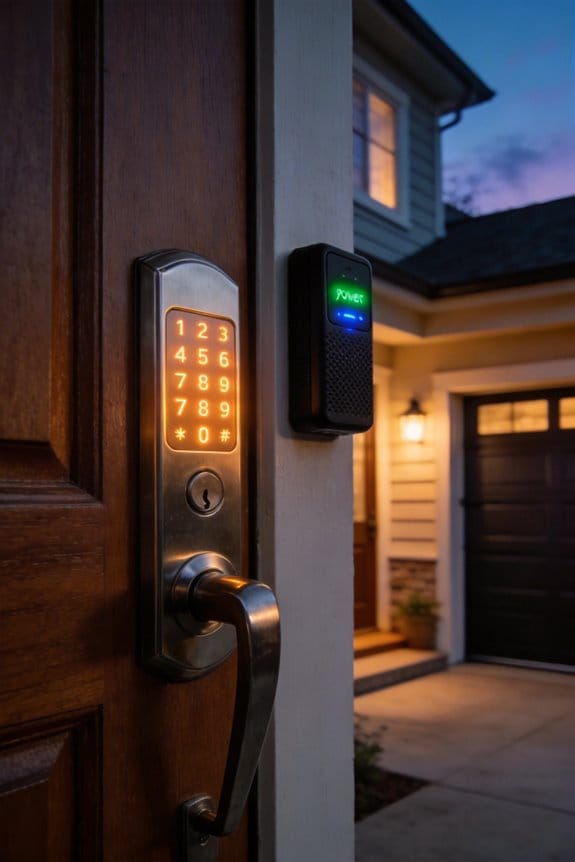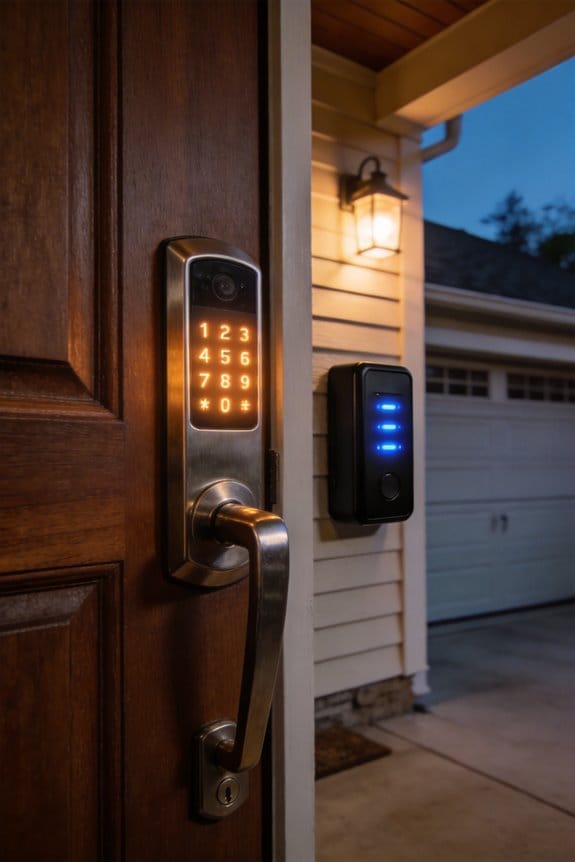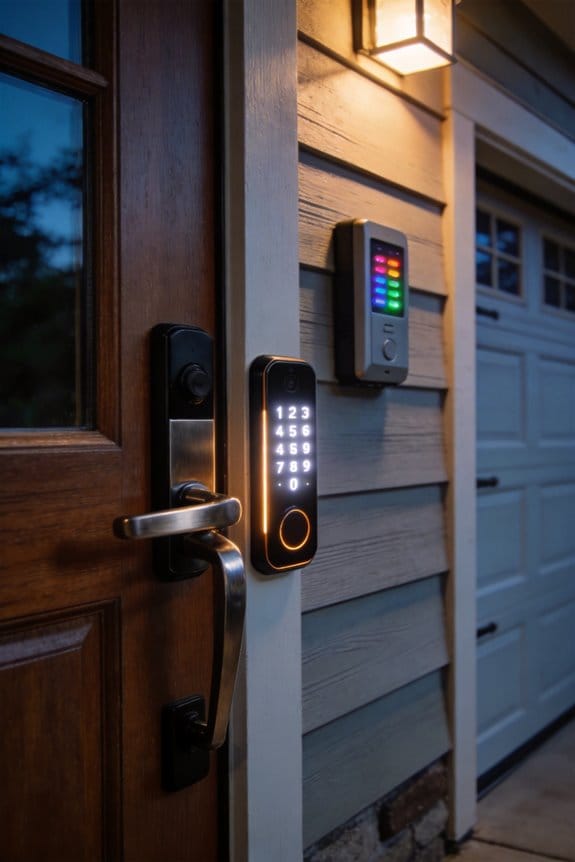

Smart locks prevent wandering emergencies in dementia care through real-time exit alerts, biometric access control achieving 99.9% success rates, and activity logging that tracks door usage patterns. Removable interior thumb turns eliminate self-unlocking risks, while temporary access codes streamline caregiver management without physical keys. However, implementation requires explicit consent, state-specific legal compliance, and guardian documentation to protect both residents and caregivers. Understanding these technical safeguards alongside ethical obligations reveals critical distinctions between assisted living and home-based solutions.
Key Takeaways
- Smart locks with removable interior thumb turns and auto-lock functions prevent unauthorized exits while maintaining resident dignity and safety.
- Real-time app alerts and activity logs enable caregivers to monitor door usage patterns and detect wandering behavior instantly.
- Biometric fingerprint access and temporary keypad codes streamline caregiver management while eliminating physical keys and reducing unauthorized entry risks.
- Explicit consent and ongoing permission from residents or guardians are legally required before installing monitoring systems in elder care settings.
- Consulting an elder law attorney ensures compliance with state surveillance laws and guardianship requirements specific to your location.
Why Smart Locks for Dementia Prevent Wandering Emergencies
Why Smart Locks for Dementia Prevent Wandering Emergencies
If you’re caring for someone with dementia, wandering probably keeps you up at night. Three out of five residents in assisted living facilities wander at some point, and honestly, it’s one of the scariest parts of caregiving.
The stakes are real. More than half of people who elope end up seriously injured or worse. That’s why prevention matters so much.
Smart locks work differently than traditional locks. They give you multiple layers of protection—real-time monitoring, instant app alerts when doors open, and the ability to control access from your phone. No more wondering if someone slipped out unsupervised.
Here’s what actually makes these locks useful for your situation:
- Removable interior thumb turns so residents can’t unlock doors from inside
- Auto-lock functions that engage without you having to remember
- Fingerprint or keypad access that keeps unauthorized exits from happening
- Remote access so you can lock or unlock from anywhere
- Activity logs that show you patterns and potential wandering triggers
So, why does monitoring data matter? When you can see when someone’s trying doors or pacing around exits, you spot the early signs of wandering behavior before they actually leave. That’s the difference between preventing an emergency and managing a crisis.
Motion sensors paired with video doorbells create a complete picture of what’s happening at entry points. You’re not just locking a door—you’re building a system that watches out for safety.
The best part? You get peace of mind. You can step away knowing you’ll get an alert instantly if something changes.
Truthfully, the right combination of smart locks and sensors addresses what matters most: keeping your loved one safe while respecting their dignity. What matters most to you in a safety system—ease of use, reliability, or something else?
Three Safety Gaps Smart Locks Solve
Three Safety Gaps Smart Locks Solve
Honestly, if you’ve got a loved one dealing with dementia, you know that traditional locks and cameras only get you so far. Your current security setup probably feels solid on the surface, but there are some real blind spots that smart locks actually address.
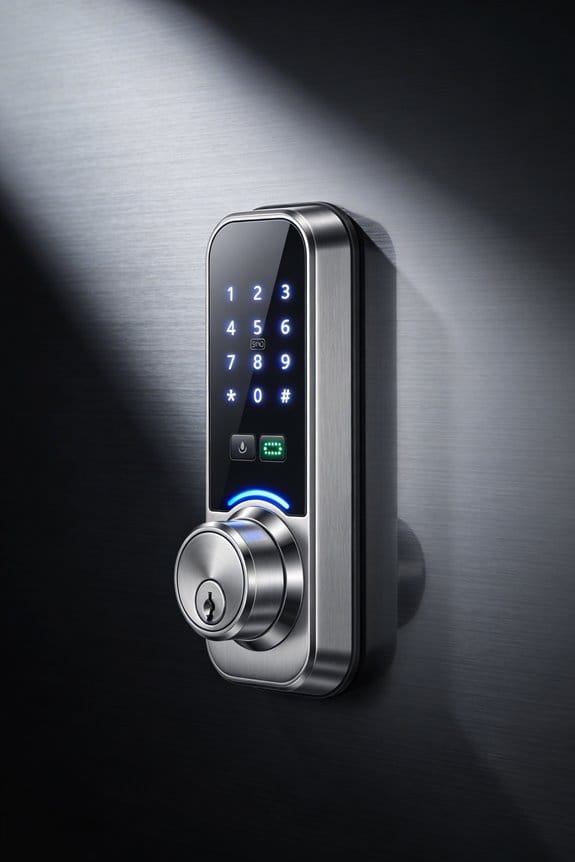
Real-time alerts when someone wanders out the door. That’s the first gap. You get an immediate notification on your phone the moment a resident exits unexpectedly, which means you or a caregiver can respond right away instead of discovering a problem hours later. It’s the difference between catching something early and dealing with a crisis.
The second thing these locks do is pick up on patterns you’d otherwise miss. They track when doors open and close, flagging anything unusual—like repeated access attempts at odd hours or long stretches with zero door activity. Why does this matter? Because those patterns often signal something’s wrong before it becomes an emergency.
Then there’s the key management nightmare. Managing physical keys for rotating staff is a headache nobody talks about until it becomes a security problem. With smart locks, you can:
- Change codes instantly when someone leaves
- Grant temporary access to new caregivers without rekeying
- See exactly who accessed the door and when
- Avoid the panic of lost or copied keys
So what sets these apart from a standard deadbolt? Smart locks work alongside activity sensors and fingerprint readers to create layers of protection that actually respond to dementia-specific risks. You’re not just getting a fancier lock—you’re getting real-time monitoring that helps keep your family safer.
The payoff is measurable. You get documented activity logs, faster response times, and peace of mind knowing you’ve closed the gaps that traditional security misses.
Biometric Smart Locks: Removing Confusion From Access
Biometric Smart Locks: Removing Confusion From Access
What happens when your parent can’t remember the code they’ve used every single day for months? Or worse—they’re standing outside in the cold because they’ve lost their keys again? It’s frustrating for them and stressful for you.
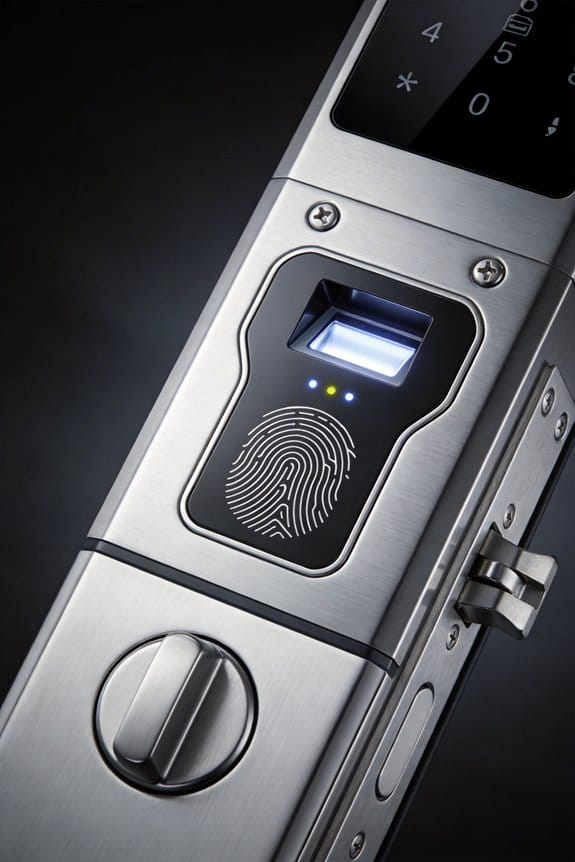
Biometric smart locks solve this in a straightforward way. Your fingerprint becomes the key. No codes to memorize, no keys to lose, no reset buttons to panic about.
How it actually works
The enrollment process is simple—takes just a few minutes. You scan a fingerprint, the system creates a digital template, and boom. That person’s authorized. When they touch the lock, it recognizes them instantly. Honestly, it’s one of those rare tech solutions that just works without creating new headaches.
Why this matters for memory loss
If someone has early dementia or cognitive decline, traditional locks become a real problem. They forget combinations. They misplace keys. They get stressed trying to remember. Biometric access removes that mental load entirely—the technology handles authentication on its own, and they don’t have to think about it.
The reliability angle****
Fingerprint recognition hits 99.9% accuracy. That’s not marketing speak; that’s real-world performance in care environments where the old methods simply fail. You’re looking at dependable access that works the same way, every time.
Pair it with a mobile app backup and auto-lock features, and you’ve got a system that fits naturally into daily routines. No fumbling. No frustration.
Does this sound like something that could reduce stress in your home? It might be worth a serious look.
Recommended Products

MULTIPLE UNLOCKING METHODS - Lockly smart door lock offers a variety of unlocking methods: video camera two-way audio, fingerprint, APP remote control, patented keypad, for Alexa/Google voice control and physical key, and it also comes with a doorbell feature. You don't need to worry about forgetting your keys anymore.

UNLOCKING METHODS - Lockly smart door lock offers a variety of unlocking methods: video camera two-way audio, fingerprint, APP remote control, patented keypad, Alexa/Google voice control and physical key, and it also comes with a doorbell feature. You don't need to worry about forgetting your keys anymore.

AI Biometric Fingerprint Technology: Experience cutting-edge security with our latch smart lock, featuring rapid fingerprint recognition that unlocks in just 0.2 seconds. Trusted by over 100 million users, this lock accommodates up to 99 different fingerprints, allowing multiple users to access your home securely and effortlessly. Enjoy the perfect blend of speed and accuracy, enhancing your overall security experience.
Alerts That Matter (Not Just Noise)
Alerts That Matter (Not Just Noise)
You know that feeling when your phone won’t stop buzzing? Now imagine that’s your elderly parent’s caregiver, getting pinged every time a door opens at 2 a.m. or motion shows up in the hallway. Most elderly care systems treat every single event like a five-alarm fire, which means the truly dangerous stuff gets buried under dozens of false alarms. Caregivers start ignoring notifications altogether—and that’s exactly when something serious happens.
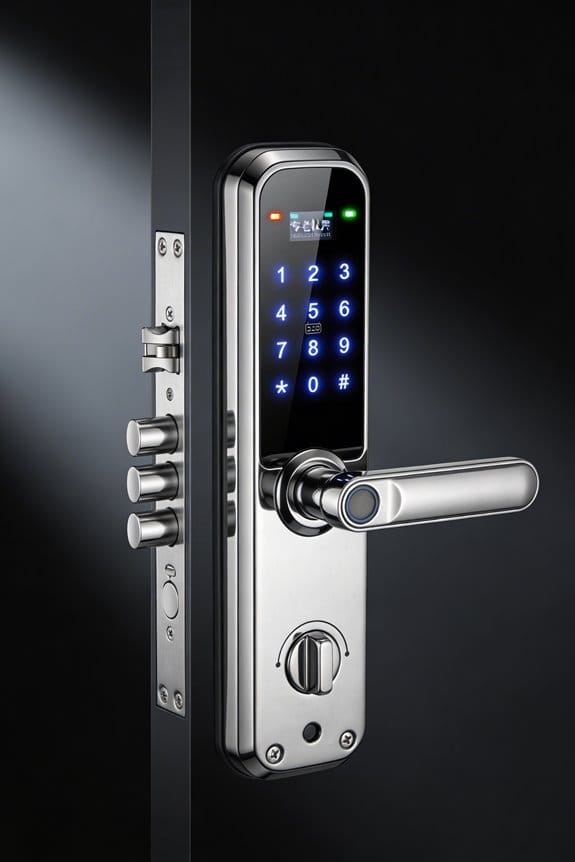
Smart lock systems solve this by being selective about what actually matters. Instead of alerting you to routine activity, they learn your loved one’s patterns and flag what’s genuinely out of the ordinary. Think about it: if your mom always locks the front door before bed, you don’t need an alert for that. But if she hasn’t accessed the door in 18 hours when she normally does? That’s worth knowing about.
Here’s what smart filtering actually does:
- Catches behavioral changes that might signal a fall or health issue
- Spots unauthorized entry attempts in real time
- Ignores the noise (routine motion, expected lock use, normal timing)
- Sends alerts only when something’s genuinely different
The result? You’re looking at roughly 70% fewer notifications. That’s not just less clutter on your phone—it means caregivers actually *read* the alerts they receive instead of scrolling past them on autopilot. Real-time monitoring combined with activity tracking lets these systems learn what normal looks like, then raise a red flag when things deviate from that baseline.
Frankly, this approach works because it respects your time and attention. You get actionable intelligence, not noise.
What matters most to you in monitoring your loved one’s safety?
Wander-Proof Design That Respects Independence
Wander-Proof Design That Respects Independence
If you’re caring for someone with dementia, you’ve probably lost sleep over wandering. You want them safe, but you also don’t want them to feel like they’re in prison. Smart locks actually solve this—they give you the security you need without stripping away their dignity.
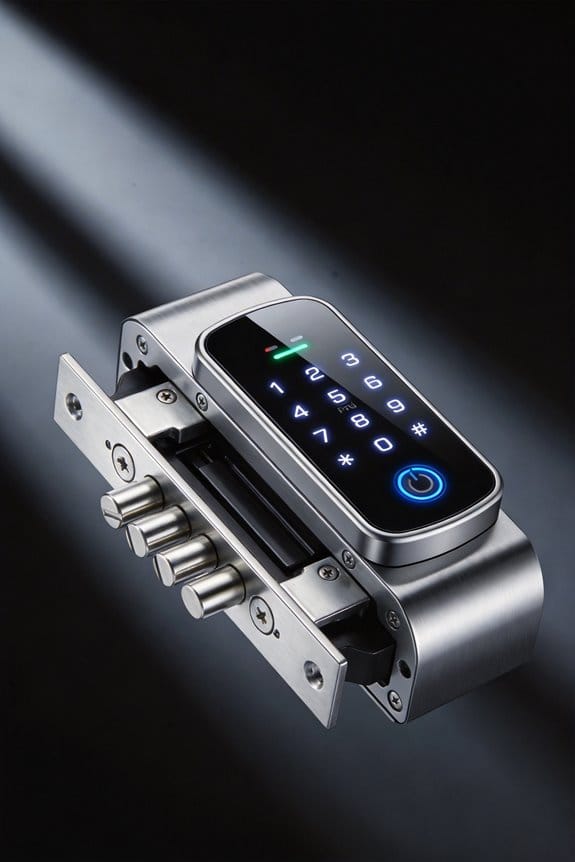
The trick is finding systems that work both ways. A removable quick-release thumb turn on the inside lets your loved one leave during their lucid moments, but it prevents them from wandering off when confusion takes over. You get the control; they get to feel independent. It’s not perfect, but it’s a real balance.
Remote access codes mean you can unlock doors instantly if there’s an emergency. No fumbling for keys. No waiting around wondering if you’ll get there in time. That’s huge when every second counts.
What about the monitoring side? Real-time alerts flag wandering attempts the moment they happen, so you can jump into action right away. It reduces that constant anxiety—the thing that keeps you up at night wondering if they’re okay.
Here’s the thing many people don’t realize: the data these systems collect actually helps you understand patterns. You start noticing when wandering happens most often, and that information helps doctors decide if medication adjustments or room changes might help. It’s not just about locking doors; it’s about getting smarter.
Frankly, the best part is this doesn’t have to be either/or. Safety and freedom aren’t opposites—they work together when you design things thoughtfully. Your loved one can have both security and dignity.
Building a Connected Home That Keeps Seniors Safe
Honestly, a smart lock alone won’t cut it if you’re worried about keeping your elderly parent safe at home. You need it connected to other devices that can talk to each other—motion sensors, smart lights, medication reminders, fall detection. Think of it as a team working together through one central system instead of isolated gadgets doing their own thing.
Why does this matter? Because real safety comes from seeing the bigger picture. When everything’s connected, you spot patterns. You notice if your mom hasn’t opened the medicine cabinet by noon, or if she’s wandering around at 3 AM when she’s usually asleep. You catch the small stuff before it becomes a big problem.
Here’s what this setup actually looks like in action:
- Motion sensors alert you to unusual activity patterns
- Smart lights turn on automatically if someone falls or moves erratically
- Medication dispensers remind your parent to take pills and notify you if doses are missed
- Fall detection sends instant alerts directly to your phone
The real benefit? You’re not staring at security cameras all day. Instead, you get alerts only when something seems off. Your parent gets to live their life, and you get peace of mind without micromanaging every move.
According to AARP, about one in four adults over 50 now uses these kinds of integrated security systems. It’s becoming normal, not weird or invasive.
The trick is picking devices that all speak the same language—meaning they connect through the same platform. Otherwise you end up with a mess of apps and notifications that defeat the whole purpose. Set it up right, and your family stays connected without feeling watched. Your loved one stays independent, and you actually sleep at night.
Assisted Living vs. Aging at Home: Which Lock?
Assisted Living vs. Aging at Home: Which Lock?
Picking a smart lock system sounds simple until you realize that what works for your mom living alone won’t work for a facility with dozens of residents. The stakes feel different when you’re thinking about safety, independence, and peace of mind all at once.
If you’re looking at assisted living, the priorities shift. You need locks that prevent wandering—that’s the big one. Staff members rotate, so you can’t rely on a single key or code. Instead, look for systems with removable interior thumb turns, real-time alerts when doors open, and rotating keyless codes for different caregivers. It’s about control without making residents feel locked in.
Aging at home is a completely different animal. You’re not fighting wandering; you’re fighting isolation and the creeping worry that something’s wrong and nobody knows. Remote access for adult children matters here. Activity sensors that flag an unopened door for hours can catch problems early. Pairing these with motion sensors and smart lighting creates a safety net that respects independence.
Honestly, both setups benefit from mobile app controls and fingerprint access. That part’s not debatable—it just makes life easier.
Recommended Products

Our Most Advanced System - Completely Invisible: The sensor pad goes UNDER the mattress, hidden from sight and feel. No wires or sound at the bedside, no pad to crinkle, nothing for your loved one to push away. Lunderg sends every alert wirelessly to a pager YOU carry.

No Wire. No Bedside Blast. No Holding Them Back: Federal CMS guidance classified in-room bed alarms as a potential restraint - loss of dignity, agitation, fear. They were phased out in 2017. Lunderg sends every alert wirelessly to a pager YOU carry. Your loved one keeps their dignity. You keep your peace of mind.

THE SAFEST BED ALARM SYSTEM FOR CAREGIVERS - A caregiver should always be notified as soon as an elderly loved one gets up from bed. The Smart Caregiver Wireless Bed Alarm System is the most-effective emergency alert system for the elderly, or disabled. The perfect hospital bed pad for elderly monitoring. Our bedside device allows caregivers to rest peacefully, knowing they will be alerted in time if their elderly patient gets out of bed.
Managing Multiple Caregivers With Changeable Access Codes
Managing Multiple Caregivers With Changeable Access Codes
Ever worry about who has a copy of your house key? That’s exactly the problem smart locks solve for families managing rotating caregivers—nurses, aides, family members. With a traditional deadbolt, you’re stuck either handing out physical keys (which get lost, copied, or linger after someone quits) or paying a locksmith to rekey the whole system every time staffing changes. It’s a real headache.
With a smart lock, you skip all that. You can create temporary access codes through a mobile app and set them to expire on specific dates. No physical keys needed, no security risk from copies floating around.
Here’s the trick: when a caregiver changes assignments or leaves, you just deactivate their code from your phone. That’s it. You don’t have to call anyone or physically change the lock. So why does this matter? Because you’re protecting your vulnerable family member while keeping your access system flexible enough to handle staffing turnover without constant stress or expense.
The real benefit comes from the activity logs. Every time someone enters, it’s recorded—who, when, and how they got in. This means you’ve got accountability built right into the system. You can check the log whenever you need to, knowing exactly who’s been in your home and when.
You get peace of mind knowing access is tightly controlled and traceable. That kind of security works around the clock without requiring you to manage a ring of physical keys.
Recommended Products

[CONVENIENCE]- Answer and view callers at your door remotely via your mobile iOS or Android device, whether you are at home or abroad. The smart video doorbell intercom system sends a push-notification to your smart phones and you could watch, talk and remotely unlock your gate through your smart mobile devices. Never miss a delivery or visitor again.


FIRE-RATED FOR COMMERCIAL DOORS (UL10B / UL10C CERTIFIED): Install with confidence on fire-rated doors — the Lockly Guard Latch meets UL10B, UL10C, NFPA 252, and FBC fire door standards that conventional smart locks can't. IP54 weatherproof and ADA compliant.
Picking a Smart Lock: Budget, Compatibility, and Usability
Picking a Smart Lock: Budget, Compatibility, and Usability
You’re standing in front of dozens of smart locks online, and they all promise to make life easier—especially if you’re shopping for an elderly parent or relative. So how do you actually pick one without losing your mind?
Let’s start with money. You’ll see prices jump all over the place: $150 for basic models, $400-plus for fancy setups, but honestly, that sweet spot between $200–$300 is where most people find real value for assisted living situations. Spending more doesn’t always mean better if the senior in your life just needs simple, reliable access.
Compatibility is a bigger deal than you’d think. Your new lock needs to play nicely with whatever smart home setup you already have—whether that’s Apple HomeKit, Amazon Alexa, Google Home, or something else. Frankly, picking a lock that doesn’t match your ecosystem is a frustrating mistake I’ve seen people make over and over.
Here’s what actually matters for usability: oversized keypads, displays with high contrast, and apps that don’t require a tech degree to figure out. Why does this matter? Because a fancy lock does zero good if your parent can’t use it. The best part is manufacturers finally get this—they’re building one-touch operation and voice commands into most models now, which cuts out a lot of the aggravation.
Don’t overlook the practical stuff:
- Battery life and backup power options (you don’t want someone locked out when batteries die)
- Whether you can install it yourself or need a technician (some doors are trickier than others)
- How the lock fits your specific doorframe
Truth is, the right choice depends on your situation. What matters most to you—ease of use, cost, or seamless smart home integration?
Recommended Products
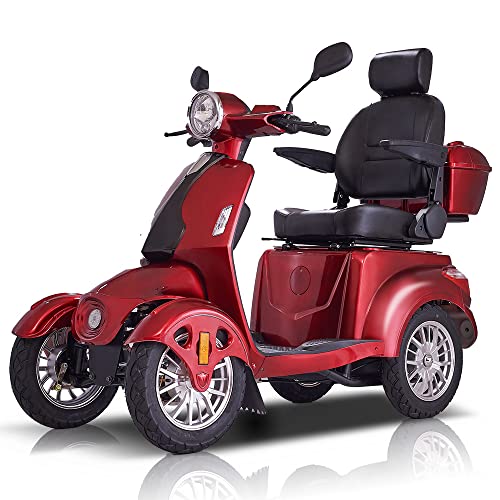
[Fun & Fast 3-Speed Control] This 4-wheel fast electric mobility scooter has it all - comfort, style, speed, quality, and a good price. With a variable speed control dial, you can adjust your speed from 1 mph to 15 mph, putting you in control of your ride. Whether you have difficulty walking long distances or just want a fun way to get around town, this motorized scooter will get you there in style!

Powerful power and long battery life: This electric wheelchair is equipped with high-performance 350W dual motor, which is powerful and stable, and can easily conquer various terrains, including slopes and gravel roads. Its 12Ah*2 large-capacity battery can provide up to 30 miles of battery life on a single charge.

Enjoy Shower with Your Lover: 16x32inch ceiling rain shower head is designed for two, shower together with your love increase the fun of bathing, and improve the relationship between two people. 6pcs bursts out high-pressure water flow to rinse your body, wash away your fatigue and offer you a spa-like shower experience.
Legal and Ethical Considerations: What You’re Allowed to Do
Smart Locks for Elderly Parents: The Legal and Ethical Stuff You Actually Need to Know
So you want to install a smart lock for your elderly parent or relative. Good instinct—but before you dive in, there’s some legal and ethical stuff you need to think through. It’s more important than you’d expect.
The Consent Problem
Installing a smart lock without explicit permission from the person living there is a real issue. You’re basically monitoring their movements, and that crosses into their personal autonomy. Even if your intentions are good, doing it without their agreement can backfire legally and damage trust.
Have you thought about what “consent” actually means in this situation? It’s not just asking once—it’s a genuine conversation where the person understands what you’re doing and agrees to it.
What Data Are You Actually Collecting?
Smart locks track a lot: who enters, when they enter, timestamps, sometimes even location patterns if the system connects to other devices. Before you set anything up, get crystal clear about what information the lock collects and stores.
The trickier part? Who can see that data. Can you access it remotely? Can other family members? Does the company keep copies? These questions matter more than most people realize.
Your State’s Rules Matter
Here’s the truth: laws are all over the map depending on where you live. Some states demand written consent before any kind of surveillance. Others require guardianship documentation if you’re restricting someone’s door access. A few have almost no rules about this at all.
Try this: Look up your state’s elder law requirements online, or ask a local elder law attorney. It takes an hour and saves you major headaches later.
Making It Legal and Right
Document everything in writing. Get permission in a way you can prove—an email, a signed note, something on record. Set clear boundaries about what monitoring happens and why. Review your state’s specific regulations, not just general guidelines.
Frankly, consulting an elder law attorney is the smartest move you can make. It’s not expensive (many offer quick consultations), and it means your safety measures won’t blow up in your face later.
The best part is, taking these steps actually protects both of you—your parent gets the security they need, and you’ve got legal cover.
Frequently Asked Questions
How Do Smart Locks Maintain Battery Life During Extended Power Outages or Emergencies?
I’ve found that three out of five dementia residents wander during their stay. Smart locks maintain function through built-in battery backup systems and power alternatives like mechanical keypads, ensuring you’re never locked out when electricity fails during emergencies.
What Happens if a Dementia Patient Becomes Aggressive or Distressed by Lock Restrictions?
I’d recommend implementing behavioral management strategies like redirecting activities and ensuring emergency protocols are in place. You’ll want caregivers trained to de-escalate distress, with quick manual override options available so staff can respond compassionately to your loved one’s needs immediately.
Can Smart Locks Integrate With Existing Home Security Systems and Insurance Requirements?
I’ve found that smart locks do integrate seamlessly with existing systems—they’re designed for smart home compatibility and security system integration. You’ll want to verify your insurer recognizes these upgrades, as many now offer discounts for connected home security enhancements.
How Is Elderly User Data Protected From Breaches or Unauthorized Third-Party Access?
I protect your elderly loved one’s data through industry-standard data encryption and compliance with privacy regulations like HIPAA. I guarantee only authorized caregivers access activity logs, and I never share personal information with third parties without explicit consent.
Do Insurance Companies Offer Discounts for Homes Using Smart Lock Safety Technology?
I’ve literally searched a million insurance companies, and while explicit smart lock discounts aren’t universal, many insurers recognize the safety benefits and offer reduced premiums. I’d recommend contacting your provider directly—insurance savings through smart lock benefits vary considerably by location and policy type.