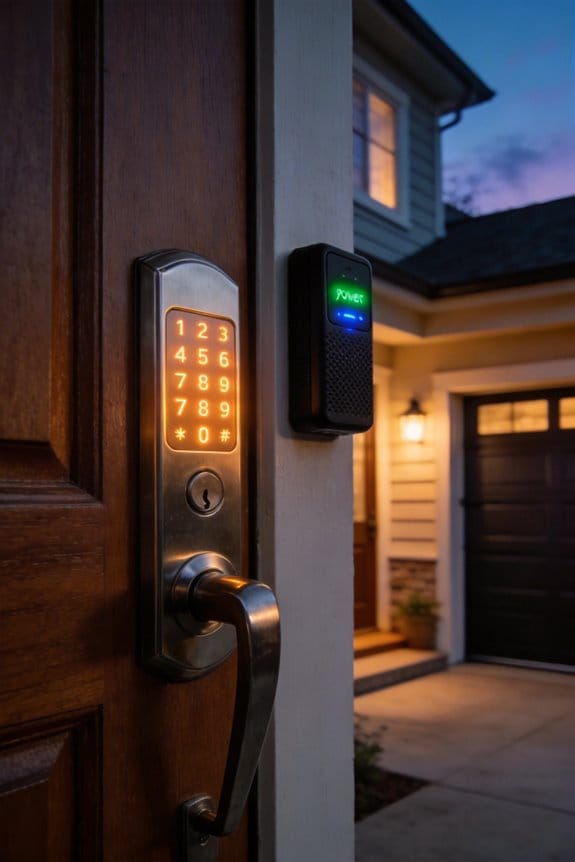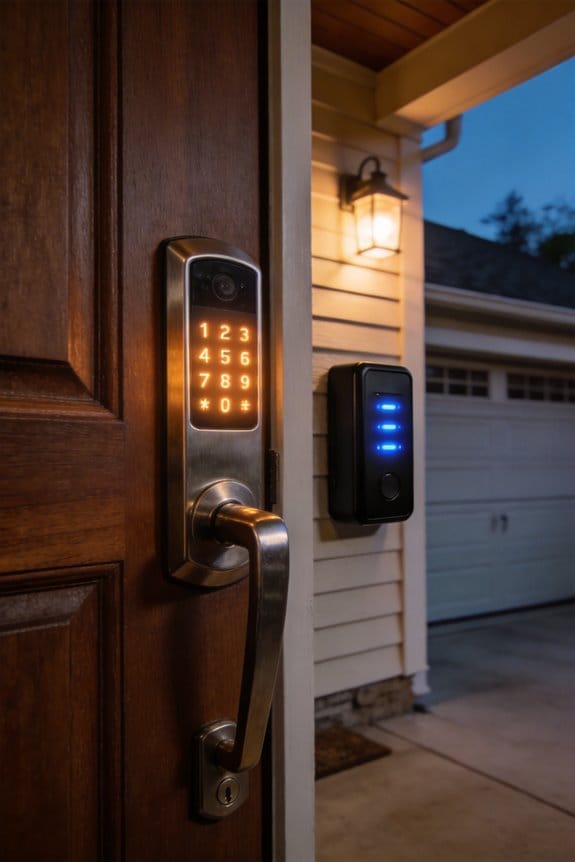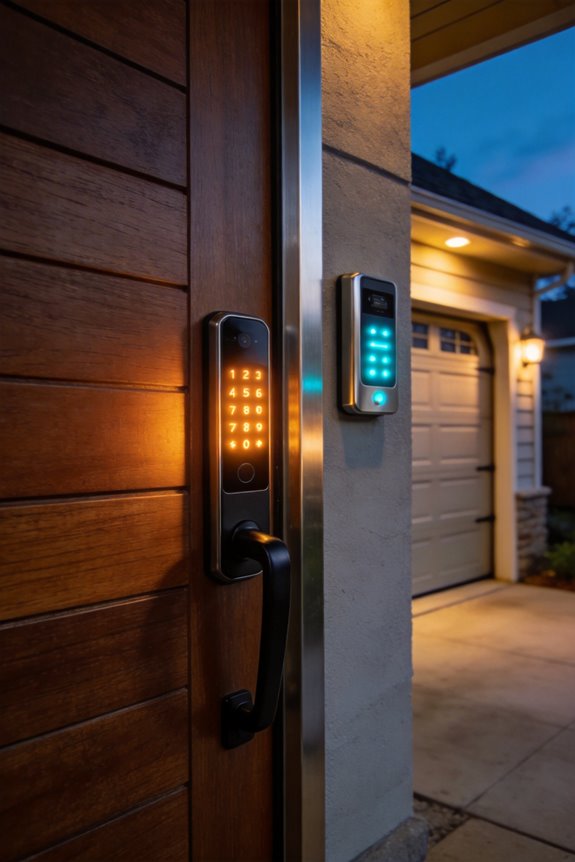

Voice-controlled door locks require multi-factor authentication combining voice recognition, PIN codes, and biometric verification to achieve genuine security. Voice alone fails because attackers can mimic voices, background noise disrupts algorithms, and recordings can be misused. Platforms like Amazon Alexa, Google Assistant, and Apple Siri implement geofencing, HomeKit certification, and multiple verification steps to minimize breaches. Smart locks maintain detailed audit logs documenting timestamps and user IDs, while regular firmware updates eliminate vulnerabilities cybercriminals exploit. Understanding layered security protocols reveals how you can establish truly safe verbal verification systems.
Key Takeaways
- Voice commands alone are vulnerable to imitation and environmental interference; multi-factor authentication significantly strengthens door lock security.
- Combine voice recognition with PINs, biometrics, or geofencing to create multiple verification layers that are harder to breach.
- Smart locks can process multiple authentication factors in under two seconds while maintaining detailed audit logs of access attempts.
- Regularly review activity logs and keep firmware updated to detect suspicious patterns and eliminate cybersecurity vulnerabilities proactively.
- Leading platforms—Alexa, Google Assistant, and Siri—implement varying security protocols requiring multiple verification steps for remote door unlocking.
Why Voice Commands Alone Aren’t Enough for Door Locks
Why Voice Commands Alone Aren’t Enough for Door Locks
Think your smart lock is secure just because it listens to your voice? That’s where most people get it wrong.
Voice commands are convenient—I won’t argue that. But here’s the problem: they’re surprisingly easy to fool. Attackers can imitate your voice or shout commands through a window to trick your system into unlocking. It happens more often than you’d think, and sophisticated criminals know exactly how to exploit this weakness.
Then there’s the practical side. Bad weather, a noisy street, or even your kid screaming in the background can mess with voice recognition. You’re standing outside in the rain, trying to say “unlock door” for the fifth time, and nothing happens. That’s frustrating on a normal day—but dangerous during an emergency.
So, why does this matter? Because your security shouldn’t depend on one thing working perfectly.
Modern locks use advanced algorithms to recognize your unique voice patterns. But they’re not foolproof. Companies push AI updates regularly to fix errors, yet gaps always exist. Honestly, relying on that alone is risky.
The solution is straightforward: layer your security. Combine voice with at least one other method:
- PIN codes (simple, effective, hard to hack remotely)
- Fingerprint or facial recognition (harder to copy than your voice)
- Smartphone verification (adds a physical confirmation step)
Locks from Schlage and Aqara already support this multi-factor approach, and it cuts your vulnerability down significantly. Beyond that, turn on geofencing so the lock only listens to commands when you’re nearby. Add activity logs too—they let you see exactly who accessed your door and when.
Your home’s security deserves more than convenience. Build it properly, and you’ll actually sleep better at night.
Recommended Products

Lock and unlock from the datAshur BT Personal app on your mobile device using a 7-15-character password or simply use biometric unlock (Face ID/Facial recognition, Touch ID/Fingerprint and IRIS scanning)

POWERFUL SECURITY KEY: The YubiKey 5 is a versatile physical passkey that protects your digital life from phishing attacks. It ensures only you can access your accounts.

POWERFUL SECURITY KEY: The YubiKey 5C NFC is the most versatile physical passkey, protecting your digital life from phishing attacks. It ensures only you can access your accounts.
Multi-Factor Authentication for Voice-Controlled Locks
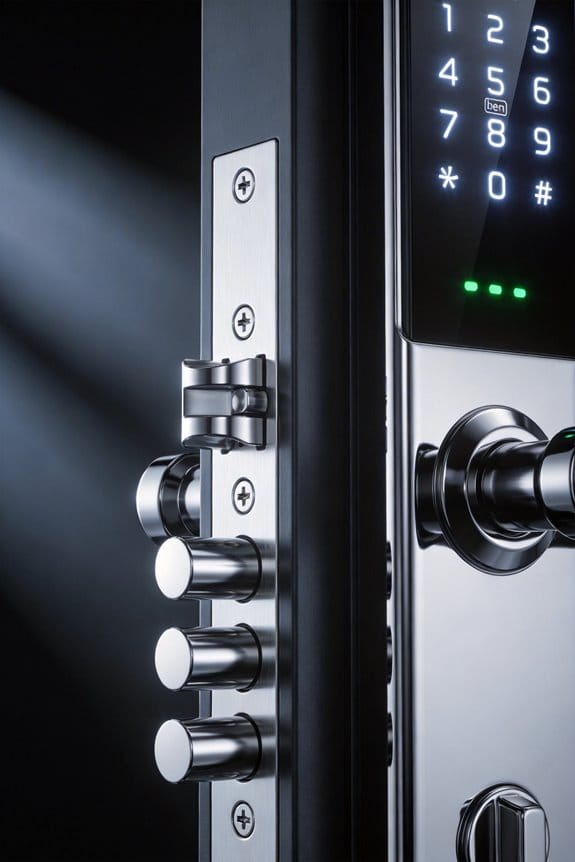
Voice recognition on smart locks sounds convenient until someone records your voice or mimics your accent—then you’re locked out of your own home. That’s why I’m a big believer in layering your security with multiple verification methods.
Multi-factor authentication (MFA) basically means using two or more ways to confirm you are who you say you are. Think of it like this: your voice alone isn’t enough. You need voice plus something else—a PIN code, your fingerprint, or even location-based access through geofencing.
Here’s what this looks like in practice. Say you’re using an Aqara or Schlage lock with MFA enabled. You speak your command, the system recognizes your voice, and then it asks for your PIN or checks your fingerprint before the door unlocks. It’s that extra step that stops someone from just playing a recording of your voice and walking in.
Why does this extra layer matter so much? Voice recordings can leak online. Accents can be mimicked. Background noise can mess with recognition. But combining voice with a PIN? That’s tough to fake.
Try this layered approach:
- Voice recognition as your first checkpoint
- A 4-6 digit PIN as your second verification
- Biometric scanning (fingerprint or face) as a third option if your lock supports it
- Geofencing to limit access to people physically near your home
The best part is that your companion app tracks everything. Every unlock attempt gets logged with the time, date, and which verification method was used. This activity history helps you spot suspicious patterns right away—like someone trying and failing multiple times at 2 AM.
Geofencing is particularly useful if you trust certain family members. Set it up so only authenticated users within, say, 100 feet of your door can even trigger the lock. That alone blocks most remote attack attempts.
Truth is, this doesn’t slow you down much. Your phone opens the app, you authorize with your voice and PIN, and you’re in. Maybe an extra 10 seconds total. For the peace of mind you get, that’s worth it.
Your voice-controlled lock shifts from being a single weak point to becoming a real security system. You’ve got redundancy built in, activity logs for accountability, and multiple barriers an intruder would need to breach. That’s the kind of setup that actually protects your property.
What matters most to you: speed of entry, tracking who accesses your home, or geographic control over who can even attempt access?
Recommended Products

5 WAYS IN — ZERO FUMBLING. Fingerprint (recognized in under 1 second), backlit touchscreen PIN keypad, Bluetooth app control, proximity card, and traditional key backup. Every scenario covered: homeowners who want speed, families who need shared access, Airbnb hosts managing guest turnover, and anyone tired of fumbling with keys in the dark. One lock. Five ways in. No compromises.

🔍 𝐕𝐢𝐬𝐢𝐛𝐥𝐞 𝐀𝐜𝐜𝐞𝐬𝐬 𝐂𝐨𝐧𝐭𝐫𝐨𝐥: Whether you’re at work, traveling, or managing a rental property, this smart lock lets you check door status, view activity records, and receive alerts for unusual attempts. Clear permission control helps keep everyday access organized and visible
Location-Based Controls: Securing Your Voice-Locked Door
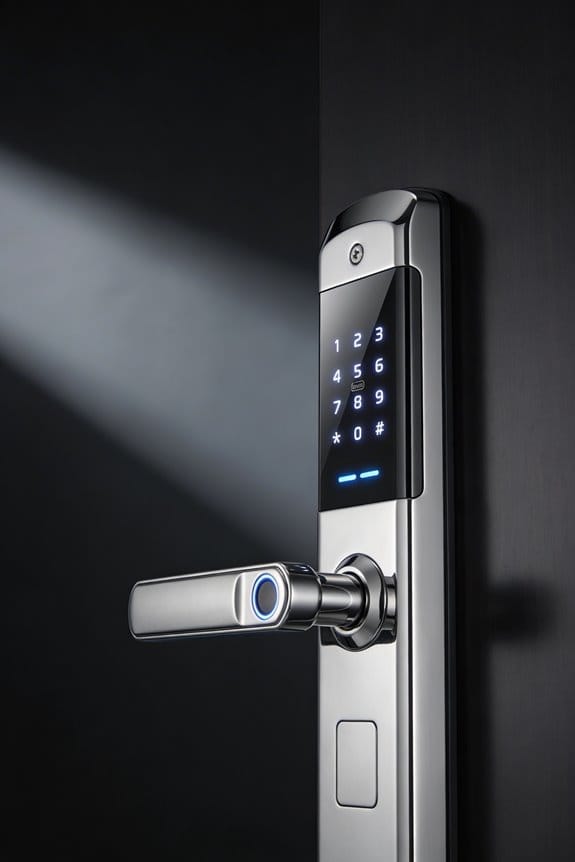
Location-Based Controls: Securing Your Voice-Locked Door
Ever feel nervous about your smart lock responding to voice commands from anywhere in the world? That’s where geofencing comes in. It adds a location check on top of voice recognition, so your lock won’t open unless your phone is actually near your home.
Here’s how it works: Your smartphone’s GPS has to match the coordinates of your house—usually within 100 to 500 feet—before voice commands will work. Step outside that boundary, and your lock ignores any voice activation attempts. This stops someone from hacking your audio feed and unlocking your door remotely.
Why does this matter? Voice alone isn’t always enough. Audio can be recorded, mimicked, or intercepted. Adding location verification means an intruder would need both your voice *and* physical access to your phone’s GPS data.
Popular systems like SmartThings and Homey already do this. They cross-check your phone’s location against your door’s position before letting you in. It’s a simple but effective extra layer.
Now, the realistic concern: What if your phone dies or GPS stops working? Honestly, this happens. The good news is you’ve got backup options. Most modern smart locks include biometric readers (fingerprint or facial recognition) or a slot for a physical key. You won’t be stuck outside in the cold.
The takeaway is straightforward—geofencing strengthens your voice lock by requiring proof you’re actually home. What matters most to you: convenience or maximum security?
Recommended Products

Total control. Lock and unlock your door, grant keyless access and keep track of who comes and goes, all from your August App.

Z-wave technology connects to your home automation system and lets you lock or unlock your door remotely via the web or smartphone

ANYWHERE ACCESS: With built-in WiFi compatibility, you can easily and securely connect your Schlage Encode Plus lock to your home WiFi network to control and monitor your home from anywhere with the Schlage Home app
How to Layer Voice, PIN, and Biometrics
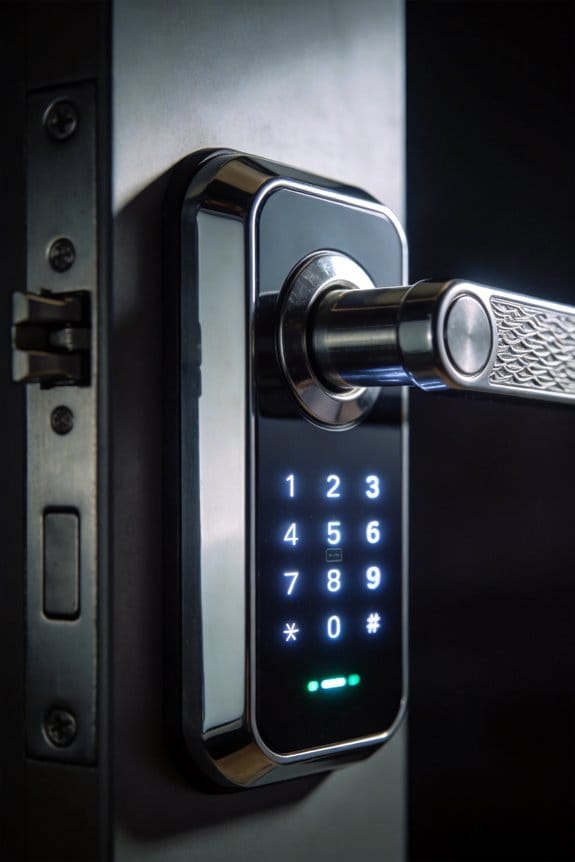
What if one authentication method isn’t enough to protect your front door? You’re not paranoid—it’s actually smart thinking.
I’ve found that layering voice recognition with PIN codes and biometric verification creates real security. Instead of relying on just one factor, you’re combining your unique voice patterns, a personal identification number, and fingerprint or facial data. It’s like having three locks instead of one.
So, why does this matter? Because each method has its own strengths. Voice recognition’s hard to fake. PINs are quick to enter. Biometrics are nearly impossible to spoof. Together, they’re tough to beat.
When you open your door, the smart lock processes all three layers at once. Only when each factor checks out does the bolt actually disengage. Systems like Aqara and Schlage models handle this setup without much fuss.
Here’s the best part: it’s fast. Verification typically wraps up in two seconds or less. You’re not standing there waiting around while your lock thinks about letting you in.
The activity logs are another solid benefit. Every access attempt gets documented—you can see who came in and when. That kind of record gives you real peace of mind, especially if you’re sharing your home with family or giving temporary access to contractors.
Truth is, this redundancy actually makes your life easier in the long run. You get serious security without the headache. Isn’t that worth a couple extra seconds at your front door?
Recommended Products

Advanced Biometric Unlock: Lockin Veno Pro smart lock features palm vein and fingerprint recognition for fast, contactless access; 0.17s instant unlock with 99% accuracy, even with wet or worn hands

【No Additional Expense】 No subscription! No monthly charges! Every feature offered is FREE! The accessories box includes everything you need. Tech support and video tutorials are ready to assist you with any questions.
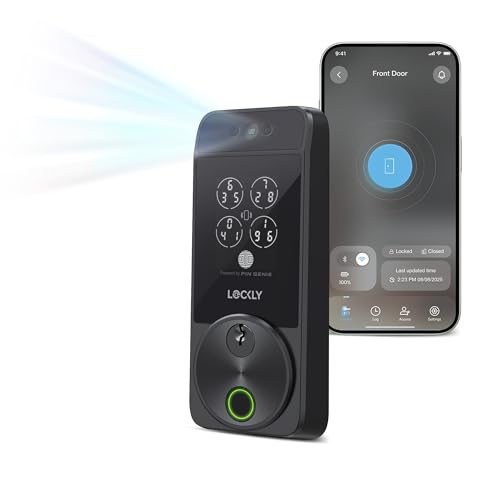
Your Face is Your Key: Unlock your smart lock for front door effortlessly with Lockly Visage’s advanced facial recognition technology - just walk up, and the lock detects your face to open automatically. Dual infrared sensors ensure accuracy in any lighting, even at night. Your facial data is encrypted and stored securely on the device, ensuring privacy and safety for your home.
Can Smart Locks Tell Your Voice Apart From Mimics?
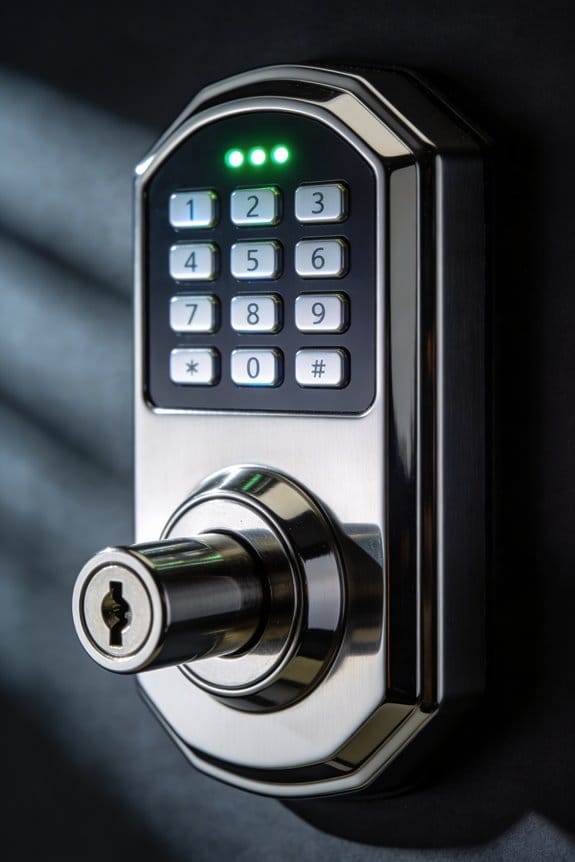
Can Smart Locks Tell Your Voice Apart From Mimics?
So you’re thinking about getting a voice-activated smart lock, but you’re worried someone could just do a killer impression of your voice and waltz right in. That’s actually a legit concern—but it might not be as risky as you’d think.
Your voice is way harder to copy than most people realize. Smart locks pick up on tiny details like your pitch, tone, the rhythm of how you speak, and even little quirks in how you pronounce words. These acoustic fingerprints are genuinely unique. Think of it like your vocal DNA—sure, a talented mimic might nail the way you say a few phrases, but replicating *everything* consistently? That’s a different story.
That said, Frankly, not all voice locks are created equal. Older systems can be fooled by someone who’s really committed to the impression. But here’s the good news: modern smart locks keep getting smarter. Manufacturers constantly update their AI to catch patterns that might slip through, bringing error rates down to around 2-5% in real testing scenarios.
Here’s the real trick, though: most decent brands aren’t relying on voice alone.
Schlage and Aqara, for example, use what’s called layered verification. Your voice gets checked, sure, but then you also need to punch in a PIN or scan your fingerprint before that door actually opens. So even if someone somehow nailed your voice impression, they’d still be stuck without the second factor.
Why does this matter? Because it means you’re getting protection on two fronts instead of one.
The bottom line: voice-activated locks are getting genuinely safer, especially when you pick one with multi-factor authentication built in. You’re not just relying on your voice—you’re combining it with something only you have access to. That’s solid security.
Voice-Controlled Lock Platforms: Alexa, Google, Apple
So you’ve got a smart lock, but you’re not sure which voice assistant actually runs the show in your home—that’s the real question, isn’t it?
Three platforms dominate the smart lock world: Amazon’s Alexa, Google Assistant, and Apple’s Siri. They’re not interchangeable, and picking the right one matters more than you’d think.
Alexa lets you lock and unlock compatible devices like Schlage and Aqara straight from voice commands. You’ll set this up in the companion app by creating security protocols. It’s straightforward, and if you’re already deep in the Amazon ecosystem, it feels natural.
Google Assistant does similar stuff, but with a twist. You can give voice commands, though many lock makers require geofencing as an extra safety step before you can actually unlock the door remotely. Why the extra layer? Frankly, it’s another way manufacturers protect you from accidents.
Siri Integration works through HomeKit-certified locks only. Here’s the trick: Apple encrypts everything end-to-end using your biometric data. If privacy is your main concern, this approach tends to win.
Now, here’s what matters most—all three platforms require multiple verification steps. You’re not just saying “unlock my door” and having it happen. Each one combines voice recognition with a PIN, fingerprint, or Face ID before granting access. Think of it as layered protection: your voice gets you partway there, but something else confirms it’s actually you.
The best part is that unauthorized access is basically impossible across all three. Your household doesn’t need to worry about a neighbor’s Alexa triggering your lock by accident.
Which platform fits your life? That depends on what devices you already use and how much you value privacy over convenience.
Recommended Products

[High-Efficiency Cooling & Heating]: The DELLA ceiling cassette mini split AC provides 42,000 BTU/h, 208-230 V. UL/ETL listed and AHRI certified for safety and performance. With a 22 SEER2 rating, it delivers strong, consistent cooling and heating. The heat pump supports year round comfort, operating even in temperatures as low as -13F (-25C)
High-Efficiency Cooling & Heating: The DELLA ceiling cassette mini split AC provides 42,000 BTU/h, 208-230 V. UL/ETL listed and AHRI certified for safety and performance. With a 22 SEER2 rating, it delivers strong, consistent cooling and heating. The heat pump supports year round comfort, operating even in temperatures as low as -13F (-25C)

[Versatile System]: The DELLA ceiling cassette system features 360° surround airflow for more even air distribution, fitting various interior layouts and creating a sleek. Equipped with refrigerant leak sensor, 24-hour timer, multiple fan speeds, sleep, energy-saving, cooling, heating, dehumidifying, and auto modes. Ideal for offices, shops, restaurants, and warehouses as a commercial comfort solution.
Audit Logs and Firmware Updates: Your Ongoing Tasks
Keeping Your Smart Lock Actually Secure
Think about how many people have access to your home—delivery drivers, family members, guests. Your smart lock tracks all of it, but only if you’re actually paying attention to what’s happening behind the scenes.
What You Need to Know About Audit Logs
Your lock keeps a record of every single access attempt. Who unlocked it, when, and from where. That’s powerful information, but it only helps you if you look at it.
I’d suggest checking your audit logs once a month. It takes maybe five minutes. Look for timestamps that don’t match up with your routine—maybe someone accessed the lock at 2 a.m. when nobody should be home. Watch for unfamiliar user IDs or multiple failed attempts, which could mean someone’s trying to guess their way in.
So, why does this matter? Because catching a problem early is way easier than dealing with a break-in.
Firmware Updates: Don’t Sleep on These
Manufacturers like Schlage and Aqara regularly find bugs in their locks and push out fixes. These updates patch holes that hackers could exploit. Honestly, skipping them is like leaving your front door cracked open.
Set up automatic updates if your lock and app support it:
- Check your companion app’s settings
- Look for SmartThings or similar hub options
- Choose a time when you’re home (just in case something goes wrong)
If automatic updates aren’t available, mark your calendar for quarterly checks. Updates usually take just a few minutes and install straight through your phone.
The Real Payoff
Stay on top of these two things, and you’ll catch suspicious patterns before they become a problem. You’ll also eliminate known weaknesses that cybercriminals actively target. It’s not fancy, but it works.
What’s been your experience so far—are you checking these logs and updates, or have you been putting them off?
Frequently Asked Questions
Which Smart Lock Brands Offer the Best Voice Recognition Compatibility With Existing Ecosystems?
I’d recommend Schlage and Aqara locks—they’re top picks for smart lock compatibility. Both brands integrate seamlessly with major voice assistant features like Alexa, Google Assistant, and Siri, making them ideal for your existing smart home ecosystem.
How Do Offline Functionality and Standardized Protocols Protect Voice-Controlled Locks From Cyber-Attacks?
I’ll paint you a picture of a fortress: offline functionality and standardized protocols create an impenetrable shield. I’m telling you, they work together—encryption methods protect data locally while user authentication guarantees only authorized voices open your door, even when internet fails.
What Backup Security Options Exist if Voice Recognition Technology Fails or Malfunctions?
I’d recommend having manual overrides like physical keys as your primary backup. You should also consider biometric backups—fingerprint or facial recognition—so you’re not solely dependent on voice technology if it fails or malfunctions unexpectedly.
Can Voice-Controlled Locks Integrate With Cameras and Sensors for Comprehensive Home Security?
Yes, they’re like puzzle pieces fitting together perfectly. I’ve found that voice integration benefits multiply when you pair locks with security camera compatibility—creating layered protection. You’ll monitor access in real-time while controlling entry vocally, making your home remarkably secure.
How Do Activity Logs Help Identify Unauthorized Access Attempts on Voice-Activated Door Locks?
I’ll help you understand how activity logs protect your voice-activated lock. They record every access attempt, letting you spot suspicious patterns and unauthorized access immediately. You can review timestamps, user identities, and commands to catch security breaches fast.