
Wireless garage doors face two critical threats: jamming attacks that flood frequencies with RF noise, and spoofing attacks that replay intercepted unencrypted signals. I’d recommend systems using rolling code technology, which generates new access codes per transmission, combined with frequency hopping that shifts across multiple frequencies. These dual-layer defenses greatly reduce vulnerability to both attack vectors. Strong passwords, two-factor authentication, and regular firmware updates provide additional protection. Understanding your system’s specific architecture vulnerabilities reveals why some installations fail where others succeed.
Key Takeaways
- Jamming attacks broadcast RF signals to drown out legitimate garage door commands, leaving systems vulnerable without proper defenses.
- Rolling code technology generates new access codes with each use, effectively preventing replay attacks from recorded signals.
- Frequency hopping transmits across multiple frequencies rather than fixed codes, making interception and spoofing significantly more difficult.
- Encryption and two-factor authentication add essential security layers that modern wireless garage door systems should standardize.
- Regular firmware updates patch vulnerabilities while strong passwords and security monitoring practices strengthen overall system resilience.
How Jamming and Spoofing Attacks Compromise Wireless Garage Doors
How Jamming and Spoofing Attacks Compromise Wireless Garage Doors
Your garage door opener might be more vulnerable than you think. Wireless systems rely on radio signals to communicate between sensors and control panels, but that convenience comes with real security risks.
Jamming attacks work pretty straightforwardly. An attacker broadcasts RF signals on the same frequency your garage door uses, basically drowning out the legitimate signals between your sensor and control panel. Think of it like someone shouting over a phone call—the person on the other end can’t hear anything useful. When this happens, your alarm doesn’t trigger, and your door becomes an easy target.
Spoofing is trickier and honestly more dangerous.
Here’s how it works: A hacker uses affordable equipment (like an SDR kit such as HackRF) to intercept the signals your garage door system transmits. They record a legitimate communication between your sensor and control panel. Then they replay that exact same signal later to fool your system into thinking everything’s normal. Your door thinks it’s receiving authentic commands when it’s actually responding to a recording.
So, why does this matter? Most wireless garage door systems don’t encrypt their communications. That means the signals traveling between your components are basically sent in plain text—anyone with the right tools can read them and copy them.
Try this: Check your garage door’s documentation to see if it supports rolling codes or encryption. Some newer systems change their signal each time they’re used, which makes replay attacks much harder to pull off. If your system doesn’t have these protections, it’s worth considering an upgrade.
The best part is that awareness itself is your first line of defense. You don’t need to be paranoid, but you should know that your wireless garage door has real vulnerabilities—and there are steps you can take to address them.
Rolling Code and Frequency Hopping: Why These Defenses Actually Work
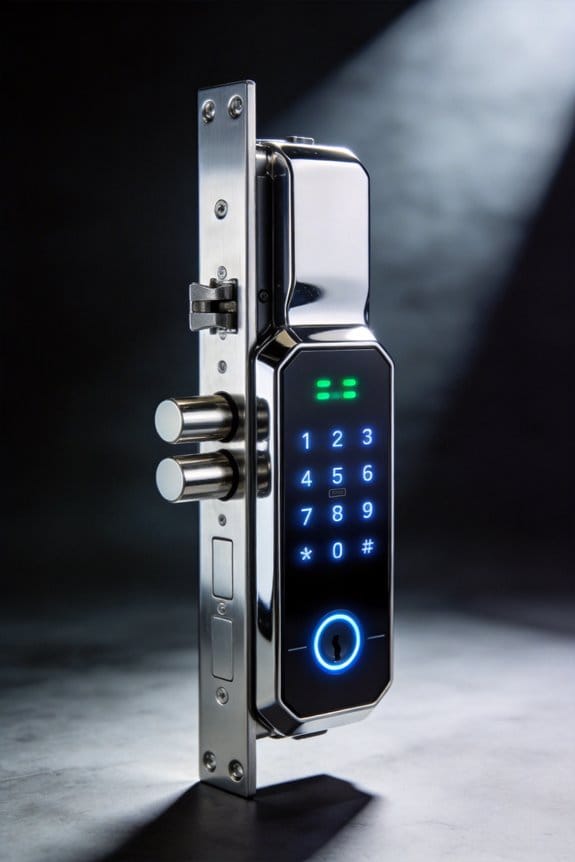
Your garage door remote gets intercepted. Someone records the signal. They replay it back, and boom—your door opens. Sounds scary, right? The good news is that manufacturers figured this out years ago, and modern systems now have real protections built in.
Rolling code technology is the first line of defense. Instead of using the same access code every single time you hit the remote, it generates a brand new code with each activation. This means even if someone captures your signal, it’s worthless after you use it once. The code’s already changed.
Frequency hopping works differently but toward the same goal. Rather than transmitting on a fixed frequency that an attacker can predict and jam, your garage door opener automatically hops between multiple frequency bands. So why does this matter? Because an attacker can’t just blast noise across one frequency anymore—they’d have to jam every possible frequency at once, which is impractical and obvious.
Here’s what I’ve seen happen in real installations:
- Professional alarm dealers now make frequency hopping standard across new setups
- Older fixed-code systems are becoming rare because they’re genuinely risky
- Most modern garage doors combine both technologies for layered protection
Honestly, the shift from static codes to these adaptive systems has made a real difference. You’re not dealing with a simple “record and replay” vulnerability anymore. Your door opener is constantly changing its behavior, which throws off anyone trying to predict what it’ll do next.
Recommended Products


MyQ technology enables you to securely monitor and control your garage door opener and houselights

Built-in camera: 130⁰ wide angle camera lets you see and hear what’s happening in your garage through the myQ app .Controller type: Iphone, Android
Why Some Garage Doors Fail: Common Architecture Vulnerabilities
Why Some Garage Doors Fail: Common Architecture Vulnerabilities
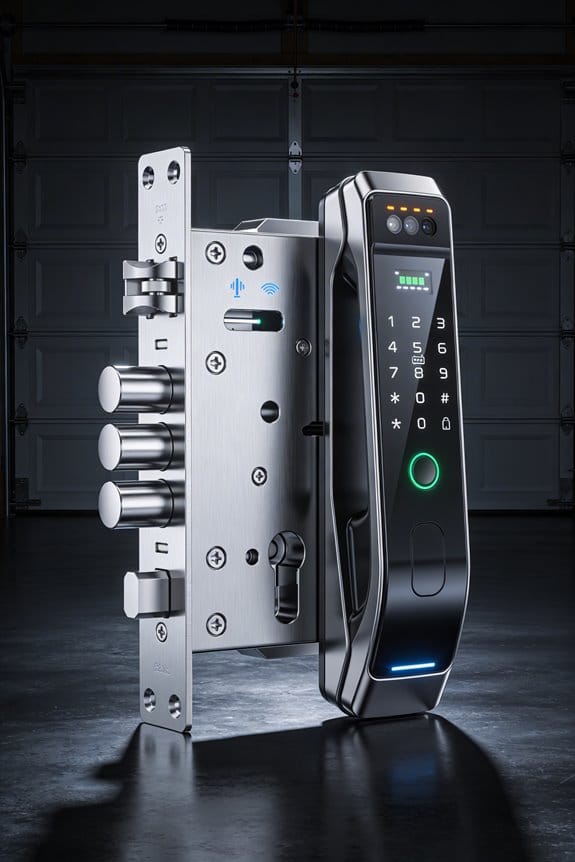
So your garage door opener gets hacked—but it’s probably not because someone cracked your WiFi password. Truth is, most of the real problems come from how manufacturers actually built their systems in the first place.
Take the Nexx garage door controller. All 40,000 of those devices shipped with the same embedded password. No way to change it. No customization. Everyone out there has access to the same credentials. That’s a massive red flag that should’ve been caught before day one.
Here’s where it gets worse: their setup uses a centralized MQTT server that sits between your phone and your garage door. Instead of your app talking directly to the opener, every message bounces through their server. Why does this matter? Because now there’s a middle man collecting all that traffic—email addresses, device IDs, personal information. Hackers don’t even need to target your door specifically. They just intercept what’s flowing through that central server.
The real issue boils down to two architectural mistakes:
- Single-point authentication failures: One password for thousands of devices means one breach affects everyone at once.
- Weak server-side security: A centralized hub becomes an attractive target because it holds so much data in one place.
Frankly, none of this has much to do with whether the wireless signal itself is encrypted. The signal could be Fort Knox-level secure, but if the underlying system was designed with these flaws, it doesn’t matter. The weakness is baked into the foundation.
What should you do? Check your garage door’s manufacturer and see if they’ve issued any security updates or recalls. It’s worth a few minutes to stay ahead of this.
Secure Your Garage Door: Passwords, 2FA, and Firmware Updates
Secure Your Garage Door: Passwords, 2FA, and Firmware Updates
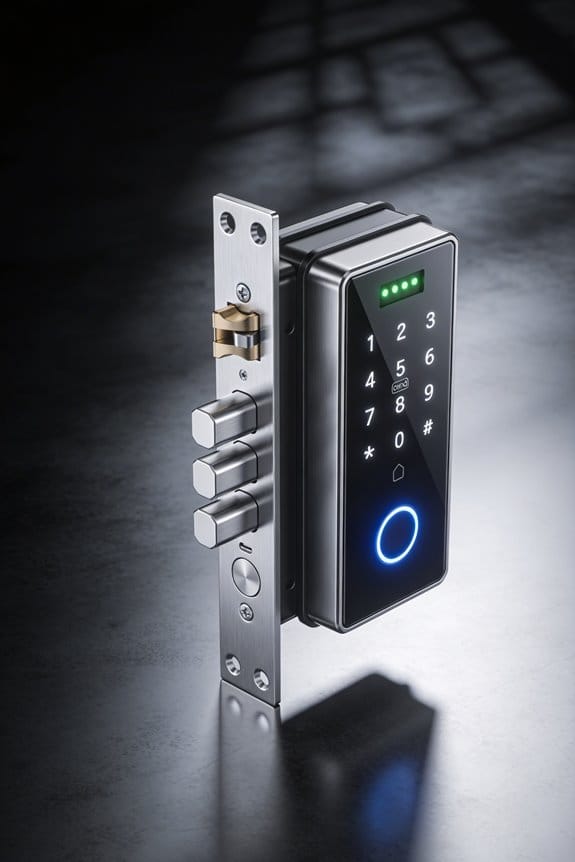
Your garage door opener is basically a computer now, and that means it needs actual security—not just a padlock mentality. If you’re not protecting it properly, you’re leaving an open invitation for someone to mess with it remotely.
Let me break down what actually works. You need three things working together: a password that’s actually hard to crack, a second verification step, and software updates from the manufacturer. Skip any one of these, and you’re still vulnerable.
Recommended Products

Will receive updated LiftMaster JHDC replaces H501L5L
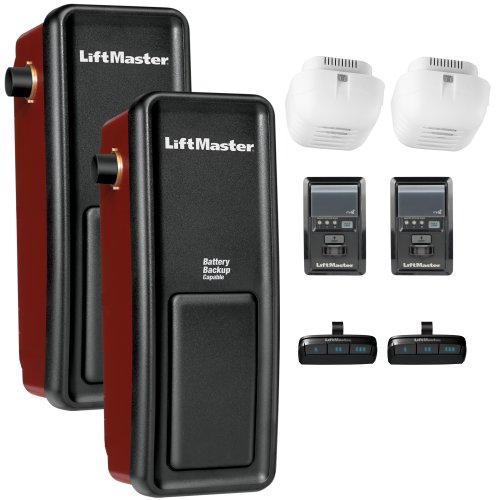
Side-mount design saves ceiling space and provides a sleek, modern installation option ideal for garages with limited headroom or obstructions

[Handicap Push Button for the Disabled)Wireless&wired mode can be chosen on the handicap push buttons,Wireless transmission adopts 2.4g wireless communication technology, with good frequency consistency and high wireless transceiver stability.
Start with a Strong Password
Think about it—most people use “123456” or their dog’s name. That’s exactly what attackers guess first. Your garage door opener needs a password with at least twelve characters. Throw in uppercase letters, numbers, and special symbols like !@#$%. It sounds annoying, but it stops brute-force attacks where hackers just try thousands of combinations until something works.
Try this: Use a passphrase instead of a random jumble. Something like “BlueJay$Garage2024!” is both stronger and easier for you to remember than “X9!kL2$mN”.
Recommended Products

【Fire Protection】Protect rifles & pistols with 45-min fire protection up to 1200°F for home security storage.
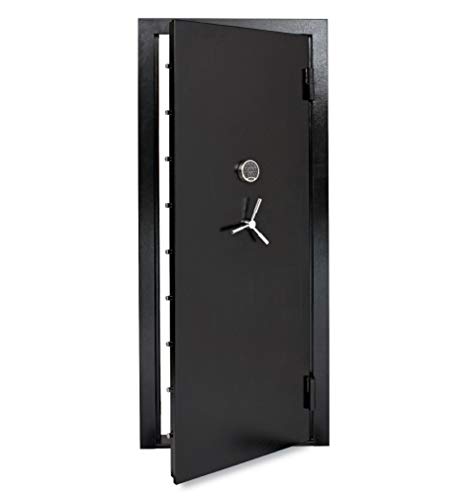
THICK STEEL DOOR CONSTRUCTION OUT SWING DESIGN - an effective and affordable way to protect an existing area from theft and intrusion featuring nine 1-inch live locking bolts, 12 Gauge thick exterior door & frame, out swing design, and SecuRam digital lock with key backup

⭐⭐⭐⭐⭐【US STOCK】: Our large safe is in stock in the US.
Two-Factor Authentication: Your Second Line of Defense
So, why does this matter? Because even if someone somehow gets your password, 2FA means they can’t actually get in without a second form of ID. Usually that’s a code texted to your phone or generated by an app.
Honestly, this is the move that makes the biggest difference. You’re adding an extra step that attackers almost never have access to. Enable it on your garage door system right now if it’s available.
Recommended Products

The wall mount garage opener mounts discretely on the wall next to the garage door, increasing the functional space in the garage.Note: Measure your door's backset, cross bore and thickness to ensure you find the right fit.

Ultra-Quiet Garage Door Operation: Enjoy peaceful performance—near‑silent, low‑vibration operation is ideal for homes with attached garages or living spaces nearby. Built for long‑lasting reliability, it delivers powerful performance without the noise—perfect for refreshing an older garage system with a modern, quiet solution.

SPACE SAVING: The Genie wall mount garage door opener clears up ceiling space by eliminating rail & powerhead from the ceiling, the wall mount, mounts to the side of the garage doors torsion spring. You can use the freed-up space for extra storage or just enjoy the clean, uncluttered look.
Keep Your Firmware Updated
This one’s critical. Manufacturers discover security holes all the time—sometimes after your device is already installed and working. Firmware updates patch those holes before someone exploits them.
The best part is it’s usually automatic if you set it up. If not, just check your device dashboard once a month for patches. Takes five minutes, prevents headaches.
Your garage door opener connects to Wi-Fi, which means it can be accessed from anywhere—and attacked from anywhere too. These three steps—a solid password, 2FA turned on, and current firmware—actually stop the attacks that work against neglected systems.
What’s stopping you from setting 2FA up today?
What to Look For in a Genuinely Secure Garage Door System?
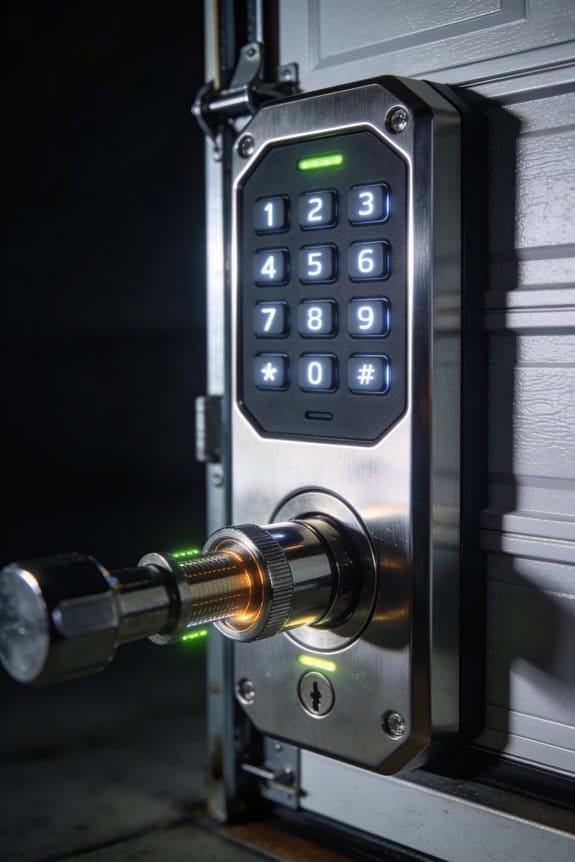
You’ve locked down your passwords, flipped on 2FA, and you’re keeping your firmware current. But here’s the thing—all that work doesn’t matter if your garage door system wasn’t built with security in mind from day one.
When you’re shopping around, pay attention to a few key features. Frequency-hopping technology, 128-bit encryption, and rolling code mechanisms are your best friends. These stop someone from recording your signal and replaying it later to break in. It sounds technical, but what it means is simple: your door’s harder to hack.
There’s a real difference between systems that use challenge-response protocols versus those stuck on fixed transmission codes. The first type constantly verifies that you’re really you before opening anything. The second type? It’s like using the same house key your neighbor can copy.
Make sure whatever system you pick plays nicely with your other smart home stuff. Compatibility matters because gaps in integration create gaps in security. When installers show up, watch them verify that sensors align properly and that tamper detection is working. Don’t just sign off on the work—ask questions.
Here’s the trick: don’t skip the user manual or support resources. I’ve found that the best manufacturers actually teach you how to use their systems safely. The documentation isn’t just fluff. It tells you what not to do, which is just as important.
Recommended Products

He Model MH Medium Duty Hoist Operator is designed for use on small rolling doors, grilles and industrial sectional doors with high or vertical lift

The built-in Aladdin Connect technology allows you to monitor, open and close your garage door from anywhere with your smartphone. Works with Smart Home Automation platforms Amazon In-Garage Delivery, Alexa, Google Assistant, SmartThings, and many more

Space-saving design – Wall mount installation eliminates the overhead rail and frees up valuable ceiling space in your garage.
Professional Monitoring vs. DIY Protection: What You Need to Know
Professional Monitoring vs. DIY Protection: What You Need to Know
So you’re lying awake at night wondering if your home security setup is actually doing its job. That’s the real question most people face: should you pay someone to watch your place 24/7, or can you handle it yourself?
Professional monitoring gives you round-the-clock eyes on your home. A trained technician is managing your system updates, checking that sensors are aligned correctly, and making sure everything stays locked down tight. If something goes wrong, they’re calling the cops before you even realize there’s a problem. It’s basically peace of mind in a monthly bill.
DIY systems cost way less upfront—we’re talking minimal fees after installation. But here’s the catch: you’ve got to know what you’re doing. Encryption setup, rolling codes, proper configuration—these aren’t things you can just guess at. If you skip these steps, your system might look good on paper but be vulnerable in real life.
Let’s talk money. Professional monitoring runs you $30 to $50 every month, while DIY keeps those recurring fees nearly nonexistent. Sounds like a no-brainer, right? Not quite. Your security is only as strong as how much effort you actually put into maintaining it.
The protection difference comes down to this:
Professionals use frequency-hopping technology and challenge-response authentication to stop jamming attacks. DIY users can set up the same protections, but it means you’re doing the research and implementation yourself. So, why does this matter? Because a hacked system is worse than no system at all.
Honestly, both approaches work fine if you stay on top of things. Strong passwords, regular updates, and two-factor authentication enabled—these are non-negotiable either way. The real question isn’t which option is superior; it’s which one you’ll actually stick with long-term. Can you commit to regular maintenance, or would you rather hand that responsibility to professionals?
Frequently Asked Questions
Can Physical Sensor Misalignment Cause False Alarms or Security Vulnerabilities in Garage Doors?
I’d say yes—misalignment definitely causes false alarms in your garage door sensors. When alignment issues occur, I’ve found that proper sensor calibration becomes critical. A minor physical disturbance can knock sensors out of position, triggering false alerts or creating security vulnerabilities you’ll want to fix immediately.
How Do Bright Sunlight and Reflections Affect Optical Sensor Performance in Wireless Systems?
I’ll explain how environmental factors challenge your optical sensors. Bright sunlight and reflections from shiny objects create sunlight interference that confuses your optical sensors, causing false alarms. This reflection impact greatly degrades sensor performance and reliability in wireless garage door systems.
What Is the Most Effective Method to Fix Sensor Malfunction Caused by Misalignment?
I’ll cut to the chase: you’ve got to realign those sensors so they’re facing each other properly. It’s the golden ticket for troubleshooting sensor issues. I’d recommend using sensor realignment techniques—just nudge them back into position, and you’ll likely resolve your malfunction problems quickly.
Are Jamming Attacks Likely to Occur in Real-World Residential Garage Door Scenarios?
I’d say jamming attacks remain unlikely in real residential scenarios. While attackers can technically use jamming tactics to create signal interference with your garage door sensors, security experts consider them improbable threats compared to other vulnerabilities homeowners face.
How Can Attackers Physically Tamper With Wireless Alarm Sensors to Bypass Security Systems?
I’ll show you how attackers exploit your home’s defenses. They remove, cover, or misalign door/window sensors and motion detectors—physical tampering techniques that prevent alarms from triggering. These sensor security risks leave your vulnerabilities exposed without detection.