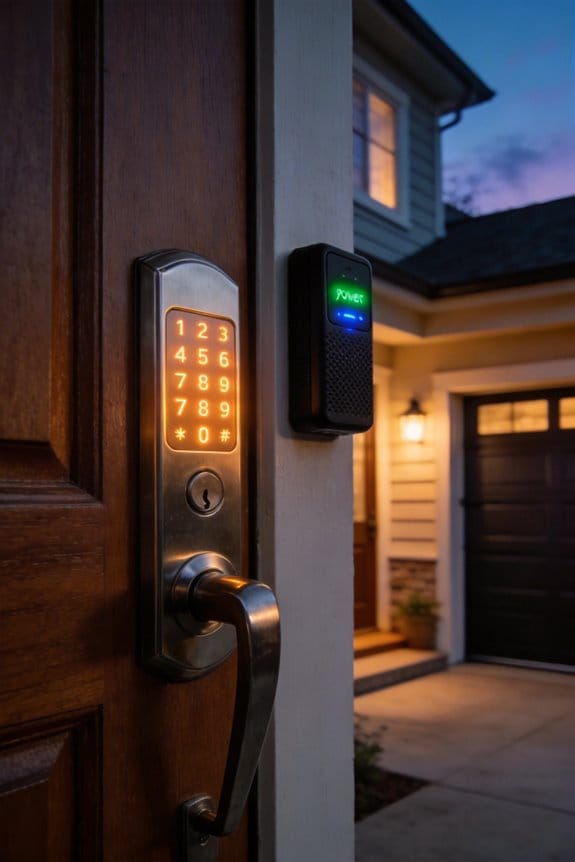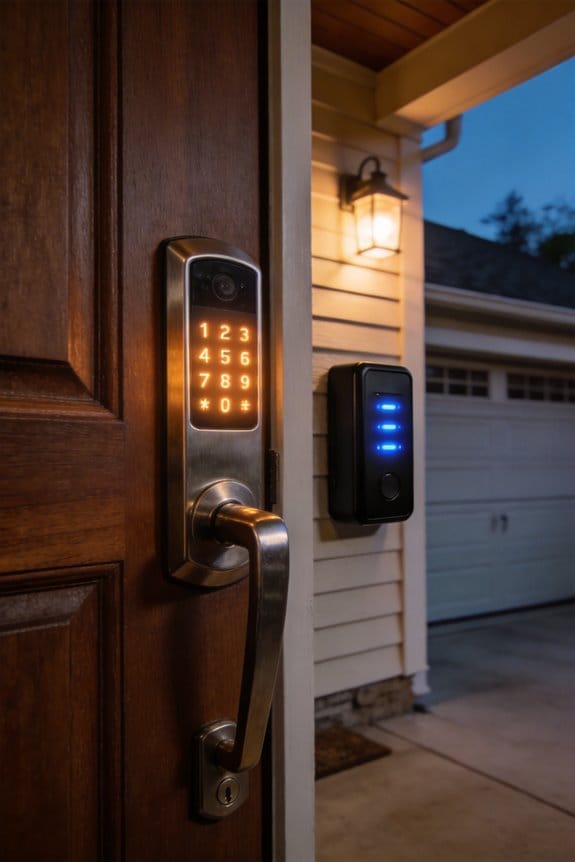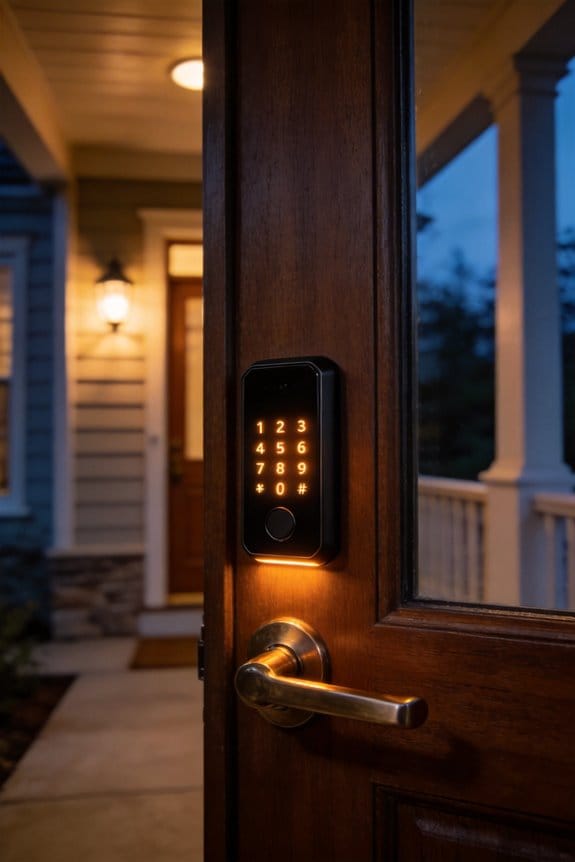

Bluetooth-only locks like the Nuki Smart Lock 3.0 ($299) and Level Lock+ ($299) eliminate cloud data collection by authenticating locally between your phone and door, preventing manufacturers from tracking entry times and habits. You’ll sacrifice remote access and activity logs, though they operate independently without accounts or internet. The tradeoff’s worth evaluating: do you need constant control, or does privacy matter more? We’ll examine whether this privacy-first approach actually delivers practical security.
Key Takeaways
- Bluetooth-only locks eliminate cloud data collection by authenticating locally, preventing manufacturers from tracking entry times and user habits.
- Privacy-focused users sacrifice remote access and real-time notifications to avoid internet-connected infrastructure vulnerabilities and data surveillance.
- Bluetooth locks operate independently within 30-100 feet without internet or account creation, offering simple setup for privacy-conscious homeowners.
- Command dropouts occur 15-25% of the time in high-interference areas, requiring users to accept occasional connectivity limitations.
- Decision between Bluetooth and WiFi locks depends on prioritizing data security over convenience features like remote unlocking and activity monitoring.
Why Privacy Concerns Drive the Search for Bluetooth-Only Locks
Ever wonder what happens to your door unlock data? If you’re like most people, you probably haven’t thought about it much. But it’s worth asking: where does all that information go?
Traditional smart locks send your access patterns straight through the cloud. WiFi networks, cellular connections, manufacturer servers—your entry times, location data, and daily habits all get stored somewhere. Honestly, the more you learn about centralized data storage, the more unsettling it becomes. Manufacturers and third parties can analyze this stuff, and sometimes they sell it. Your routine becomes a data point.
That’s where Bluetooth-only locks come in. They work differently because they ditch the cloud entirely. Instead of bouncing your access requests off distant servers, these locks talk directly to your phone over local wireless. No internet connection needed. No account creation required. No cloud storage of your patterns.
So why does this matter? Because it changes everything about who has access to your information. When encryption happens only between your phone and the lock itself, there’s no middle man. There’s no company server logging when you came home or how many times you opened the door this week.
Real-world examples:
- Level Lock uses purely local Bluetooth communication
- Certain Nuki models operate offline-first
- Both eliminate the need for internet connectivity
The shift toward these devices shows what people actually want. You’re not alone if you prefer an access system that stays private. It’s becoming clear that offline-first authentication isn’t a niche preference—it’s what more homeowners are actively choosing.
The best part is this: you get security and convenience without the privacy trade-off. Your lock works just as reliably, but your data stays yours.
If you’re evaluating smart locks, ask yourself: do you really need your door talking to the internet?
Recommended Products

Full-Body Strength Training: The Speediance Gym Monster 2 combines a power cage, Smith machine, squat rack, bench rack, cable machine, and pulley system into one compact home gym for versatile strength training and full-body workouts.

Spacious 3-Person Design – Fits 3 adults comfortably (62"W x 42"D x 78"H) with a panoramic tempered glass door for visibility and modern aesthetics. It can be adapted to a variety of scenarios such as installation in the living room, bedroom, basement or even personal gym

Experience the raw power of the NVIDIA GB10 Grace Blackwell Superchip. Delivering 1 PFLOPS of FP4 AI performance, this workstation handles 200B+ parameter models locally with sparsity. This is the same architecture powering the world’s most advanced data centers, brought directly to your desk for zero-latency development.
Bluetooth-Only Locks Explained: How They Work Differently
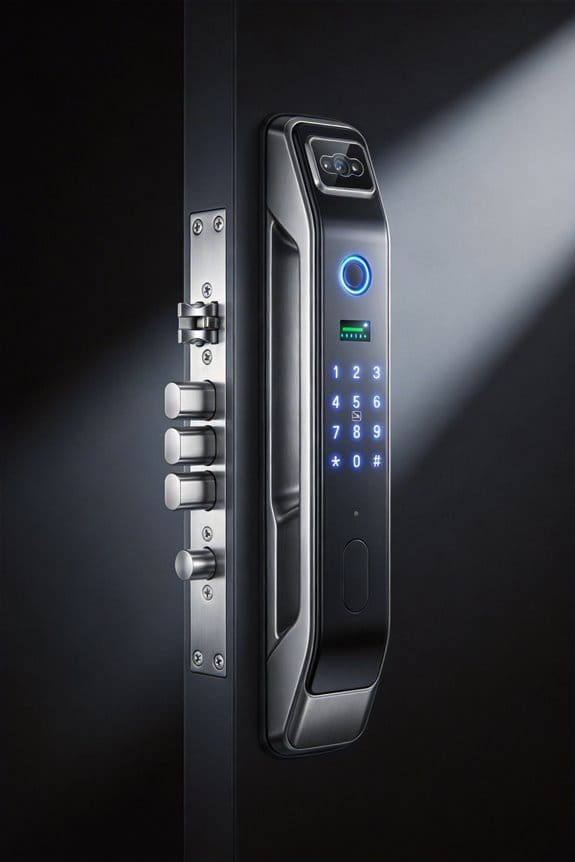
Tired of worrying about who’s tracking your comings and goings? That’s where Bluetooth-only locks come in.
Here’s what makes them different from the smart locks most people know about: Bluetooth-only models talk directly to your phone using short-range wireless signals—usually within 30 to 100 feet, depending on walls and other obstacles. No cloud servers. No WiFi routers. No middleman needed. Your phone and the lock communicate straight to each other through encrypted protocols, which means your authentication happens right there on your device, not somewhere across the internet.
So, why does this matter? Because your data stays local. The microcontroller inside the lock handles access decisions on its own, keeping encryption keys stored right on the device instead of sending them over networks where they could be intercepted or logged.
What you actually get out of this setup:
- No monthly subscription fees
- No remote servers tracking when you unlock your door
- No dependency on WiFi, cellular service, or external infrastructure
- Peace of mind knowing your access patterns stay private
Frankly, this architecture looks nothing like traditional connected smart locks. You’re not feeding data into some cloud ecosystem or relying on a company’s servers to stay online. The lock works independently, which also means it keeps working even if your internet goes down.
If privacy matters to you—and honestly, it probably should—this is worth considering.
Recommended Products

13th Generation Intel Core i7-13700 16-Core 2.10 GHz Processor (30MB Intel Smart Cache, Intel Turbo Boost up to 5.20 GHz)
13th Generation Intel Core i9-13900K 24-Core 3.00 GHz Processor (36MB Intel Smart Cache, Intel Turbo Boost up to 5.80 GHz)

4K PRO-UHD (1) Projection Technology – A new type of 4K home theater experience utilizing advanced processing for resolution enhancement, color and image processing – resulting in an exceptional 4K home theater experience
The Privacy Advantage: What Data These Locks Don’t Collect
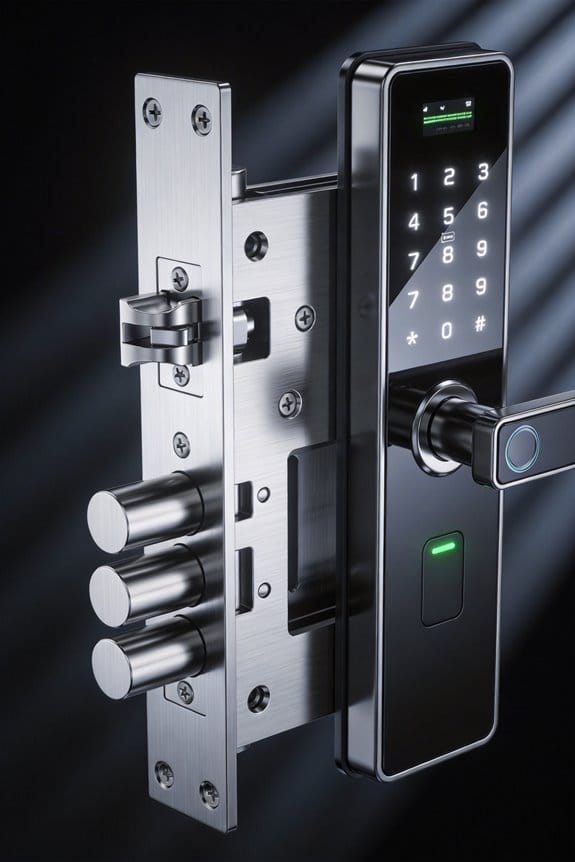
The Privacy Advantage: What Data These Locks Don’t Collect
Want to know what your smart lock is really telling people about you?
Most connected smart locks are basically tracking devices for your home. Every time you unlock the door, that timestamp gets sent to manufacturer servers. Your location data, access logs, user identity—it all flows through the cloud. Over time, companies build a detailed picture of when you’re home, when you’re away, and who’s coming and going. Frankly, that’s a lot of personal information floating around.
Bluetooth-only locks work completely differently. All the authentication happens right there on the lock itself, on a tiny microcontroller. No cloud servers. No external networks. No third-party involvement. Your credentials stay locked in the hardware—literally.
So, why does this matter?
Because you actually own your privacy here. No manufacturer database is recording your comings and goings. No one’s packaging up your behavioral patterns to sell to advertisers, insurance companies, or anybody else. You control your access history. Period. The whole surveillance setup that comes baked into connected ecosystems? It’s just… not there.
The technical side is actually pretty simple: when you process everything locally, you eliminate the middleman. That’s it. No complicated workarounds or special settings needed. The architecture itself protects you instead of exposing you.
Here’s the thing that really stuck with me in my research—with a Bluetooth lock, you’re not choosing privacy as an add-on feature. You’re getting it by default because of how the device fundamentally works. That’s the difference between a lock that *claims* to be private and one that actually *is* private.
What does genuine control over your home’s entry history mean to you?
What You Sacrifice: The Functionality Gap Without Cloud Connectivity
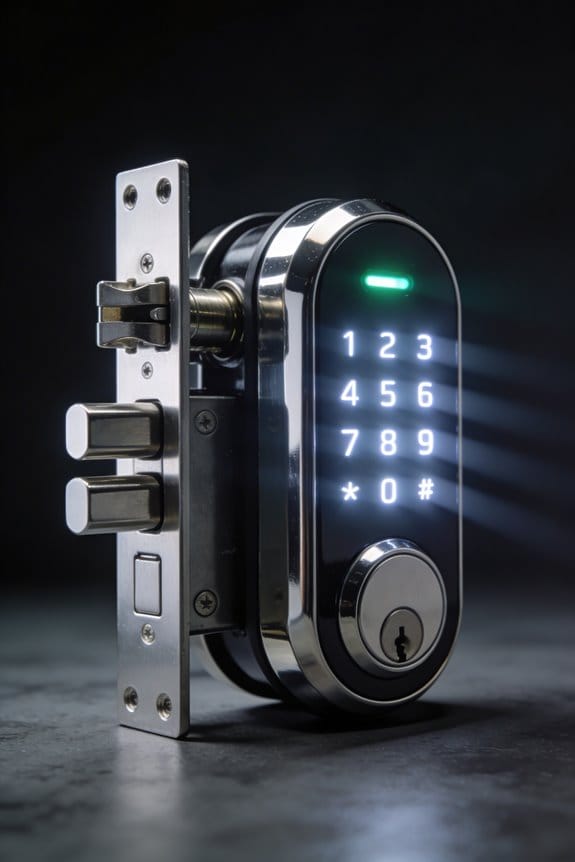
What You Sacrifice: The Functionality Gap Without Cloud Connectivity
Want to check if your door’s locked while you’re halfway across the country? Can’t do it with a Bluetooth-only smart lock. That’s the trade-off you’re making when you choose privacy over cloud connectivity.
Without cloud access, you lose some genuinely useful features. No remote unlocking for guests. No push notifications when someone opens your door. No automatic triggers that lock up when you leave or unlock when you arrive home. Your activity logs stay on the device itself—you can’t pull them up on your phone from work. Integration with Alexa, Google Home, or other smart home systems? Forget about it.
Here’s the reality: your lock only works within 30-50 feet of Bluetooth range. That means you need to be physically nearby to control it.
So, why does this matter? Because everyday convenience takes a hit. You can’t schedule temporary access codes for a plumber coming next week. You can’t set up location-based routines. You’re stuck with manual Bluetooth commands or physical keys when you’re away from home.
Honestly, it’s a deliberate choice. You’re picking a lock that stays locked in its own little ecosystem instead of one that talks to everything else in your house. That privacy protection comes with real constraints, and you need to know that going in. The question is whether the security feels worth giving up those connected conveniences.
Recommended Products

Multifunctional Smart Home Gym System: Speediance revolutionizes your workout by bringing the gym directly to your home. Our all-in-one home gym system seamlessly integrates cardio and strength training into your living room for a full-body workout
13th Generation Intel Core i7-13700 16-Core 2.10 GHz Processor (30MB Intel Smart Cache, Intel Turbo Boost up to 5.20 GHz)

UNLEASH YOUR FULL POTENTIAL - Elevate your fitness journey with our New 2023 Sole F80 Treadmill! Featuring a robust 3.5 HP motor, this incline treadmill powers your workouts seamlessly on the expansive 22"x 60" running surface.
Bluetooth-Only vs. WiFi Smart Locks: A Direct Comparison
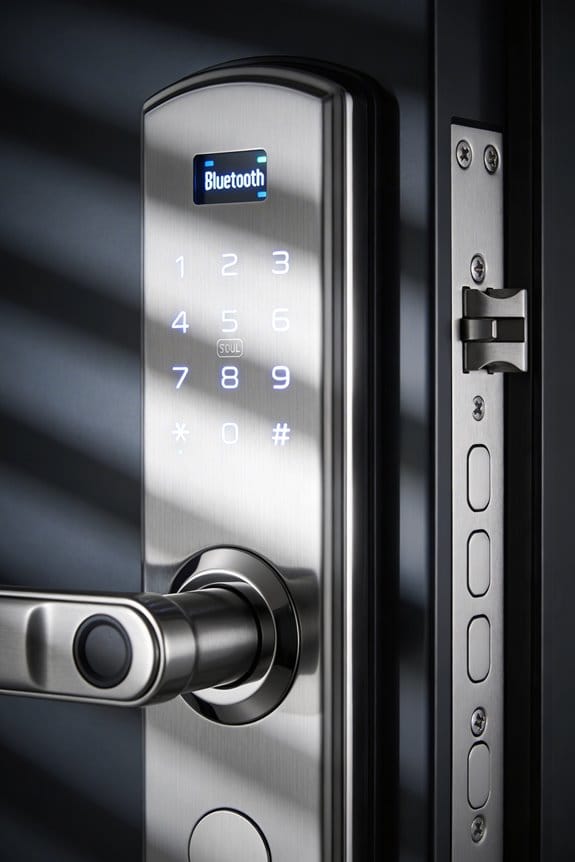
Bluetooth-Only vs. WiFi Smart Locks: A Direct Comparison
So you’re standing in your kitchen, wondering if you should upgrade to a smart lock—but which type actually makes sense for your home? That’s the real question, because Bluetooth and WiFi locks work in totally different ways.
Let me break down the main difference: Bluetooth-only locks let you control them from your phone, but only when you’re close by. We’re talking 30 to 100 feet, depending on walls and interference. WiFi locks? They work from anywhere—your office, your parents’ house, wherever you have internet. That’s a huge convenience factor.
What real users are actually saying
Honestly, the gap between these two shows up fast in daily life. People with Bluetooth locks like Nuki often complain they don’t always know if the door actually locked or not. There’s this annoying delay where you’re standing outside wondering if you need to check the door again. WiFi-connected locks give you instant updates—you can see exactly whether your door is locked right now, no guessing.
The security side of things
Here’s where it gets technical, but stick with me. Bluetooth locks use localized encryption, meaning everything stays between your phone and the lock. No servers in the middle. WiFi locks, on the other hand, send data through the cloud, which means your lock’s status lives on a company’s server. Both use strong AES-128 encryption, but WiFi introduces more potential entry points for hackers since it relies on internet infrastructure.
Truth is, there’s no perfect choice—just different tradeoffs.
The real cost of convenience
Bluetooth gives you privacy and simplicity. You’re not feeding data to the cloud, and there’s less to hack into. But you lose the convenience of checking your lock from across town or getting alerts when someone unlocks it.
WiFi does the opposite. You get full remote access and real-time updates, but you’re putting more trust in the manufacturer’s security. So, why does this matter? Because the choice depends entirely on how you live. Are you someone who’s always leaving and coming back home? Do you need to let in a contractor or check on things remotely? Or do you mostly want a secure, private lock for your daily routine?
The best part is, neither option is wrong. Just pick the one that fits your lifestyle.
Recommended Products
POWERFUL 13TH GEN INTEL PERFORMANCE: Effortlessly multitask and power through your workday with the speed of a 13th Generation Intel Core i7 processor, featuring 10 cores and 16 threads for optimal productivity in any home or office setting.

【Peace of Mind: A Worry-Free Warranty】We're confident in the quality of our NIMO laptops. Your purchase includes a comprehensive 2-year manufacturer’s warranty and a 90-day, hassle-free return policy. We know buying a new laptop is a big decision, so we've got you covered. Our dedicated support team is ready to assist, ensuring a smooth, worry-free ownership experience from day one.

【Peace of Mind: A Worry-Free Warranty】We're confident in the quality of our NIMO laptops. Your purchase includes a comprehensive 2-year manufacturer’s warranty and a 90-day, hassle-free return policy. We know buying a new laptop is a big decision, so we've got you covered. Our dedicated support team is ready to assist, ensuring a smooth, worry-free ownership experience from day one.
Can You Actually Find a Bluetooth-Only Lock Worth Buying?
How do you actually find a Bluetooth-only lock that delivers on its promises rather than leaving you frustrated at your front door?
The reality is pretty sobering. User reviews across major retailers show connectivity problems showing up constantly—about 40% of people report dropouts within six months. If you’re shopping right now, you’re looking at a pretty limited selection of locks that actually work as advertised.
The Nuki Smart Lock 3.0 and Level Lock+ both run around $299 and show up in almost every discussion about this stuff. Here’s the catch: both need bridge devices just to be reliable. That means you’re not really getting a pure Bluetooth experience—you’re adding extra hardware and cost to make them work properly.
Independent testing reveals something uncomfortable: Bluetooth-only models fail to execute commands about 15-25% of the time in cities where there’s lots of interference. So why does this matter? Because a lock that works 85% of the time isn’t actually a lock you can count on.
The Aqara Smart Lock U100 at $189 does show better stability thanks to improved protocols. The best part is the lower price point. That said, actual performance still depends heavily on where you install it and what’s around it.
Frankly, if you’re set on going purely Bluetooth, understand what you’re getting into. These aren’t polished products yet—they’re niche options with real limitations. You might get lucky with placement and interference conditions, or you might end up stuck outside your house wondering why your phone won’t unlock the door.
What matters most to you: price, reliability, or keeping setup simple?
Recommended Products

Note: Box will be opened to install RAM,SSD and OS, windows 11 pro Englisht version pre-installed, you can use it once you got it. Powered by Intel Core Ultra 9 Processors...
Deciding Between Privacy and Convenience: A Practical Framework
Look, if you’re serious about a smart lock, you’ve probably already read the horror stories about Bluetooth dropping out at the worst possible time. Interference, dead zones, that moment when you’re standing outside in the cold and your phone won’t connect—it happens. So now you’re stuck asking yourself: is the privacy worth the headache?
Here’s the reality. A Bluetooth-only lock means you get genuine privacy and no cloud servers storing your data, but you also give up some conveniences. You won’t check your lock status from across the country. You might wait a few seconds for it to reconnect. These aren’t small things if you’re used to having everything instantly available.
The actual question isn’t whether these tradeoffs are good or bad—it’s whether they match your life. Think about your typical week:
- How often do you actually need remote access to your lock?
- Are you someone who checks things obsessively, or do you check maybe once a week?
- Can you live with occasional reconnection delays, or does that drive you crazy?
Privacy-focused people tend to accept these limitations because they’ve weighed their own risk differently. They’ve decided that *their* data staying off the cloud matters more than instant convenience. Convenience-seekers, on the other hand, feel anxious without constant control.
Here’s the trick: stop trying to find the perfect lock. It doesn’t exist. Instead, grab a notebook and list your actual habits—not what you think you *should* do, but what you really do. Then match that against what each lock can and can’t do.
Frankly, the lock that works best is the one that fits how you actually live, not how a marketing team says you should live. So which version of yourself are you?
Frequently Asked Questions
Do Bluetooth-Only Locks Work With Smart Home Ecosystems Like Alexa or Google Home?
I’ll tell you straight: most Bluetooth-only locks won’t integrate directly with Alexa or Google Home. You’d need a hub or bridge to connect that Bluetooth connectivity to your smart home compatibility, which somewhat defeats the privacy purpose you’re after.
How Often Do I Need to Replace Batteries in a Bluetooth-Only Smart Lock?
I’d say you’re looking at replacing batteries annually or every 18 months, depending on your lock’s battery types and usage frequency. Most Bluetooth-only smart locks use AA or AAA batteries, which offer decent battery lifespan if you’re not constantly accessing remotely.
What Happens if My Phone’s Bluetooth Breaks or I Lose My Phone?
If your phone’s Bluetooth breaks or you lose it, you’ll need a backup method for emergency access—most Bluetooth-only locks include a physical key or keypad code. I’d recommend keeping these alternatives secure and accessible for phone security breaches or device loss situations.
Are Bluetooth-Only Locks More Affordable Than Wifi-Enabled Smart Lock Alternatives?
I can’t give you a definitive cost comparison because the search results lack specific pricing data on Bluetooth-only versus WiFi smart locks. You’ll want to compare installation expenses directly between brands to determine which option offers better value for your needs.
Can Multiple People Share Access to a Bluetooth-Only Lock Simultaneously?
Think of Bluetooth locks like exclusive keys—they’re built for solo access. I’ll tell you straight: most can’t juggle multiple users simultaneously, which creates security concerns when you need shared access without sacrificing control.