
Most pre-2015 driveway gates lack native wireless connectivity, requiring retrofit controllers or bridge adapters—like Ghost Controls’ MultiConnect or Remootio—to integrate with Alexa, Google Home, or Apple HomeKit. You’ll need to verify your gate motor’s compatibility before purchasing hardware. Wi-Fi signal strength matters considerably beyond 100 feet from your router, so consider wired Cat6 boosters or Bluetooth backups for reliability. Each platform offers distinct advantages: Apple prioritizes privacy, Google excels at compatibility, and Alexa provides superior automation. The specifics of seamless integration depend on your existing system’s age and specifications.
Key Takeaways
- Verify gate age and motor compatibility before selecting smart controllers to ensure seamless integration with modern smart home systems.
- Choose platforms based on priorities: Apple HomeKit for privacy, Google Home for compatibility, or Alexa for advanced automation features.
- Resolve Wi-Fi connectivity issues using wired Cat6 boosters or Bluetooth backups to maintain reliable remote gate access throughout property.
- Enable secure guest access through temporary codes, mobile apps, and geofencing technology without compromising property security or manual oversight.
- Integrate security cameras with gate systems to create comprehensive monitoring, automated logging, and real-time alerts for complete ecosystem control.
Why Your Gate Probably Can’t Go Smart (Yet)?
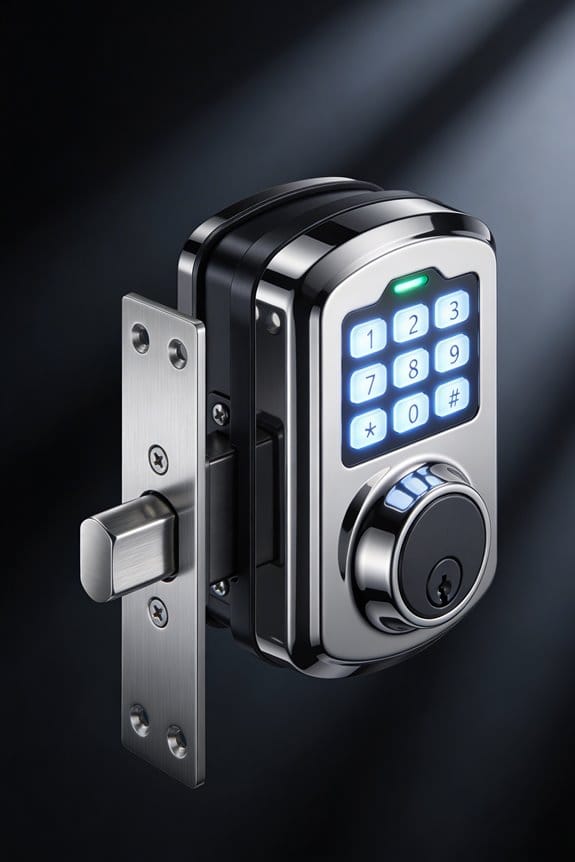
Thinking about making your driveway gate “smart”? If you’ve got an older gate—especially one installed before 2015—you might hit a wall faster than you’d expect.
Most older gate systems just weren’t built for wireless connectivity. They lack the basic hardware guts needed to talk to your phone or listen to voice commands. It’s not that the tech is broken; it’s that your gate literally doesn’t have the internal wiring to support it. So before you get excited about downloading an app, understand this: compatibility problems are real, and they’re usually the first obstacle you’ll run into.
Here’s what you’re actually dealing with:
Different manufacturers handle this differently. Ghost Controls, for example, needs an extra piece called the MultiConnect accessory just to add Wi-Fi. Remootio takes a different approach and handles it on their own without that extra step. Doorking 1800-500 controllers can work with what you’ve already got if you configure them right. But plenty of vintage openers? They simply weren’t designed with smart home integration in mind, period.
So why does this matter? Because you can’t just throw money at the problem and expect it to work overnight. You need the right combination of hardware and software, and that takes planning.
The good news is that retrofitting your gate is absolutely possible. Truth is, it just means spending more than you might’ve initially budgeted. You’ll likely need additional equipment—sometimes a whole new controller—layered on top of your existing setup. It’s doable, but it requires you to be realistic about the cost upfront.
Before you commit to anything, figure out what you’ve actually got under the hood. Once you know your gate’s age and model, you can match it with the right solution. That’s half the battle right there.
The Wi-Fi Problem: Can Your Driveway Stay Connected?
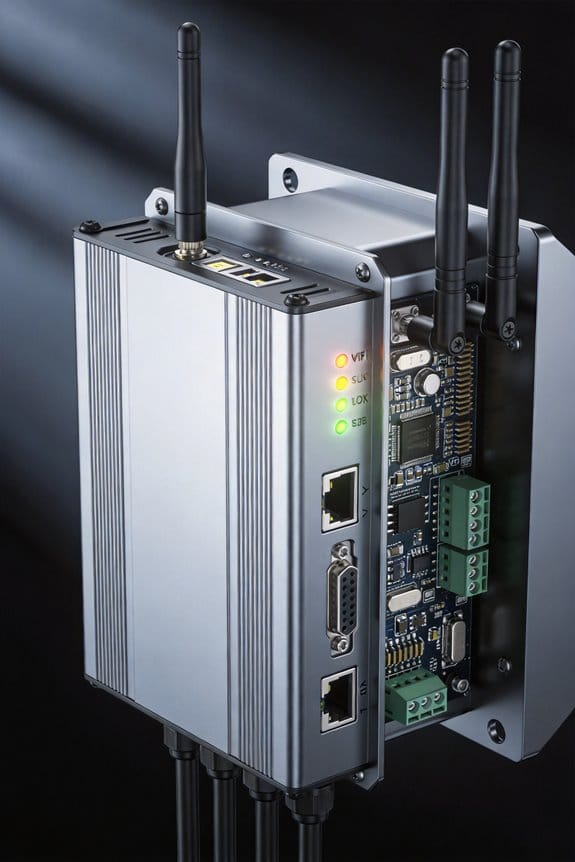
How far is your driveway from your router? If it’s more than 100 feet away, you’ve probably already noticed your Wi-Fi signal getting weaker and weaker until it basically disappears. That’s the reality most homeowners face when they try to control their smart gate from inside the house.
The problem gets worse the farther you go. Dead zones pop up right where you need them most—at your gate entrance. Frankly, it’s frustrating when your gate opener loses connection right when you’re expecting a delivery.
But you’re not stuck with this problem. A few practical fixes can actually work:
Bluetooth as a backup. If your Wi-Fi drops, Bluetooth still lets you control things locally from your car or phone when you’re close by. It’s not a perfect solution, but it covers the gap while you figure out something bigger.
Extend your signal with wired boosters. Run Cat6 cabling through your driveway pipes to place a signal booster closer to your gate. Yes, it takes some work, but you get consistent coverage without relying on a weak wireless signal traveling 100+ feet.
Devices like Remootio 3 actually learn how your signal behaves at different times and locations. They adjust automatically to keep your connection stable, which means fewer dropped commands and more reliable remote monitoring.
For the most bulletproof setup, pair everything with a 30W solar panel and a 12V battery system. Why does this matter? You get power independence—your gate works even during power outages. Most existing gate motors work with standard adapters, so installation is straightforward.
Cloud-based apps like LiftMaster’s myQ keep you connected even when your local Wi-Fi hiccups. Your access stays live, and your gate system stays secure.
Truth is, the best solution depends on your driveway layout and how much you want to invest. But addressing this now means no more frustrated moments at the gate later. What’s your biggest connectivity frustration right now?
Recommended Products

ENERGY EFFICIENT DESIGN - Features a premium weather seal that minimizes heat and cooling loss, helping maintain indoor comfort while giving pets easy outdoor access.

ZERO SUBSCRIPTION LOCAL RECORDING - Secure your premises with our 10CH wireless hub featuring an integrated 10 inch touchscreen monitor and a pre-installed 500GB hard drive. Enjoy continuous video logging without recurring monthly fees. This closed-loop setup operates entirely without internet access to safeguard your data from cloud security risks, ensuring uninterrupted capture even during network outages

Includes Two TACTACAM – Defend 360 Cellular Security Camera with Solar Panels and Rechargeable Batteries, Large Field Boys Carrying Case to fit 2 Defend 360 Cameras, and Microfiber Cleaning Cloth by Field Boys, a Trademarked Brand.
Picking Your Platform: HomeKit vs. Google vs. Alexa
Picking Your Platform: HomeKit vs. Google vs. Alexa
So you’ve got a smart gate, and now you’re staring at three completely different ecosystems wondering which one actually works best for your setup. Truth is, the platform you choose matters way more than most people realize—it’ll affect how easy your gate is to control, who can access it, and whether you’re stuck with your decision down the road.
Let’s start with Apple HomeKit. If privacy keeps you up at night, this is your answer. HomeKit only works with devices that Apple has certified, which sounds restrictive, but here’s the thing: it also means tighter security. Your gate controls stay encrypted and mostly private within Apple’s world. The tradeoff? Setup takes longer because you’ll need a HomeKit hub device (like an Apple TV or HomePod mini) sitting around to make it all work smoothly.
Google Home takes the opposite approach. It plays nice with Android phones, Nest hubs, and tons of third-party gadgets you probably already own. Voice commands feel natural because Google’s assistant is everywhere. Want to tell your phone to open the gate while you’re at the store? Google makes that simple. The catch is you’re trusting Google with more of your data, though honestly, most people are fine with that trade.
Then there’s Alexa, Amazon’s platform. Here’s where things get interesting if you like tinkering:
- You can build complex routines (like “if my phone enters the driveway, open the gate”)
- Custom skills let power users add features Alexa didn’t come with
- Fine-tuning automations gives you real granular control
Speed matters too, especially for a gate you actually need to use. Google and Alexa rely on cloud connections and usually connect faster out of the box. HomeKit’s local-control option is solid once it’s set up, but that initial setup? Slower. All three platforms now support some form of local control if the cloud goes down, so you’re not totally dependent on internet, which is honestly a relief.
The real question: Do you value privacy more, or do you want broad compatibility and quick setup?
Recommended Products

Smartphone App Control: Take full control of your gates from anywhere using our dedicated app, available on Google Play and the Apple App Store. Open and close your gates with a tap, whether you're at home or away.

【Smartphone App Control】: Use our dedicated app to fully control your gate from anywhere. You can download the XHouse IOT app from the Apple App Store or Google Play Store, or scan the QR code in the manual to download it. Open and close your gates with a tap, whether you're at home or away.

Ultra Compatibility : Compatibility with most apartment door locks. And the "Accessory Kit"can supports Jimmy Proof and Mortise locks without replacing the lock core, making it easy to upgrade your door lock. FREE three complimentary wood grain stickers for DIY customization to create a personalized style.
Smart Gate Hardware: Bridges, Controllers, and Adapters Explained
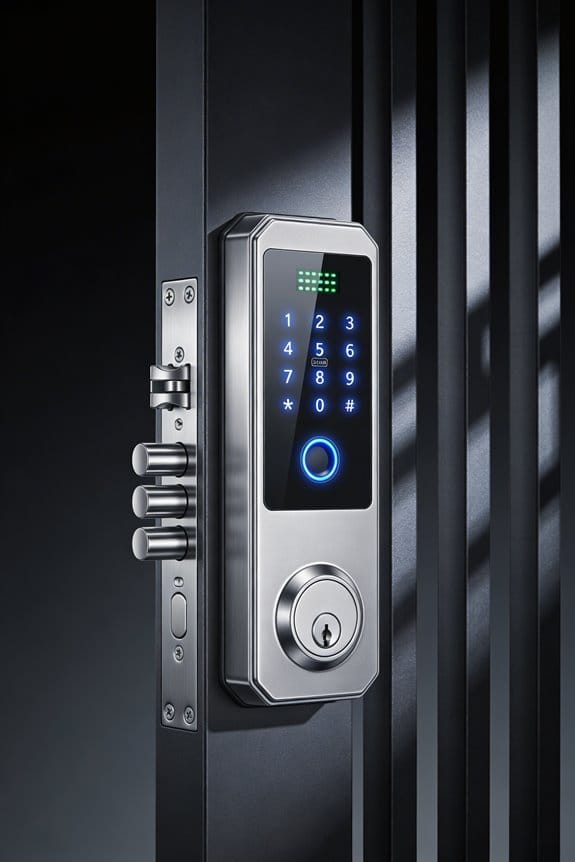
Once you pick your smart home platform, the actual buying starts—and this is where most people mess up. You’ll need to choose the right controller or bridge, because picking wrong means wasted cash and a gadget that sits in a drawer. Your hardware choice basically determines if everything works smoothly or if you’re stuck with an expensive brick.
So, why does compatibility matter so much? Because your gate motor won’t play nice with just any controller. You need to match them up first.
Let me walk you through some solid options:
Ghost Controls AXMCSB bundle pairs the AXBSM board with the AXMC-R accessory. You get app-based control through Wi-Fi and Bluetooth, so you can manage your gate from your phone.
Remootio 3 skips the need for an external hub entirely. This one lets you control your gate directly from your smartphone and works with Apple Home, Google Home, and Alexa all at the same time. Honestly, that flexibility is hard to beat.
Doorking 1800-500 controllers handle up to three gates at once. If you’ve got a bigger property or multiple entrances, this could save you money compared to buying separate systems. It integrates with iOS, Android, and voice assistants too.
LiftMaster’s myQ system gives you cloud-based monitoring and remote access. You can check on your gate from anywhere, which is helpful if you’re not home.
Before you pull the trigger on any of these, verify what gate motor you already have. That simple step prevents ordering the wrong adapter and having to return everything.
Recommended Products

Quiet and Fast Post Mount Do-It-Yourself (DIY) Gate Opener Kit for Swing-type Gates

FOR SINGLE SWING GATES UP TO 18 FT. ONLY!

This automatic gate opener is perfect for residential driveway gates including decorative, chain link, tube, plantation and wood (not recommended for solid panel gates). Solar Compatible
Install Remote Access Without Handing Out Keys
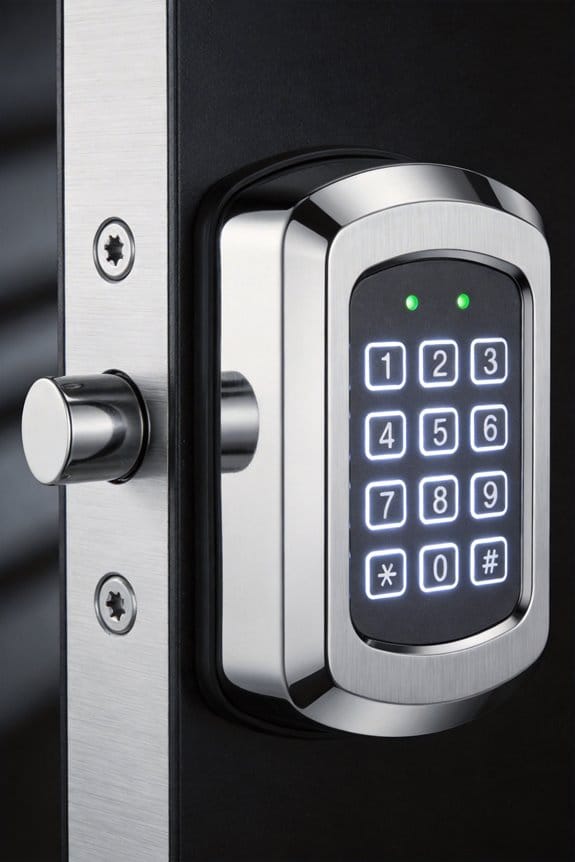
Install Remote Access Without Handing Out Keys
Tired of scrambling to find spare keys for every contractor, delivery driver, or friend who needs gate access? You’re not alone. The good news? You don’t have to physically hand anything out anymore.
Temporary codes are your first option. Your gate controller‘s keypad can generate codes that work for just 24 to 72 hours before they automatically stop working. It’s perfect for one-time visitors—contractors, delivery services, or guests who need a short-term window. After that timeframe expires, the code’s dead. No manual cancellation required, no stress about forgetting to disable it later.
Mobile apps offer a cleaner experience if your gate system supports them. Services like myQ or Remootio send one-time credentials that your guests redeem directly on their phones. They don’t need to remember codes or fumble with a keypad in bad weather. The invitation just expires on its own.
Then there’s geofencing. This one’s honestly my favorite because it requires zero effort from your guests. You authorize their smartphone, and when they drive near your property, the gate opens automatically. No codes, no app taps, no confusion. Why does this matter? Because the fewer steps involved, the fewer things can go wrong.
All three methods play nicely with your smart home setup, too. You’ll get real-time alerts when someone enters and a complete history of who came through and when. So, what about security? Encryption and activity tracking mean you’ve got a full audit trail. Your data stays locked down.
Pick whichever method fits your lifestyle. Most setups let you use all three together, so you’re not locked into one approach.
Automate Your Gate: Geofencing, Schedules, and Hands-Free Entry
Tired of texting your guests gate codes or running outside to buzz people in? Geofencing and automated schedules cut out that whole headache by letting your gate open itself when the right people show up.
Here’s what geofencing actually does: when someone’s phone gets close enough to your property—usually within 500 to 1000 feet—the gate just opens. It uses GPS to know when to trigger, so you don’t have to think about it. No app tapping. No keypad punching. It just works.
Automated schedules handle the predictable stuff. If your mail carrier shows up every Tuesday at 2 p.m., or the landscaper comes every other Friday, you set it once and forget it. The gate opens automatically during those windows. Why mess with manual triggers when a schedule does the job for you?
The real convenience kicks in when you add voice control. Systems like LiftMaster’s myQ, Remootio 3, and Doorking 1800-500 controllers work with Alexa, Google Assistant, or Siri. Just say “open the gate,” and it happens.
Now, here’s the thing that matters most: what happens when your internet goes down? Honestly, these systems have local Bluetooth backup, so your gate still responds even if Wi-Fi cuts out. You won’t be stuck locked out or unable to let someone in.
The setup combines convenience with real reliability. You get the hands-free entry you want without sacrificing the security of knowing your gate works when it matters most.
Recommended Products

Quiet and Fast Post Mount Do-It-Yourself (DIY) Gate Opener Kit for Swing-type Gates

Open Dual Gates with Ease: With its energy-efficient 80W motors, this automatic swing gate opener kit from CO-Z smoothly opens driveway gates, villa gates, garage gates, or farm gates up to 1300 lb and 20 ft at 1 inch per second.

WIRELESS CONTROL -- Automatic sliding gate opener can be opened and closed using the attached 6 remote controls or wireless keypad, range up to 100 feet. Add up to 300 remote controls. With manual release key
Temporary Codes for Guests, Contractors, and Deliveries
Temporary Codes for Guests, Contractors, and Deliveries
What’s the biggest headache about letting people onto your property? You end up sharing your main gate code, and then you’re stuck wondering if they’ll pass it along to someone else or forget to change it later. Smart gate systems solve this problem with temporary access codes that keep your security tight while still welcoming visitors.
Here’s how it actually works: Controllers like the Doorking 1800-500 and LiftMaster CAP2D let you create codes that only work during specific hours or on certain days. You assign a unique code to each contractor, delivery driver, or guest right through your phone app. Once their visit is done, you kill their access instantly—no extra steps required.
Why does this matter? Because you get complete visibility into who’s coming and going. The system logs every single entry with a timestamp, so you know exactly when the plumber showed up or if the package delivery happened while you were at work. No more mystery entries or wondering if someone stuck around after they were supposed to leave.
The convenience factor is real. You’re not fumbling around with spare keys or trying to coordinate physical handoffs. Motion sensors pick up activity at your gate, and you get notified right away on your phone. That means you’re always in the loop about what’s happening at your property’s perimeter.
Frankly, it’s one of those features that feels like common sense once you have it. Set it, forget it, revoke it when needed. Your security stays solid while your life gets easier.
Recommended Products
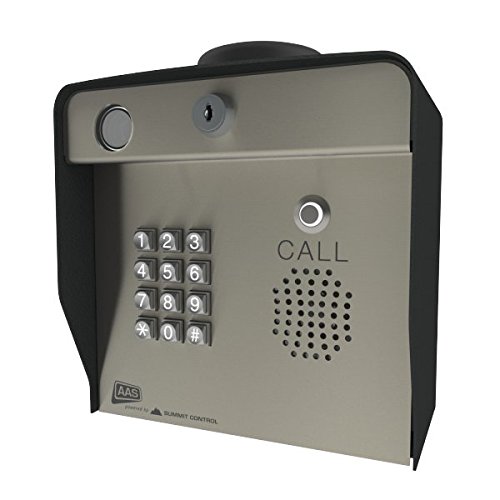
2018 Model --- 4G LTE cellular & High-definition Ascent Camera for still photos

[CONVENIENCE]- Answer and view callers at your door remotely via your mobile iOS or Android device, whether you are at home or abroad. The smart video doorbell intercom system sends a push-notification to your smart phones and you could watch, talk and remotely unlock your gate through your smart mobile devices. Never miss a delivery or visitor again.

Durable & Weatherproof - Constructed with a robust aluminum alloy frame and waterproof, moisture-proof composite wood panels, this gate is built for structural stability and a long service life in any outdoor environment.
Watch Your Gate 24/7: Alerts, Logs, and Surveillance
Most property owners never think about what their gate controller can actually do. Beyond just opening and closing, it’s basically a security checkpoint that records every single access event and sends alerts straight to your phone.
Here’s what you’re getting: Your gate system logs every opening, closing, and attempted access with exact timestamps. This creates a record that shows who got in and when they did it. If you’ve got a LiftMaster system with the myQ app, you’ll get notifications for all gate activity. Using a Doorking 1800-500 controller? Those timestamp every access in detailed logs. Add something like Remootio 3, and you can even see camera feeds to verify who’s actually showing up at your gate.
Why does this matter? Because when you tie it all together with your existing security cameras, you’ve got real documentation. You can match up gate activity with video footage to see exactly what happened.
The practical benefits are solid:
- Insurance claims become easier to prove when you have timestamped records
- Security investigations move faster with an audit trail
- Delivery disputes get resolved with actual evidence, not he-said-she-said
Honestly, most people don’t realize they’re sitting on this data until they need it. A break-in, a theft, a question about whether someone actually came by—that’s when you’re grateful you’ve got the footage and the logs to back up your story.
Think about what would help you sleep better at night: knowing exactly who’s been on your property and when they were there?
Frequently Asked Questions
Can I Integrate My Smart Gate With Existing Non-Smart Gate Motors and Openers?
Yes, you can! I’ve found that integration solutions work remarkably well with existing equipment. Adapters and retrofit devices like the Ghost Controls MultiConnect accessory or Remootio enable you to add smart capabilities to your current non-smart gate motors without replacing them entirely.
What Power Backup Options Exist if My Gate Loses Electricity During Outages?
You’ve got solid backup options for power outages. I’d recommend installing a solar power system with a 30W panel and 12V battery backup. This setup keeps your gate operational independently, ensuring you maintain access even when electricity fails during emergencies.
How Do License Plate Recognition and Face ID Systems Improve Automatic Gate Opening?
I’ll explain how these systems work. License plate recognition and face ID provide automatic identification without requiring key fobs or codes, enhancing security by allowing only authorized vehicles and visitors through while maintaining detailed access logs.
What Safety Features Prevent Gates From Closing on People or Vehicles?
I’ve found that modern smart gates use safety sensors and motion detection to stop closing if they sense people or vehicles in the path. Emergency stop buttons provide manual override capability, while auto-reverse mechanisms instantly reverse direction upon detecting obstruction, preventing accidents.
Can Smart Gates Control Multiple Gates Simultaneously From a Single App Dashboard?
Yes, you can manage your entire gate empire from one app! I’ve found that multi gate management through app synchronization lets you control multiple gates simultaneously—whether you’re juggling three driveways or just showing off to your neighbors. It’s genuinely convenient.