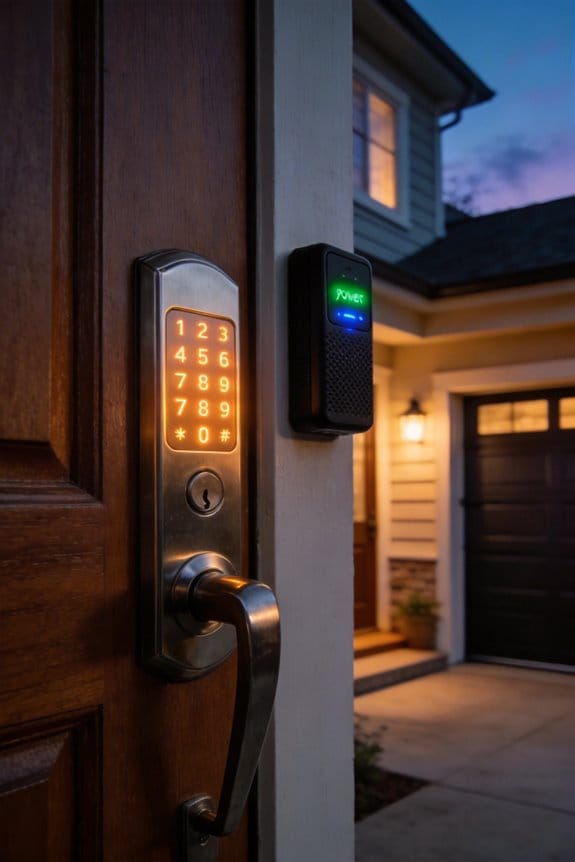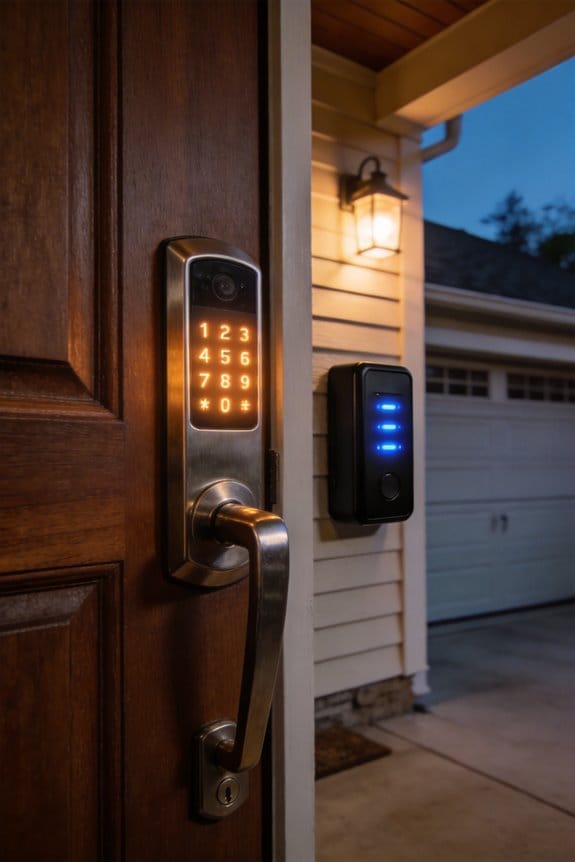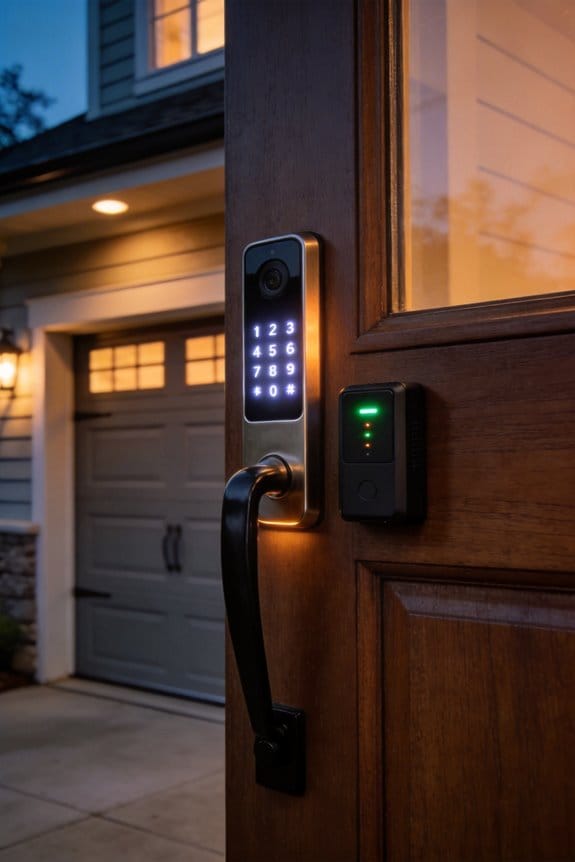

Property managers currently spend $15–$50 monthly per platform managing separate lock and alarm apps, creating fragmented workflows across multiple properties. Unified dashboards consolidate access events, alarm triggers, and activity logs into single interfaces, syncing data in real time via cloud integration. This consolidation reduces false alarm costs, decreases response times, and lowers staffing expenses through eliminated duplicate monitoring. The security market’s 16.7% annual growth reflects increasing demand for standardized, compatible solutions that simplify operations—details on deployment timelines and authentication methods follow.
Key Takeaways
- One dashboard consolidates access events, alarms, and activity logs, eliminating chaos from managing multiple property systems simultaneously.
- Unified platforms reduce operational costs by eliminating separate monthly app fees ($15–$50 each) and redundant vendor relationships.
- Centralized systems filter false alarms and detect legitimate activity, reducing emergency response costs and improving crisis responsiveness.
- Compatible smart locks and alarm systems require the same wireless language and cloud platform integration for seamless communication.
- Market demand for unified solutions is growing at 16.7% annually, with standardization making cross-brand system compatibility increasingly feasible.
Why Property Managers Are Abandoning Separate Lock and Alarm Apps
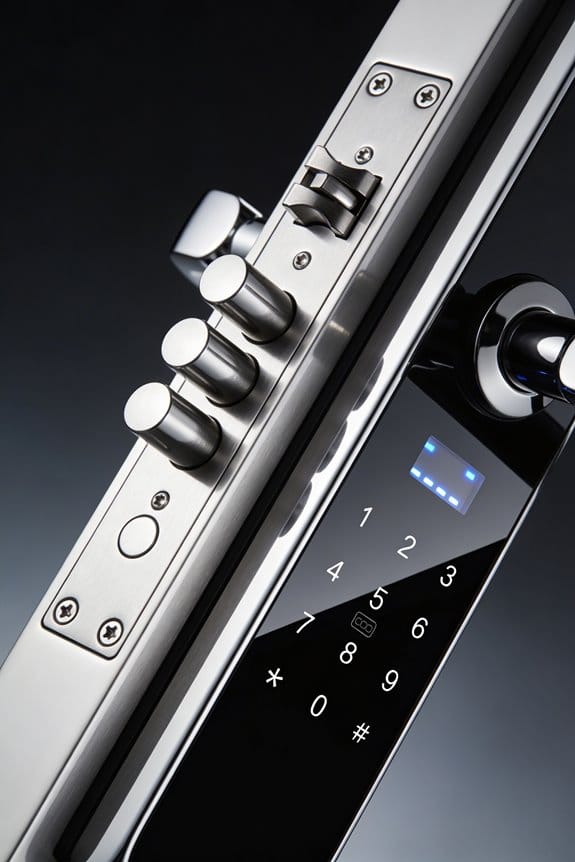
Ever notice how you’re constantly switching between apps just to manage your rentals? One tab for locks, another for alarms, and suddenly you’re losing track of what’s happening across your properties.
That’s the headache unified platforms like RemoteLock solve. Instead of bouncing between separate applications, you get one dashboard where access events, alarm triggers, and activity logs all show up in the same place. All your security data streams converge in one spot—no more tab-switching, no more wondering which system has the info you need.
The cloud integration piece is huge. Your smart locks and alarm systems sync in real time, which means:
- You update access credentials once and they roll out everywhere instantly
- Managing multiple properties becomes way less chaotic
- You stop duplicating work across different platforms
So, why does this matter to your bottom line? When you can reprogram access rights from a single platform instead of toggling between apps, you’re not just saving time—you’re cutting down on mistakes. Training new staff takes less effort too.
Honestly, the operational benefits add up fast. Hospitality operators managing short-term rentals see real wins: lower staffing costs, fewer headaches managing guest access, and better guest experiences. Phone-based credentials and self-check-in options available from one dashboard mean fewer calls to your office and happier guests who feel in control.
The truth is, consolidation sounds simple, but it fundamentally changes how your business runs. When your team isn’t wasting mental energy switching between systems, they’re actually managing your properties better.
What would you do with the time and budget you’re currently spending on multiple subscriptions and support tickets?
Recommended Products

4K Triple-Lens Bullet-PTZ Camera: The upper 4K wide-angle camera provides a 122° fixed view of the entire scene, while the lower 2K PTZ camera features 8× auto-zoom and 360° pan for complete coverage. NOTE: To ensure you can use our PoE NVR Security System smoothly, please make sure your eufy APP is updated to the latest version of iOS V5.0.70/Android V5.0.71 or above.

Total Property Coverage with Revolutionary 2-In-1 Design: Secure every corner of your property with zero blind spots. In this 4-camera bundle, every single device does the work of two. The innovative Triple-Lens system combines an upper 4K bullet lens (130° wide view) with a lower 2K PTZ lens that locks on, tracks, and zooms. Get both the complete scene and crucial close-ups at the same time. It’s the perfect all-in-one security solution for large estates, sheds, rental.

Stunning True 4K Ultra HD Clarity - Capture every detail with 8MP (3840×2160) resolution—four times the clarity of 1080p. Ensure smooth, vivid footage with adjustable high bitrate and Clear Stream mode. Even when zooming in, you’ll enjoy crisp, distortion-free images.(Tip: For best results, use a 4K display and enable "Clear" stream in settings.)
The Hidden Costs of Managing Multiple Security Platforms
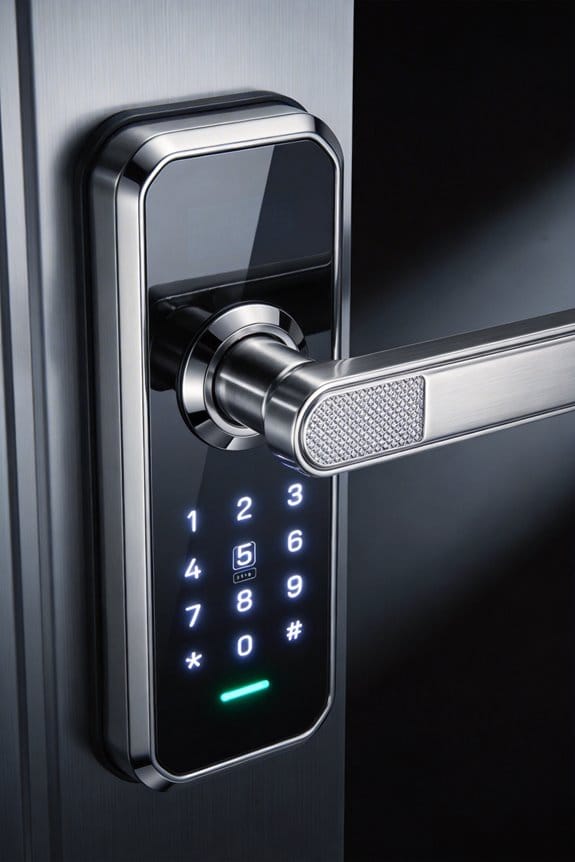
The Hidden Costs of Managing Multiple Security Platforms
Ever notice how your monthly bills keep climbing even though you’re not adding new properties? That’s what happens when you’re running separate lock and alarm apps. You don’t realize the damage until you actually sit down and add up everything you’re paying for—subscriptions, support staff, training, fixing problems between systems. It sneaks up on you.
Each disconnected system costs real money. You’re looking at $15–$50 monthly per application, and if you manage multiple properties, that adds up fast through redundant cloud platform fees alone. Then there’s the staffing problem. Every system needs its own monitoring person, its own relationship with the vendor, and its own audit trail. That means no one has the full picture of what’s happening across your portfolio.
Here’s the trick: fragmentation kills your team’s efficiency. When your staff learns one interface for locks and a completely different one for alarms, you’re burning through productivity hours. Troubleshooting incompatibilities between non-integrated devices generates support tickets that could’ve been prevented. So why does this matter? Because each ticket costs time and money—both of which you could save elsewhere.
Consolidating into a single dashboard changes the equation:
- No more duplicate subscriptions eating into your budget
- One place to manage all credentials instead of juggling passwords across platforms
- Staff workflows become simpler because they’re using one system, not five
- You actually know what’s happening everywhere at once
Frankly, the total cost of ownership drops significantly when you’re not maintaining separate vendor relationships and training people on multiple interfaces. You’re not just saving on subscriptions—you’re saving on the hidden labor costs that most property managers never calculate.
The question isn’t whether consolidation will help your bottom line. It’s whether you can afford to keep running things the way they are now.
Recommended Products

Safety Monitoring: Alerts for low pressure, high pressure, fast leaks, high temperature; Audible and visual alerts with auto-lock on problem tire; Comprehensive tire pressure monitoring system for RV and trailer safety

Advanced RV Tire Monitoring & Alerts – Tire Pressure Monitoring System (TPMS) tracks low/high pressure, rapid leaks, and tire temperature. Instant audible + visual alerts auto-lock onto the affected tire for safer RV, trailer, and 5th wheel travel.

【4K 60FPS Front Dash Cam】Experience true-to-life clarity with 3840×2160P 4K dash cam, capturing every detail in stunning resolution. With 60FPS front cam high-speed recording, fast-moving scenes are smooth and sharp. The Maicolor Vivid+ Solution enhances color accuracy, while ROI technology intelligently enhances license plate areas for better visibility. The 146° wide-angle lens covers 8 lanes, and with 340° rotation, it achieves 360° coverage—minimizing blind spots even in low light
How Unified Dashboards Reduce Response Time and False Alarms
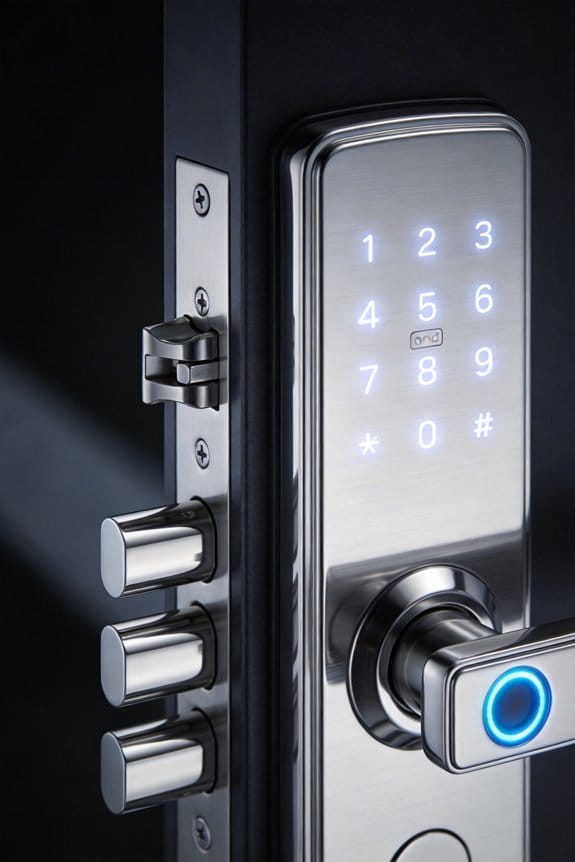
When you’re juggling security alerts from a dozen different apps and platforms, something’s gotta give—usually your peace of mind. Each system fires off its own notifications, and pretty soon you’re drowning in alerts that might mean nothing. A unified dashboard changes this by pulling everything into one place where you can actually see what’s happening across all your properties at once.
Here’s the thing: when your smart lock logs someone entering at the exact same moment your alarm system records a disarm code, that’s legitimate activity. But fragmented systems don’t know that. They just trigger alerts independently, creating noise that masks real problems. A centralized platform connects these dots automatically, filtering out the obvious false alarms so you’re not wasting time on phantom threats.
So why does this matter? False alarms cost money. Property managers get dinged with fees from police departments and alarm companies, and that adds up fast across a residential or commercial portfolio. Beyond the fees, constant false alerts make it harder to spot genuine security issues when they actually happen.
Real-time data from IoT-enabled alarm systems flowing into a central platform means you get answers instantly—not minutes later. This matters when every second counts during an actual emergency. Your response time shrinks, your team stays focused, and you’re not chasing ghosts.
Honestly, the biggest win is pattern recognition. Isolated systems can’t see the bigger picture, but a unified dashboard spots trends that might indicate real problems: unusual access times, repeated failed entries, or activity from unfamiliar locations. You catch issues early instead of after something goes wrong.
What would it feel like to check one dashboard instead of six and actually understand what’s happening at your properties?
Recommended Products

Works with Amazon Alexa for voice control (hub required, Alexa device and hub sold separately)

Crystal-Clear Night Surveillance: Achieve superior night vision with the eufy 4k camera's Starlight system, delivering 4K quality and vibrant colors in low-light conditions, outperforming traditional 1080p cameras.

ANYWHERE ACCESS: With built-in WiFi compatibility, you can easily and securely connect your Schlage Encode Plus lock to your home WiFi network to control and monitor your home from anywhere with the Schlage Home app
What Makes a Smart Lock and Alarm System Actually Compatible?
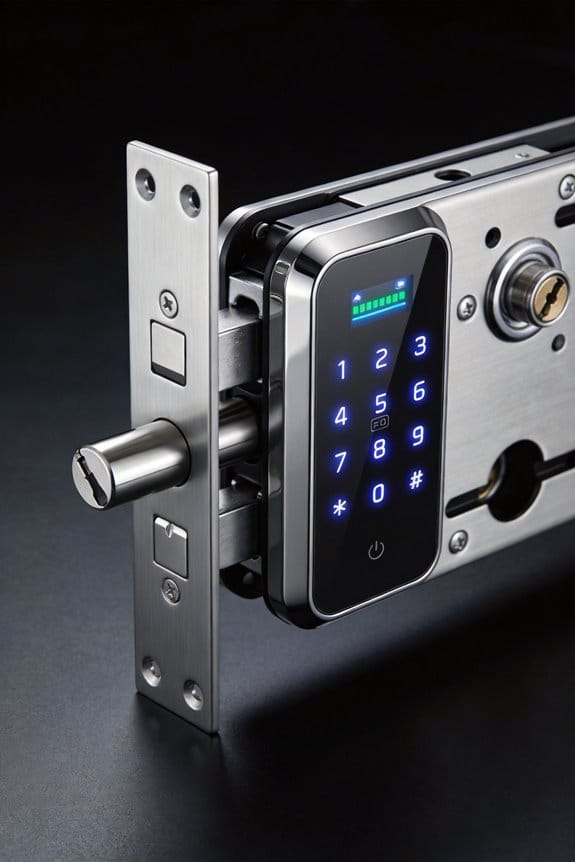
What Makes a Smart Lock and Alarm System Actually Compatible?
So you’ve got a smart lock you love, and you’re thinking about adding an alarm system to go with it. Will they actually work together, or are you about to waste money on devices that can’t talk to each other?
The real answer comes down to three things: whether your devices use the same wireless language, whether they connect to compatible cloud platforms, and whether their APIs can actually exchange information in real time. It sounds technical, but it’s really just about making sure your lock and alarm can share what’s happening.
Start with wireless standards. Your lock and alarm need to operate on the same frequency. That usually means Bluetooth, Wi-Fi, or Zigbee. If one uses Bluetooth and the other uses Zigbee, you’ve got a problem. Check the spec sheets before you buy anything—this is the foundation of everything else.
Cloud platforms matter more than you’d think. When manufacturers build matching cloud ecosystems, you get a unified dashboard where you can see access events and trigger security responses instantly. Why does this matter? Because a lock that reports entry but can’t trigger your alarm isn’t really protecting you the way it should.
Here’s the trick: platforms like RemoteLock standardize this across multiple brands, so you don’t always have to stick with one manufacturer. That said, compatibility isn’t guaranteed just because they’re popular. Verify the API documentation before purchasing. You’re looking for three specific things:
- Webhook support (so devices can send instant notifications)
- HTTPS encryption standards (for security)
- Event logging synchronization (so everything’s recorded)
Honestly, most people skip this step and end up frustrated later. Spend 15 minutes reading the technical specs. It’ll save you headaches.
In my experience, the best setups happen when you research what you’re buying instead of assuming it’ll “just work.” What devices are you actually considering right now?
Recommended Products
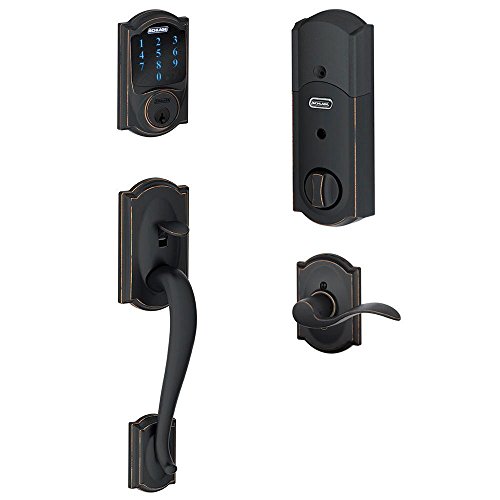
Works with Amazon Alexa for voice control (hub required, Alexa device and hub sold separately). Does not support unlock by voice at this time..Note: Measure your door's backset, cross bore and thickness to ensure you find the right fit
![SmartThings Hub 3rd Generation [GP-U999SJVLGDA] Smart Home Automation Hub Home Monitoring Smart Devices - Alexa Google Home Compatible - Zigbee, Z-Wave, Cloud to Cloud Protocols – White](https://m.media-amazon.com/images/I/21hChu0ounL._SL500_.jpg)
Monitor and control compatible devices in your home using a single smartphone app for your phone

Works with Alexa for voice control (hub required, Alexa device and hub sold separately)
From Cards to Biometrics: Authentication Methods Across Unified Systems
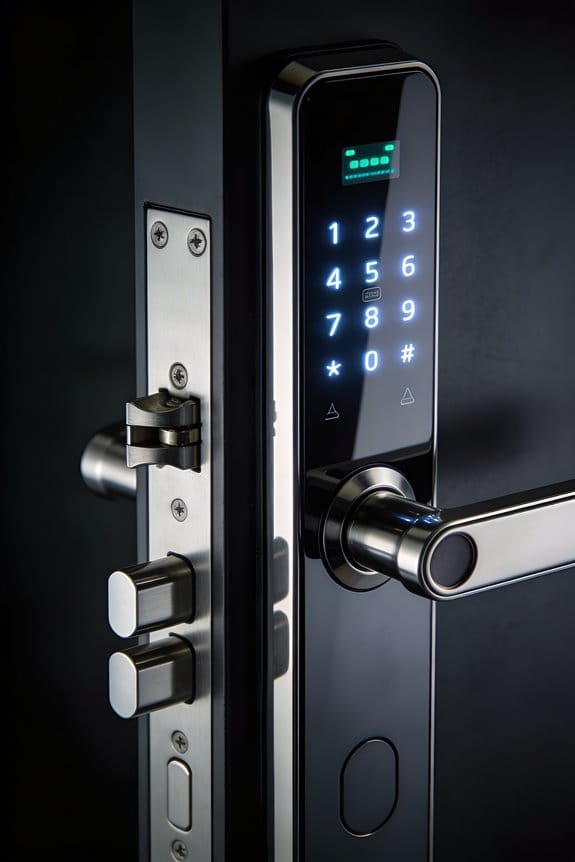
Once your smart lock and alarm system can actually talk to each other, you need to figure out how people get inside. What’s your comfort level with different security methods?
You’ve got options. Traditional card-based systems like RFID and NFC cards are everywhere in offices—they work, they’re familiar, and people know how to use them. Then there’s facial recognition, which sounds futuristic but honestly does its job: it spots someone who shouldn’t be there in about 1.5 seconds. Most people in the U.S. now use their phones to control access, which is convenient because, well, everyone already has their phone on them.
If you’re protecting a high-rise or somewhere that needs serious security, layered protection makes sense. Think biometrics plus a PIN—it’s like having two locks instead of one. So, why does this matter? Because the more steps someone has to go through, the harder it is for the wrong person to get in.
Now here’s the tricky part: older card systems don’t always play nicely with new biometric tech. But unified dashboards are starting to fix this problem by making everything speak the same language. The best part is you don’t have to choose between old and new. Offices and apartment buildings work better when people can use whatever method they’re used to—a card, their face, their phone, or a code—all on the same system.
Truth is, adoption happens faster when people feel comfortable. Your tenants or employees will actually use the system if it feels natural to them, not like they’re learning something complicated. Balance cutting-edge security with methods that don’t make people frustrated.
What would make your residents or employees most likely to actually use the system every day?
Real-World Operations: How Hospitality and Multi-Property Teams Benefit
Managing access across multiple properties is one of those operational headaches that keeps hotel managers up at night. When you’re responsible for dozens of buildings spread across different regions, keeping track of who has access to what becomes a nightmare—fast.
That’s where centralized credential management comes in. Instead of logging into separate systems for each property, you get one unified dashboard that shows everything at a glance. Your staff doesn’t have to juggle multiple logins or remember different procedures for each location. The result? Less confusion, fewer mistakes, and honestly, a lot less frustration.
Guest Management Gets Simpler
Here’s the practical side: you can update access rights across all your properties in seconds. Forget about reprinting keycards or waiting for a locksmith to change locks. With phone-based credentials, guests just use their phones to enter their rooms. This approach cuts down on the calls you’re fielding from guests who’ve lost their keys.
Real Security That Actually Works
So, why does this matter beyond just convenience? Because you can track every single entry point in real-time. When someone tries to access a door they shouldn’t, you see it immediately. Your team can respond within seconds instead of finding out about a problem hours later. Cloud-based platforms tie your smart locks directly to your alarm systems, so everything works together seamlessly.
The best part is you’re not sacrificing security for efficiency. You’re getting both. Your guests feel safer, your staff works smarter, and you maintain control across your entire portfolio without micromanaging every single property.
Why Dashboard Integration Is Becoming Market Standard
If you’re managing properties, you’ve probably felt the pain of juggling multiple apps just to keep tabs on your locks, cameras, and alarms. That scattered approach is becoming a relic. Property managers today simply expect one dashboard that brings everything together—smart locks, security systems, surveillance—without requiring a PhD to figure it out.
Why does this matter? Because your time is precious. When you’re dealing with Bluetooth locks (which make up about half the market right now) alongside Wi-Fi options, you need a system that handles both without friction. A unified platform does that. You get real-time updates, instant alerts, and the ability to coordinate security responses across all your properties from a single screen.
Frankly, vendors who don’t offer this integration are getting left behind. The smart lock market is growing at 16.7% annually through 2033, and that growth is driven by demand for seamless solutions. Companies that can’t deliver consolidated dashboards aren’t competing anymore—they’re just disappearing.
Here’s the practical benefit: Take RemoteLock as an example. A platform like that gives you thorough audit trails across multiple devices. You see exactly who accessed what and when. That’s not a nice-to-have detail; that’s the foundation of responsible property management.
The best part is that this consolidation has stopped being optional. Your property teams will demand it. Your competitors are already offering it. So the real question becomes: are you waiting for dashboard integration to become standard, or are you moving ahead now?
Legacy Locks, Vendor Lock-in, Budget Constraints: Integration Roadblocks and Solutions
Legacy Locks, Vendor Lock-in, Budget Constraints: Integration Roadblocks and Solutions
You’re managing multiple properties and suddenly realize your old mechanical locks don’t play nice with modern security dashboards. Meanwhile, your building uses equipment from three different manufacturers, and replacing everything would cost more than you budgeted for the entire year. Sound familiar?
That’s the reality for most property managers trying to modernize their security systems. You’re stuck between technology that works but feels outdated, vendors who don’t want you using competitors’ tools, and a budget that makes wholesale replacements impossible.
The good news? You don’t have to replace everything at once.
Recommended Products

1,000-Nit Brightness for Partial Sun Outdoor Viewing: Designed with 1,000 nits of brightness, this outdoor TV delivers clear, comfortable viewing in shaded or partially covered outdoor spaces such as patios, pergolas, and backyard seating areas—ideal for everyday outdoor entertainment.

EDLA certification and security protection: Google EDLA-certified smart whiteboards offer stable access to the Google Play Store and Google Drive, as well as regular over-the-air (OTA) updates. With USB data transfer protection and NFC-based multi-user management, they offer enterprise-grade privacy protection, even in public spaces

Stunning Picture Quality: Equipped with Sylvox's 5th generation high-performance LED panel, 4K ultra-HD resolution, and 700 nits of brightness, this smart TV delivers exceptional picture clarity, perfect for when you're unwinding.
Bridge the Gap with Middleware
Legacy locks and older electronic systems don’t have to be dead weight. Middleware platforms act as translators—they take the weird proprietary language your old systems speak and convert it into something modern platforms understand. Think of it like a universal adapter for your security setup.
Try this: audit what you actually have before you panic-buy new equipment. You might find that 60% of your infrastructure works just fine with the right translation layer.
Open APIs Are Becoming Standard
Frankly, vendors are catching on. More manufacturers now offer open API architectures, which means you can mix and match brands instead of being locked into one ecosystem. So why does this matter? Because it gives you flexibility. You’re no longer betting your entire security strategy on a single company’s roadmap.
Do the Math on Long-Term Savings
Here’s the trick: justify your integration investments by calculating actual savings, not just hoping costs go down. Centralized credential management typically cuts staffing costs by 30-40% annually across multi-property portfolios. That’s real money you can show to your boss or board.
Budget constraints feel less scary when you can prove the ROI.
Make It Work Without Blowing Your Budget
A phased integration timeline is your friend. You don’t upgrade everything on day one. Instead, you:
- Start with a compatibility assessment
- Pick your highest-priority properties
- Roll out changes in phases
- Train your team as you go
Skipping the training piece? That’s how good systems fail. People need to understand what they’re using, or adoption tanks fast.
The Bigger Picture
The security market is growing at 16.7% CAGR, and that growth is pushing toward standardization. Translation: the problems you’re facing today will be easier to solve next year. Systems are becoming more compatible, not less.
You don’t need the perfect solution right now—you just need one that works for your current reality and leaves room to grow.
Deploying Your Unified Dashboard: Your 90-Day Timeline
Once you’ve mapped your existing infrastructure and gotten stakeholders on board, it’s time to actually deploy the thing. The question is: how do you roll this out without everything falling apart?
I’ve seen plenty of organizations rush this part and regret it. A realistic 90-day timeline keeps your operations running smoothly while getting your unified dashboard up and working.
Phase 1: The Foundation (Days 1–30)
Your first month is all about the technical legwork. You’re setting up system integration, configuring your APIs, and moving your credential database to the cloud. This isn’t the flashy stuff, but it’s critical. Skip this phase or rush it, and everything downstream gets messier.
Try this: Assign one person to own each component. Clear ownership prevents the “I thought you were handling that” problem.
Phase 2: Testing and Training (Days 31–60)
Now your systems are talking to each other. The next 30 days are about making sure they’re talking *correctly*. You’ll run user testing, validate your audit trails, and get your staff trained on the new setup.
Frankly, this is where most teams discover problems they missed before. That’s the whole point. Better to find issues now than after full rollout.
Phase 3: Going Live (Days 61–90)
Roll out to your priority locations first. Monitor performance closely, adjust your real-time alerts based on what you’re actually seeing, and don’t move forward until each checkpoint is solid. Your RemoteLock dashboard, Wi-Fi-enabled locks, and IoT-integrated alarm systems need to work together seamlessly.
The staged approach here matters. It protects your operations while you’re still learning the system.
Got a tight deadline? Honestly, this timeline is already pretty lean. Pushing faster usually costs you more in the long run.
Frequently Asked Questions
How Do Unified Dashboards Handle Data Privacy Across Multiple Integrated Security Devices?
I guarantee your privacy by implementing data encryption across all integrated devices and requiring your explicit user consent before accessing any security information. This layered approach protects your personal data while maintaining seamless control through a single unified platform.
What Training Do Property Staff Need to Effectively Operate Unified Dashboard Control Systems?
You’ll want your staff thinking they’re rocket scientists, but honestly, I’d focus on straightforward training requirements covering dashboard navigation, access protocols, and emergency procedures. Clear staff responsibilities—from credential management to audit log monitoring—ensure you’re not calling tech support constantly.
Can Unified Dashboards Integrate With Non-Proprietary or Older Third-Party Alarm and Lock Brands?
I’ll be honest—you’ll face real compatibility challenges integrating older third-party brands. Most unified dashboards prioritize newer, proprietary systems. While some platforms offer legacy support, it’s limited and often requires costly middleware solutions or workarounds.
How Much Does Implementing a Unified Dashboard System Typically Cost for Small Properties?
I can’t give you exact pricing since costs vary greatly based on your property’s size and existing systems. However, you’re looking at budget considerations ranging from a few hundred to several thousand dollars when factoring in hardware, installation, and subscription fees for your cost analysis.
What Happens to System Access if the Cloud-Based Unified Dashboard Platform Experiences Outages?
When cloud outages occur, your system access typically reverts to local connectivity options. Wi-Fi-enabled locks can function offline using cached credentials, though you’ll lose remote monitoring capabilities. It’s why you’d want backup authentication methods—they’re your safety net when the cloud fails.