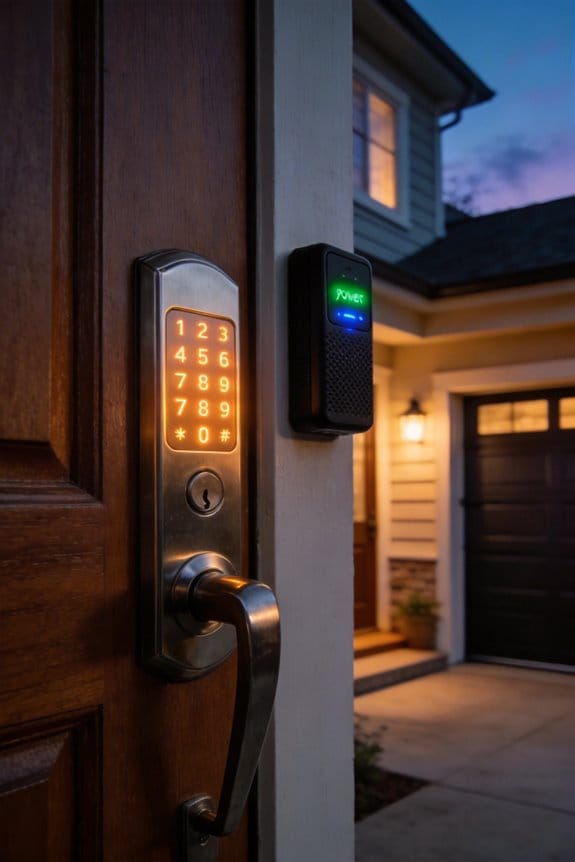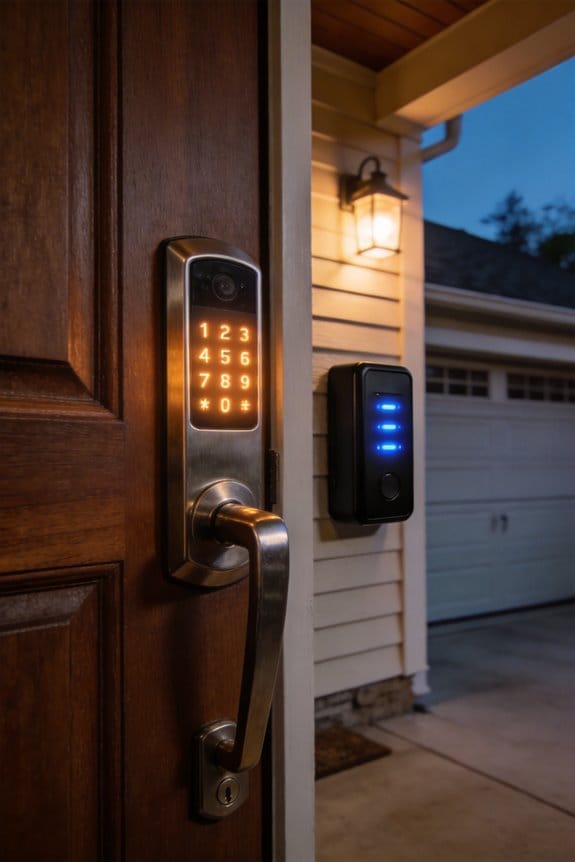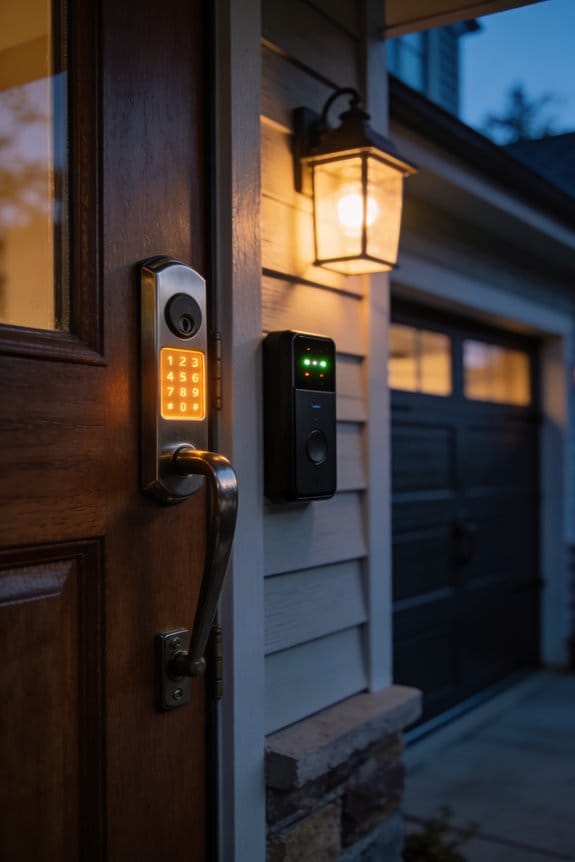

Your smartphone’s GPS, Wi-Fi, and cellular signals create invisible geofences—typically 500-foot boundaries—that automatically trigger garage door opening upon arrival. However, signal strength fluctuations from trees, buildings, and weather conditions can cause unreliable activation. Modern systems counter this through photo eye sensors, auto-close timers, push notifications, and two-factor authentication that operate independently of GPS failures. I’d recommend testing your geofence at 50, 100, and 150-foot intervals before full automation to establish consistent performance. Understanding how these mechanical and electronic safeguards interact reveals why your specific setup requires personalized adjustment.
Key Takeaways
- Geofencing automatically opens garage doors upon arrival using GPS and Wi-Fi, but requires proper setup to avoid safety risks with pedestrians and pets.
- Photo eye sensors, auto-close timers, and push notifications provide independent backup systems that function even if geofencing fails or malfunctions.
- Test geofence effectiveness at various distances and weather conditions to ensure reliable activation while minimizing false triggers and premature door opening.
- Environmental factors like trees, buildings, and signal strength significantly impact geofencing accuracy, requiring radius adjustments and thorough evaluation before full automation.
- Balance automation convenience with manual controls for unpredictable situations like package deliveries and temporary access needs to maintain safety and security.
What Happens When Your Phone Talks to Your Garage
What Happens When Your Phone Talks to Your Garage
Ever pull up to your driveway and wonder how your phone actually knows to open the garage door? It’s not magic—it’s actually a pretty straightforward process that happens in the background every time you get home.
Your smartphone is constantly keeping track of where you are. It does this by using GPS signals from satellites, connecting to Wi-Fi networks, and pinging cellular towers all at the same time. Think of it like your phone triangulating your position from multiple sources to get the most accurate location possible.
The real action starts when you cross what’s called a “geofence”—basically an invisible boundary, usually about 500 feet around your home. Once you hit that boundary, your phone sends encrypted information to your garage door opener’s hub or connected device through your home’s Wi-Fi network.
Here’s the trick: the system doesn’t just blindly open the door for anyone nearby. Instead, it verifies who you are through multi-factor authentication. This means it checks that it’s actually *you* before telling the garage door to budge. So why does this matter? Without this security layer, any neighbor’s phone could theoretically trigger your door.
The entire sequence wraps up in seconds. Your phone converts location data into a command, your garage opener receives and authenticates it, and boom—the door opens. No button pushing. No fumbling for a remote.
Truth is, this setup saves you time and adds a layer of security that a basic remote simply can’t match. Does knowing how it works change how you feel about the technology?
The Real Safety Risks of Automatic Opening

The Real Safety Risks of Automatic Opening
When your garage door opens automatically as you pull into the driveway, it sounds convenient. But there’s a flip side that most people don’t think about until something goes wrong.
Pedestrians, cyclists, and pets can wander into your driveway without warning while the door’s opening. A kid chasing a ball or your neighbor’s dog cutting across your property could get hurt, and they won’t hear any alert telling them to stay back. That’s a real collision risk you take on just by using automatic operation.
Here’s the trick: GPS geofencing isn’t as reliable as it sounds. Depending on where you live, signal strength, and weather conditions, your phone’s location might be off by enough to trigger the door early—before you’ve even fully arrived at home. You might pull up and the door’s already halfway open, or it stays shut when you expected it to open. Have you ever noticed your phone’s GPS jumping around in your driveway? That’s exactly the kind of glitch that can mess with geofencing.
Most homeowners don’t realize their geofence buffer zones are misconfigured. If your setup’s too loose, the door opens too early. Too tight, and it won’t open when you need it. You need to test this carefully and adjust it based on your actual location patterns.
Now for the security piece. If your smartphone’s location services malfunction or someone gains unauthorized access to your account, an attacker could open your garage door from anywhere while you’re not home. That’s not just inconvenient—it’s a potential break-in invitation. Rolling code remotes and two-factor authentication help protect against this, but they don’t fix the basic risk of automatic operation itself.
Frankly, this doesn’t mean you should ditch automatic opening. It just means you need to set it up right and stay aware of what could go wrong. Test your geofence buffer zone in different locations around your driveway. Check that your phone’s location services are working properly. Enable two-factor authentication on your garage door account.
The good news? Proper testing and configuration reduce these concerns significantly. You can have the convenience without the worst of the risk—just not without some thought and attention upfront.
How Modern Garage Doors Defend Against Geofencing Failures

Your garage door is open right now. Do you know for sure? If you’re relying only on your phone’s GPS to tell you, there’s a problem—and you’re not alone in worrying about it.
Geofencing sounds perfect on paper. Your phone leaves your neighborhood, and your garage door closes automatically. But GPS can be spotty. Buildings block signals. Weather interferes. Sometimes your phone just… lags. So what actually keeps your door secure when geofencing drops the ball?
The Real Safety Net Behind Geofencing
Modern garage doors don’t bet everything on GPS. Instead, they layer on multiple backups that work whether your geofence is working or not.
Photo eye sensors are the first line of defense. These sit near ground level and shoot infrared beams across your garage opening. If something—a car, a bike, your kid’s toy—blocks that beam while the door’s closing, the door reverses immediately. It’s a mechanical safeguard that doesn’t need your phone or the internet to function.
Then there’s the auto-close timer. Set it for 15 or 30 minutes, and your door will shut itself even if you forget. You leave for work, GPS glitches, and your door sits open—but only until that timer runs out. Frankly, this feature alone stops most “Did I close the garage?” panic attacks.
What Happens When You’re Far Away
Push notifications keep you in the loop. Your system sends you an alert if the door’s still open after you’ve driven past the geofence boundary. So even if the geofence didn’t trigger a close, you’ll know something’s off and can close it manually from your phone.
Here’s the trick: that manual control uses two-factor authentication and rolling code technology. This means someone can’t just scan your garage door frequency and open it. Each command your phone sends is encrypted and unique, making brute-force hacking nearly impossible.
The Extra Layer: Real-Time Monitoring
If you’ve invested in a security camera system, it’s watching your garage 24/7. You can pull up the live feed anytime to actually see whether that door is open or closed, rather than trusting a glitchy GPS signal. Why does this matter? Because seeing is believing. You’ll never have that nagging doubt again.
Honestly, the best part is that all these features work independently. Your photo eye doesn’t care about GPS. Your auto-close timer doesn’t need the internet. Even if every single geofencing component fails, your door’s still protected by mechanical and electronic safeguards that are always on.
The bottom line: geofencing is convenient, but it’s not your only defense. Modern systems are built to catch failures before they become security problems.
Recommended Products

Includes Photoelectric Sensor, Sensor Hood, Reflector, Reflector Hood, Mounting Brackets, Hardware and Installation Manual


LiftMaster CPS-U Photo Eyes/Safety Sensors
Testing Your Geofence Before Full Automation

Testing Your Geofence Before Full Automation
Ever set up a smart garage door opener, only to have it trigger randomly while you’re parked on the street? That’s what happens when you skip the testing phase. Before you let automation take over, you need to know your geofence actually works the way you think it does.
Grab your GPS-enabled smartphone and drive through your driveway entry points a few times. Pay close attention to exactly where the door triggers and where it stops responding. This isn’t busywork—it’s the difference between a system you can trust and one that keeps you guessing.
Here’s the trick: document your signal strength at specific distances. Test at 50 feet, 100 feet, and 150 feet from your garage and write down what happens at each point. Why does this matter? Because GPS signals don’t work the same way everywhere. Trees, buildings, and even the time of day affect how well your phone connects.
Once you’ve got that data, adjust your geofence radius based on what you learned. Make it bigger or smaller until you hit that sweet spot—consistent activation without false triggers.
Try this: test at different times and under different weather conditions. Rain, clouds, and time of day all mess with signal strength. I’ve found that a geofence that works perfectly on a clear morning might act up during an afternoon storm.
Frankly, spending an hour on testing now saves you from annoying surprises later. When you finally flip the switch to full automation, you’ll actually feel confident it’s going to work. Does your current geofence feel solid to you, or are you noticing weird behavior?
Recommended Products

The built-in Aladdin Connect technology allows you to monitor, open and close your garage door from anywhere with your smartphone. Works with Smart Home Automation platforms Amazon In-Garage Delivery, Alexa, Google Assistant, SmartThings, and many more

Space-saving design – Wall mount installation eliminates the overhead rail and frees up valuable ceiling space in your garage.

SPACE SAVING: The Genie wall mount garage door opener clears up ceiling space by eliminating rail & powerhead from the ceiling, the wall mount, mounts to the side of the garage doors torsion spring. You can use the freed-up space for extra storage or just enjoy the clean, uncluttered look.
Geofencing Multi-Car Homes: Why First-Arrival Rules Matter

Geofencing Multi-Car Homes: Why First-Arrival Rules Matter
Got multiple cars pulling into your driveway at the same time? Your garage door might be opening and closing like crazy, and that’s a real problem. When you’ve got a standard geofence on your smart home system, it treats every vehicle the same way—triggering the same action no matter who arrives first. This creates headaches: unnecessary door cycles, security gaps, and frustrated household members wondering why their garage won’t stay open.
The fix is simpler than you’d think. Instead of letting your geofence react to *every* arrival, you need to set up rules that prioritize the first person home. The Apple Home app does this well by letting you create conditional triggers. Rather than activating every time a car crosses your boundary, you can tell it: “Only do this when the first household member arrives.”
So why does this matter so much? Because security and convenience go hand in hand. If your door’s cycling constantly, you’ve also got a window where someone could slip through undetected, or you’re just wasting energy and wear on your equipment.
Here’s the practical approach:
Set up distinct geofence zones or use vehicle-specific monitoring. Tools like myQ Connected Garage can actually identify *which* car is pulling in, not just that *a* car is arriving. This level of detail changes everything.
Link your smart garage opener to your home hub. This creates the backbone for your automations. Once it’s connected, you can layer in those conditional rules that distinguish between residents.
The best part is that once you configure this the first time, it runs on its own. Your first arrival gets seamless entry while everyone else still respects your security settings.
What’s your current setup looking like—are you using Apple Home, or do you have a different system installed?
Recommended Products

No need for rails and hangers, it is suitable for all sectional residential garage doors up to 12 ft high

Built-in camera: 140⁰ wide angle camera lets you see and hear what’s happening in your garage through the myQ app

SMART HOME COMPATIBILITY – Integrates with the most popular smart home automation systems, so your garage can be part of your favorite smart home. Works with Alexa, Google Assistant, SmartThings, Amazon Key In-Garage Delivery and many more
Why Your Apps Aren’t Talking (And How to Fix It)
Got a smart home setup that’s supposed to work seamlessly, but your apps keep acting like they’ve never met? You’re not alone. Most people with multiple cars and a garage full of smart devices hit this exact snag—their opener, hub, and geofencing app just won’t cooperate.
The culprit usually boils down to two things: your hub isn’t connected properly, or your apps don’t have permission to talk to each other. Honestly, it’s frustrating, but fixable.
Check your hub’s connection first. Your smart home hub—whether it’s Amazon Alexa, Google Home, or Apple HomeKit—needs a rock-solid Wi-Fi link. Make sure it’s actually connected to either the 2.4GHz or 5GHz band. Here’s the trick: interference is your enemy. A nearby microwave, router, or metal shelving can totally mess with the signal. Try moving your hub closer to your garage door opener, ideally within fifteen feet and somewhere central in your home.
Why does this matter? Because a weak connection means your automation rules won’t trigger when they should. You could be sitting in your driveway waiting for the door to open, and nothing happens.
Now tackle the permissions side. Go into each app’s settings and double-check that you’ve actually linked your accounts. Sounds obvious, but I’ve found people skip this step thinking it’ll happen automatically. It won’t. Cross-reference what’s connected where—Alexa to your garage opener, your geofencing app to your hub, and so on.
Be patient with the first sync. It can take thirty minutes or longer for everything to settle. If your automation still isn’t working after that, try manually refreshing the connections and test again. Sometimes things just need a nudge.
Recommended Products

NSF CERTIFIED COMPONENTS – Potable-water safe kit with pulse-output water meter and motorized shutoff valve in your selected size (0.5", 0.75", 1", 1.5", or 2").

Built-in camera: 130⁰ wide angle camera lets you see and hear what’s happening in your garage through the myQ app .Controller type: Iphone, Android

Space-Saving: Wall mounted design frees up ceiling space and reduces noise and vibrations in living spaces near the garage
When Manual Control Makes More Sense Than Automation
When Manual Control Makes More Sense Than Automation
You’ve probably heard the pitch: automate everything and your life gets easier. Truth is, that’s not always how it works. I’ve learned the hard way that sometimes the simplest solution is just pressing a button yourself.
Think about your actual living situation. If you share a driveway with neighbors, or you’ve got friends and delivery people coming and going at weird hours, a fully automated gate or door can become more headache than help. Your geofence might lock someone out or—worse—let in someone you didn’t expect.
Here’s what tends to go wrong:
- Visitors park in your geofence zone but never actually enter the house, triggering doors at the wrong time
- Package deliveries happen at random times; repair technicians show up unannounced
- You need temporary access for people who aren’t regular residents
- Your sensor activates the door while you’re just running errands nearby, wasting energy and wearing out the mechanism faster
So, why does this matter? Because automation assumes predictability, and real life isn’t predictable.
Try this approach instead: skip the fancy location sensors for situations that need flexibility. Use a dedicated remote, a simple wall-mounted button, or a one-time command through your phone app. You stay in control. No surprises, no false triggers, no wasted cycles.
The best part is the peace of mind. You know exactly when your door opens and closes, and you’re not gambling on whether a sensor made the right call.
When you’re setting up your system, ask yourself: is this situation predictable enough for automation, or would I sleep better with manual override?
Recommended Products

【JIN YANG HU HYDRAULIC FREIGHT ELEVATOR】JIN YANG HU hydraulic freight elevators support modifications to product load capacity, color, platform size, platform material and style, opening direction, voltage, remote control, and other details.

⭐⭐⭐⭐⭐【US STOCK】: Our large safe is in stock in the US.

Will receive updated LiftMaster JHDC replaces H501L5L
Your Safety Checklist Before Automating Your Garage
Before you flip the switch on automation, make sure your garage door system actually meets current safety standards. Testing every single component might feel tedious, but it’s the difference between a smooth setup and a stressful mess down the road.
Start with the basics. Your photo eyes need to be mounted near ground level—not up high where they’ll miss a kid’s toy on the driveway. Check that your rolling code remotes work every time, and set up two-factor authentication on your smart hub. These aren’t optional steps; they’re your first line of defense.
Now for the privacy side of things. Honestly, most people skip this part, but it matters. Spend 10 minutes actually reading what data your app collects and stores. You’d be surprised what some apps track.
Test your geofence boundaries at multiple entry points around your house. Don’t just set it and forget it—walk around your property and adjust the buffer zones until everything feels right. Why does this matter? A geofence that’s too tight will trigger false alarms; one that’s too loose defeats the purpose.
Try this: verify that push notifications actually pop up on your phone when doors open or close unexpectedly. Enable auto-close timers so doors don’t stay open all night. Confirm your security camera integration works smoothly with the rest of your setup.
The payoff is worth the effort. You’ll catch problems before they become real issues, keep unauthorized people out, and make sure your automated garage fits your family’s actual needs—not just some company’s sales pitch.
What would feel most reassuring to test first?
Frequently Asked Questions
Does Geofencing Work if My Smartphone Battery Dies While Driving Home?
No, geofencing won’t work if your smartphone battery dies while you’re driving home. Once your device powers off, it can’t transmit GPS signals, so the system loses your location data. This highlights geofencing reliability’s dependence on your smartphone battery staying charged throughout your journey.
Can Geofencing Accidentally Open My Garage Door Near My Neighborhood?
Your garage door won’t spontaneously swing open like a haunted house! Modern geofencing technology requires precise GPS coordinates you’ve set, so you’re safe cruising past neighbors’ homes. I’d say garage door security’s rock-solid with today’s smart systems.
What Happens if GPS Signal Is Lost Inside My Garage?
When you lose GPS signal inside your garage, the geofencing feature won’t trigger because it can’t determine your location accurately. I’d recommend positioning your phone near the garage entrance where signal interference is minimal to guarantee reliable activation.
How Do I Prevent Geofencing From Triggering When Parked on My Street?
I’d adjust your geofence’s trigger settings to create a buffer zone extending beyond your street parking area. This prevents accidental activation when you’re parked nearby. You’ll need to test different radius distances and entry points to find what works best for your location.
Is Geofencing Secure if My Phone Gets Stolen or Hacked?
If your phone’s the key to your kingdom, losing it’s like leaving your front door ajar. I’d recommend enabling two-factor authentication and strong passwords—they’re your backup locks. Phone theft doesn’t automatically grant garage access without these layers protecting your geofencing security.