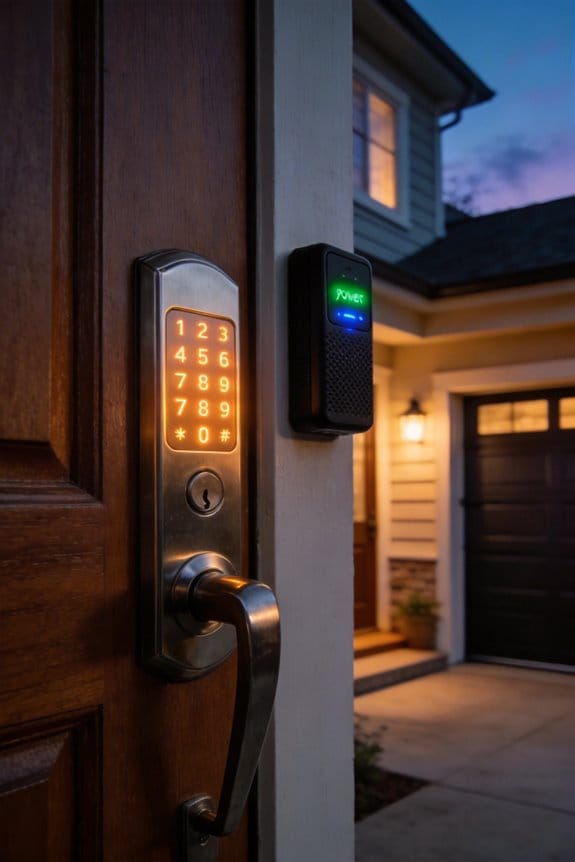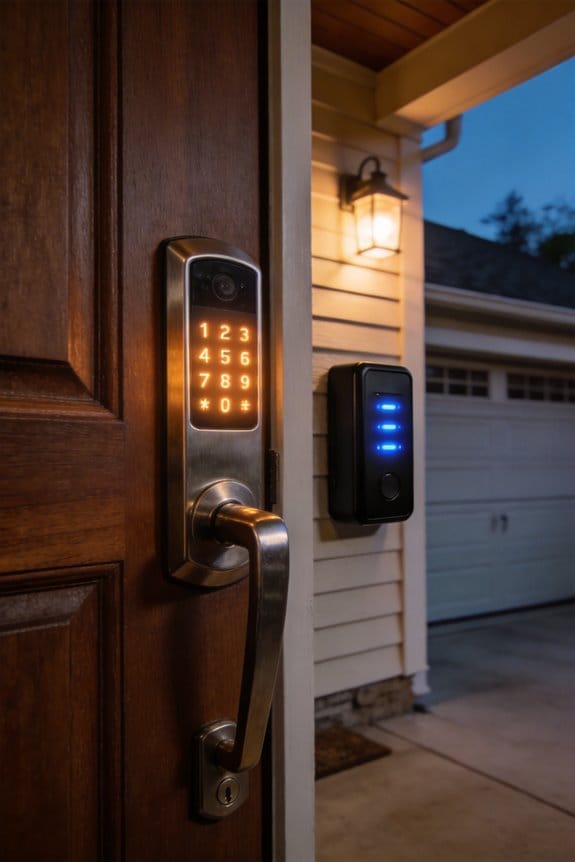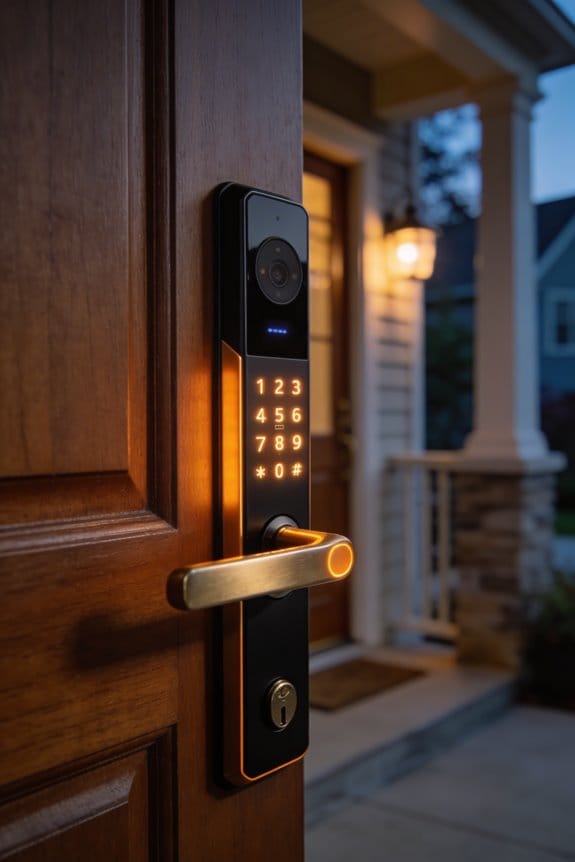

Smart locks classify as front door hardware requiring HOA Architectural Committee pre-approval before installation. Most HOAs approve requests when you submit manufacturer specifications, installation instructions, and visual examples. California law mandates panic hardware release with 15 pounds of force or less, yet HOA written approval remains necessary regardless of state compliance. Federal disability protections may override aesthetic restrictions under ADA guidelines. Installing without approval risks removal orders and fines. The approval timeline varies, potentially affecting your installation schedule, making advance planning essential.
Key Takeaways
- Smart locks are classified as “front door hardware” requiring formal Architectural Committee approval before installation in most HOAs.
- Installing smart locks without HOA pre-approval can result in removal orders, fines, and potential property value impacts.
- HOA committees review smart locks for safety features, mechanical overrides, emergency compliance, and aesthetic compatibility with the neighborhood.
- Federal ADA law may override HOA restrictions when accessibility needs are documented, protecting homeowners with disabilities.
- Denied requests can be appealed through the HOA appeals process, with legal consultation recommended for persistent disputes.
Why Smart Locks Create HOA Friction (And How to Avoid It)
Smart locks—think Level Lock ($300-350), August Smart Lock Pro ($199-249), or Yale Assure Lock SL ($279-329)—can actually cause real headaches with your HOA if you’re not careful about the process. The problem? Most boards classify these devices as “front door hardware” that needs Architectural Committee approval, but plenty of homeowners just install them without asking first.
Here’s what trips people up. Your HOA might worry that a smart lock’s digital interface and external components don’t match the traditional look of your neighborhood. Some boards see them as a plus—a modern upgrade that adds value. Others? They view them as clashing with the community vibe.
Frankly, the fix is simpler than you’d think. Submit your device specs and manufacturer details through your HOA’s official approval process *before* you install anything. Why does this matter? Because getting ahead of the issue saves you from removal orders, fines, or the hassle of dealing with complaints down the line.
Try this approach:
- Check your HOA’s website or bylaws for architectural review requirements
- Grab the product specs from the manufacturer
- Fill out the online form (yes, even if it feels bureaucratic)
- Include photos and a brief explanation of why you want the upgrade
The best part is that most HOAs actually approve these requests once they see the details. You’re protecting your investment and keeping peace with your board at the same time. Does your HOA have an approval process you haven’t checked yet?
Recommended Products

FIRE-RATED FOR COMMERCIAL DOORS (UL10B / UL10C CERTIFIED): Install with confidence on fire-rated doors — the Lockly Guard Latch meets UL10B, UL10C, NFPA 252, and FBC fire door standards that conventional smart locks can't. IP54 weatherproof and ADA compliant.

【8-in-1 Unlock】This smart deadbolt offers 8 unlocking methods: palm vein, 3D face recognition, voice control, fingerprint, PIN, IC card, mobile app, and physical key. It supports up 300 user profiles. Versatile access, keyless convenience.

MULTIPLE UNLOCKING METHODS - Lockly smart door lock offers a variety of unlocking methods: video camera two-way audio, fingerprint, APP remote control, patented keypad, for Alexa/Google voice control and physical key, and it also comes with a doorbell feature. You don't need to worry about forgetting your keys anymore.
Does Your Smart Lock Trigger HOA Approval? The Quick Assessment
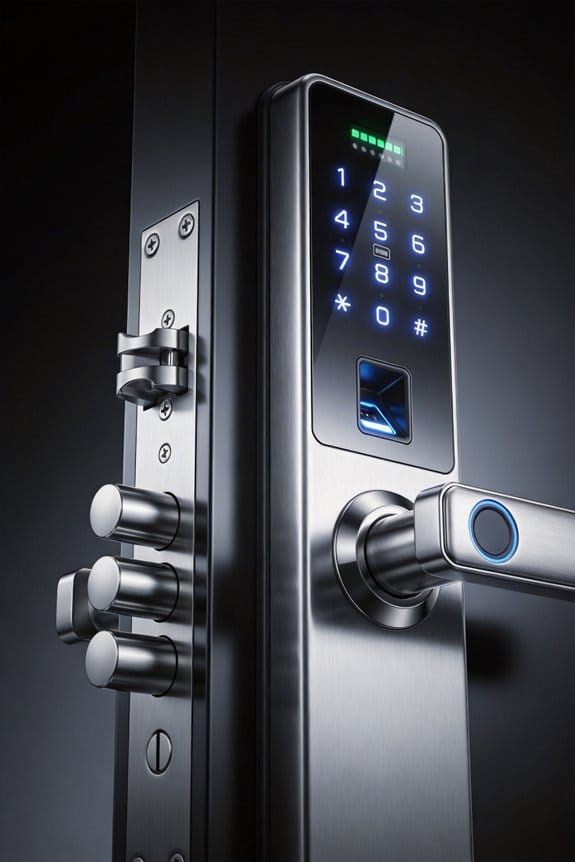
Does Your Smart Lock Trigger HOA Approval? The Quick Assessment
Got your eye on a Level Lock ($300-350), August Smart Lock Pro ($199-249), or Yale Assure Lock SL ($279-329)? Hold up. Before you hit that buy button, you need to check whether your HOA’s Architectural Committee is going to demand approval first.
Honestly, this is one of those things people skip—and then regret. Grab your CC&Rs and pre-approval guidelines right now. Most HOAs treat front door hardware like it’s part of the common area, which means you’ll likely need formal approval before installing anything. Smart locks are particularly flagged because they come with electronic keypads, wireless connectivity, and visible mounting brackets. From an aesthetic standpoint, that’s exactly the stuff HOAs tend to scrutinize.
Here’s the trick: get ahead of this. Submit an online form to your committee with the manufacturer specs, finish details, and installation photos. You don’t need to panic—plenty of HOAs greenlight smart locks that blend with your existing hardware and don’t change how your door actually looks. The key is requesting written approval *before* you buy. Pulling it out later and getting told to remove it? That’s when you end up paying for reinstalls and facing potential fines.
So, why does this matter so much? Because approval timelines vary wildly. Some HOAs respond in two weeks; others take two months. Plan accordingly, and you’ll save yourself a headache (and some money).
Think of it this way: a quick conversation with your HOA now beats an expensive removal later. Worth it?
Recommended Products
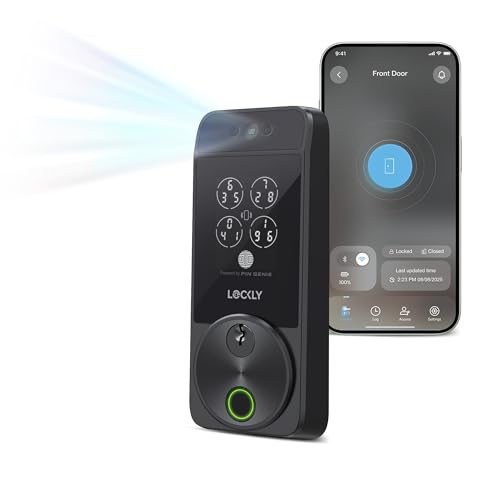
Your Face is Your Key: Unlock your smart lock for front door effortlessly with Lockly Visage’s advanced facial recognition technology - just walk up, and the lock detects your face to open automatically. Dual infrared sensors ensure accuracy in any lighting, even at night. Your facial data is encrypted and stored securely on the device, ensuring privacy and safety for your home.

UNLOCKING METHODS - Lockly smart door lock offers a variety of unlocking methods: video camera two-way audio, fingerprint, APP remote control, patented keypad, Alexa/Google voice control and physical key, and it also comes with a doorbell feature. You don't need to worry about forgetting your keys anymore.

AI Biometric Fingerprint Technology: Experience cutting-edge security with our latch smart lock, featuring rapid fingerprint recognition that unlocks in just 0.2 seconds. Trusted by over 100 million users, this lock accommodates up to 99 different fingerprints, allowing multiple users to access your home securely and effortlessly. Enjoy the perfect blend of speed and accuracy, enhancing your overall security experience.
California Law vs. HOA Rules: Do Smart Locks Require Pre-Approval?
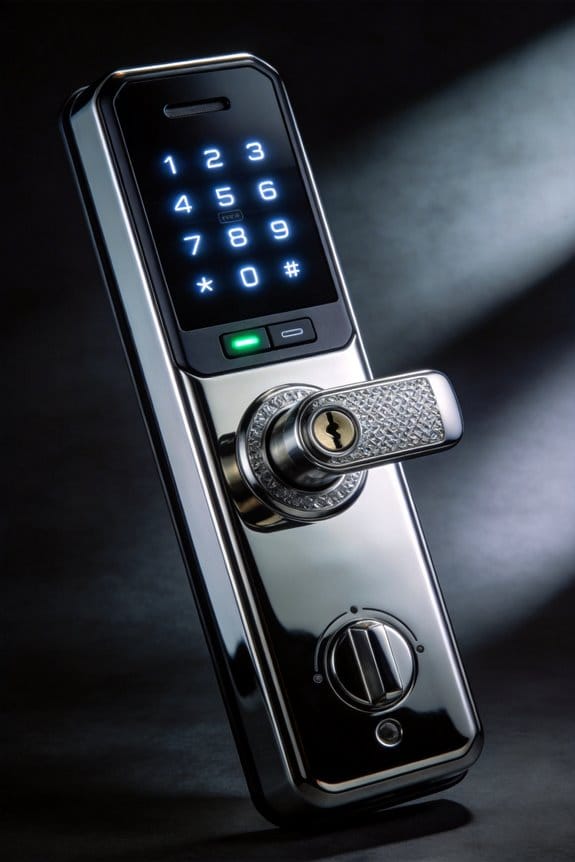
California Law vs. HOA Rules: Do Smart Locks Require Pre-Approval?
Want to install a smart lock on your front door in California? You’re going to run into two different sets of rules, and honestly, they both matter.
California’s got specific building codes about exit doors—specifically Labor Code Section 142.3—that require panic hardware to release with just fifteen pounds of force. The good news? Most smart locks play nicely with these rules because they work alongside your existing deadbolt instead of replacing it entirely.
But here’s where it gets tricky: your HOA doesn’t care that California law approves your smart lock. They’ve got their own architectural guidelines, and that means you need written approval from your HOA’s architectural committee before you install anything. It’s a separate step, not optional.
Why both matter:
- California ensures your door works safely in an emergency
- Your HOA controls what hardware shows on your building’s exterior
So, why does this matter? Because installing first and asking permission later can get expensive. You might have to remove the lock, pay fines, or deal with a whole compliance headache.
The privacy stuff around smart locks—how they log keyless entries, transmit data, all that—doesn’t exempt you from HOA restrictions either. Your community can still say no to certain models or finishes, regardless of how secure or private the technology is.
Try this: Check your HOA’s architectural guidelines first. Then look for a smart lock that meets California’s egress standards *and* fits your community’s aesthetic rules. Level Lock models, for example, install inside your existing deadbolt, so they’re often easier to get approved since they’re basically invisible from the outside.
The reality is that most modern smart locks can satisfy both California’s safety requirements and your HOA’s approval process—you just need to do the homework upfront. Have you checked what your HOA’s submission process actually looks like yet?
The Smart Lock Approval Process: What Your HOA Actually Reviews
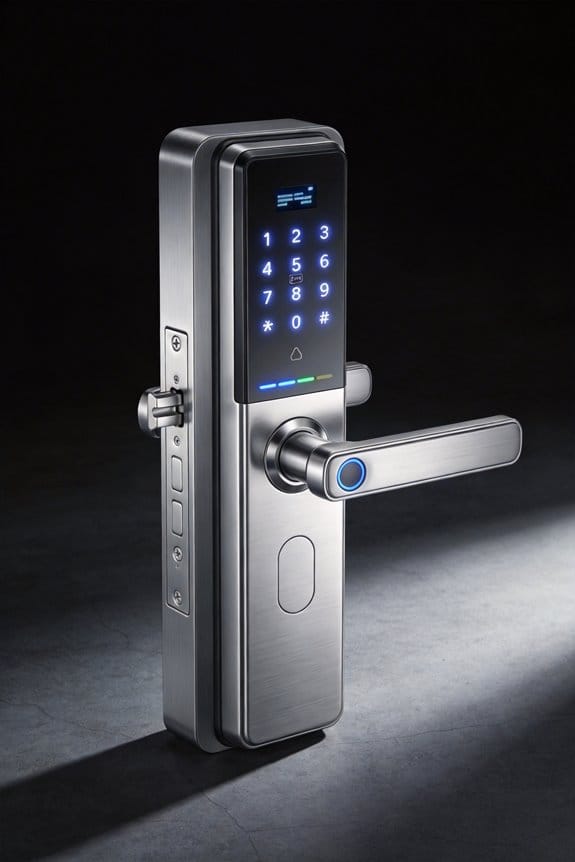
Your HOA’s architectural committee isn’t just checking boxes when you request a smart lock—they’re actually looking at whether your choice meets community standards, California building codes, and whatever’s spelled out in your CC&Rs. It’s more thorough than most people expect.
So what exactly are they examining? The committee digs into the smart technology itself: wireless protocols, battery backup systems, and whether there’s a mechanical override if things go wrong. They want proof that your lock meets panic hardware requirements and has the right force ratings (typically 5-15 pounds for pushing the door open). Accessibility matters too—hand controls need to sit between 30-44 inches off the floor.
The paperwork pile isn’t insignificant either. You’ll typically need:
- Manufacturer’s technical documentation
- Installation instructions
- Product warranty details
- Third-party testing certifications
- Visual examples showing how it looks on your door
Why does all this matter? Because your HOA is protecting the whole community’s safety and property values. They’re not trying to be difficult—they’re doing their job.
Honestly, here’s the good news: most contemporary smart locks integrate pretty smoothly with what you’ve already got. Something like a Level Lock works with your existing deadbolt, which means you’re checking both the security box and the architectural review box without major hassle. The aesthetic piece is usually straightforward too—if the finish matches your neighborhood’s character, you’re golden.
Once you understand what they’re reviewing, the approval process feels less mysterious. Just gather your documentation, show them the specs, and explain why your choice makes sense for your home.
Recommended Products

Z-wave technology connects to your home automation system and lets you lock or unlock your door remotely via the web or smartphone

ANYWHERE ACCESS: With built-in WiFi compatibility, you can easily and securely connect your Schlage Encode Plus lock to your home WiFi network to control and monitor your home from anywhere with the Schlage Home app

Guaranteed to fit on existing, standard pre-drilled doors
Smart Locks That Pass HOA Standards (Brands and Installation Tips)
Smart Locks That Pass HOA Standards (Brands and Installation Tips)
Your HOA just rejected your smart lock idea. Frustrating, right? The truth is, most homeowner associations have specific requirements—and once you know what they want, getting approval becomes way easier.
Here’s what your HOA is actually looking for: a smart lock with a mechanical override (so you’re not stuck if the battery dies), hardware that fits your existing door setup, and compliance with California’s panic hardware standards. That means the lock needs to work with 15 pounds of force and have hand controls positioned between 30 and 44 inches from the floor. Sound technical? It is—but it matters.
Three brands consistently get approved:
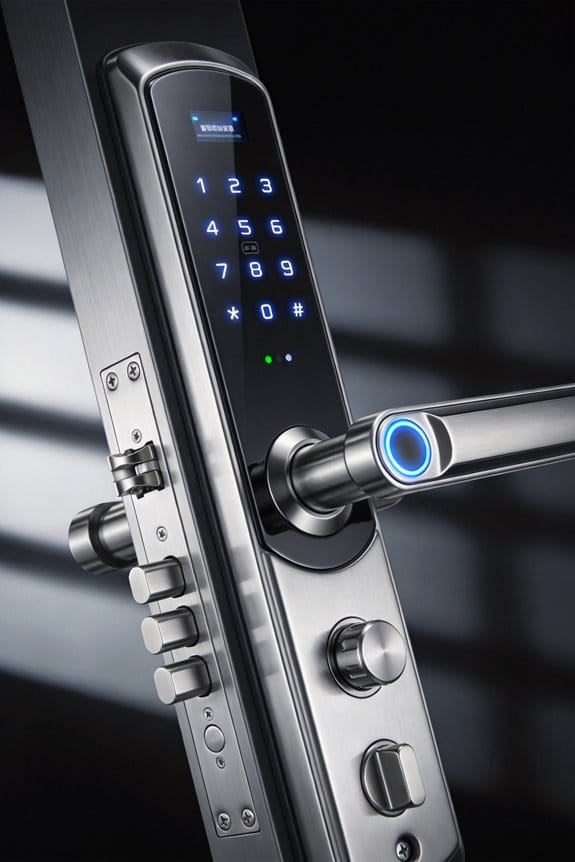
Level Lock runs about $300-350 and installs right behind your existing deadbolt. You keep your original look while gaining keyless entry. August Smart Lock Pro ($199-249) is the budget-friendly option—it retrofits onto standard locks without ripping anything out, and you get temporary access codes plus activity logs to see who came and went. Schlage Encode ($249-299) throws in built-in alarm features and encrypted Bluetooth, which some committees love.
So, why does mechanical override matter so much? Electronic-only systems get rejected almost every time. Committees worry about power failures and liability. A backup key mechanism isn’t optional—it’s a dealbreaker for approval.
When you’re ready to install, take these steps first:
- Measure your door frame dimensions carefully
- Check that your strike plate lines up correctly
- Test the force requirement after installation to confirm it meets standards
Honestly, the fastest path to approval? Submit a pre-approval request with your exact model number and specs to the architectural committee before you buy anything. You’ll skip back-and-forth emails and get a clear yes or no upfront.
Does your HOA have unusual door hardware or older frames? If so, double-check compatibility before moving forward.
Recommended Products

Replaces your existing deadbolt with a touchscreen smart lock so you can lock and unlock your door without the hassle of keys.Operating Temperature : Outside: -22 F to 140 F Inside: 5 F to 158 F.

ANYWHERE ACCESS: With built-in WiFi compatibility, you can easily and securely connect your Schlage Encode Plus lock to your home WiFi network to control and monitor your home from anywhere with the Schlage Home app

ANYWHERE ACCESS: With built-in WiFi compatibility, you can easily and securely connect your Schlage Encode Deadbolt to your home WiFi network to control and monitor your home from anywhere with the Schlage Home app
Your Step-by-Step Pre-Approval Roadmap
Getting your smart lock approved by your HOA doesn’t have to be a headache. The key is showing up prepared—most committees approve these things without drama when you’ve dotted your i’s and crossed your t’s.
Gather Your Paperwork First
You’ll need to collect specific documentation before you even touch that application form. Pull together the manufacturer specs, finish options, and installation dimensions for your lock. Take clear photos of the product from different angles. Write down the exact dimensions, materials, and how it’ll look on your door compared to your neighbors’ hardware.
Honestly, this step takes maybe an hour, but it saves you from the back-and-forth emails later.
Submit to Your HOA the Right Way
Your architectural committee probably has an online form—use it. Fill it out completely, attach those product photos, and include all the technical details you gathered. Don’t leave blanks or vague descriptions. The committee needs to understand that your lock fits your community’s aesthetic standards, not clashes with them.
So, why does this matter? Because incomplete applications get rejected or sent back for revisions, which delays everything.
Timing Is Everything
Submit at least 30 days before you want to install the lock. Most committees take 2–3 weeks to review. That buffer gives you breathing room if they ask questions or want adjustments.
The Good News
Truth is, HOA-compliant smart locks get approved regularly when you’ve provided complete information upfront. Once the committee signs off, you’ll get written approval spelling out what you can and can’t do during installation.
Are you ready to move forward, or do you have specific concerns about your community’s rules?
Recommended Products

ANYWHERE ACCESS: With built-in WiFi compatibility, you can easily and securely connect your Schlage Encode Plus lock to your home WiFi network to control and monitor your home from anywhere with the Schlage Home app
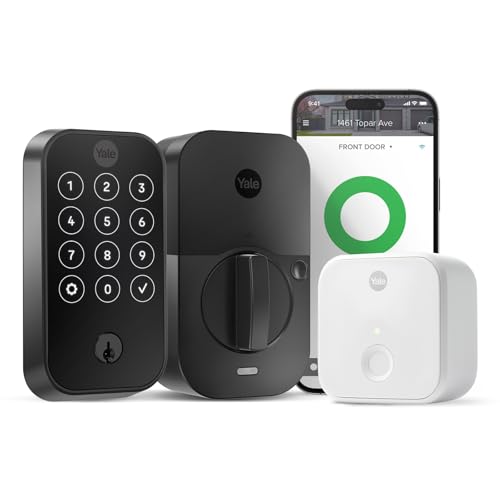
EASY CHECK-INS: Share unique door codes through the Yale Access app or compatible partner apps to allow your guests a hands-free check-in process.
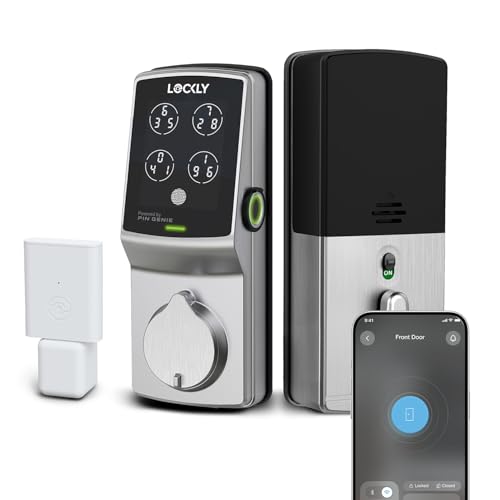
CODES THAT CHANGE THEMSELVES: The Patented PIN Genie Keypad shuffles its digits every single time — so even if someone watches you punch in your code, what they saw won't work tomorrow. Up to 33 free PIN codes, including one-time guest codes, with zero subscription required.
Accessibility Exceptions: When You Can Install Without Approval
Accessibility Exceptions: When You Can Install Without Approval
Dealing with an HOA that won’t budge on your front door hardware? There’s actually a legal loophole you might not know about. If you need a smart lock for accessibility reasons, federal law is on your side—and you don’t need the committee’s blessing to install it.
What the ADA Actually Says
The Americans with Disabilities Act requires hand-activated hardware to be positioned between 30-44 inches above the floor. That’s not a suggestion or a preference—it’s a legal mandate. Honestly, this matters because it means accessibility requirements automatically override your HOA’s aesthetic rules. Your right to modify your door for mobility needs takes priority over architectural guidelines.
Your Real Protection
So, why does this matter if you already have an HOA that reviews everything? Because disability protections at the state and federal level trump local architectural committees. You’re not asking permission; you’re notifying the board of a legal accommodation. Level Lock systems and similar integrated smart locks are designed to meet these accessibility standards while looking clean and modern, so you’re not stuck choosing between compliance and curb appeal.
Making It Official
Here’s the trick: document everything in writing. Send your HOA board a letter explaining your accessibility need and include ADA compliance specifications. Be straightforward. You’re not being confrontational—you’re simply informing them that this installation falls outside their approval authority.
Keep a copy for your records. This paper trail protects you if anyone tries to push back later.
The Bottom Line
Notification is still smart for community relations, but approval isn’t required. You’ve got federal law backing you up. What would make your daily life easier when it comes to accessing your own home?
Your Recourse If an HOA Denies a Smart Lock Request
Your HOA rejected your smart lock request even though you’ve documented everything and shown it meets ADA requirements. What now? You’ve got real options, and you don’t have to give up.
Start by going through the HOA appeals process the right way. Request a written explanation for why they said no, then come back with evidence showing smart locks don’t actually violate accessibility standards. Keep copies of everything—emails, letters, documentation. Why does this matter? A paper trail protects you if things escalate, and it shows the board you’re serious.
If the board keeps dodging you or gives vague responses, it’s time to talk to a lawyer who knows HOA law inside and out. Honestly, disability accommodations are protected under the Fair Housing Act, which gives you real legal standing here. This isn’t about being difficult—it’s about your rights.
While you’re working through the formal process, explore alternatives that might get approval on the next go-around:
- Level Lock ($299): Installs inside your existing deadbolt with no visible changes to the outside. This one often works because there’s nothing for the board to complain about aesthetically.
- Keypad deadbolts that blend with your door’s look
- Biometric locks designed to match standard hardware
The best part is these options give you the accessibility you need while addressing the board’s actual concerns—which are usually about how things look on the building’s exterior. When you resubmit, lead with whichever alternative fits your situation best. The board might be more willing to budge when you’re offering something that doesn’t change the building’s appearance.
Bottom line: don’t accept a no the first time. Document, appeal formally, get legal advice if needed, and come back with a solid alternative. What matters most to you—the specific type of lock, or just getting the accessibility feature in place?
Frequently Asked Questions
Can Smart Locks Lower My Property Value by Signaling an Unsafe Community to Buyers?
No, smart locks shouldn’t lower your property value. They’re modern security upgrades that enhance property perception as well-maintained and secure. Buyers typically view smart locks positively since they address safety concerns while demonstrating technological advancement rather than signaling neighborhood problems.
Are Exterior Doorframes and Hardware Classified as Exclusive Use Common Areas Requiring Approval?
Yes, here’s what you’ll find: your exterior doorframes and hardware are classified as exclusive use common areas. That means they’re allocated exclusively to your unit but require HOA approval before you’re allowed to make any alterations or replacements.
Do Disability-Related Smart Lock Alterations Qualify as Protected Modifications Despite HOA Restrictions?
Yes, I can tell you that disability-related smart lock alterations likely qualify as protected modifications. Your HOA can’t fully prohibit accessibility improvements, even if they restrict standard hardware changes. Smart home technology supporting disability rights generally receives legal protection.
What Happens if My HOA Selectively Enforces Smart Lock Rules Against Certain Homeowners?
You’ve got grounds for action. If your HOA enforces smart lock rules selectively against you while permitting others, that’s discriminatory conduct. You can challenge this selective discrimination through legal remedies, demanding consistent HOA enforcement across all homeowners fairly and uniformly.
Can I Install a Smart Lock That Integrates With Existing Hardware Without Visible Changes?
You can install smart locks like Level Locks that integrate seamlessly with existing hardware, maintaining your door’s appearance. However, you’ll still need HOA pre-approval before installation to guarantee hardware compatibility and meet smart lock aesthetics standards.