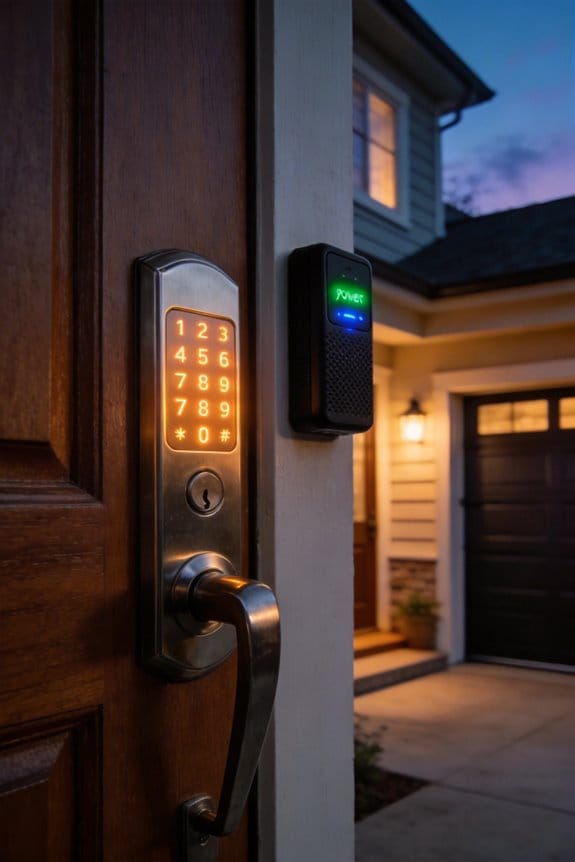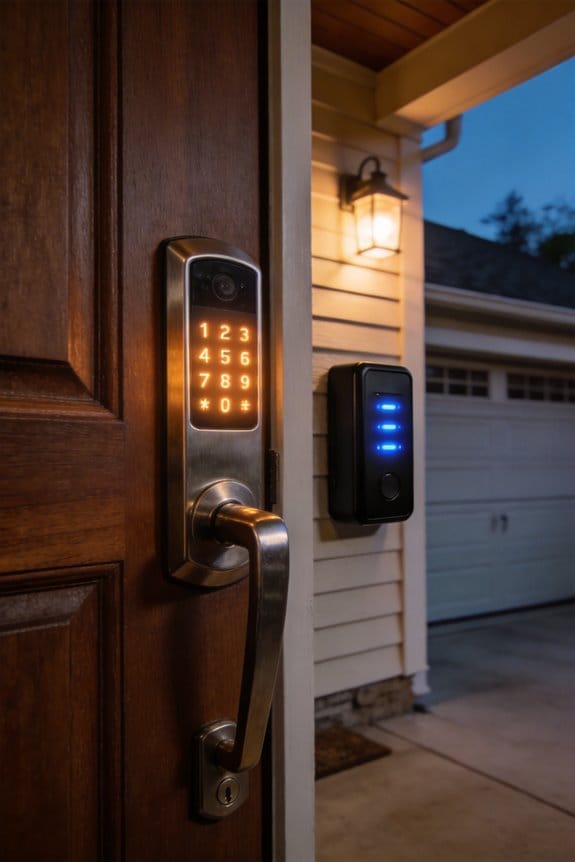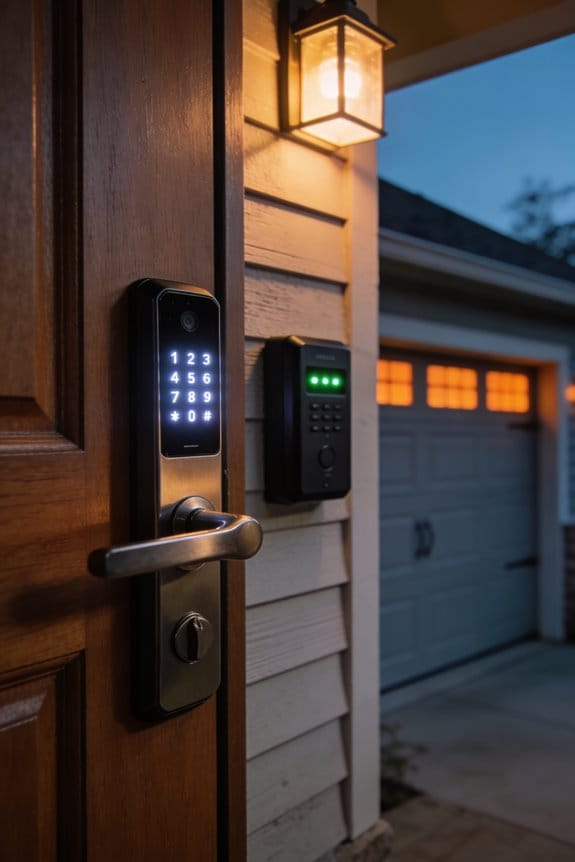

Local processing locks authenticate fingerprints and passcodes directly on the device in milliseconds, eliminating server delays while maintaining full offline functionality during internet outages—a critical advantage since U.S. households average 4-8 annual outage hours. Cloud verification offers remote access, geofencing, and advanced automation through TLS 1.3 encryption, yet requires stable connectivity and introduces data transmission risks. Your choice hinges on whether you prioritize immediate, independent security or remote control integration with smart home ecosystems. The specifics of each approach’s encryption protocols, backup mechanisms, and real-world performance metrics reveal important nuances worth exploring further.
Key Takeaways
- Local processing provides instant access with encrypted on-device storage, eliminating data interception risks during authentication.
- Cloud verification enables remote access and advanced features but requires stable internet and strong encryption like TLS 1.3.
- Local locks maintain functionality during internet outages; cloud systems become unusable without connectivity, affecting emergency access.
- Cloud solutions offer unlimited event logging and smart home integration; local locks provide superior privacy through restricted data transmission.
- Choose reputable brands with strong security practices, multi-factor authentication, and transparent encryption measures for maximum protection.
The Core Difference: Instant vs. Verified Access
The Core Difference: Instant vs. Verified Access
You’re juggling groceries at your front door, and your smart lock is your lifeline. But here’s something most people don’t think about: not all smart locks work the same way under the hood. Some verify who you are right on the lock itself, while others ping a server somewhere in the cloud to say yes or no. Why does that matter? Because it affects how fast you get inside.
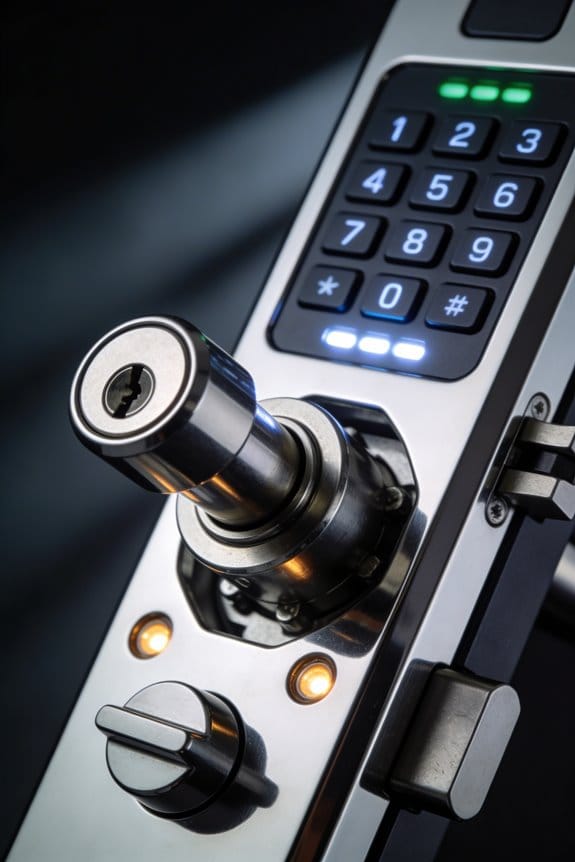
Local processing is the speed option. Your lock checks your fingerprint or code directly on its own processor. No waiting for servers, no internet hiccup ruining your day. You’re talking milliseconds—basically instant. The lock works even if your Wi-Fi goes down, which is honestly pretty reassuring.
The trade-off? Local systems have limits. They’re built for straightforward checks: Does this fingerprint match? Is this code correct? That’s it.
Cloud verification takes a different path. Your biometric data or credentials get sent to a remote server, which does the heavy lifting and sends back approval. This sounds slower (because it is), but it opens up possibilities. You can do more complex verification, access your lock from anywhere, and manage multiple users with intricate rules. It’s more powerful, but it needs your internet connection working.
So, what’s the security angle here?
Local locks keep your data encrypted right there on the device—nothing gets transmitted unnecessarily. Cloud systems have to meet stricter standards like TLS 1.3 and certificate pinning to keep your data safe during that journey to the server. Both can be secure; they just do it differently.
The real question: Are you someone who wants the absolute fastest entry and offline reliability? Or do you want remote access and more flexibility, even if it takes a couple extra seconds? Your answer determines which type actually fits your life.
Smart Lock Security Trade-Off: Speed vs. Remote Reach

Smart Lock Security Trade-Off: Speed vs. Remote Reach****
So you’re standing in front of a smart lock decision, and honestly, it feels like picking between two totally different worlds. One option gets you in fast—no waiting around. The other lets you control your door from anywhere, but comes with some real strings attached. Let me break down what you’re actually choosing between.
The speed option: Local processing****
Local processing is your fast track. Your phone talks directly to the lock via Bluetooth, and boom—you’re in. No waiting for the internet to do its thing, no lag time while data bounces around the cloud. During a power outage or internet hiccup? Your lock still works because it doesn’t depend on anything beyond your immediate connection. In my experience, this is huge if you value reliability and instant access.
The remote option: Cloud verification****
Then there’s the cloud approach. Yes, it’s slower than local processing—your data has to travel to a server and back. But you get some seriously powerful features: geofencing that unlocks your door as you pull up, the ability to let guests in from anywhere, and integration with your entire smart home ecosystem like Apple HomeKit. Why does this matter? Because sometimes convenience and control matter more than shaving off a few seconds.
Here’s the real tension:
- Local = fast and works offline, but limited features
- Cloud = powerful and flexible, but needs internet to function
The honest take
Frankly, most people don’t live in either extreme. Your internet goes down maybe once every few months. And waiting three seconds instead of one second isn’t usually a dealbreaker. The question isn’t really “which one is better?” It’s “which one fits your actual life?”
If you live somewhere with spotty internet or you absolutely need your lock to work during outages, local processing makes sense. If you’re the type who likes controlling things remotely and integrating everything into one smart home system, cloud is worth the trade-off. Truth is, newer hybrid locks are starting to offer both—they work locally for speed but sync with the cloud when you need remote access. That might be the sweet spot you’re looking for.
What matters most to you: knowing your lock will always work, or being able to manage it from anywhere?
Recommended Products

【Upgraded Version Of 1550B】The SP-20032 pro press tool is crafted from durable PA and aviation-grade 7075-T6 aluminum alloy,Trigger/Run switch of lifespan can reach 299 thousand times+,copper pipe crimper core integrates an 18V motor that delivers 32 KN of force and 50 MPa of pressure. one crimping cycle = 3-4 s,200+ crimps per hour. —boosting efficiency by 30% other pro press tool,by 50% than standard tools,Safer than traditional copper pipe welding. The 180° rotatable jaw easily accesses confined spaces.

Works with Schlage Sense app for Android smartphones, iPhone, iPad, iPod touch.Control Method:Voice

[ 72" Ergonomic Wing-shaped Desk] People who work or game for long time will feel very comfortable as it provides flexible room for abdomen and arms;The wing shape desk design makes it easy to reach and grab what you want as well; A gaming desk area of 72x23.6 inches accomodates your music, studio,gaming or live streaming equipments while you still have ample room to move. Made of smooth carbon fiber texture, Eureka gaming standing desk is water- and heat-resistant.
Why Offline Security Matters When the Internet Fails?
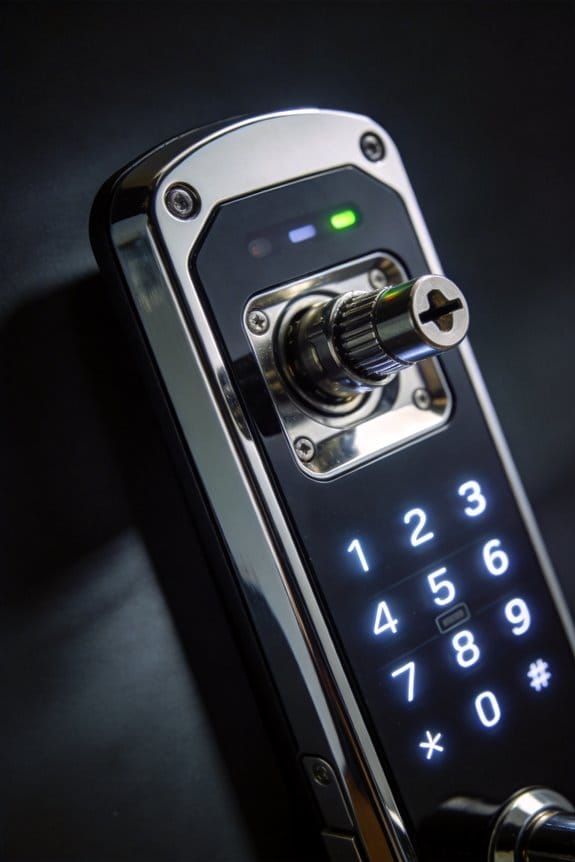
Your smart lock stops working the moment your internet goes down. Most people don’t think about this until it happens—and then you’re standing outside your own home wondering how to get in.
Here’s what I mean: internet outages happen more often than you’d think. We’re talking 4-8 hours a year in a typical U.S. household. That doesn’t sound like much until it’s *your* house and *your* lock won’t respond.
The real problem with cloud-dependent locks is that they rely completely on your internet connection to function. No connection, no access. No way to unlock the door, no way to let someone in during an emergency. You’re essentially locked out of your own home.
So, why does this matter? Because your security shouldn’t depend on your ISP staying online.
What actually works offline:
Locks with local processing cut through this problem entirely. They don’t need the cloud to function—they work right there on the device itself. Your biometric data gets encrypted and stored locally, meaning your fingerprint or face unlocks the door whether the internet’s working or not. You also get mechanical overrides, which is just a fancy way of saying there’s always a backup way in.
The best part is the redundancy built in. Think encrypted Bluetooth connection, on-device authentication, and physical keypad codes that work even during a 72-hour outage. Backup power reserves keep everything running too.
Frankly, if you’re buying a smart lock, this is the feature that should matter most. It’s not flashy, but it’s the difference between being locked out and being able to get inside your home.
Ask yourself: when your internet fails next time, will you be able to get through your own front door?
Recommended Products

FIRE-RATED FOR COMMERCIAL DOORS (UL10B / UL10C CERTIFIED): Install with confidence on fire-rated doors — the Lockly Guard Latch meets UL10B, UL10C, NFPA 252, and FBC fire door standards that conventional smart locks can't. IP54 weatherproof and ADA compliant.

Commercial-Grade Strength & Reliability: Purpose-built for high-traffic commercial use in offices, schools, and multi-unit buildings. This UL10B/10C fire-rated lock is engineered for long-term durability and consistent performance, powered by 8 AA batteries for extended operation and uptime.

YOUR 24/7 RECEPTION – The igloohome Keybox 3 is a smart box that stores house and car keys, access cards, and more for easy retrieval. Designed for hassle-free sharing, the Keybox 3 now comes with even more space and more features for your convenience.
Why Remote Authentication Matters: Access Anywhere
Why Remote Authentication Matters: Access Anywhere
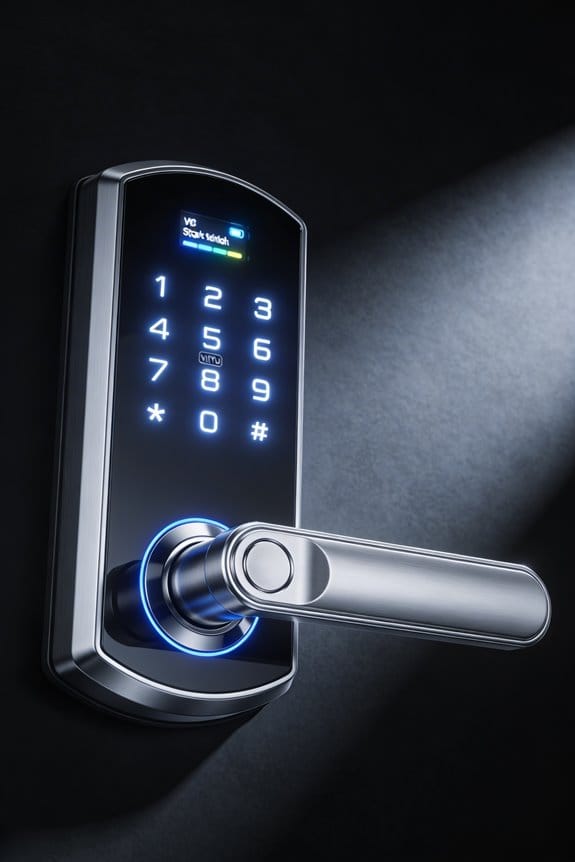
Ever been stuck at work realizing you forgot to let the plumber in? That’s where remote authentication saves the day. Instead of being locked into offline-only access, you can control your smart lock from anywhere—across town or across the country. Your phone becomes your key, and the cloud handles the verification in the background.
Here’s the thing about security at a distance: it actually works better than you’d think. Cloud-based systems stack multiple protection layers on top of each other—TLS 1.3 encryption locks down your data, certificate pinning stops fake connections, and multi-factor authentication adds another checkpoint. Frankly, these safeguards are tougher than what most local-only systems can offer.
The practical benefits are pretty compelling:
- Grant temporary access codes to guests without being home
- Check entry logs in real-time to see who came and went
- Revoke access instantly if plans change
- Let service providers in during emergencies without you being there
So, why does this matter for daily life? Picture a scenario where your kid gets sick at school and needs to come home, but you’re stuck in back-to-back meetings. You unlock the door remotely. Or your sister’s flying in and you’re still at the airport—she can get inside and settle in. These conveniences add up fast.
Cloud integration with systems like Apple HomeKit amplifies what’s possible. Everything syncs across your devices, and automation rules do heavy lifting for you. Truth is, you’re trading something important for all this convenience—you’re dependent on internet connectivity. If your WiFi drops, those remote features don’t work. It’s a real trade-off worth thinking through before you commit.
Recommended Products
All equipment is brand new and has undergone rigorous testing before shipment. Cash payments are not accepted for this model. There are no hidden fees other than those shown in the price details images

All equipment is brand new and has undergone rigorous testing before shipment. Cash payments are not accepted for this model. There are no hidden fees other than those shown in the price details images
All equipment is brand new and has undergone rigorous testing before shipment. Cash payments are not accepted for this model. There are no hidden fees other than those shown in the price details images
Where Your Credentials Are Stored: Encryption and Exposure
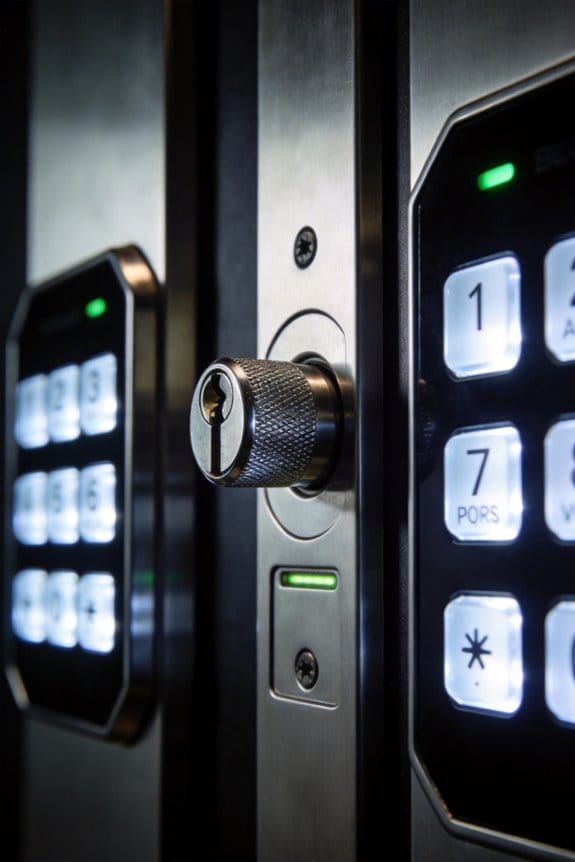
Where Your Credentials Are Stored: Encryption and Exposure
Ever wonder why some smart locks feel secure while others make you nervous? A lot of that comes down to where—and how—your lock actually stores your access codes.
Local locks keep things simple. Your encryption keys stay right on the device, protected by strong passcodes and encrypted local storage. Nothing gets sent over the internet, which means there’s nothing to intercept during transmission. Bluetooth E2EE (end-to-end encryption) in these systems is the real deal—it’s so secure that even the engineers who built the lock can’t peek at your stored credentials.
Cloud-based locks work differently, and that’s where things get tricky.
Your credentials have to travel across networks to verify your access, so manufacturers need to use heavy-duty encryption like 256-bit AES paired with TLS 1.3 and certificate pinning. These tools help prevent someone from intercepting your data mid-transmission. But here’s the catch: budget-friendly cloud locks often skip these protections to save money. That’s when your data becomes vulnerable.
So why does this matter? Because a cheaper lock isn’t just inconvenient if it fails—it could expose your home to real risks.
If you’re going the cloud route, look for locks that require multi-factor authentication and have auto-delete schedules for old credentials. These features help limit the damage if something does go wrong. Try this: check the manufacturer’s security page before you buy. They should clearly explain their encryption methods and authentication requirements.
Honestly, the best approach is understanding where your lock stores credentials and how it protects them—not just trusting marketing materials. What matters most to you: the convenience of cloud access, or the simplicity of local-only storage?
Real-World Reliability: Outages and Offline Locks
Real-World Reliability: Outages and Offline Locks
What happens when your internet goes down and you’re standing outside your front door? That’s the reality check most people don’t think about until it’s too late.
Cloud-based smart locks sound convenient, but they’ve got a serious weak spot: they depend entirely on your internet connection staying up. The second your WiFi drops or your service provider has an outage, you lose remote access. Worse, some models won’t even let you unlock the door locally without that connection—you’re basically locked out of your own home.
Local-processing locks work differently. They store encryption right on the device itself, so they keep working whether your internet is up or down. You can still use your lock, still get in your house, still feel secure. That matters.
So, why does this distinction matter so much? Because infrastructure fails. Zigbee and Z-Wave hubs can run scheduled automations for up to 72 hours without internet. Cloud-dependent geofencing? It stops the moment your connection drops. If you’ve got a Yale Assure SL2, it can handle offline scheduling on its own. Pure cloud solutions just… don’t.
The best part is that you’re never actually trapped. Local systems prioritize accessibility and safety when things go wrong—not during some perfect-world scenario where everything works flawlessly. Your door stays accessible because the smart lock doesn’t rely on perfect conditions to function.
Honestly, the choice comes down to this: do you want a lock that works only when everything else is working, or one that keeps protecting you when the rest of the world goes quiet?
Privacy Trade-Offs: Local Storage vs. Cloud Data Exposure
Ever notice how your smart lock is basically sending your personal info to the cloud every time someone unlocks the door? That’s the trade-off most people don’t think about until it’s too late.
The simplest way to protect yourself is keeping your credentials on the device itself. When your lock stores access codes and biometric data locally instead of uploading everything to a server somewhere, you’re already ahead of the game. It cuts down on what hackers can steal from you, which is pretty important when we’re talking about your home security.
So, why does this matter? Because many budget locks out there ship your data without even bothering to encrypt it. That’s unacceptable. You deserve to know:
- How long the company keeps your information
- Whether real humans are looking at your access logs
- What encryption they’re actually using
Frankly, if a vendor gets defensive when you ask these questions, that’s a red flag.
GDPR requires companies to anonymize logs, but compliance isn’t universal—especially with cheaper models. The best part is that you can often ask vendors directly. Don’t feel bad demanding specifics. They should have a clear answer ready.
Here’s the trick: check whether you can turn off cloud features entirely. A good lock gives you that option. Look for strong encryption standards like 256-bit AES paired with TLS 1.3. These aren’t fancy—they’re just the baseline for serious security.
Local-only modes eliminate two big headaches at once. No subscription fees bleeding you dry, and no cloud servers storing your movements and habits. You get genuine privacy without the constant data leaks hanging over your head.
What matters most to you: convenience through cloud features, or total control over your own data?
Local-Only Smart Locks: When Offline Security Wins
Local-Only Smart Locks: When Offline Security Wins
What happens to your smart lock when the internet goes down? Most people don’t think about this until they’re standing outside their house in the middle of a power outage, fumbling for a backup key.
A local-only smart lock works completely on your device without needing the internet. Instead of sending your fingerprint or PIN to some cloud server miles away, it handles everything right there—authentication, access logs, biometric processing. Everything happens instantly on the device itself.
Why this matters: Your lock responds in milliseconds instead of waiting for a server to check in and say “yep, you’re allowed inside.” There’s no lag. There’s no dependency on whether your broadband is working or if the company’s servers are having issues.
Emergency access is where this really shines. You need to get in, and you need to get in now. With a local-only lock, biometric verification or PIN entry works immediately—no cloud delays, no verification wait time. The door just opens.
Here’s the thing about control: you keep it. Secure authentication happens locally without any external company or system involved. Frankly, that’s reassuring if you care about who has access to information about when you come and go.
So, why does this matter for your home specifically? Consider where your lock sits:
- Critical entry points (main doors, garage access)
- Locations prone to network outages
- Places where immediate access is non-negotiable
Truth is, local-only locks aren’t flashy, but they’re dependable. They work when WiFi fails, when your ISP goes down, when you’ve got no cell signal. Your door functions reliably regardless of what’s happening with your internet connection.
The best part is the simplicity—no complicated cloud setup, no apps that need updating, no company policies changing your access rules. It’s straightforward security that you control completely.
Still wondering if local-only is right for you? Ask yourself: do you want your door to work no matter what?
Recommended Products

INTRODUCTION - WTTTOOLS 1200 W handheld 2-in-1 air-cooled laser welding machine features a lightweight design and compact size, making it easy to carry in your car. Output power: 1200 W. Input Voltage: 220V. Rated Power: 4kW. Fiber Cable Length: 5m. Gross Volume: 0.1m3. Weld Gun Weight: 1.4lbs. Scan Width: 0-5mm. Gross weight: 70.56 lbs. Wire Feeder Weight: 33 lbs. Machine Dimension: 21.7*12.6*21.7in. Package Included: 2-in-1 air-cooled laser welder*1, laser welding nozzles set*1, wire feeder*1. Laser Class: Class 1. Output Power: 0.39mW.

Global Support, Local Care: Our 24/7 global support team delivers expert assistance, including technical guidance and local demos by appointment. With 2 years of comprehensive service, we ensure peace of mind and personalized care wherever you are. Laser Class 2, 0.874 mW output power Model Number:SH-G570

Experience the raw power of the NVIDIA GB10 Grace Blackwell Superchip. Delivering 1 PFLOPS of FP4 AI performance, this workstation handles 200B+ parameter models locally with sparsity. This is the same architecture powering the world’s most advanced data centers, brought directly to your desk for zero-latency development.
Cloud-Connected Smart Locks: Remote Access and Ecosystem Benefits
Cloud-Connected Smart Locks: Remote Access and Ecosystem Benefits
Ever been locked out of your house and wished you could open the door from your phone? That’s where cloud-connected smart locks shine. Sure, local-only locks work great when your internet goes down, but they’re missing some seriously useful features that most of us actually want.
The real advantage of cloud locks is that they work from anywhere. Need to let in a delivery driver or a houseguest while you’re at work? You can do it instantly. You get unlimited event logging too—not just the 500 entries your local lock can store. That matters if you ever need to check who came through your door last month.
Integration with your phone’s ecosystem is another big win. Apple HomeKit lets you use Siri voice commands, which is genuinely convenient. The lock can also talk to other smart home devices across different brands, so everything works together instead of being stuck in separate silos.
Here’s the trick: cloud locks handle the heavy lifting that your lock’s built-in processor can’t manage. They run sophisticated geofencing algorithms that automatically unlock your door when you’re within a certain distance and lock it when you leave. They also support multilingual commands and complex automation rules that would bog down local processors.
So, why does security matter so much with this setup? Because your credentials are traveling over the internet. Properly configured cloud locks use TLS 1.3, certificate pinning, and 256-bit AES encryption to protect that data. Frankly, when installed correctly, they’re just as secure as any other password-protected account you use.
Honestly, the convenience is worth it if you’re willing to invest in a reputable brand with solid security practices. The key is choosing a lock from a manufacturer you trust and keeping your passwords strong.
Recommended Products

【Stunning 55" 4K UHD Visuals】Experience breathtaking clarity on this 55-inch interactive whiteboard. The 4K Ultra HD display brings every presentation, video, and diagram to life with vivid detail. Its responsive 20-point infrared touch technology supports simultaneous input from multiple users—whether using a stylus or finger—making it ideal for collaborative brainstorming in both classrooms and boardrooms.

Enhanced Dual-Camera Clarity at Up to 40 ft (12 m): Capture every event around your home in ultra-clear 3K resolution. Enjoy sharp, detailed visuals with 8× zoom to see what matters most.

AI Dual Cameras: See both inside and outside the litter box with dual cameras, so you always know what your cat is doing—from entry to exit, in one complete view
Frequently Asked Questions
What Biometric Methods Are Most Secure for Local Smart Lock Processing?
I’d recommend iris scanning over fingerprint recognition for your local smart lock. Iris scanning offers superior security because it’s harder to spoof, and palm vein recognition provides even better protection when processing locally. These methods minimize exposure compared to fingerprints.
How Do Matter Protocol Standards Improve Local Compatibility Across Smart Lock Brands?
Like a universal translator breaking down walls, Matter’s interoperability benefits let me control different smart lock brands seamlessly. I’m witnessing brand collaboration finally create the unified ecosystem we’ve needed—no more proprietary silos limiting your security choices.
Which Smart Locks Have Unencrypted Cloud Uploads, and How Can Users Identify Them?
I can’t name specific models, but I’d recommend checking manufacturer security documentation for encryption details. Look for TLS 1.3 confirmation—if it’s absent, unencrypted uploads pose serious security implications. Contact vendors directly about their data transmission protocols.
What Are GDPR Compliance Requirements for Smart Lock Vendors Storing User Data?
Like a medieval locksmith guarding castle keys, I’ll tell you: GDPR requires vendors obtain explicit user consent before storing data, implement data minimization, guarantee 30-day deletion rights, and face penalties up to €20 million for violations.
How Long Can Local Smart Locks Function During Extended Internet Outages?
I’d say your local smart locks can function indefinitely during internet outages since they don’t rely on cloud connectivity. They’ll keep working offline—locking, unfastening, and running scheduled automations—without any internet dependency interrupting your local functionality.