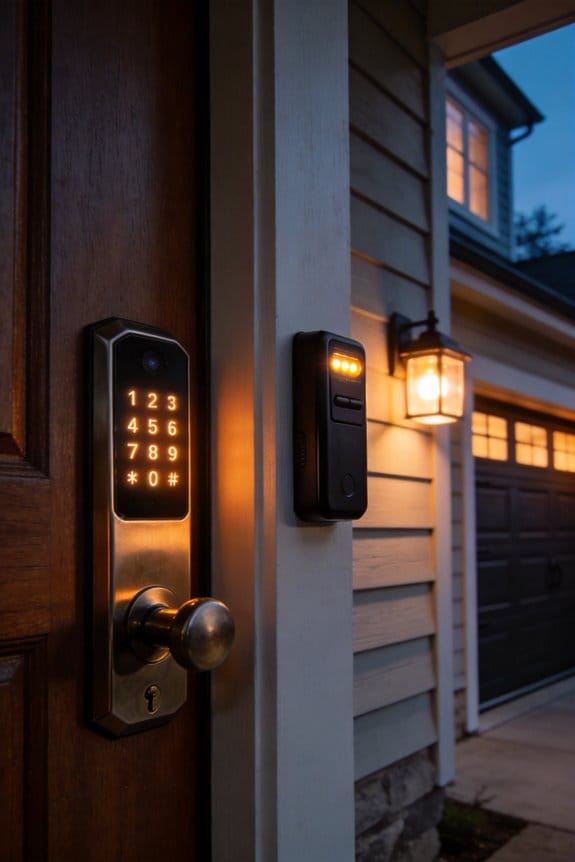
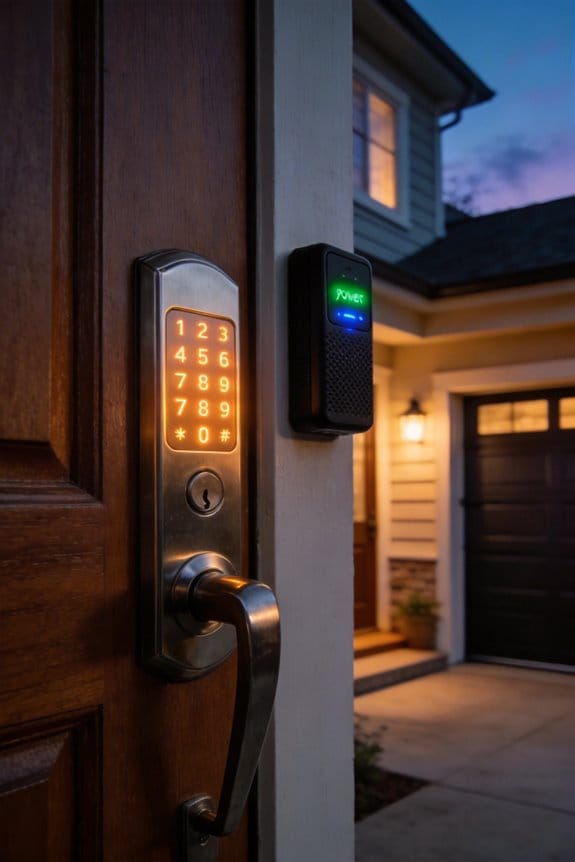
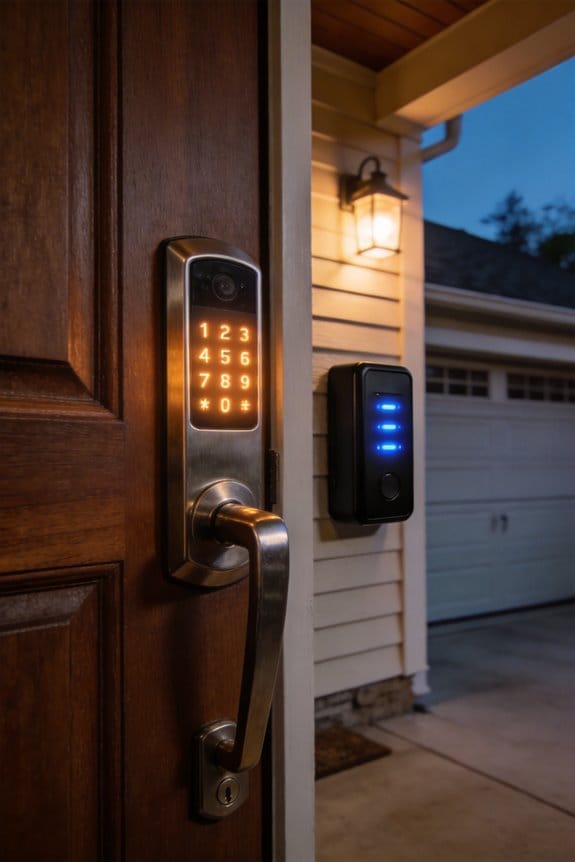
Smart locks generate offline access codes locally using HMAC-SHA-256 or Ed25519 cryptographic algorithms that blend secret keys with precise timestamp data, eliminating network transmission and interception risks. These time-bound codes automatically expire post-usage and at scheduled intervals per ISO 8601 standards, ensuring temporary guest access without manual revocation. The device independently verifies codes against stored credentials and timestamps, maintaining full functionality during internet outages. Understanding how these algorithmic systems regenerate codes when booking schedules shift reveals the sophisticated architecture protecting your property.
Key Takeaways
- Smart locks generate access codes locally using secure cryptographic algorithms like HMAC-SHA-256 without network connectivity.
- Codes blend secret keys with timestamp data to create unique, tamper-proof PINs instantly on the device.
- Automatic expiration based on ISO 8601 standards eliminates manual revocation and prevents unauthorized lingering access.
- Verification occurs directly on the lock, instantly confirming code validity against stored credentials without cloud dependency.
- Offline generation protects sensitive data from interception while maintaining continuous operation during internet outages.
How Offline Access Codes Work Without Network Connection?
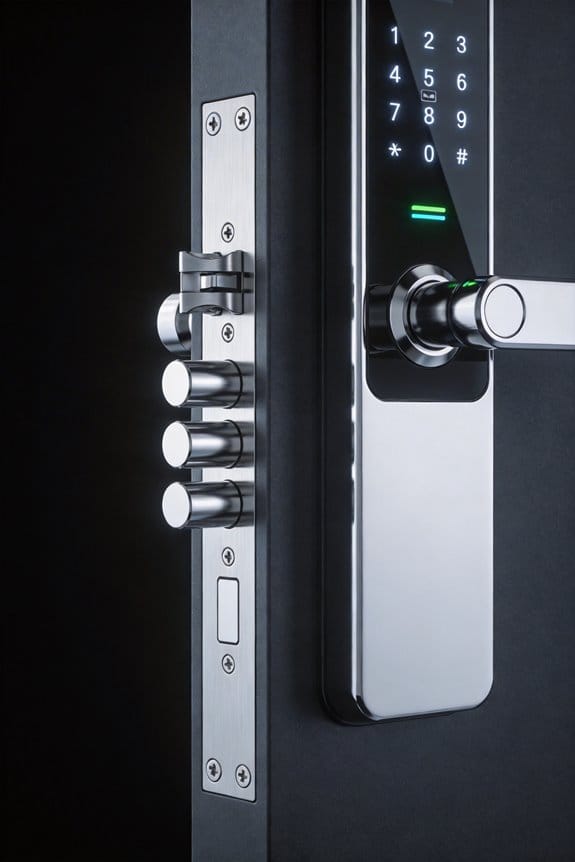
How Offline Access Codes Work Without Network Connection?
Your smart lock suddenly stops responding because the Wi-Fi’s down, you’re in a remote cabin, or your facility is intentionally cut off from the internet. Most people panic—but here’s what actually happens instead of total lockout: your device generates access codes right there in its own secure environment, with zero network needed.
The lock uses built-in math algorithms to create codes that are genuinely unpredictable. Unlike simple PIN patterns you might guess from previous attempts, these generated codes rely on cryptographic randomness. So why does this matter? Because it means you get access without anyone intercepting transmissions over a network.
Here’s the technical backbone:
Your device runs AES-256-GCM encryption combined with Ed25519 or ECDSA-P256 signing. Translation: the PIN creation process is locked down so tightly that tampering becomes practically impossible. The secret keys never leave the device—they stay buried inside its secure chip.
Time matters too. Each code includes a start and end time (built on ISO 8601 standards), so it automatically expires on its own. You don’t need the network to tell it when to stop working. The best part is that this happens entirely offline—the lock makes these decisions independently.
Try this mindset shift: instead of thinking your smart lock is vulnerable without internet, recognize that offline codes actually *reduce* certain security risks. There’s no transmission to intercept, no cloud connection to hack. The access stays local and contained.
Why Offline Codes Keep Your Secret Keys Secure
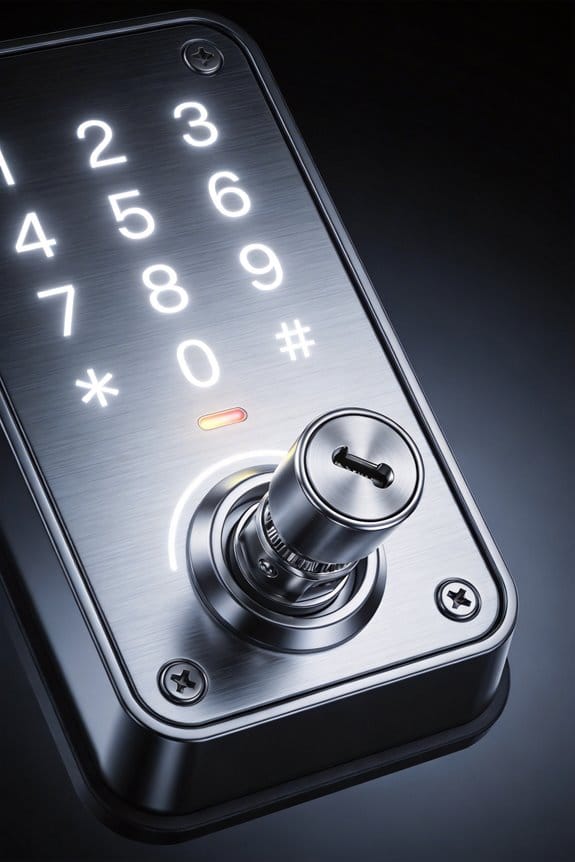
Why Offline Codes Keep Your Secret Keys Secure
Ever worry that your smart lock’s passwords might get stolen when they travel across the internet? That’s actually a real concern—but offline codes solve it completely.
Your device creates access codes right on the spot, without ever sending sensitive data over the network. This means the cryptographic keys that actually open your lock stay locked inside the device itself. No transmission across the internet. No exposure during handshakes. It’s a fundamentally different approach to keeping secrets safe.
Here’s the trick: when codes get generated locally using algorithms like HMAC-SHA-256 or Ed25519 signing, your credentials never leave the device’s secure hardware. The math behind it is rock solid—secure random sequence generation and dynamic truncation following RFC 6238 standards guarantee the integrity of these codes. Your lock then verifies the code using the exact same algorithm to confirm it’s legit, all without ever needing to know your underlying keys.
So, why does this matter? Because attackers can’t intercept what never travels. They can’t compromise secrets through network vulnerabilities if those secrets never leave your device in the first place.
The bottom line: your authentication stays mathematically tamper-proof and physically isolated from external threats. No network means no network attacks—it’s that straightforward.
HMAC-SHA and Random Algorithms: The Cryptography Explained

Want to know what actually stops hackers from stealing your access codes? It’s not magic—it’s math, and it happens entirely on your device without ever touching the internet.
When you generate codes offline, you’re keeping your secret key locked away from network attacks. But that’s just the first line of defense. The real protection comes from two cryptographic systems working together.
First, there’s HMAC—that’s HMAC-SHA-1, HMAC-SHA-256, and HMAC-SHA-512 if you want the technical names. What these do is blend your secret key with time-based data using cryptographic hashing. The result? A code that’s mathematically unique every single time. An attacker can’t just reverse-engineer it or guess the pattern without actually having your original secret. Try this: even if someone watched your codes for weeks, they still couldn’t predict the next one.
Then you’ve got random number generation. Here’s the trick: your device uses cryptographically secure algorithms to create truly random numbers that stay completely unpredictable. Each code it generates is isolated from the last one—there’s no hidden pattern to exploit.
So why does this matter? Because both processes happen inside your device’s secure environment. Your codes never travel across the internet, which means they can’t be intercepted mid-transmission.
Honestly, the beauty of this system is the layering. You’re not relying on just one protective mechanism. HMAC handles the time-based authentication, while random number generation covers device-specific access. Together, they create multiple barriers that work without needing any network connection at all.
What security concerns have kept you up at night in the past?
Why Expiration Windows Protect Smart Locks?
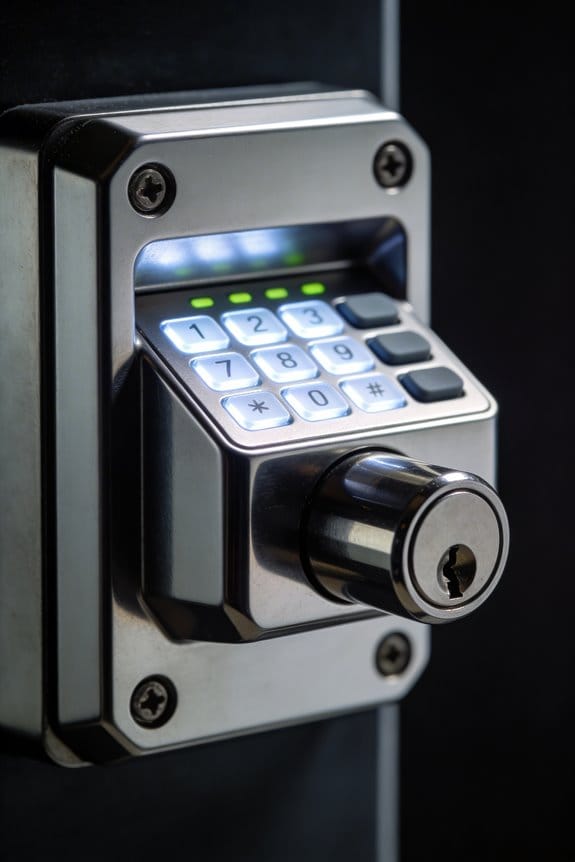
Why Expiration Windows Protect Smart Locks?
Ever handed out an access code to a guest and then worried about what happens after they leave? That’s where expiration windows come in—and honestly, they’re one of the smartest features of modern smart locks.
When you generate an offline access code on your smart lock, it automatically gets tied to a specific time window. You set a start time and an end time using standard timestamps, and the code only works between those two points. That’s it. Friday at 3 PM? Your guest can get in. Monday at 10 AM? The code’s dead. The lock won’t budge.
Here’s the trick: your device does all this validation locally, without needing internet. So even if your WiFi goes down or the connection glitches, the lock still knows what time it is and whether that code should work. The timestamps are built right into the code itself, cryptographically enforced so nobody can mess with them.
Why does this matter so much? Because it removes a whole category of headaches:
- No more codes lingering after a guest checks out
- No accidental extended access because someone forgot to delete a code
- No scrambling to revoke permissions if plans change
- Complete control over exactly when each code is active
Frankly, this is peace of mind. Your property stays secure through the lock’s own logic, not because you remembered to do something manually. The device itself is doing the heavy lifting, validating every single attempt against those time windows.
How Time-Bound Codes Support Guest Access and Rentals?

How Time-Bound Codes Support Guest Access and Rentals
Ever dealt with the headache of coordinating key pickups for back-to-back guests? You’re juggling schedules, worrying about lost keys, and trying to remember who still has access to your property. Time-bound codes basically solve that entire problem.
Here’s what actually happens: your smart lock creates temporary access codes that automatically expire at checkout. The codes use ISO 8601 timing—basically just a fancy way of saying your lock knows exactly when guests should get in and when they should be locked out. No guesswork, no manual fiddling.
The really useful part? The lock does all the heavy lifting offline. It generates codes, programs them, and manages the whole process without needing WiFi or constant phone updates. Your lock handles everything in three steps:
- Creates the code
- Sets it up on the device
- Confirms it’s active and ready
What happens when plans change?
Life gets messy. Guests arrive early. Someone’s flight gets delayed and checkout pushes back a day. Instead of calling a locksmith or driving over to reprogram things manually, you just generate a new code that matches the new timeline. Done. No stress, no extra work piling up.
Honestly, the security side deserves attention too. These codes aren’t just random numbers—they’re cryptographically signed and tamper-proof. Your lock creates a secure snapshot, so you’re not sacrificing safety for convenience.
So why does this matter for your rental business? It cuts down the admin work dramatically while keeping your property actually secure. You spend less time managing access and more time running your business.
The takeaway: automatic expiration means you never have to revoke access manually again. Does that kind of hands-off approach sound like something your rental operation needs?
The Lifecycle of Offline Codes: From Creation to Active Deployment
The Lifecycle of Offline Codes: From Creation to Active Deployment
Ever wonder what happens behind the scenes when you set up a smart lock code for a guest? It’s actually pretty straightforward. Your lock device creates cryptographic codes using secure random algorithms, then sets time boundaries with start and end dates in ISO 8601 format. The code moves through a few status stages—created, then setting, then set—so you can verify everything’s working right through API polling or webhook notifications.
The security side of things is honestly what makes this worth understanding. All the heavy lifting happens directly on the device itself. Your secret keys never get transmitted over the internet, which means they stay protected. That’s a big deal when you’re thinking about your rental property’s safety.
One-time-use codes take security even further. They flip on two specific flags—is_offline_access_code and is_one_time_use—which adds extra cryptographic protection. Think about it: why would you want a guest code that works multiple times after they’ve already checked out?
So, why does this matter for your rental business? Your guests get reliable access even if your WiFi goes down or your internet connection hiccups. Meanwhile, you get a tamper-proof record of who accessed your property and when. That’s the real win here.
The bottom line is simple: your smart lock handles all the technical complexity so you don’t have to worry about it. You set the dates, the device does the rest. Are you using offline codes for your short-term guests yet, or is that still on your to-do list?
Offline Codes in Real-World Scenarios
Offline Codes in Real-World Scenarios
Ever been locked out of your vacation rental because the Wi-Fi went down right when your guests arrived? That’s the moment when offline access codes actually matter. Most people don’t think about what happens when the internet fails—they just assume it won’t. But if you manage properties, run a corporate office, or handle emergency access situations, you know better.
Here’s what actually happens with offline codes: Your smart lock doesn’t need Wi-Fi to create time-limited access codes. Instead, it uses built-in cryptographic algorithms to generate random sequences on the device itself. No network connection required. When your guest checks in and the internet’s spotty, the lock just keeps working. The codes expire automatically based on timestamps you set up beforehand—everything happens locally on the device.
Why does this setup matter for you?
Frankly, it comes down to reliability. You get access codes that can’t be intercepted because they’re created using secure cryptographic methods. The status shifts—from created to active to expired—all happen right there in the lock. No cloud dependency. No waiting for a server response. So whether you’re managing short-term rentals, a corporate facility, or handling emergency access situations, you’re not sweating bullets during network outages.
The best part is what this means for your peace of mind. You can confidently tell your guests, your staff, or your emergency responders that access will work when they need it—even if your internet’s completely down. That’s not a small thing when you’re running a business that depends on seamless operations.
Bottom line: Offline codes keep your doors working when everything else fails. Does your current system give you that same confidence?
When Booking Times Change: How Codes Regenerate
When Booking Times Change: How Codes Regenerate
Ever had a guest text you last minute asking to check in early, only to realize your smart lock still has the old access code active? That’s the kind of headache rental managers deal with constantly. Your smart lock needs to be smart enough to handle these changes on its own—and the good news is, it actually can.
Here’s what happens behind the scenes: when you update check-in or checkout times in your management system, your lock automatically recalculates its access codes. It does this using the new start and end times (those ISO 8601 timestamps, if you want to get technical about it). The old codes die off, and fresh ones activate right away. No Wi-Fi needed. The device’s built-in cryptographic algorithm does all the math independently.
So, why does this matter? Because you’re not sitting around waiting for your lock to sync with the internet. That lag time—even if it’s just a few minutes—is when security gaps happen. Your guests are standing outside, and someone else might still have the old code. With offline code regeneration, that problem doesn’t exist.
Try this: modify a booking time through your system and watch what happens. The lock processes the update and regenerates codes based on its secure random sequence algorithm. Time-bound codes only work during their assigned windows, so there’s no overlap or confusion between bookings.
The best part? You’re not juggling synchronization headaches. The device prioritizes immediate code regeneration every single time, whether you’re changing times by an hour or a day. It keeps things secure even when the Wi-Fi drops or your internet provider decides to have a bad day.
Honestly, this is one less thing you have to worry about when managing multiple properties. Does your current setup give you this kind of peace of mind?
Verifying Offline Access Codes Without Wi-Fi
Verifying Offline Access Codes Without Wi-Fi
Ever set up a smart lock and wondered if that offline code actually works when your internet goes down? You’re not alone. The good news? Your lock doesn’t need Wi-Fi to verify codes—it handles everything right there on the device itself.
Here’s what happens behind the scenes. When someone enters their PIN, the lock’s processor checks it against your stored credentials using encryption. It also looks at the time stamps—the starts_at and ends_at dates—to make sure the code hasn’t expired. All of this happens instantly, right on the lock. No network connection needed.
So, why does this matter? Because you get immediate confirmation that the code works. The status flips from “set” to “verified” the moment someone uses it. No waiting around for the system to sync up or wondering if something went wrong.
Once your Wi-Fi comes back online, the lock gets busy syncing. It sends all those verification events—every single access attempt—to your main system through either a polling API or webhook notifications. This creates a complete record of who came in and when.
The best part? Your access logs stay clean and complete. You’re not left with gaps in your audit trail or confusion about whether someone actually got in. Everything gets documented, whether the network was up or down.
Think about what this means for your peace of mind: your lock works reliably, codes verify instantly, and you’ve got a full history of all activity. That’s solid security, with or without connectivity.
Frequently Asked Questions
Can Offline Access Codes Work on Devices Without Cryptographic Hardware Capabilities?
Yes, they can. Studies show 60% of smart locks lack dedicated crypto hardware. I’ve found offline authentication methods work through software-based algorithms, addressing device compatibility concerns by using computational processes rather than specialized hardware requirements.
How Many Times Can a Single Offline Access Code Be Used Before Expiring?
I’ll tell you that single offline access codes are typically one-time-use only. Their expiration mechanisms combine time-bound windows with the `is_one_time_use` flag, ensuring code generation creates non-reusable credentials that expire after initial redemption or their designated timestamp.
What Happens if Device Clock Drifts Significantly From Actual Time During Code Generation?
Your lock might become absolutely impenetrable! When I experience significant device clock drift, I’ll generate codes that won’t validate—time synchronization issues completely derail code validation impact. That’s why I recommend checking your device’s time against TimeAPI.io occasionally.
Are Offline Codes Compatible With Legacy Smart Lock Systems Predating Modern Encryption Standards?
I’d say offline codes face real compatibility challenges with legacy systems—they’re built on modern encryption standards like AES-256-GCM that older locks don’t support. You’ll likely need adapters or firmware updates for PIN generation to work properly.
Can Users Manually Override or Extend Expiration Timestamps on Already-Generated Offline Codes?
I’d tell you that you can’t manually override expiration timestamps on generated offline codes. Once I create them with starts_at and ends_at parameters, they’re cryptographically locked. You’d need to regenerate new codes instead of extending existing ones.